

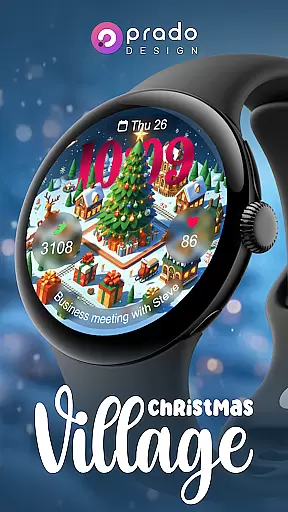
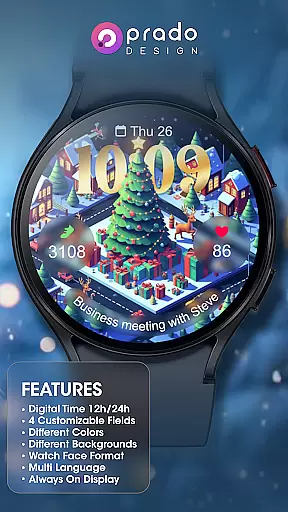
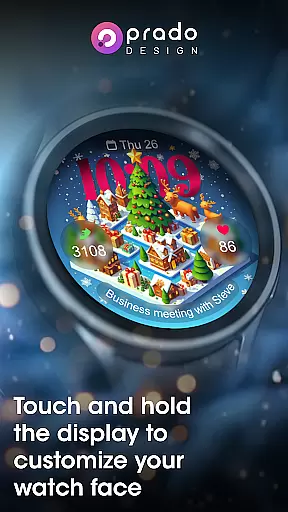
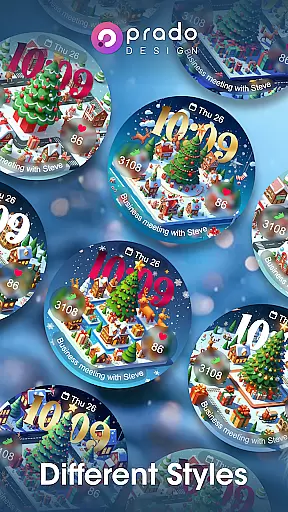

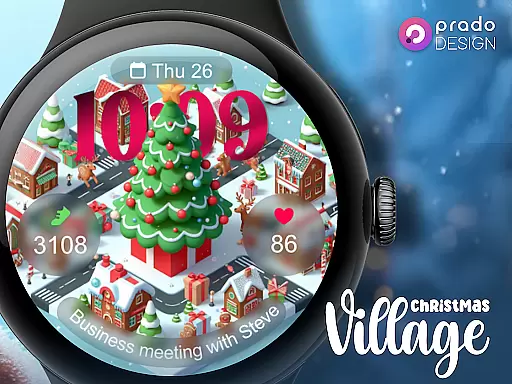
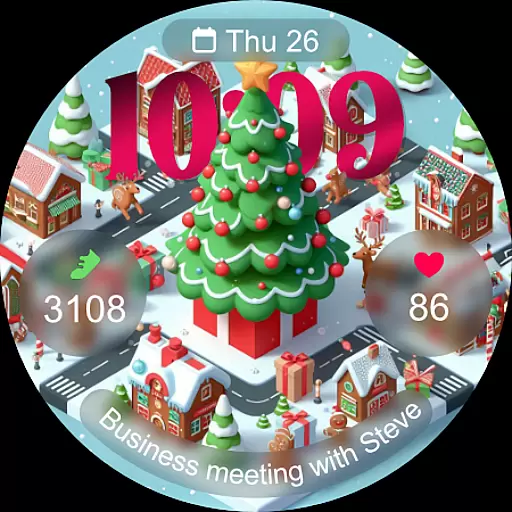
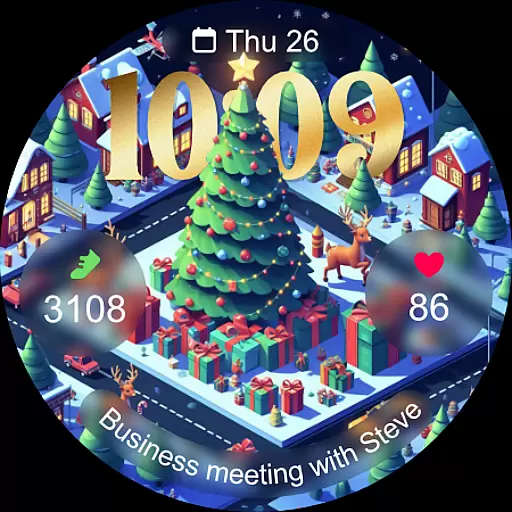
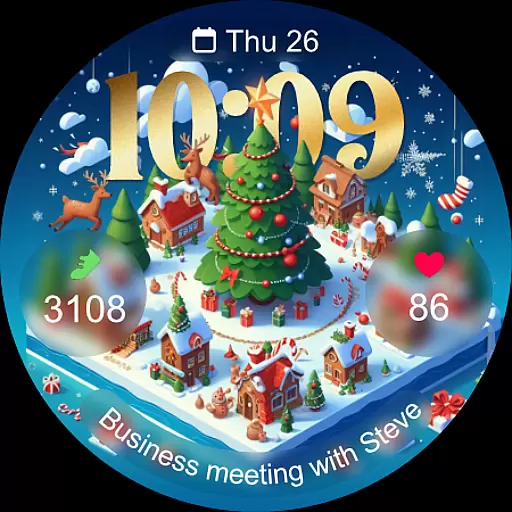
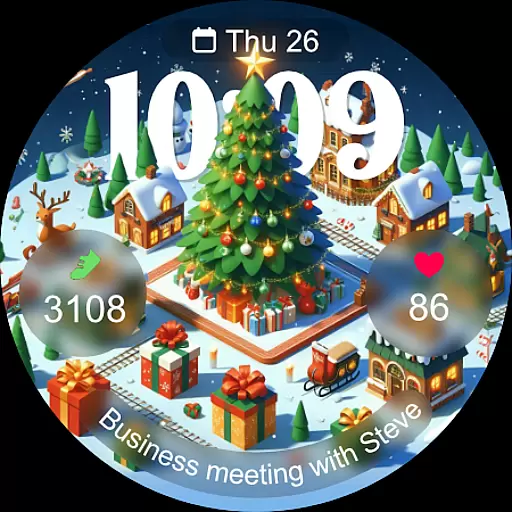
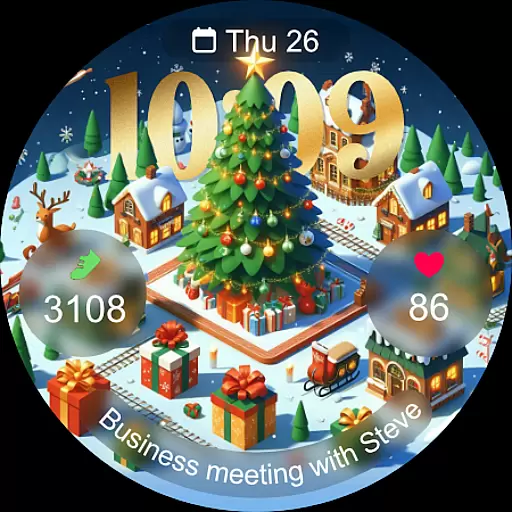
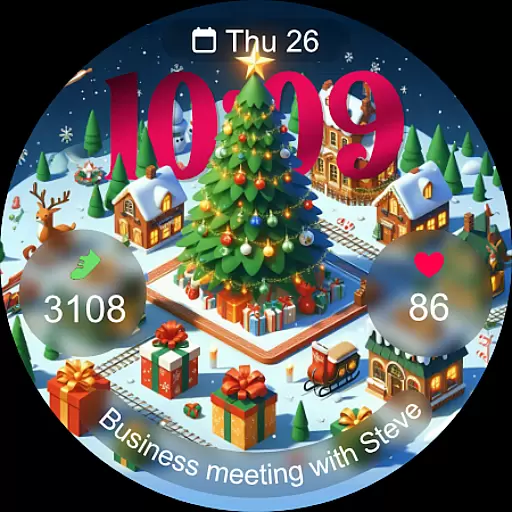
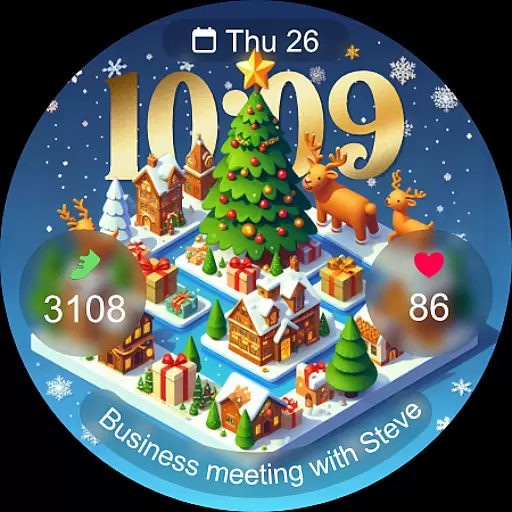
Christmas Village is a festive watch face app designed specifically for Wear OS devices, offering users a perfect way to celebrate the holiday season right on their smartwatch. The app provides a delightful Christmas-themed interface with customizable features that adapt to individual preferences.
Key functionalities include 12h/24h time display based on phone settings, four customizable fields, and multiple color options. Users can enjoy different characters, multi-language support, and an always-on display feature. To ensure full functionality, users need to manually enable sensor permissions and allow data complications.
Ideal for those looking to add a touch of holiday spirit to their wearable tech, Christmas Village enhances the user experience by combining festive aesthetics with practical utility, making it a must-have app for the Christmas season.
Christmas Village offers a rich set of features tailored for Wear OS users who want to customize their smartwatch experience during the holidays. One standout feature is its ability to display time in either 12h or 24h formats, depending on the user's phone settings, ensuring convenience and familiarity.
The app includes four fully customizable fields, allowing users to personalize their watch faces with various data points. It supports different colors and characters, catering to diverse tastes and styles. Additionally, the multi-language support ensures global accessibility, while the always-on display keeps the festive theme visible at all times.
To maximize functionality, users are encouraged to enable sensor permissions and data complications manually. This setup allows for seamless integration with weather apps like Weather Complications and SimpleWeather, enhancing the overall utility of the watch face.
For Christmas Village, companion app integration is crucial for enhancing the smartwatch experience. This feature ensures that your Wear OS device can seamlessly sync with your smartphone, providing real-time updates and notifications.
The watch face relies on the phone's settings for features like time format (12h/24h) and weather complications. By connecting with recommended apps such as Weather Complications or SimpleWeather, users can enjoy accurate weather data displayed directly on their watch face.
Users benefit from this integration by having all necessary information in one place. Whether it's adjusting customizable fields or receiving complication data, the companion app ensures that everything is up-to-date and functioning correctly.
This seamless connection between devices not only simplifies management but also enriches the overall utility of the Christmas Village watch face, making it a perfect accessory for the holiday season.
Compatibility with Wear OS devices is a key feature of Christmas Village. This ensures that the watch face functions optimally across various smartwatches running on the Wear OS platform.
Before purchasing, users should verify their device's compatibility to avoid issues like the "Your devices are not compatible" message. By checking the Play Store via a browser, users can ensure they are downloading a version suited to their specific hardware.
Once installed, users can take full advantage of features like Always On Display, customizable fields, and multi-language support. These elements collectively enhance the user experience by offering both aesthetic appeal and functional utility.
By focusing on broad device compatibility, Christmas Village guarantees that more users can enjoy its festive design and practical functionalities without worrying about technical limitations.
Perfect for Christmas
Fully Customizable
Always On Display
Multi-Language Support
Vibrant Colors
Wear OS Only
Manual Setup Required
Limited Compatibility
No Free Trial
Seasonal Use

Simple Analog-Digital Watchface For Wear OS 3.0 and Up Smartwatches
 4.4
4.4
Sleek, highly customizable watch face inspired by Galaxy Watch Circle Dashboard.
4.1
Monitor health with the stress test and pulse checker in the heart rate app.
4.60
Locate your family members by GPS phone location tracker everywhere and anytime
4.30
A digital watch face that celebrates Christmas.
4.00
A white realistic classic analog watch face with many customization options.
4.40
Connect, create, and collaborate with Gmail, part of Google Workspace.
4.10
Simple, helpful messaging by Google
4.60
Download full tracks, listen to music offline, make unlimited playlists.
4.80
Your second brain for organizing your life: to-do, calendar, reminder.
4.70
Kia Access makes getting your vehicle information easier than ever
4.60
Gym & home workout plans with strength training, exercise tracking, HIIT & more.
4.60
Reliable phone calls with spam protection, caller ID and more helpful features
4.40
Bold, Modern Hybrid Watch Face for Wear OS. 10 Colors, Rich Info Display.
4.30
Elegant animated Christmas tree with multiple customization options
4.20
Embrace the festive spirit with our Christmas Countdown watchface for Wear OS
4.10
Precision analog watch face with 7 complications and style options
4.1
Analog watch face with 8 complications and expedition styling
4.2
Hybrid Vibrant Health Watch Face for Wear OS
4.5


User Reviews