
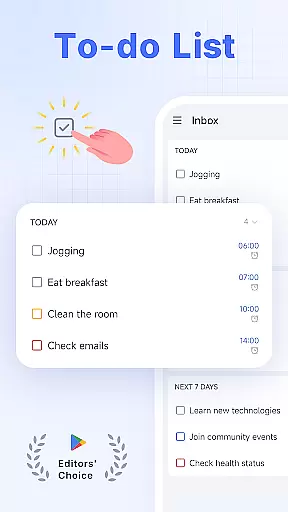
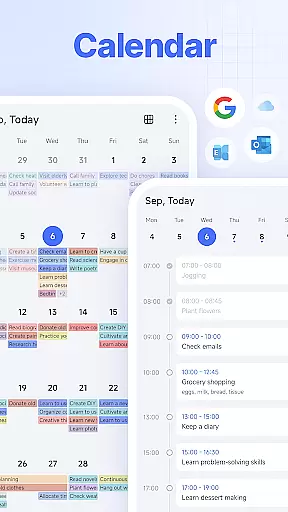
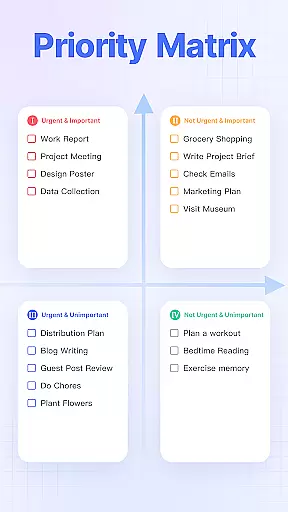
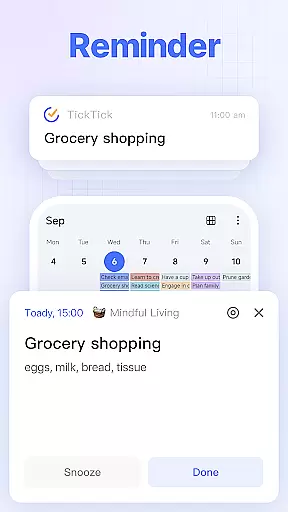
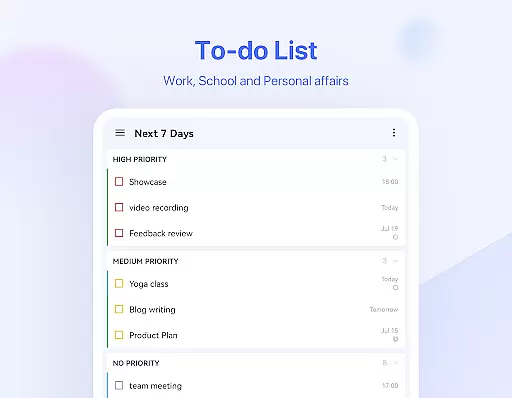
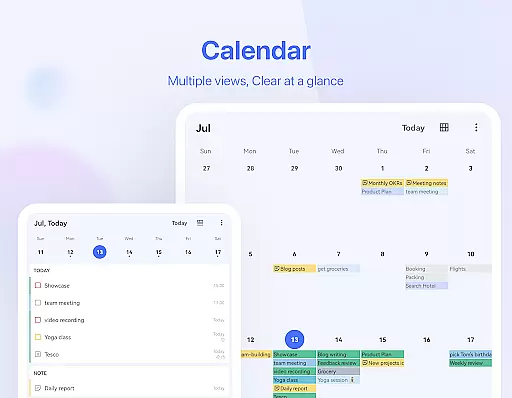
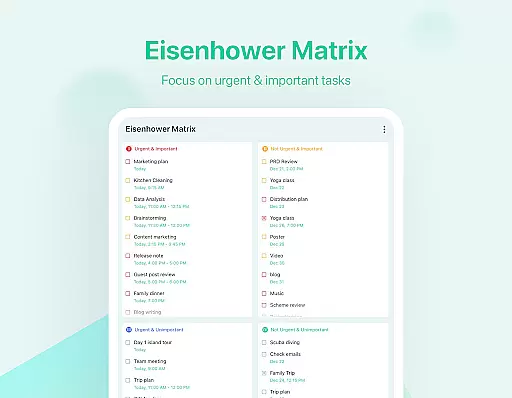
TickTick is a comprehensive productivity app designed to help users manage their tasks, schedules, and habits efficiently. As a multi-dimensional task manager, it consolidates to-do lists, reminders, and calendars into one intuitive platform, making it easier for users to stay organized across different aspects of their lives. Whether at home, work, or on the go, TickTick ensures seamless task management.
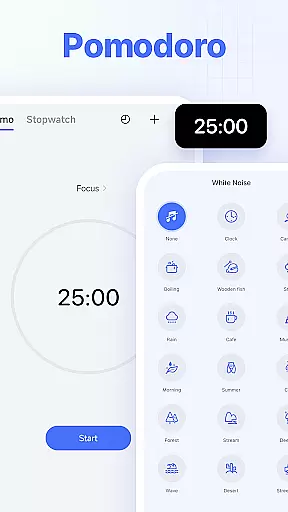
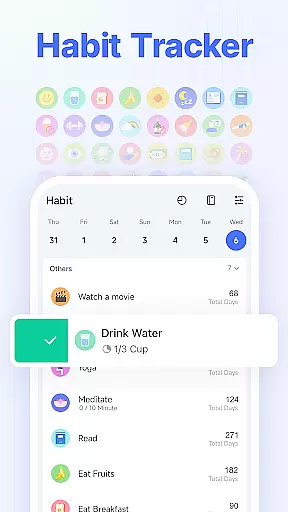
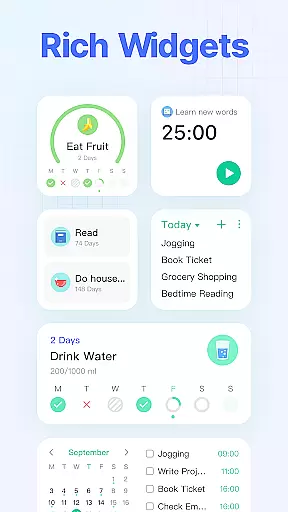
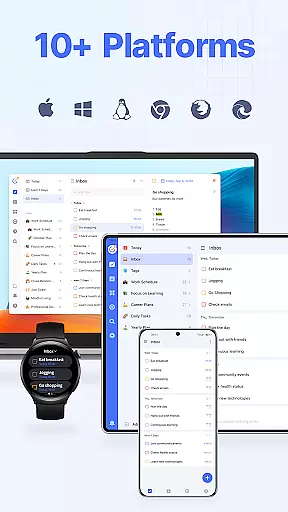
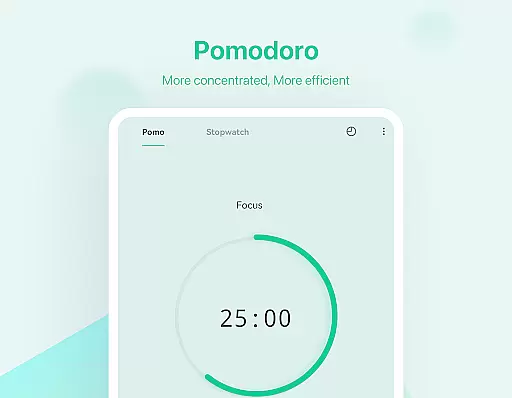
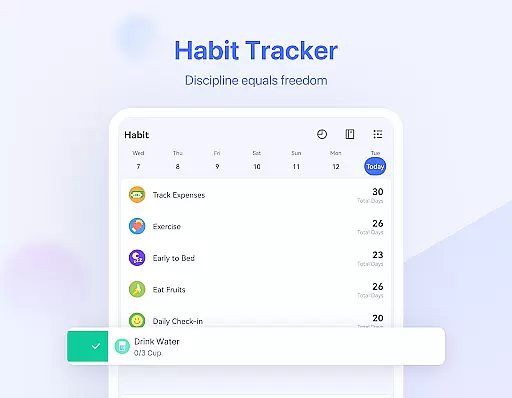
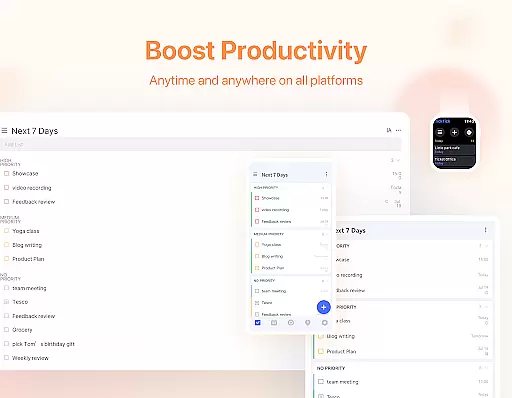
The app stands out with its Pomodoro Timer for focus, Habit Tracker for personal development, and collaboration tools for teamwork. Its sleek calendar view and handy widgets further enhance user experience by providing quick access and clear visualization of upcoming tasks and events. With cross-platform sync support including Android, iOS, and web, TickTick keeps users productive anytime, anywhere.
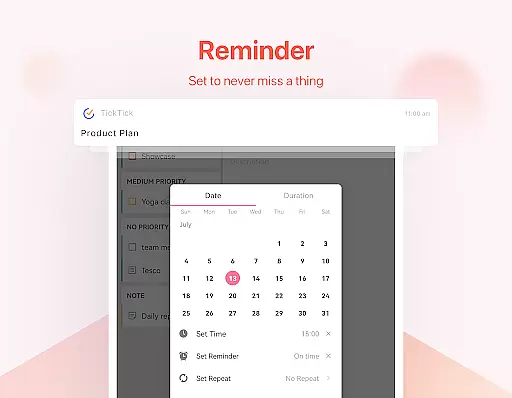
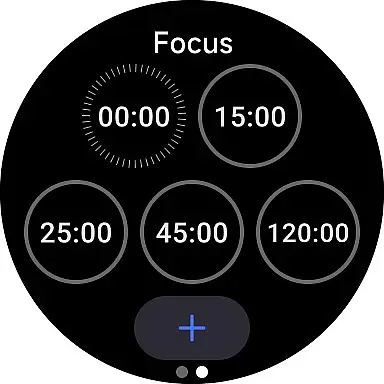
TickTick offers an array of powerful features that cater to various productivity needs. The app's Smart Date Parsing allows users to quickly set due dates and alarms when creating tasks, while the instant task reminder system ensures no deadline is missed. For those who need extra focus, the built-in Pomodoro Timer and white noise feature help minimize distractions and maintain concentration.
Another standout feature is the Habit Tracker, which enables users to build positive routines like meditation or exercise. Additionally, TickTick supports recurring tasks with customizable repetition patterns, as well as seamless collaboration through shared lists and task assignments. These capabilities, combined with the sleek calendar integration and third-party calendar support, make TickTick a versatile tool for both personal and professional productivity.
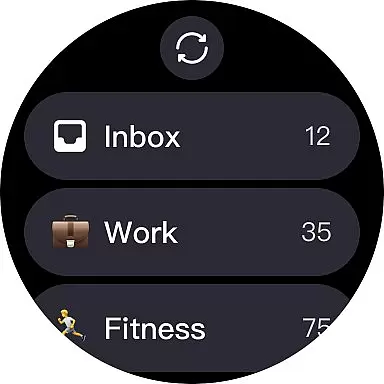
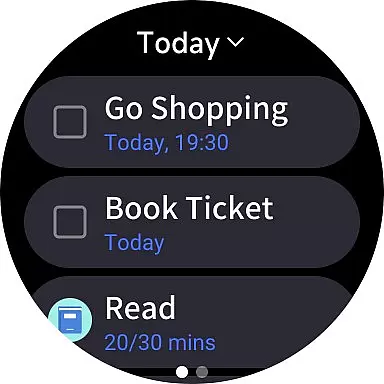
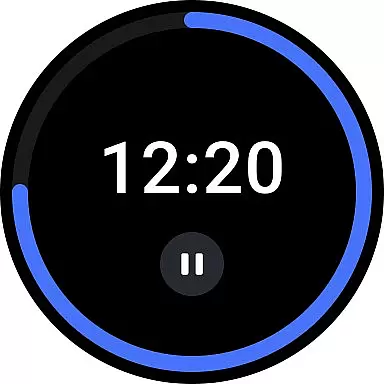
For users of Android Wear devices, TickTick offers seamless companion app integration that ensures your productivity is not confined to your phone or computer. This means every task, schedule, or reminder you create on your primary device is instantly accessible on your wearable tech.
The synchronization between the TickTick mobile and web applications with its Android Wear counterpart is designed for efficiency and speed. As a result, whether you're commuting, in a meeting, or exercising, you can easily view your tasks and receive instant notifications right on your smartwatch.
This integration empowers you to manage your time effectively without needing to reach for your phone. With just a glance at your wrist, you can stay updated on your to-do list, ensuring that important deadlines are met and priorities are kept in check throughout your busy day.
TickTick stands out with its broad compatibility across various platforms, including dedicated support for Wear OS devices. Regardless of the specific Android Wear gadget you own, TickTick is optimized to deliver a smooth and intuitive experience tailored to the smaller screen.
With meticulous attention to detail, TickTick's Wear OS application boasts an interface that feels native to the operating system. It respects the design language and interaction patterns unique to wearables, which translates into effortless navigation and interaction.
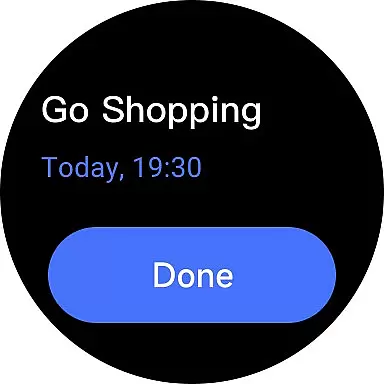
Moreover, TickTick ensures that all features are not only available but also practical on a smartwatch. From setting up quick reminders using voice commands to checking off completed tasks during a hectic day, the app provides full functionality that complements the on-the-go lifestyle of smartwatch users.
User-friendly interface
Cross-platform syncing
Effective Pomodoro Timer
Comprehensive Habit Tracker
Robust collaboration tools
Limited free features
Premium subscription cost
Occasional sync delays
Complexity for new users
Fewer themes in free version

Diet tracker for weight loss - track calories, food and macros. Simple and easy!
 4.70
4.70
Precision analog watch face with 7 complications and style options
4.0
Contemporary digital watch face with five complications
4.4
Easy Voice Recorder is your everyday companion to record important moments.
4.70
Simple Analog-Digital Watchface For Wear OS 3.0 and Up Smartwatches
4.0
Let's celebrate Thanksgiving - Wear Os watch face
4.20
sleep, alarm, snoring, stress, healing, focus, sound therapy, circadian rhythm
4.10
Hybrid watch face for Wear OS with customizable complications by Matteo Dini MD
4.70
Your local weather forecast, storm tracker, radar maps & live weather news
3.40
Hyperlocal rain alerts by MyRadar using patent-pending technology, radar & more
4.80
MyNISSAN® lets you remotely control your car from your phone.*
4.50
Embrace the holiday spirit with this magical animated watch face!
4.40
Beautiful artistic animated digital watch face, with a customizable layout!
4.40
The ultimate destination for kids ages 3-8 to explore the Marvel Universe!
4.30
Embrace the festive spirit with our Christmas Countdown watchface for Wear OS
4.10
Wear Os Watch Face - Animated Snow Effect & Magic Spark - 6 Scenes
4.10
Stay in touch with your friends and family using LINE!
3.40
A Wintery Snow Globe on Your Wrist; now celebrating Christmas!
4.5
3 Complications. All shadow on/off. 30 Themes color palette...
4.3


User Reviews