
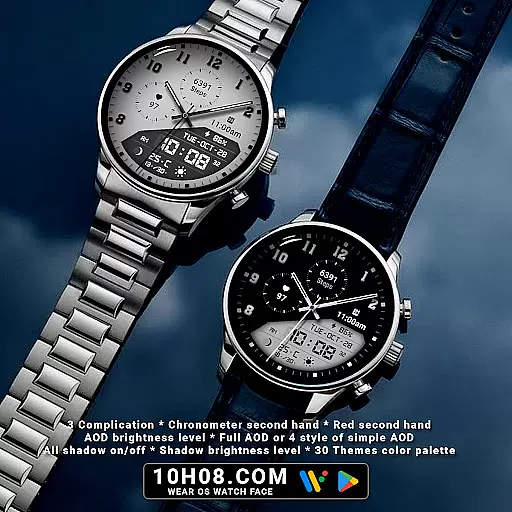
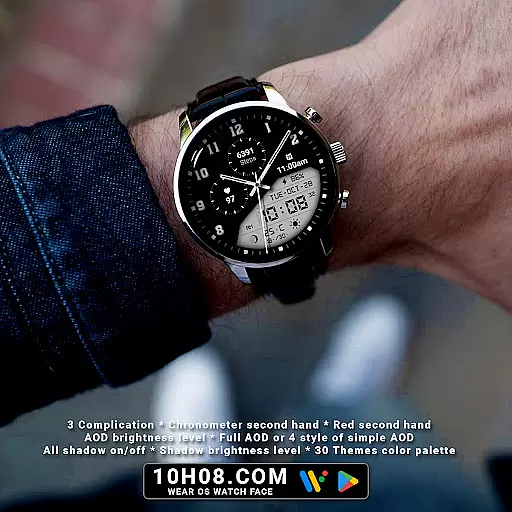
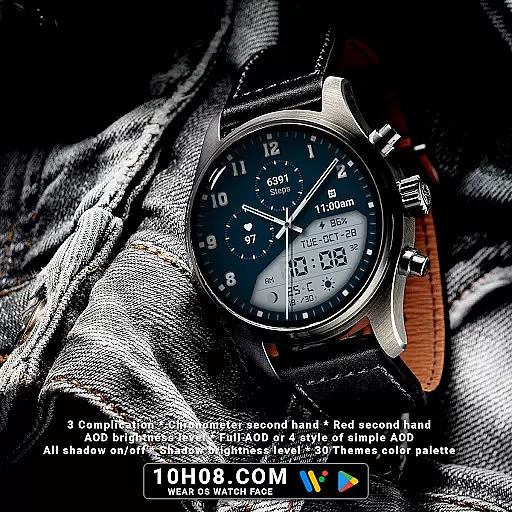
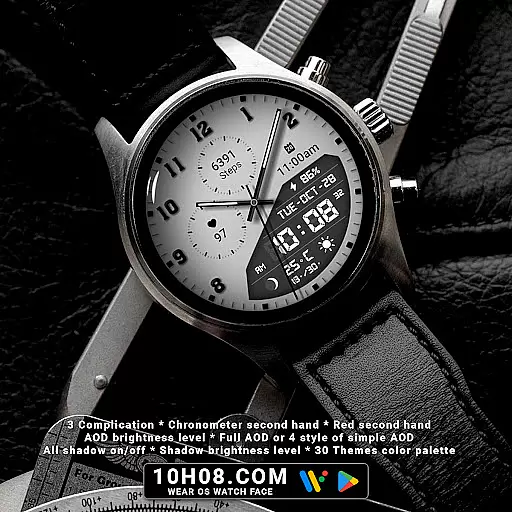
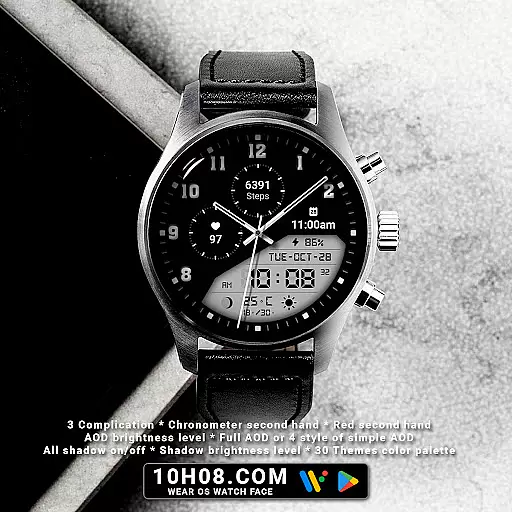
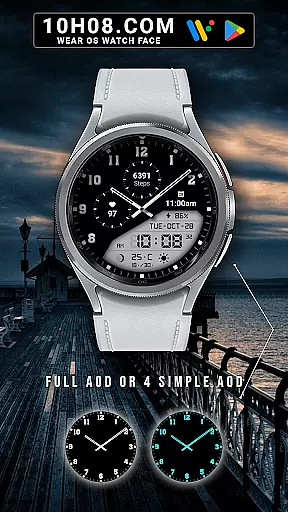
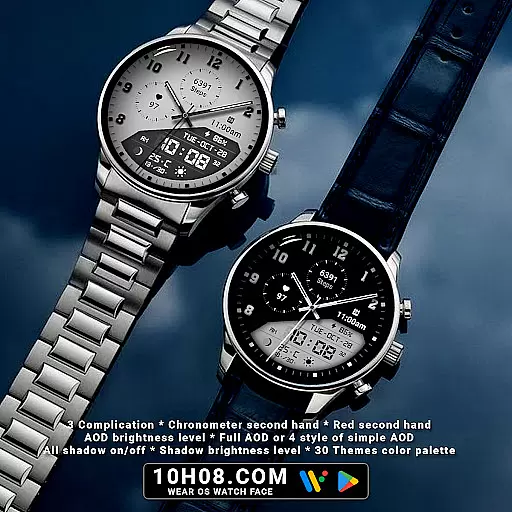
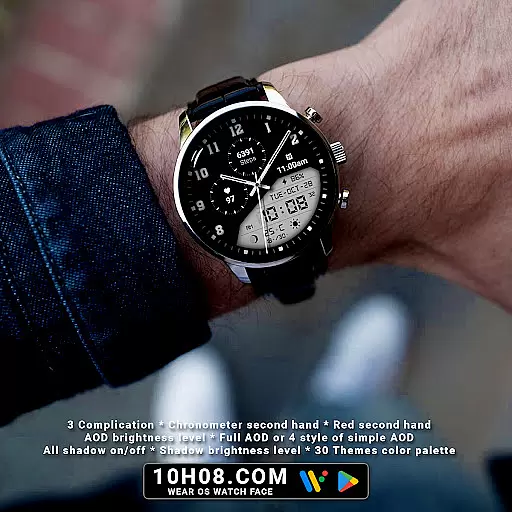
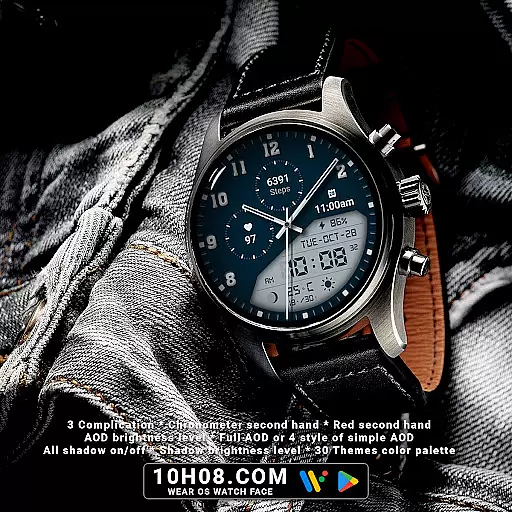
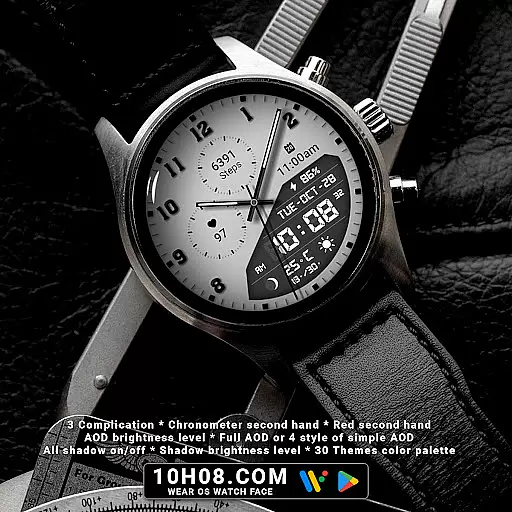
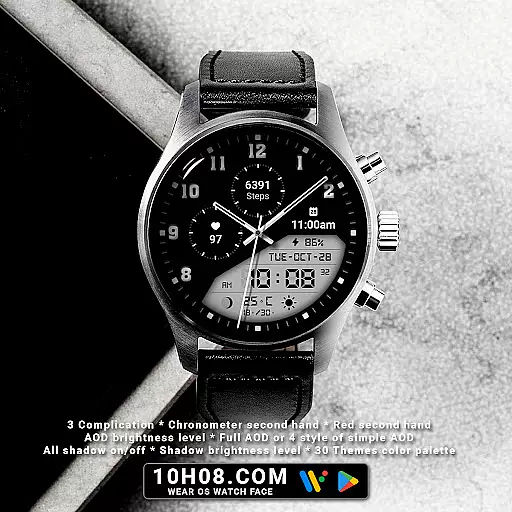
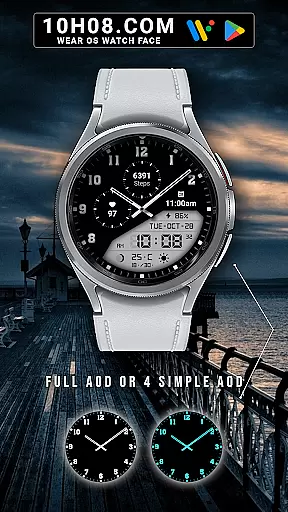
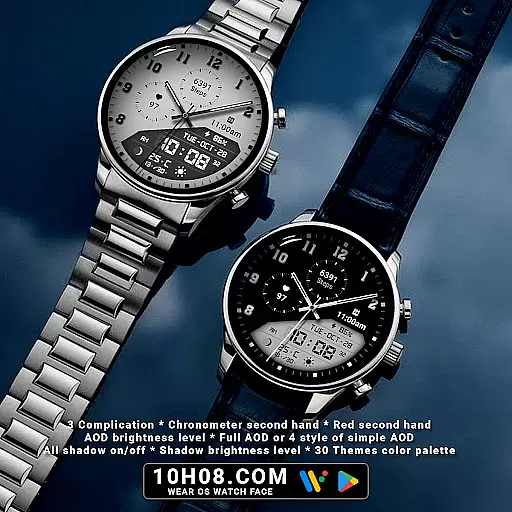
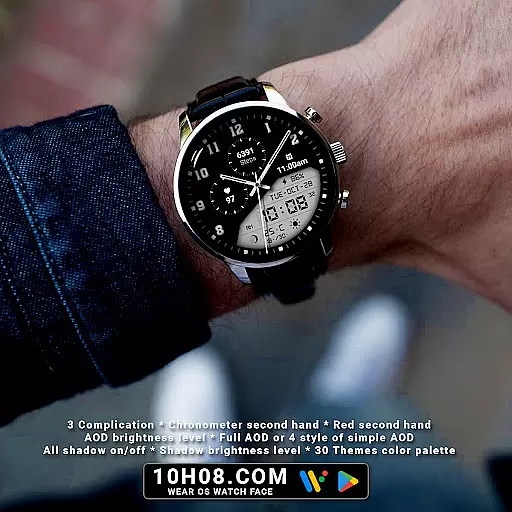
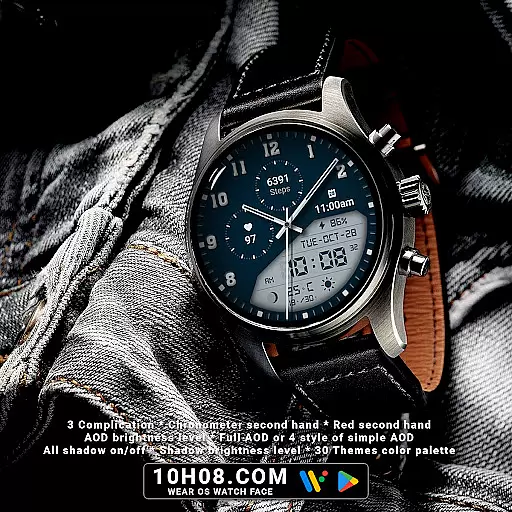
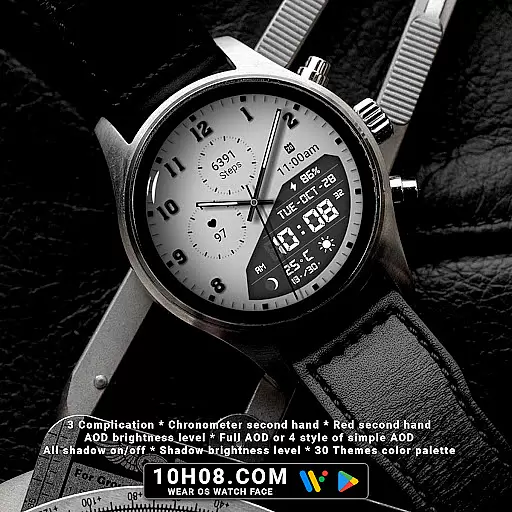
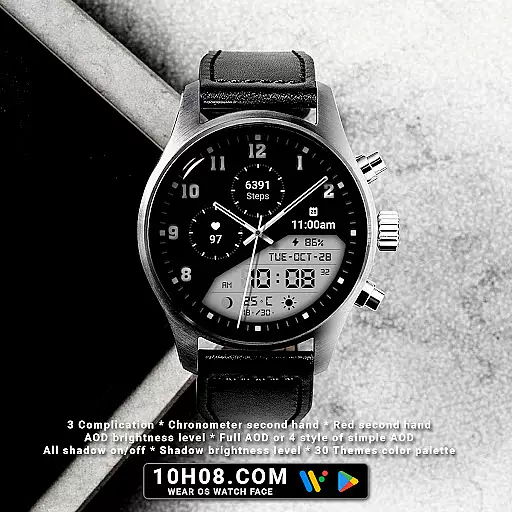
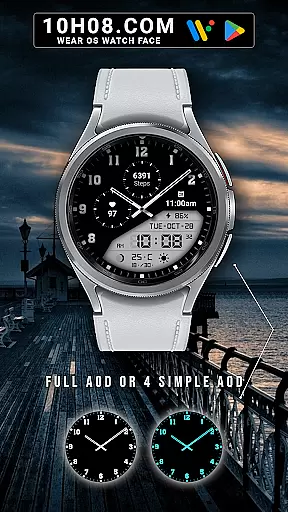
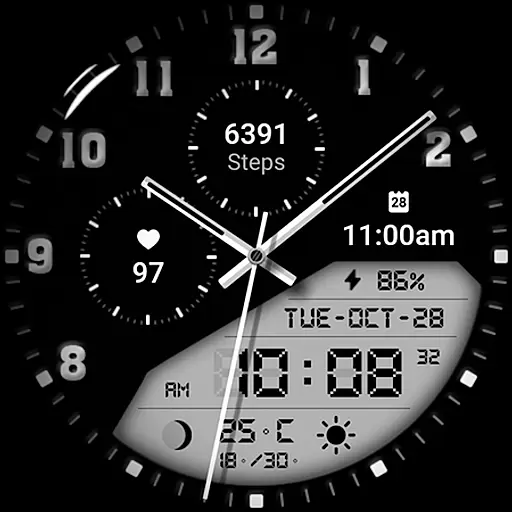
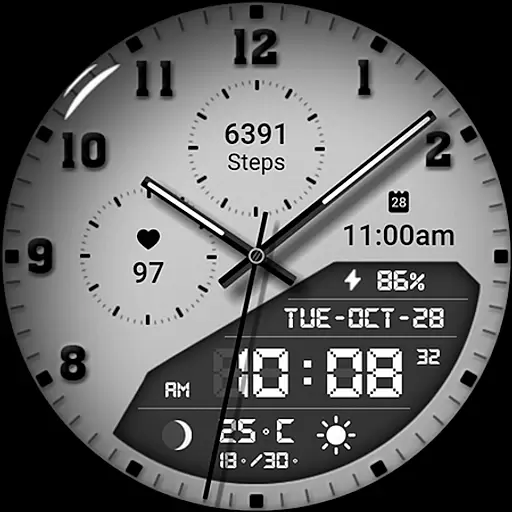
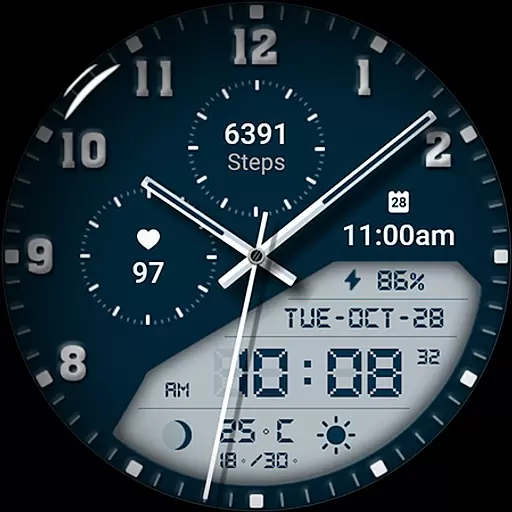
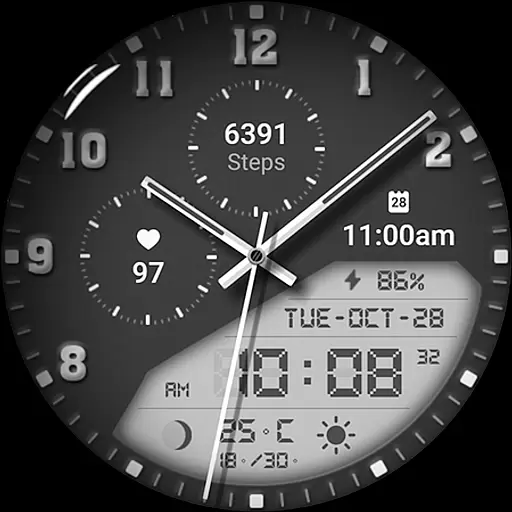
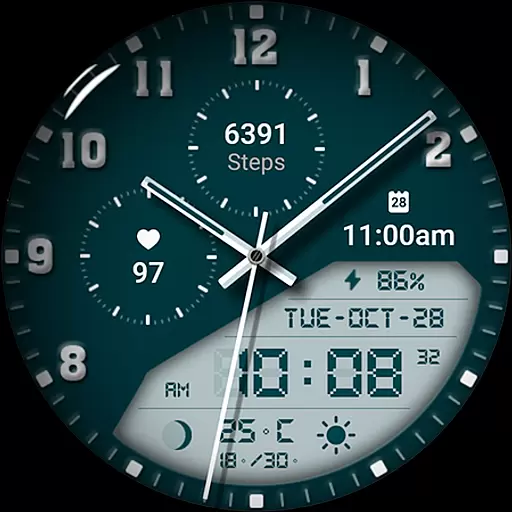
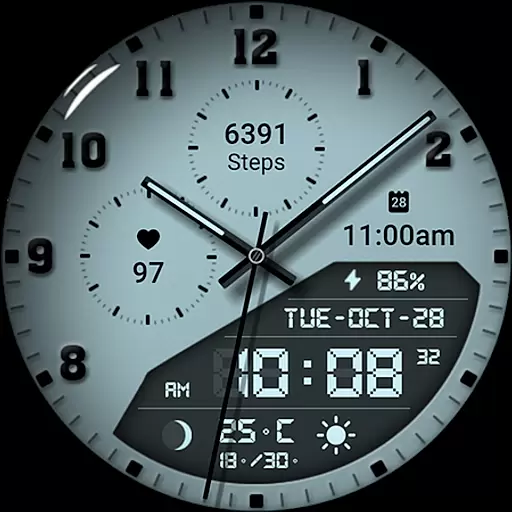
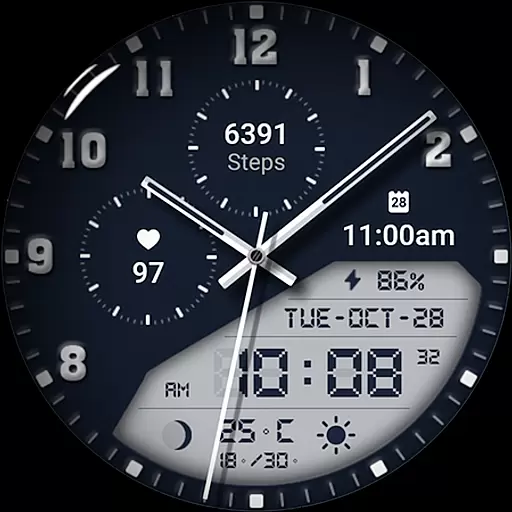
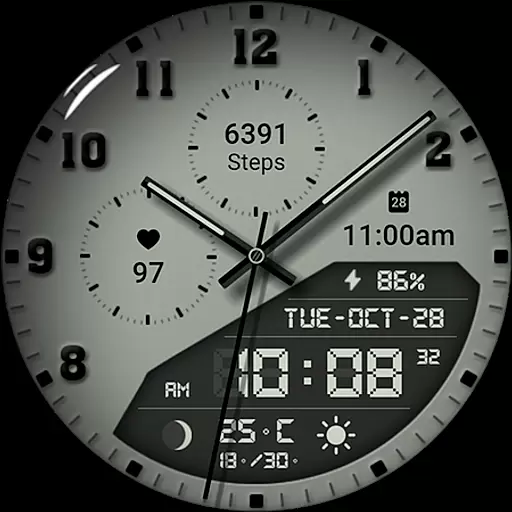
Watch face 10h08.com #85 is a feature-rich customizable watch face designed for Wear OS smartwatches. This versatile timepiece offers both analog and digital displays, weather updates, health tracking features like step count and heart rate monitoring, and practical details such as day, date, and battery level.
What sets this watch face apart is its extensive customization options. Users can choose from 30 color themes, adjust shadow brightness, and select from multiple AOD styles. The inclusion of three complications and a chronometer second hand makes it both functional and visually appealing.
Ideal for users who value both aesthetics and utility in their smartwatch display, this watch face is compatible with popular models including Galaxy Watch series, Ticwatch Pro, and Pixel Watch, running Wear OS 5+ SDK 34+.
This premium watch face stands out with its comprehensive feature set tailored for smartwatch enthusiasts. The high-resolution display ensures sharp image quality while offering classic analog and precise digital time representations.
Advanced functionalities include weather forecasting, fitness tracking through step count and heart rate monitoring, next event notifications, moon phase tracking, and battery level indicators. Unique features like red second hand option, all-shadow control, and multiple AOD modes provide unprecedented personalization.
The watch face's true innovation lies in its 30-theme color palette and detailed customization options, allowing users to create a truly unique timepiece that matches their personal style while maintaining optimal functionality.
Companion app integration is crucial for a seamless smartwatch experience. Watch face 10h08.com #85 excels in this area by offering users the ability to customize their watch face directly from their smartphone. This ensures that your wearable device perfectly matches your personal style and needs.
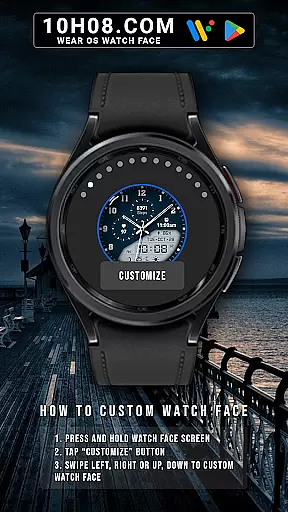
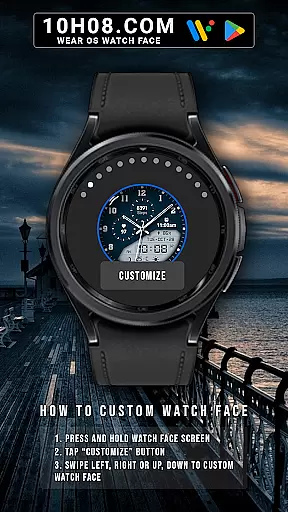
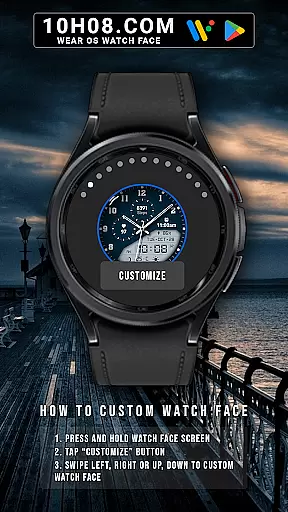
The customization process is intuitive and user-friendly. By simply pressing and holding the watch face screen, users can tap the 'Customize' button and begin personalizing. With options to swipe in all directions, you can easily adjust settings such as complications, color themes, and even toggle shadows on or off to suit your preference.
This level of integration extends beyond mere aesthetics. Users can also access practical features like weather updates, step counts, heart rate monitoring, and more, all synchronized effortlessly with their smartphone. This ensures that your smartwatch remains not only stylish but also a functional tool in your daily life.
Ensuring broad compatibility across various devices is essential for any Wear OS application. Watch face 10h08.com #85 supports smartwatches running Wear OS 5+ SDK 34+, making it accessible to a wide range of users. Whether you own a Galaxy Watch 6, Galaxy Watch 7 Ultra, Ticwatch Pro 5, or other compatible models, this watch face will function smoothly and efficiently.
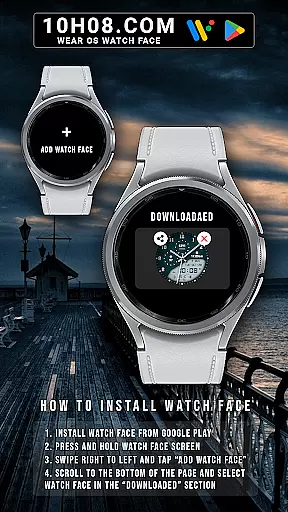
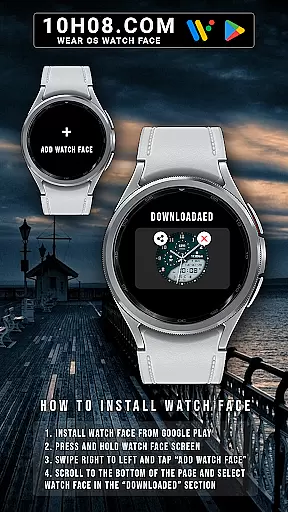
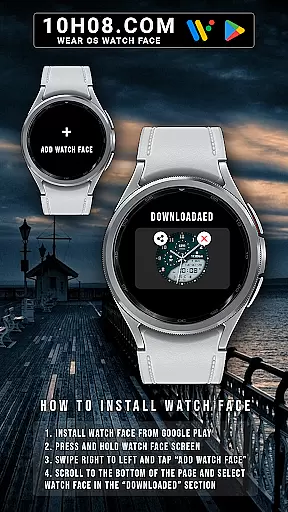
Installation is straightforward and hassle-free. After downloading the watch face from the Google Play Store, users can activate it by pressing and holding the watch face screen, swiping right to left, and tapping 'Add watch face.' From there, scroll down to find the downloaded section where your new watch face awaits selection.
By prioritizing compatibility and ease of installation, Watch face 10h08.com #85 guarantees that users can enjoy a high-resolution, sharp image quality experience regardless of their specific Wear OS device. This commitment to accessibility enhances user satisfaction and widens the potential audience for this versatile watch face.
Highly customizable
Feature-rich display
Excellent resolution
Wide device support
Regular updates
Complex setup
Premium price
Battery intensive
Limited free options
Wear OS only

Diet tracker for weight loss - track calories, food and macros. Simple and easy!
 4.70
4.70
Wear Os Watch Face - Animated Snow - Sesonal for Christmas & Winter
4.3
Christmas is near, let's count together the days left until Santa comes
4.5
Beautiful artistic animated digital watch face, with a customizable layout!
4.40
A watch face that fuses motorsport precision with contemporary smartwatch design
4.1
Your second brain for organizing your life: to-do, calendar, reminder.
4.70
The #1 source of faces for your smartwatch!
4.00
Get helpful reminders, take progress photos and find answers to your questions.
3.90
Professional weather radar and more
3.90
Real-time weather radar with temperatures, warnings, hurricanes, and widgets
4.80
The most customizable minimal watch face. For Wear OS 5.0, API 34+ and later
4.70
A realistic hybrid watch face with many customization options.
4.60
Bold weather Digital watchface with forecast & optional animated background
4.40
Elegant animated Christmas tree with multiple customization options
4.20
Connect, create, and collaborate with Gmail, part of Google Workspace.
4.10
Hyper-Realistic Airplane Dashboard Watch Face With 10 Skins and Custom AOD
4.00
Watch the sharpness of the sky on your wrist..
3.70
Christmas and New Year - Themed Watchface
4.1
Stylish digital watch face for Wear OS devices with customizable features
4.4


User Reviews