
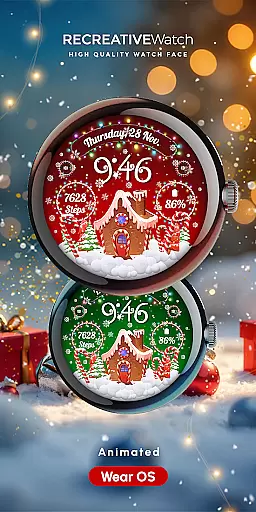
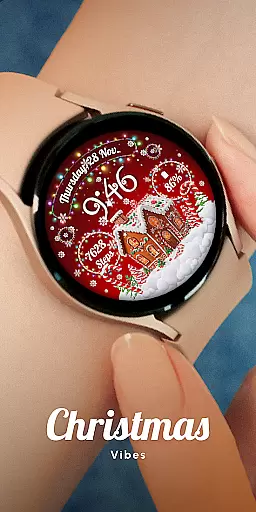
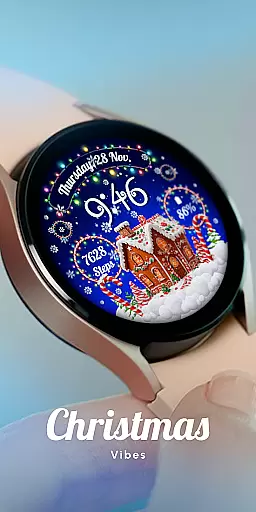
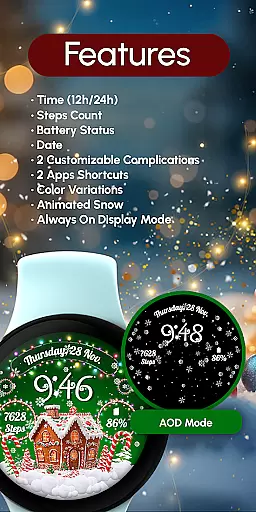
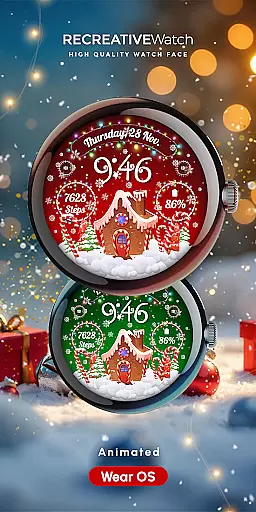
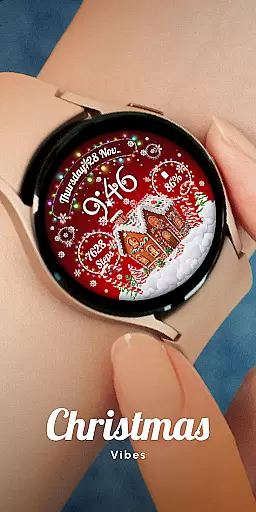
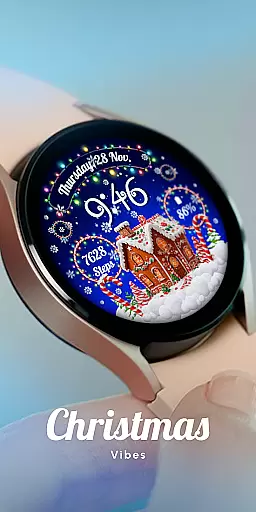
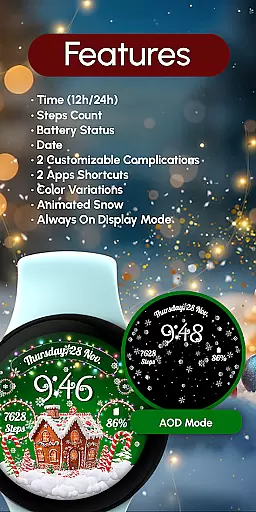
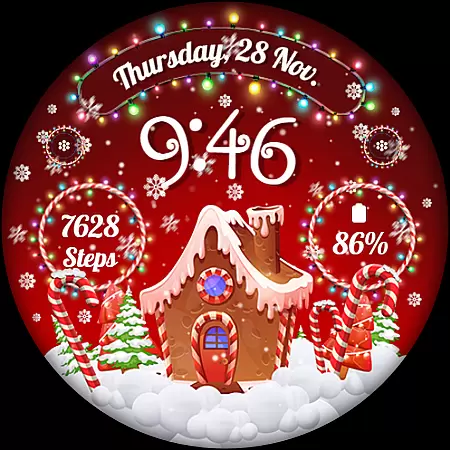
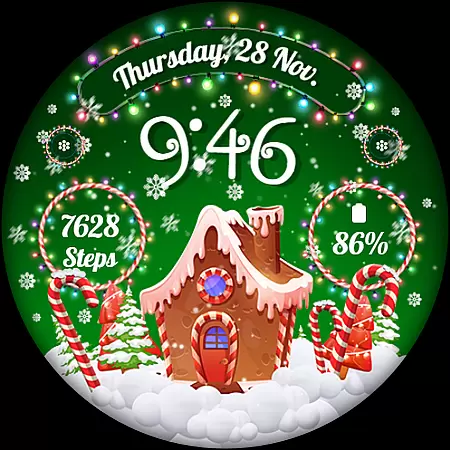
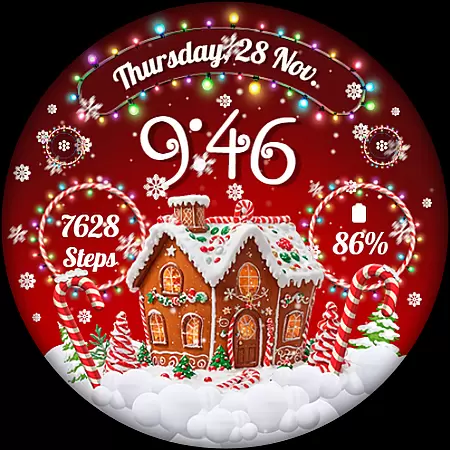
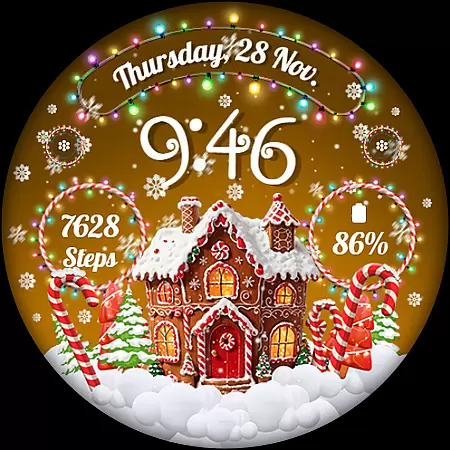
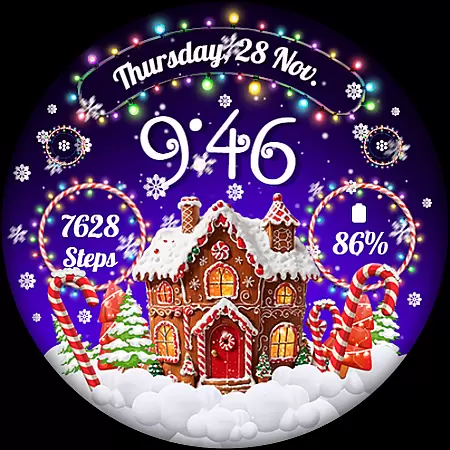
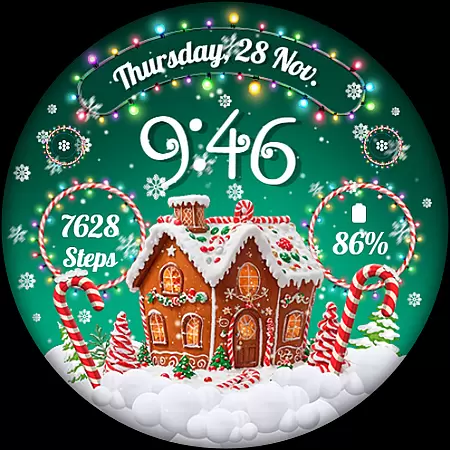
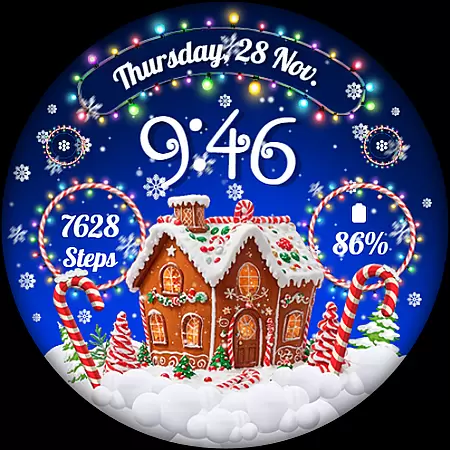
RW01 is a festive Wear OS watch face that brings holiday cheer to your wrist. Featuring animated snow and charming gingerbread houses, it creates a magical Christmas atmosphere. The design includes essential functionalities like digital time display, date, battery status, and step count.
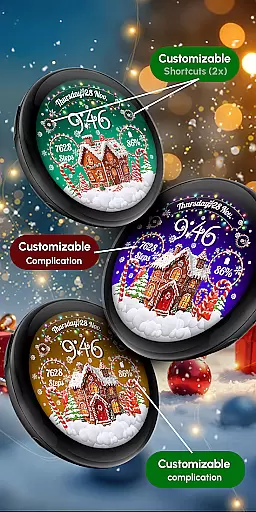
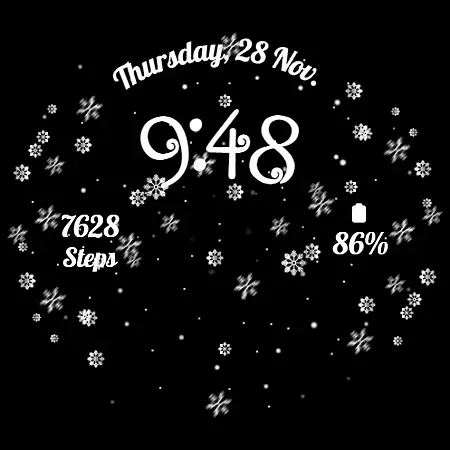
With customizable complications and shortcuts, users can personalize their watch experience. The app offers three different scenes and color variations, allowing for creative expression. Its Always ON Display feature ensures time and information are always visible. Compatible with API level 33+ devices including Google Pixel and Galaxy Watch series.
The RW01 watch face stands out with its unique Christmas theme and practical features. The animated snow effect and gingerbread house designs create a festive visual experience. Users can choose between 12/24-hour digital time formats and view essential information like date, battery level, and step count directly on their watch face.
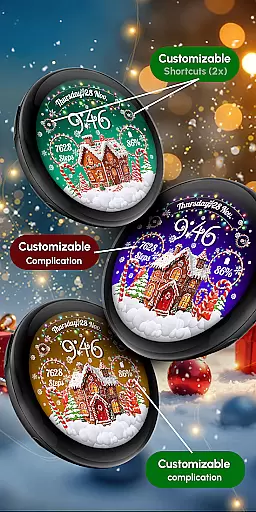
Customization options include two complications and shortcuts that can display various data types. With three different scenes and multiple color variations, users can adjust the appearance to match their preferences. The Always ON Display function provides continuous access to important information while maintaining optimal battery performance when disabled.
Companion app integration is essential for a seamless wearable experience. The RW01 Wear OS Christmas Watch Face offers robust companion app features that ensure smooth synchronization between your smartphone and smartwatch.
This application allows users to customize their watch face with ease through the companion app. By simply touching and holding the display, users can access customization options such as 2 customizable complications and 2 shortcuts, tailoring the watch face to their personal preferences.
The integration extends to vital statistics like 12/24hr digital time, date, battery status, and step count, all of which are accessible directly from the watch face. This ensures that users have all necessary information at a glance without needing to reach for their phone.
Moreover, the RW01 supports color variations and animated snow, enhancing the festive experience on your wrist. With compatibility across API level 33+ devices including Google Pixel and Galaxy Watches, this app guarantees a comprehensive and engaging wearable experience.
Ensuring broad device compatibility is crucial for any Wear OS application. The RW01 Wear OS Christmas Watch Face is designed to work seamlessly with a variety of devices, providing users with an enchanting holiday experience right on their wrists.
This watch face is compatible with API level 33+ devices, including popular models like Google Pixel, Galaxy Watch 4, 5, 6, 7, and other Wear OS models. Such extensive compatibility ensures that a wide range of users can enjoy the magical animated snow and charming gingerbread houses featured on the watch face.
For optimal performance, especially concerning battery life, it's recommended to disable the Always On Display mode. This feature, while visually appealing, can impact battery longevity, so managing it through the companion app helps maintain better battery health.
Installation and troubleshooting support are readily available, ensuring users can easily set up and enjoy their new watch face. Assistance is just an email away at support@recreative-watch.com, making the RW01 a reliable choice for celebrating the holidays with style and functionality.
Unique Christmas theme
Animated snow effects
Customizable complications
Multiple scene options
Color variations available
Limited to Wear OS
Holiday-specific design
Battery consumption
Fewer features than some
Not all devices compatible

Calming & relaxing sounds for sleeping and stress relief. Stay focused all day!
 4.20
4.20
Animated Watch Face and Customizable with 24 Backgrounds. Perfect for Christmas!
3.90
Easy Voice Recorder is your everyday companion to record important moments.
4.70
Be an elegant and classy secret agent, with this carefully detailed watch face
4.70
Kia Access makes getting your vehicle information easier than ever
4.60
Period, ovulation & pregnancy tracker. Fertility insights & menstrual calendar.
4.90
Hyper-Realistic Airplane Dashboard Watch Face With 10 Skins and Custom AOD
4.00
Want to take charge of your health? Let Google Fit help you reach your goals.
3.50
Toyota app currently supports 2010 or newer vehicles (2018 or newer for Hawaii).
4.50
Beautiful, colorful and practical watch face. For Wear OS devices.
5.00
Gym & home workout plans with strength training, exercise tracking, HIIT & more.
4.60
A realistic hybrid watch face with many customization options.
4.60
Beautiful artistic animated digital watch face, with a customizable layout!
4.40
Elegant animated Christmas tree with multiple customization options
4.20
Let's celebrate Thanksgiving - Wear Os watch face
4.20
Snowflake Rose Gold Watch Face - Digital, modern, & sleek with GYRO effect.
4.10
an Analog Watch Face for winter season with freeze winter background for Wear OS
4.3
A heartwarming Christmas scene featuring a cute image of Santa and Rudolf
4.5
Funny animated watch face for Thanksgiving
4.3


User Reviews