
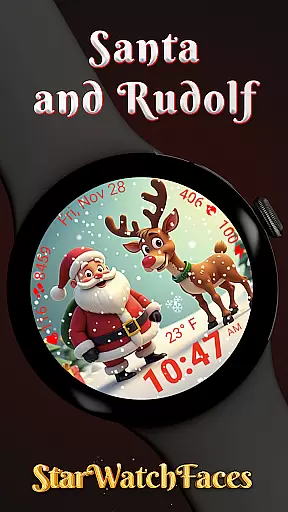
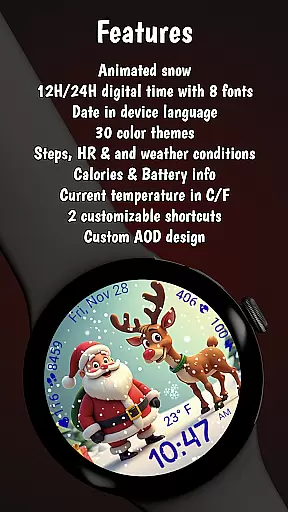
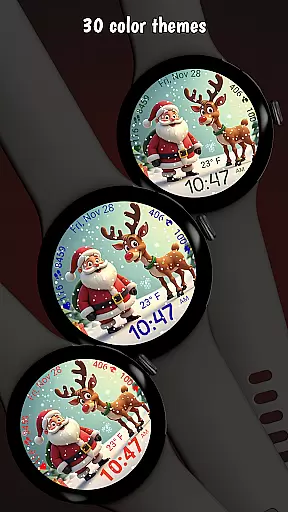
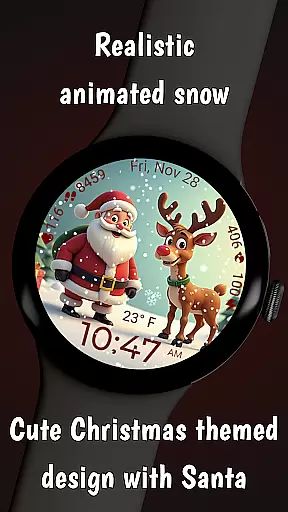
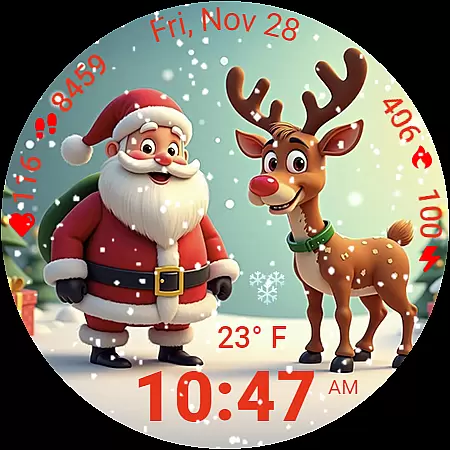
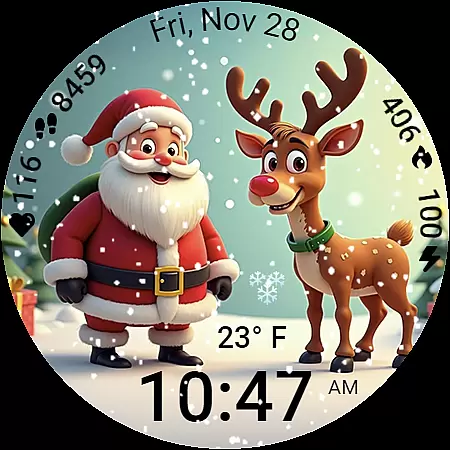
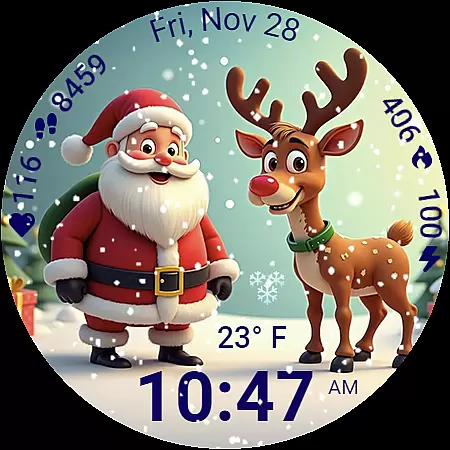
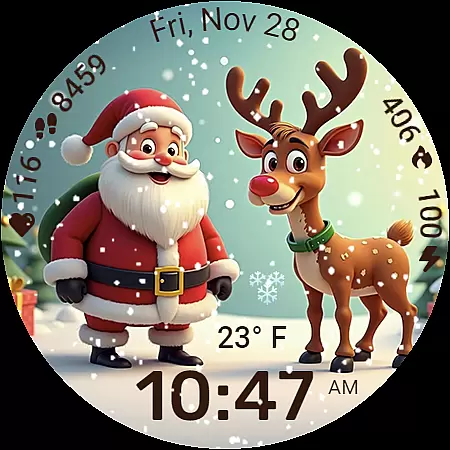
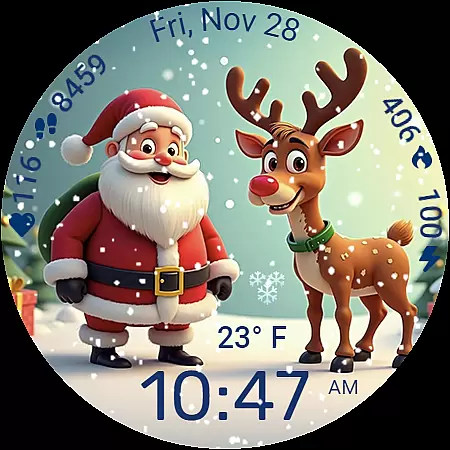
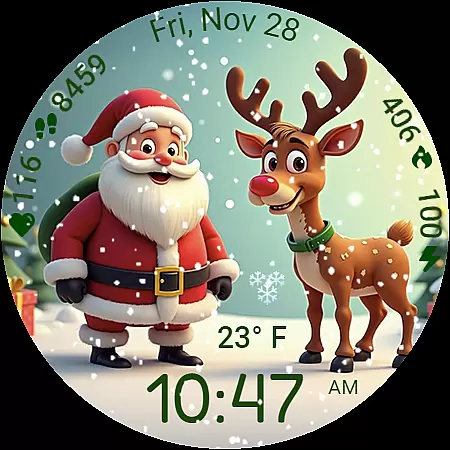
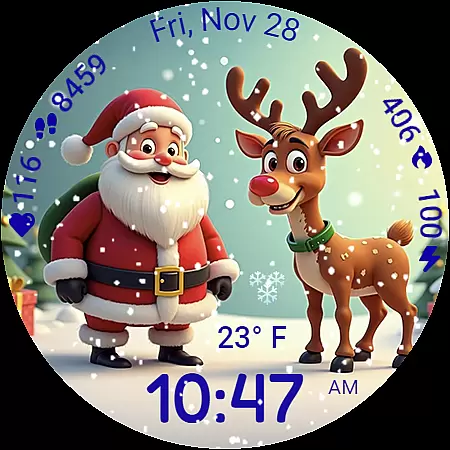
Santa and Rudolf Christmas WF is a premium Wear OS watchface that brings festive charm to your Galaxy Watch. Featuring delightful animations, customizable options, and essential health data, it offers both style and functionality. The animated snowfall and high-quality illustrations create an immersive holiday experience while the optimized performance ensures minimal battery usage.
With 8 unique time fonts, 30 color themes, and various personalization options like digital time formats and localized date display, users can tailor the watchface to their preferences. It also provides quick access to health metrics such as calories burned, steps taken, heart rate, and live weather updates. Designed for Samsung Galaxy Watches using Wear OS 5 or newer, this watchface combines seasonal aesthetics with practical utility.
This festive watchface stands out with its stunning visual design and deep customization capabilities. The smooth animated snow effect creates a lively Christmas atmosphere on your wrist. Users can choose from 8 different time fonts and 30 beautifully crafted color themes, allowing for extensive personalization.
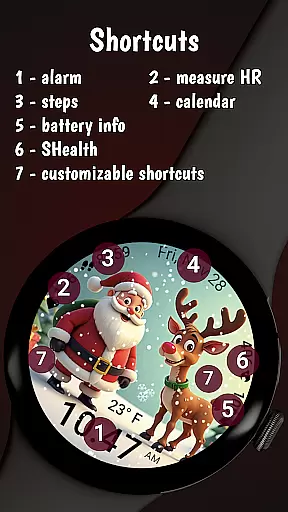
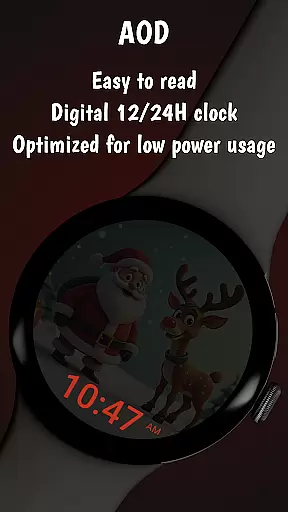
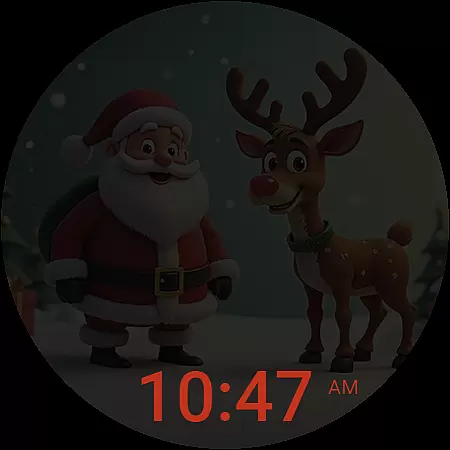
The layout is thoughtfully designed to display comprehensive health and activity data including calories burned, step count, battery level, heart rate, and current weather conditions. Two user-customizable shortcuts provide instant access to frequently used apps. The Always On Display feature is optimized for battery efficiency while maintaining the festive appearance. Engineered for low power consumption, Santa and Rudolf ensures smooth performance throughout the holiday season.
Companion app integration is essential for a seamless wearable experience. The Santa and Rudolf Christmas watchface excels in this area by offering deep connectivity with its dedicated Watchface Shop app.
Through the companion app, users can unlock the watchface for free while gaining access to a vast library of other premium designs. This integration enables instant synchronization of settings, themes, and customization preferences between the smartphone and Galaxy Watch.
The benefits extend beyond convenience. Users can manage their entire collection of StarWatchFaces products from one place, receiving automatic updates and exclusive offers. This unified ecosystem approach ensures that all features, including weather data and customizable shortcuts, function optimally across devices.
Such comprehensive integration demonstrates how companion apps can significantly enhance both functionality and user engagement in wearable technology.
Device compatibility is crucial for ensuring optimal performance across different Wear OS devices. The Santa and Rudolf Christmas watchface is specifically optimized for Galaxy Watches running Wear OS 5 or newer versions.
This targeted compatibility guarantees that all features, including animated snow effects and health indicators, function smoothly without compromising battery life. The developers have fine-tuned the watchface's rendering engine to take full advantage of Samsung's hardware capabilities.
While primarily designed for Galaxy Watches, the application maintains basic functionality on other Wear OS devices. However, users should note that certain advanced features like weather complications and shortcut customizations might be limited on non-Samsung devices.
This strategic compatibility focus ensures that users enjoy the full festive experience with maximum performance and reliability during the holiday season.
Festive Animations
Customizable Themes
Health Data Integration
Battery Efficiency
High-Quality Illustrations
Limited Compatibility
Premium Price
Complex Setup
Weather Feature Limitation
Requires Companion App

"PER27 Galaxy Digital" is a digital Wear OS watch face designed by PERSONA
 4.10
4.10
Wear Os Watch Face - Animated Snow Effect & Magic Spark - 6 Scenes
4.10
A modern premium sporty hybrid watch face for Wear OS by Ballozi
4.70
Be an elegant and classy secret agent, with this carefully detailed watch face
4.70
Digital watch face with big numbers and many customization for Wear OS devices
4.40
Nutrition, Macro tracker: Food, fitness & healthy diet tracking for weight loss
4.60
Minimalistic design modern digital watch face.
4.1
Back up your contacts & access them anywhere
4.30
From periods to pregnancy & perimenopause, Flo helps you track it all. Try now.
4.70
Digital, flexibly customizable watch face. For Wear OS 5.0, API 34+ and later.
5.00
The Chevron App allows you to pay for fuel from the comfort of your car!
4.80
Diet tracker for weight loss - track calories, food and macros. Simple and easy!
4.70
Find EV charging stations
4.30
Calming & relaxing sounds for sleeping and stress relief. Stay focused all day!
4.20
Hyper-Realistic Airplane Dashboard Watch Face With 10 Skins and Custom AOD
4.00
Structured watch face with seven complications and modular UI elements
3.90
Stay in touch with your friends and family using LINE!
3.40
Contemporary digital watch face with five complications
4.4
Fitness interactive virtual pet super fighter boy watch face
4.3


User Reviews