
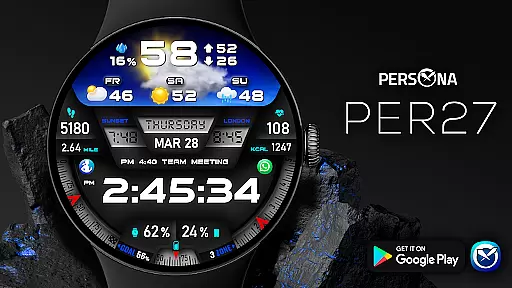
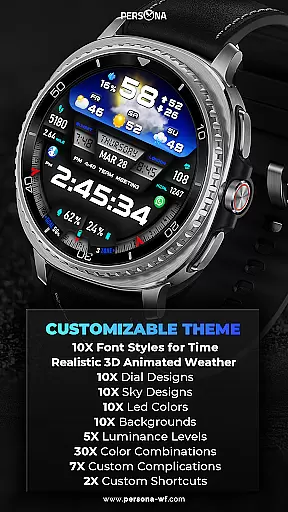
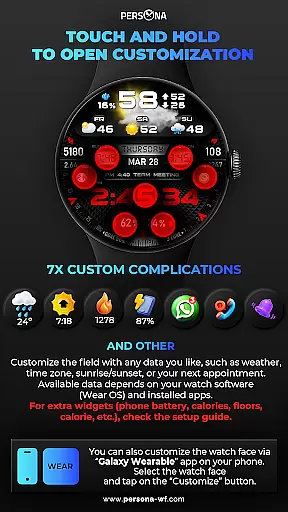
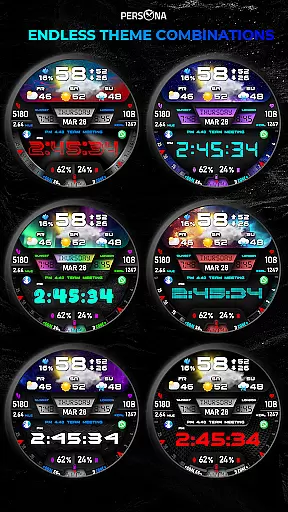
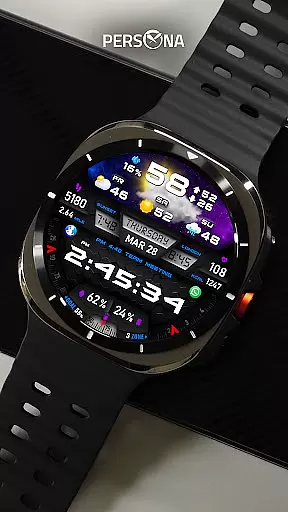
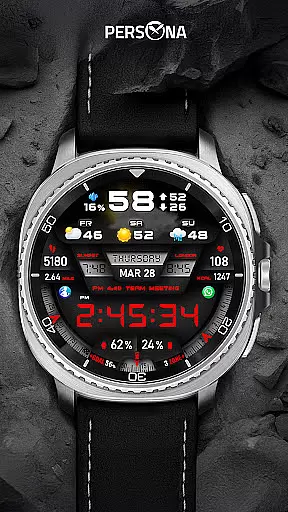
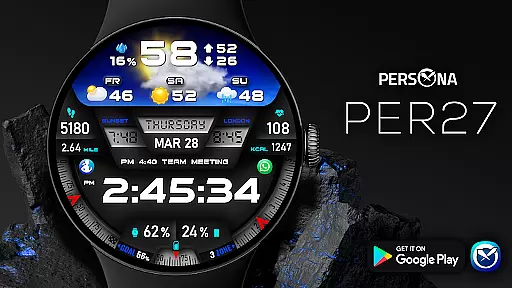
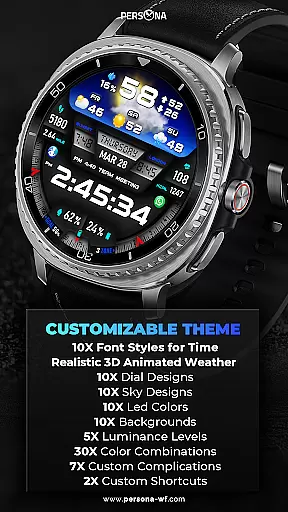
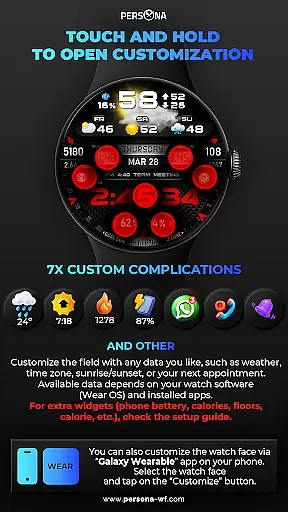
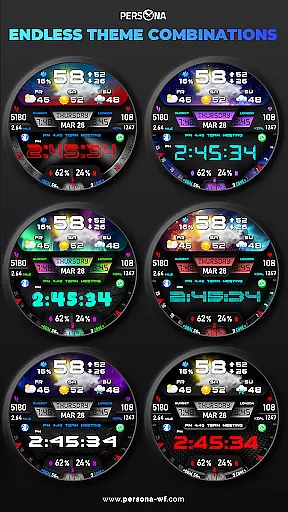
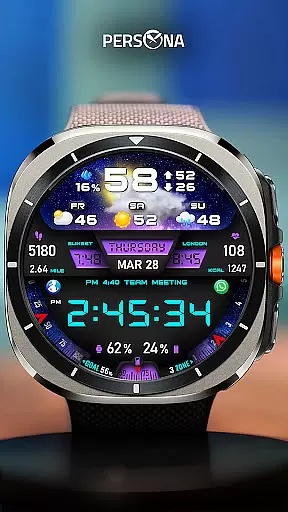
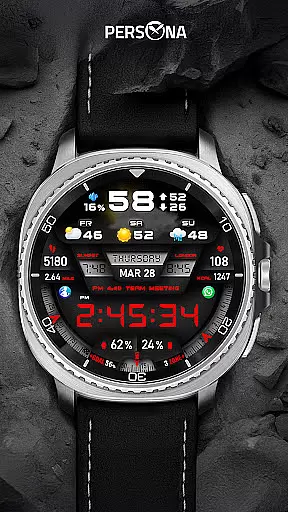
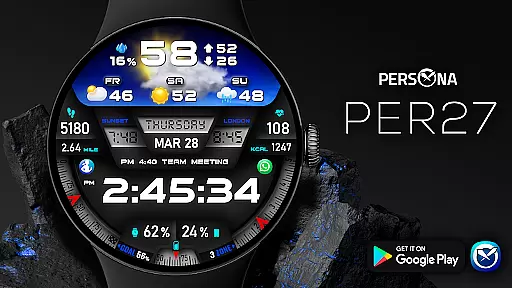
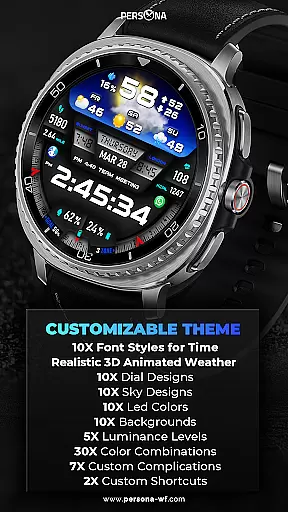
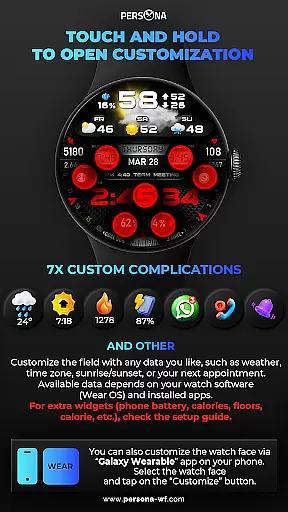
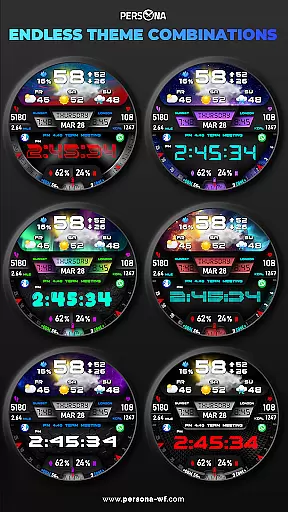
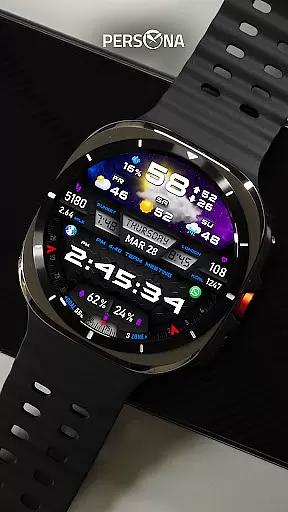
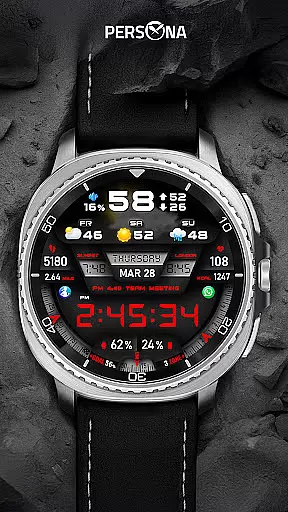
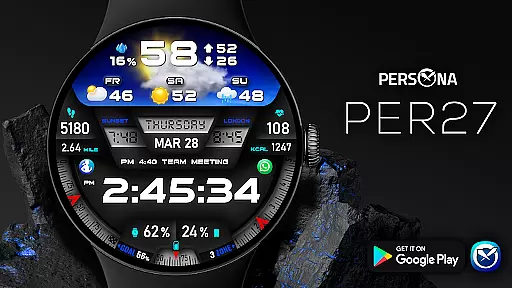
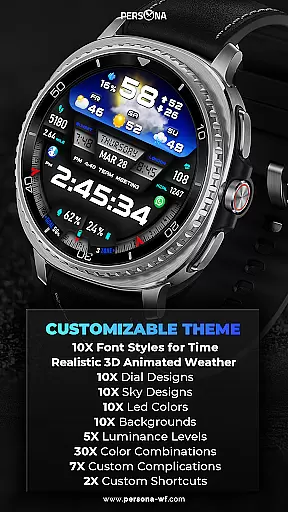
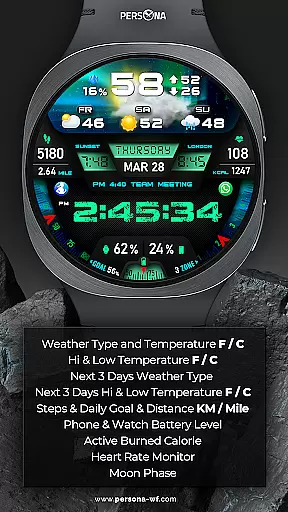
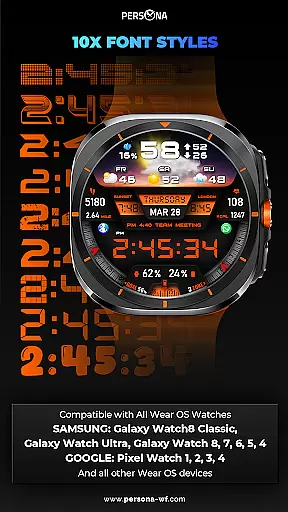
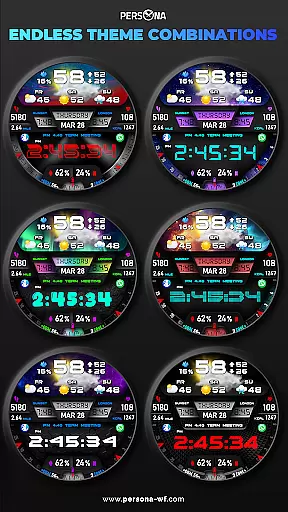
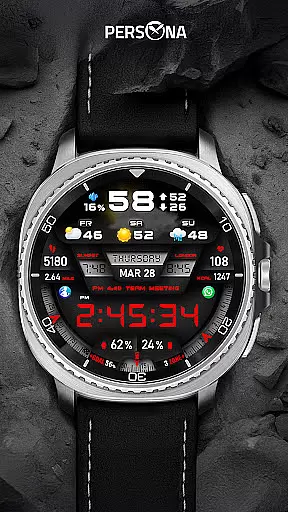
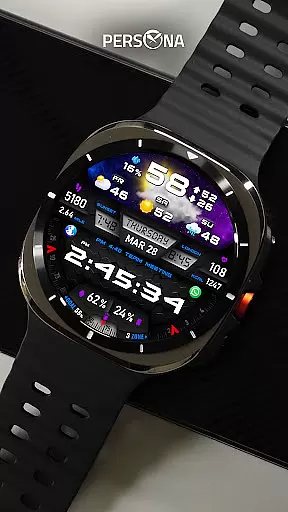
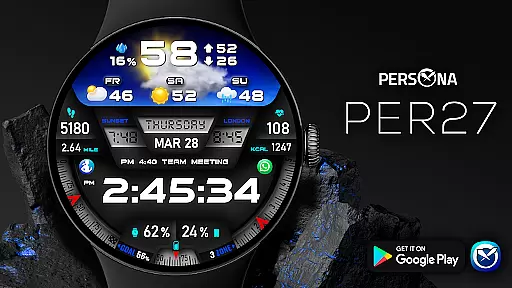
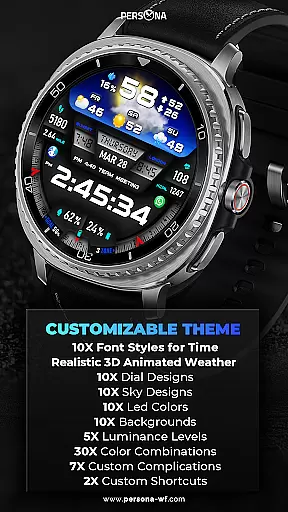
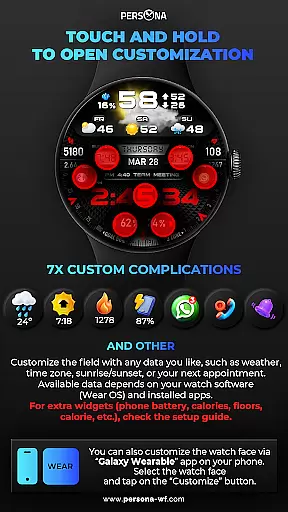
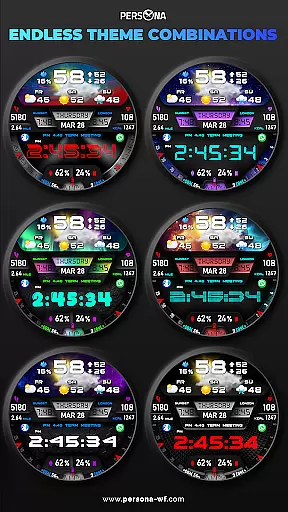
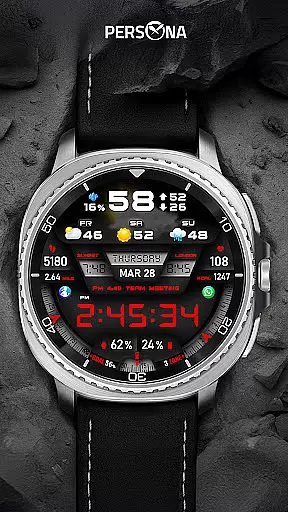
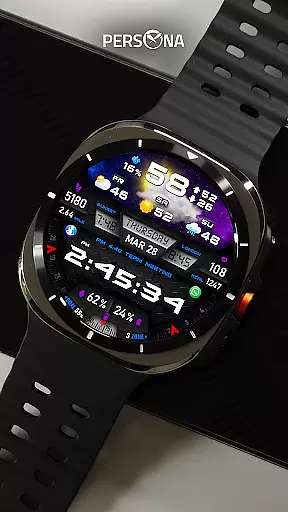
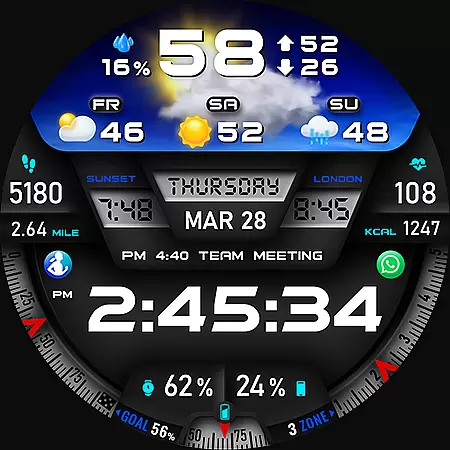
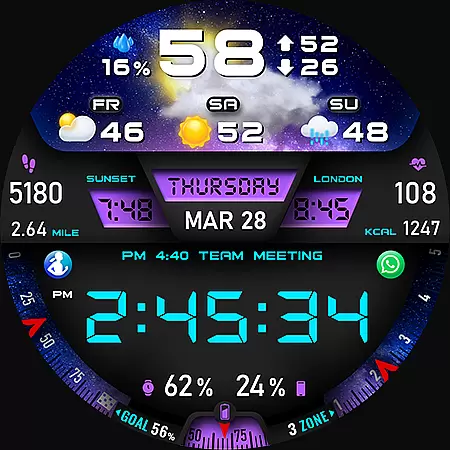
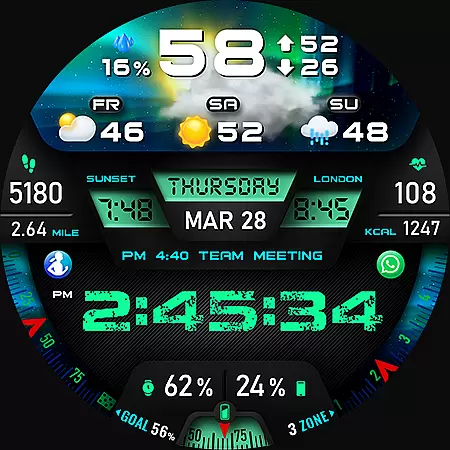
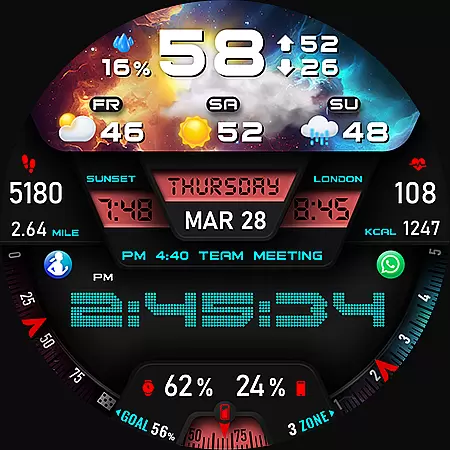
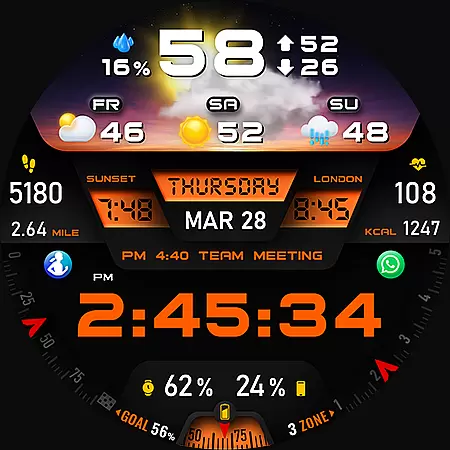
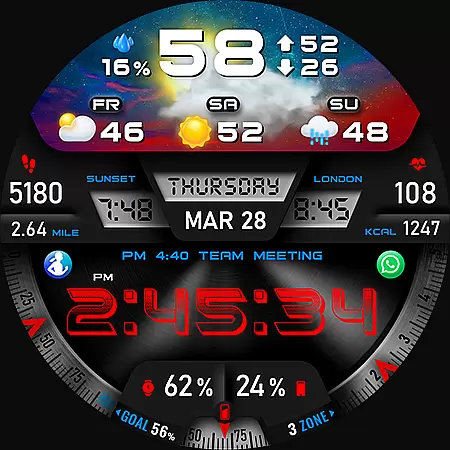
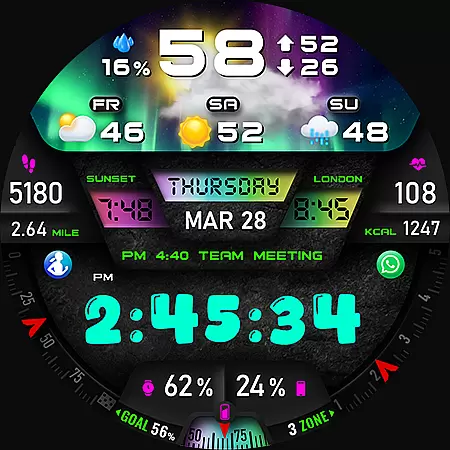
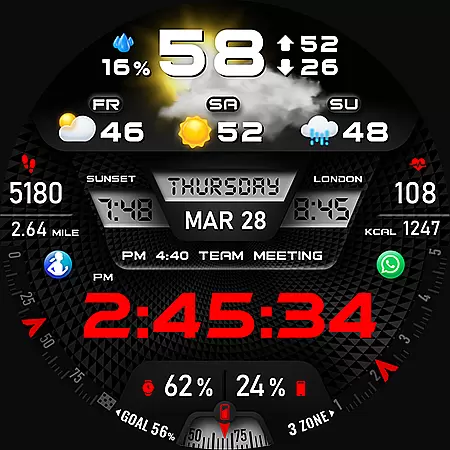
PER27 Galaxy Digital Watch Face is a premium Wear OS watch face that combines advanced functionality with customizable design. It features 3D animated weather, multiple font styles, and detailed forecast data, making it both visually appealing and highly practical for daily use.
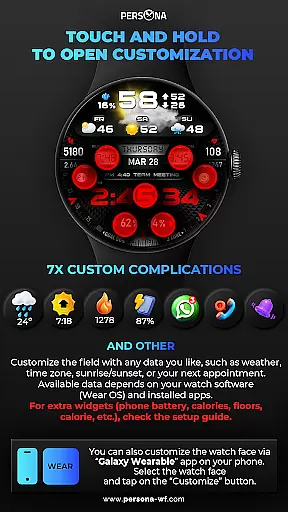
The watch face offers extensive personalization options including 10 backgrounds, 10 dial designs, and adjustable LED colors. With support for 7 custom complications and various health metrics like heart rate, steps, and calories burned, it provides users with essential information at a glance.
Ideal for tech-savvy individuals who value both aesthetics and utility, this watch face enhances productivity while maintaining a modern look across all Wear OS devices.
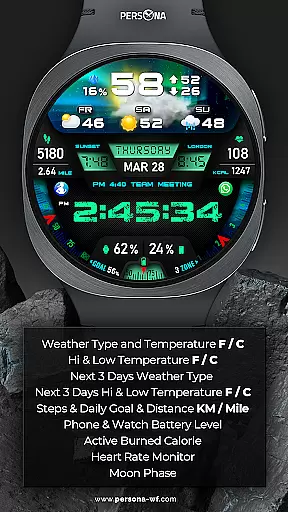
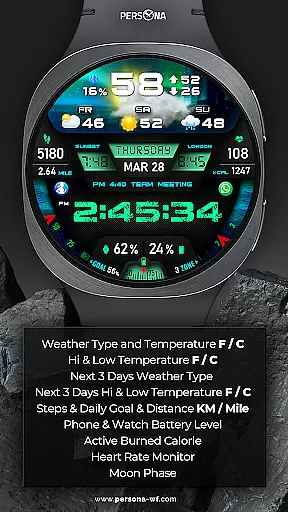
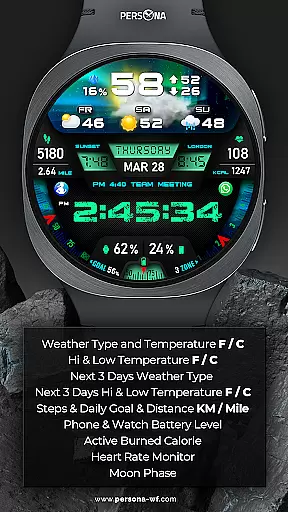
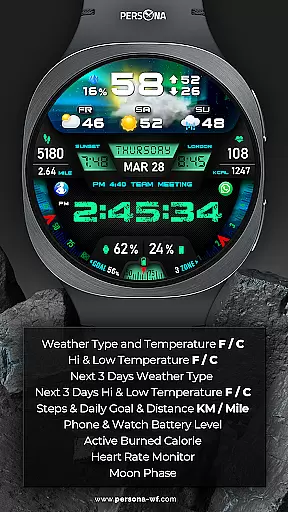
PER27 Galaxy Digital Watch Face stands out with its comprehensive feature set tailored for smartwatch users. The application provides accurate weather updates including temperature, UV index, and moon phases through its 3D animated weather display.
Users can customize their experience with 10 font styles, 10 background options, and 5 luminance levels. The always-on display (AOD) ensures time and essential data remain visible, with adjustable brightness and synchronized colors between normal and AOD modes.
Additional features include health tracking metrics such as step count, heart rate monitoring, and next appointment reminders. These capabilities make PER27 both a stylish accessory and a functional tool for managing daily activities.
Companion app integration is essential for a seamless smartwatch experience. The PER27 Galaxy Digital Watch Face offers robust companion app support, ensuring that users can easily synchronize data between their Wear OS devices and smartphones.
This application allows for real-time updates of weather, health metrics, and notifications directly on the watch face. Users can customize complications such as phone battery levels, calories burned, and floors climbed through an intuitive setup guide available on the Persona website.
The synchronization process is straightforward, requiring minimal user intervention. Once set up, the watch face updates automatically, providing users with accurate and timely information at a glance.
By integrating seamlessly with its companion app, PER27 Galaxy Digital Watch Face enhances the overall utility of Wear OS devices, making daily tasks more efficient and engaging for users.
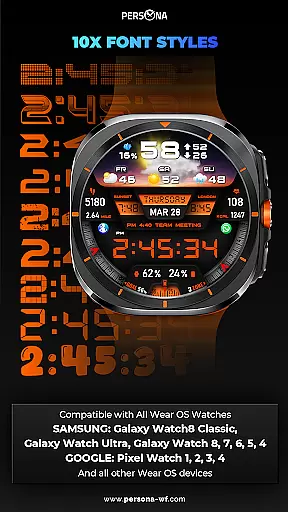
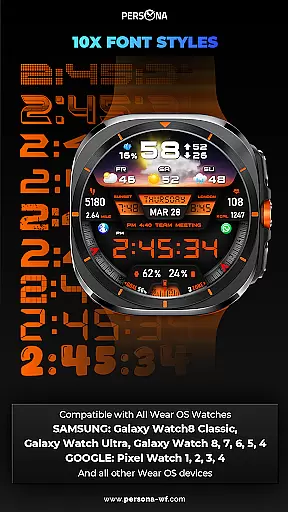
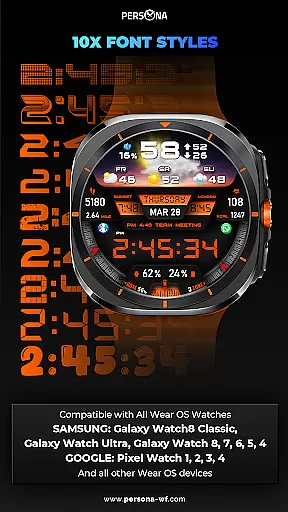
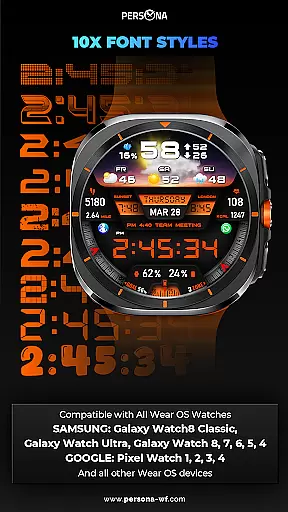
Ensuring broad device compatibility is crucial for any Wear OS application. The PER27 Galaxy Digital Watch Face is designed to work flawlessly with a wide range of Wear OS devices, including models from Samsung, Google, Fossil, and Mobvoi.
This compatibility extends to the latest models such as the Galaxy Watch8 Classic, Pixel Watch series, and TicWatch Pro models. Supporting API Level 34 and above, it guarantees that users with newer devices can take full advantage of its features without compatibility issues.
PER27 Galaxy Digital Watch Face also supports Always-On Display (AOD) functionality across all compatible devices, allowing users to view essential information without needing to wake their device. This feature includes adjustable brightness levels and customizable AOD layouts.
With extensive device support and advanced features like AOD, this watch face ensures that users enjoy a consistent and high-quality experience regardless of their specific Wear OS device.
Highly customizable
Real-time weather updates
Wide device compatibility
Stylish 3D animations
Comprehensive health metrics
Premium subscription required
Weather sync issues
Complex setup process
Battery consumption
Limited free features

Christmas is near, let's count together the days left until Santa comes
 4.0
4.0
Embrace the festive spirit with our Christmas Countdown watchface for Wear OS
4.10
Let's celebrate Thanksgiving - Wear Os watch face
4.20
Bold, Modern Hybrid Watch Face for Wear OS. 10 Colors, Rich Info Display.
4.30
Reliable phone calls with spam protection, caller ID and more helpful features
4.40
A modern hybrid informative watch face for Wear OS designed by BALLOZI
4.80
Hybrid Vibrant Health Watch Face for Wear OS
4.2
A white realistic classic analog watch face with many customization options.
4.40
Your local weather forecast, storm tracker, radar maps & live weather news
3.40
Christmas Theme Watch Face for Wear Os
5.00
Beautiful, colorful and practical watch face. For Wear OS devices.
5.00
Digital, flexibly customizable watch face. For Wear OS 5.0, API 34+ and later.
5.00
The most customizable hybrid watch face. For Wear OS 5.0, API 34+ and later
4.70
Gym & home workout plans with strength training, exercise tracking, HIIT & more.
4.60
Fast and smart typing with Emojis, GIFs, and more
4.50
Beautiful artistic animated digital watch face, with a customizable layout!
4.40
sleep, alarm, snoring, stress, healing, focus, sound therapy, circadian rhythm
4.10
Viewer for Wyze/Yi/Eufy/Arlo/ONVIF/RTSP/P2P IP cams w/ adv. features & DIY DVR
4.00
A watch face that fuses motorsport precision with contemporary smartwatch design
4.1


User Reviews