
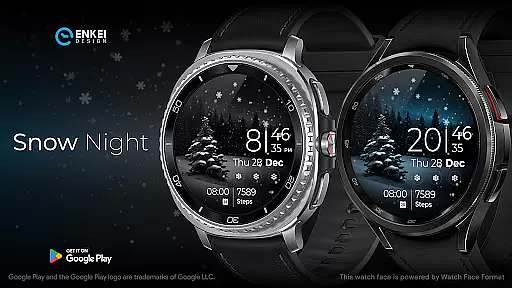
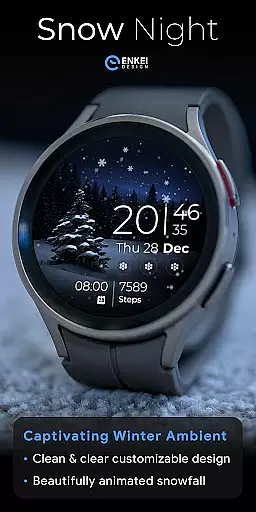
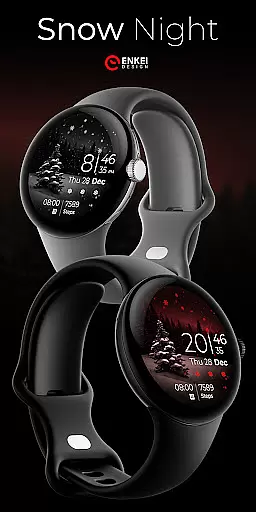
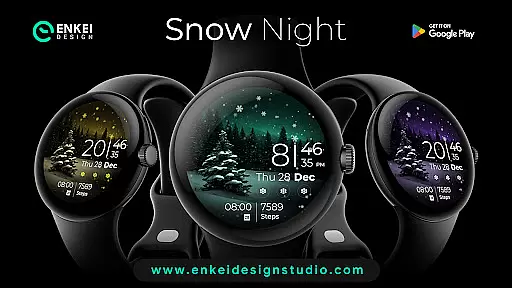
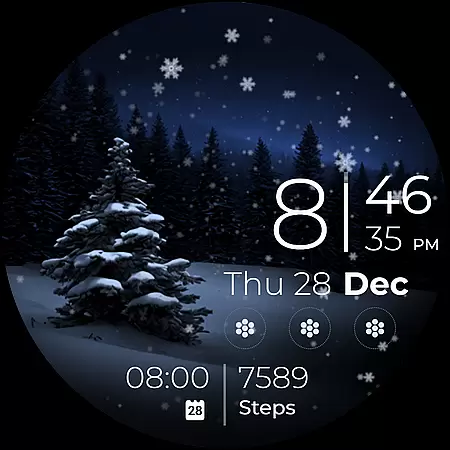
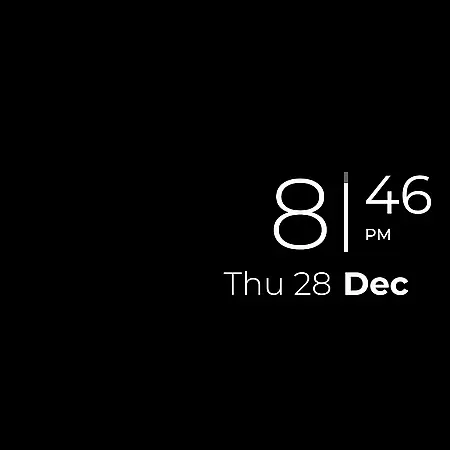
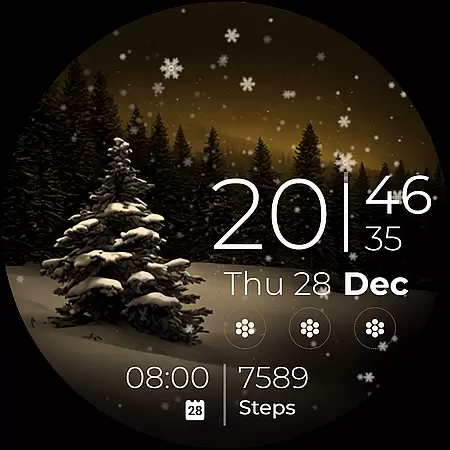
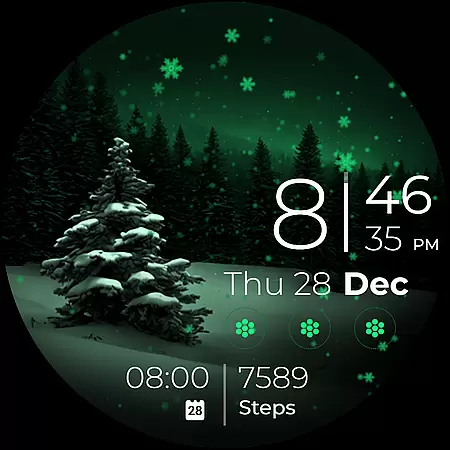
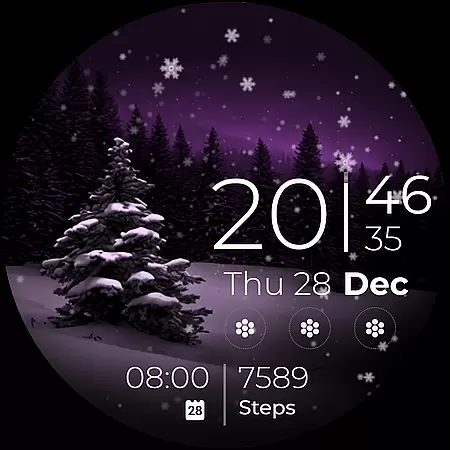
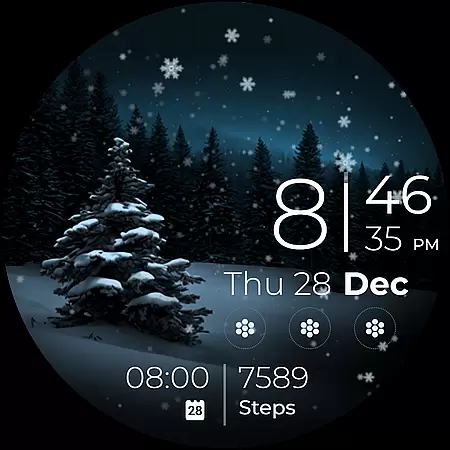
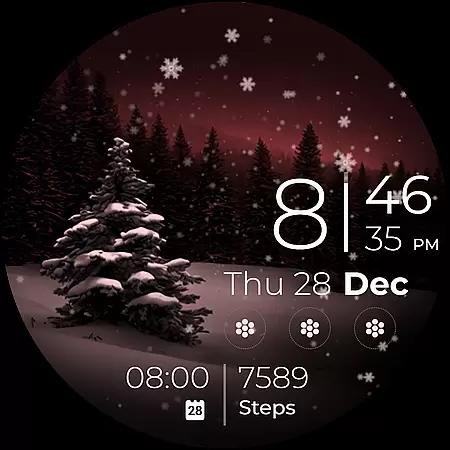
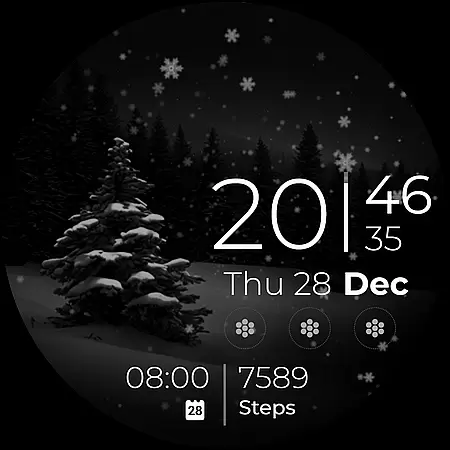
Snow Night is an artistic watch face designed for Wear OS devices, offering a captivating winter-themed experience. The app features ambient snowfall animation and customizable elements that allow users to create their perfect layout. With clear and bright indicators, visibility is excellent at a glance. Compatible with Wear OS 5.0 and newer versions, this app provides both aesthetic appeal and functional utility.
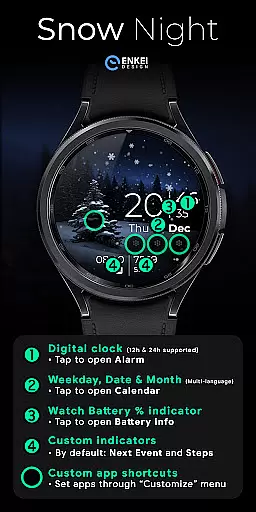
The watch face includes digital clock display, weekday, date, and month indicators in multiple languages, battery percentage bar, and customizable short-text indicators. Users can also access app shortcuts and a customize menu through simple tap and long-press gestures. These features ensure both personalization and ease of use, making it a versatile choice for smartwatch users seeking style and functionality.
Snow Night offers a rich set of features including a digital clock with 12h/24h format, multi-language support for weekday, date, and month indicators, and a watch battery percentage bar. Each interactive element like the minutes, calendar, and battery info can be tapped to open corresponding apps, enhancing user convenience.
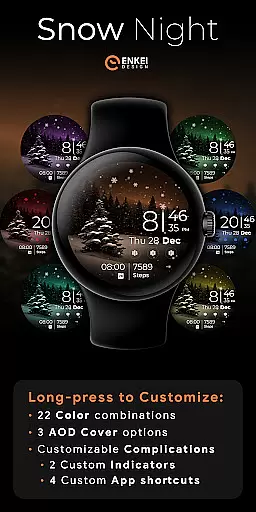
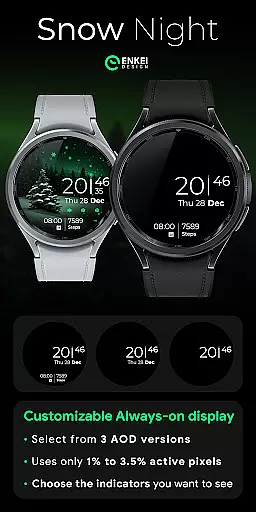
Customization options are abundant with 22 color combinations, three AOD cover styles, and four customizable app shortcuts. Two hidden customizable short-text indicators provide additional utility. The long-press gesture grants access to a comprehensive customize menu, allowing users to tailor the watch face to their preferences. This level of customization ensures a personalized and engaging user experience.
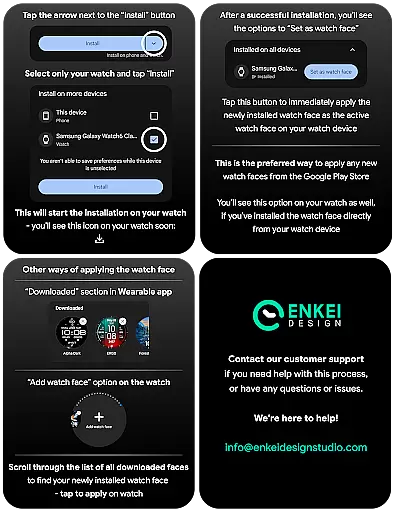
In the realm of wearable technology, seamless integration between devices is paramount. Snow Night excels in companion app integration by ensuring that the phone app serves as a conduit for direct installation to your watch device. This thoughtful design eliminates unnecessary steps, allowing users to enjoy an uninterrupted experience.
The installation process is straightforward and user-friendly. By directing users to install the application directly onto their watch, it ensures that all features are immediately accessible where they are most needed. The companion app's role is simplified yet effective, focusing on aiding the setup without overshadowing the main functionality of the watch face.
Furthermore, this integration supports the synchronization of settings and preferences across devices. Users can customize their watch face with ease, knowing that their choices will be accurately reflected on their wearable device. This cohesion between phone and watch enhances usability and enriches the overall user experience.
Snow Night is meticulously crafted to be compatible with Wear OS 5.0 and newer versions (API 34+), guaranteeing optimal performance on supported devices. This compatibility ensures that users benefit from the latest advancements in wearable technology while enjoying a stable and responsive interface.
The decision to focus on newer OS versions allows the application to leverage enhanced features and security protocols inherent to these updates. As a result, Snow Night delivers a smooth animation experience alongside robust customization options that are only possible within this technical framework.
By targeting specific OS versions, the developers have ensured that the watch face operates at peak efficiency, taking full advantage of the hardware capabilities. This strategic choice not only future-proofs the application but also aligns with industry trends towards more sophisticated and resource-efficient applications.
Visually appealing design
Highly customizable options
User-friendly interface
Excellent visibility features
Responsive customer support
Limited to Wear OS 5.0+
Higher battery usage
Complex for beginners
Fewer features in AOD
Premium features need purchase

"PER27 Galaxy Digital" is a digital Wear OS watch face designed by PERSONA
 4.10
4.10
A watch face that fuses motorsport precision with contemporary smartwatch design
4.2
Simple Analog-Digital Watchface For Wear OS 3.0 and Up Smartwatches
4.3
Your second brain for organizing your life: to-do, calendar, reminder.
4.70
The ultimate destination for kids ages 3-8 to explore the Marvel Universe!
4.30
Bold weather Digital watchface with forecast & optional animated background
4.40
Hyper-Realistic Airplane Dashboard Watch Face With 10 Skins and Custom AOD
4.00
Track airplanes and follow flights with our real-time flight tracker
4.50
From periods to pregnancy & perimenopause, Flo helps you track it all. Try now.
4.70
Gym Log & Workout Tracker | Fitness Journal, Training & Weight Lifting Planner
4.90
The Chevron App allows you to pay for fuel from the comfort of your car!
4.80
Bold, Modern Hybrid Watch Face for Wear OS. 10 Colors, Rich Info Display.
4.30
Watch face for Wear OS.
4.20
Your music, your playlists, and more—offline and unlimited.
4.20
Connect, create, and collaborate with Gmail, part of Google Workspace.
4.10
Professional weather radar and more
3.90
Precision analog watch face with 7 complications and style options
4.1
Christmas is near, let's count together the days left until Santa comes
4.0
Hybrid Vibrant Health Watch Face for Wear OS
4.2


User Reviews