



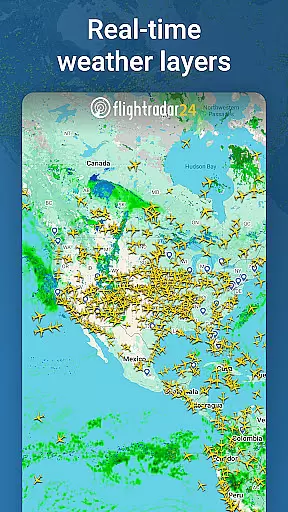


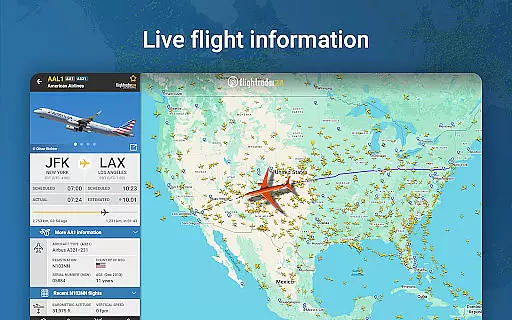
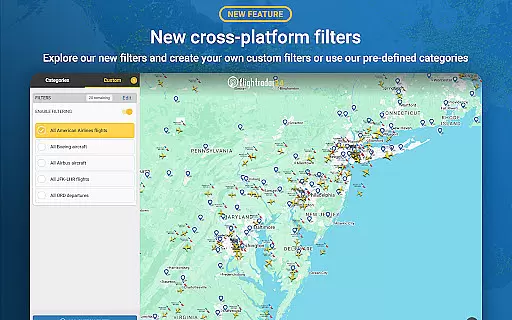
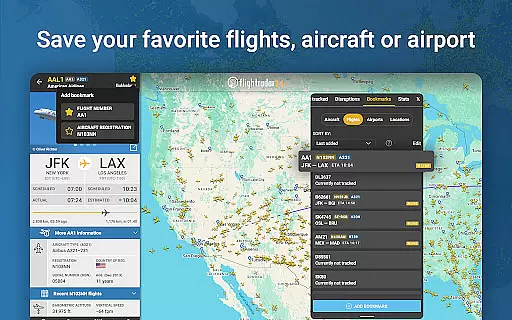
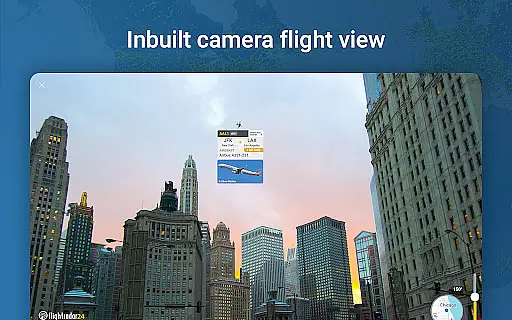


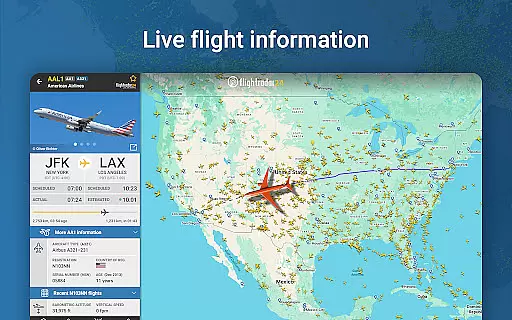
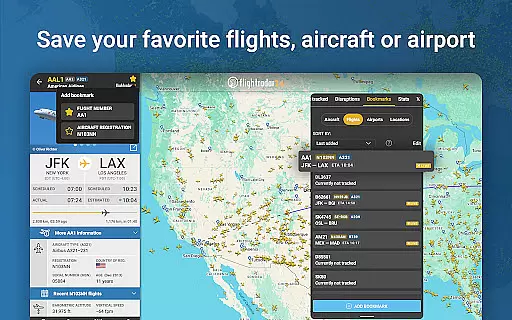
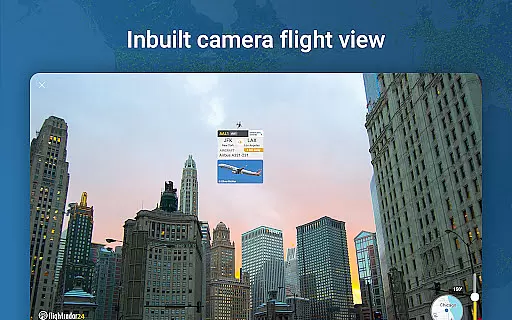
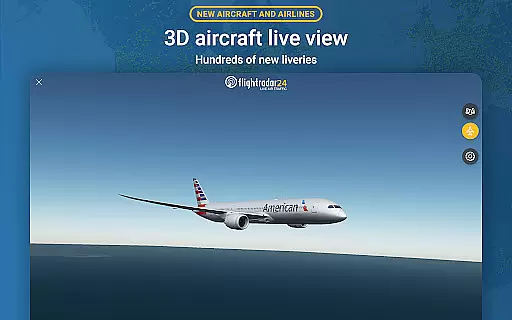
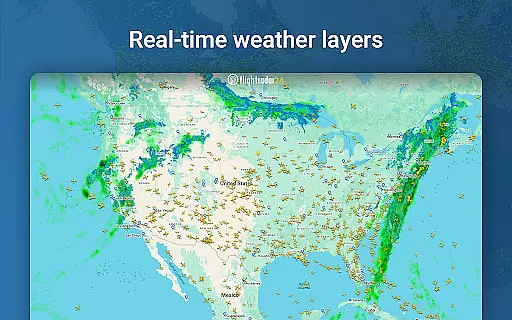


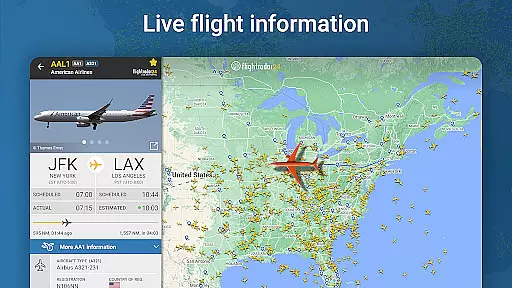
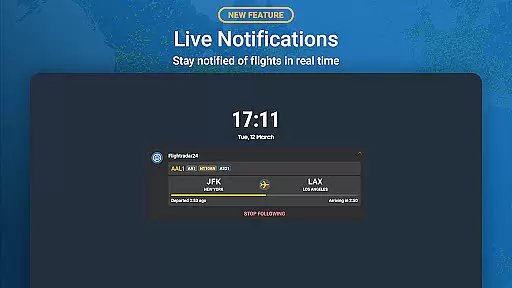

Flightradar24 Flight Tracker is the world's leading flight tracking application, serving as the top travel app in over 150 countries. This innovative tool transforms your mobile device into a real-time plane tracker, displaying global air traffic on a detailed map. By simply pointing your phone or tablet at the sky, you can identify aircraft overhead and access comprehensive flight information.
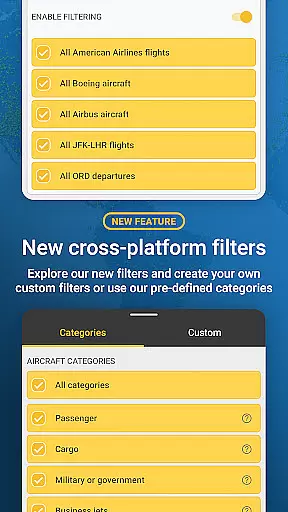
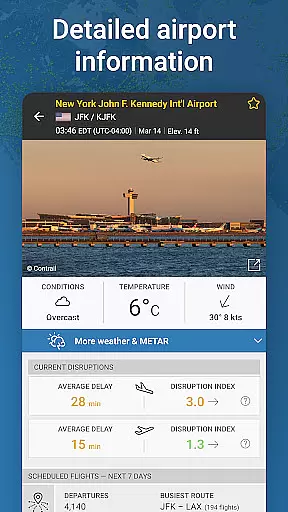
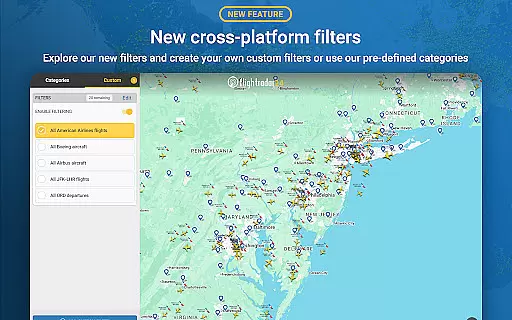
The app offers advanced features like 3D flight visualization, historical flight data playback, and detailed airport information including arrivals, departures, and weather conditions. Its powerful filtering capabilities allow users to search for specific flights by number, airline, or airport, while also enabling sorting by various parameters such as aircraft type and altitude. The Android Wear integration provides convenient access to nearby flight information directly from your smartwatch.
Whether you're an aviation enthusiast or a traveler needing accurate flight status updates, Flightradar24 delivers essential information through its intuitive interface and extensive feature set, making it an indispensable tool for both professional and casual use.
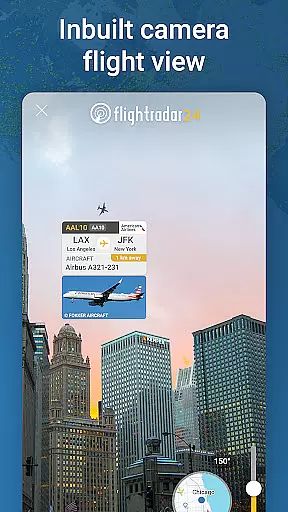
Flightradar24 distinguishes itself through its comprehensive feature set designed for aviation enthusiasts and travelers alike. The app's core functionality revolves around real-time flight tracking, where users can observe aircraft movements worldwide with remarkable accuracy. Its unique augmented reality mode allows users to point their devices at the sky to instantly identify overhead flights and view detailed information about each aircraft, including high-resolution photos.
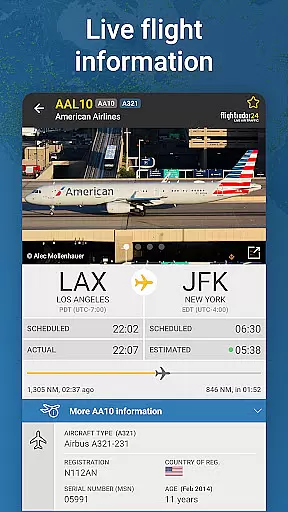
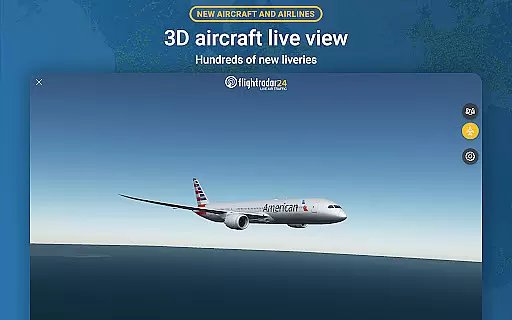
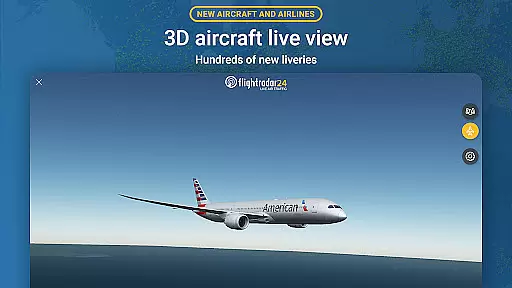
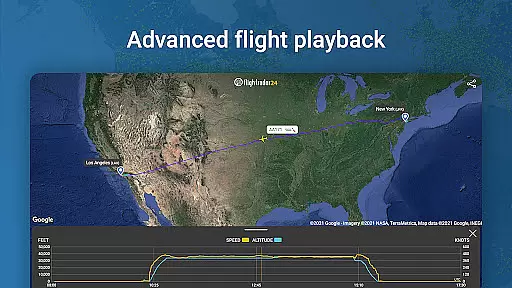
Advanced visualization tools enable users to experience flights in 3D, complete with hundreds of airline liveries and detailed aircraft models. The app provides extensive data points for each flight, including route details, estimated arrival times, actual departure times, speed, altitude, and vertical speed for premium users. Historical flight data and playback capabilities allow users to review past flights, while sophisticated filtering options help track specific aircraft or airlines.
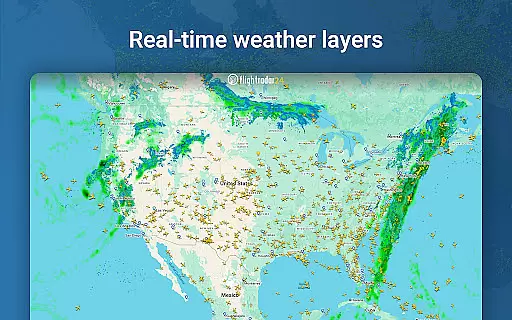
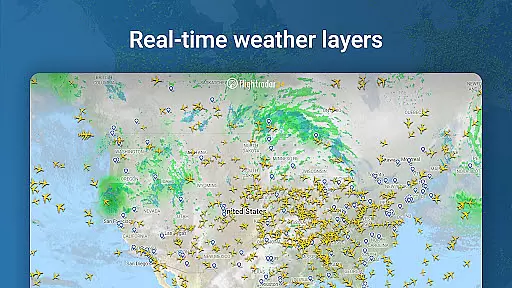
Premium subscription tiers (Silver and Gold) offer enhanced features such as extended flight history (up to 365 days), detailed weather layers, aeronautical charts, and advanced technical data through Extended Mode S information. The Android Wear integration extends these capabilities to wearable devices, providing quick access to nearby flight information and basic tracking details directly from your wrist.
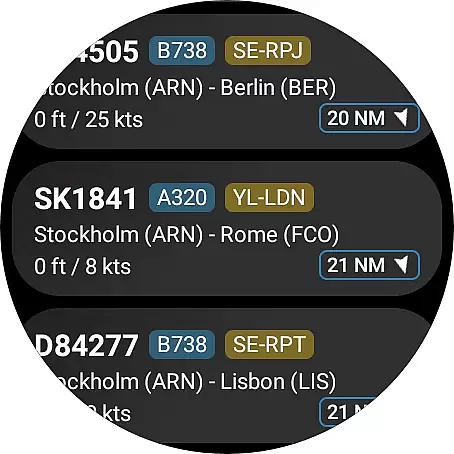
Companion app integration is essential for a seamless wearable experience. Flightradar24 Flight Tracker excels in this area by offering users the ability to view a list of nearby aircraft directly from their Wear OS device.
The app provides basic flight information such as flight number and route, allowing users to stay informed without needing to check their phone. This feature ensures that whether you're walking, running, or simply away from your mobile device, you can still access real-time flight data.
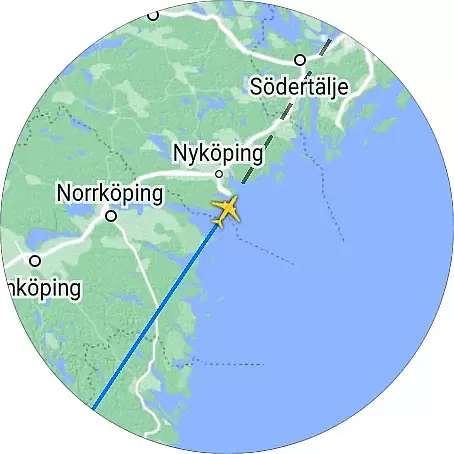
By tapping on a specific aircraft entry, users can view the aircraft's position on the map within the companion app. This functionality not only enhances convenience but also enriches the user experience by maintaining consistent access to flight tracking information across devices.
This level of integration demonstrates Flightradar24's commitment to providing comprehensive flight tracking capabilities, ensuring users have access to critical flight details no matter which device they are using.
Device compatibility is crucial for ensuring that applications function correctly across various hardware platforms. Flightradar24 Flight Tracker offers robust support for Wear OS, making it accessible to a wide range of smartwatch users.
The app is designed to work seamlessly with different Wear OS devices, providing users with the flexibility to choose their preferred hardware while enjoying consistent performance. This compatibility extends the app's utility beyond smartphones, integrating flight tracking into daily activities.
Flightradar24 maintains high standards of usability on Wear OS, ensuring that all features are optimized for smaller screens and touch-based interactions. Users can expect smooth navigation and responsive controls when accessing flight details on their smartwatches.
With its broad device compatibility, Flightradar24 guarantees that whether you're using a leading brand or a lesser-known model, you'll enjoy reliable access to live flight data, enhancing both convenience and accessibility.
Comprehensive flight data
Real-time tracking
User-friendly interface
Augmented reality mode
Extensive filter options
Premium features costly
Variable coverage areas
Complex for beginners
Requires good internet
Some features region-locked

Analog watch face with 8 complications and expedition styling
 4.3
4.3
A heartwarming Christmas scene featuring a cute image of Santa and Rudolf
4.1
Elegant animated Christmas tree with multiple customization options
4.20
The ultimate destination for kids ages 3-8 to explore the Marvel Universe!
4.30
Real-time results, stats, schedules and player profiles for all leagues
4.60
Premium hybrid watch face with many customizations for Wear OS devices.
4.40
Daily Weather forecast with 15 weather images for Day & Night plus Big Bold time
4.10
Fitbit is dedicated to helping people lead healthier, more active lives.
4.10
Start and succeed with PAP
4.10
Christmas Theme Watch Face for Wear Os
5.00
Period, ovulation & pregnancy tracker. Fertility insights & menstrual calendar.
4.90
Deck out your Wear OS Watch face with a beautifully decorated pine wreath!
4.50
Embrace the holiday spirit with this magical animated watch face!
4.40
A customizable Christmas watch face for Wear OS with a countdown.
4.20
A digital watch face that celebrates Christmas.
4.00
Structured watch face with seven complications and modular UI elements
3.90
Professional weather radar and more
3.90
A full-featured Amazon Alexa voice assistant that can show you things.
3.70
Artistic Digital Watchface
4.1


User Reviews