
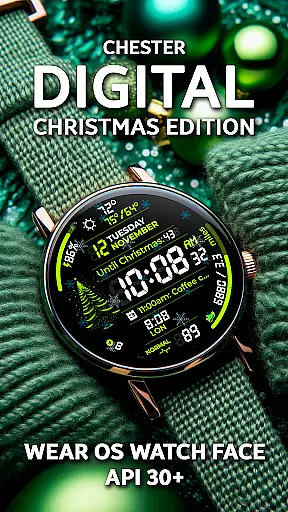
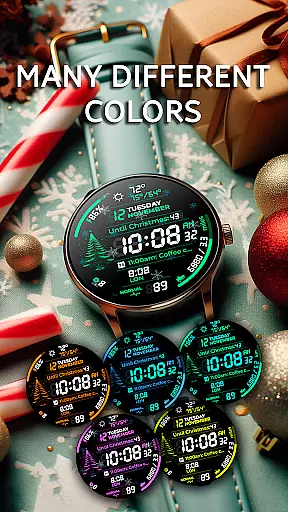
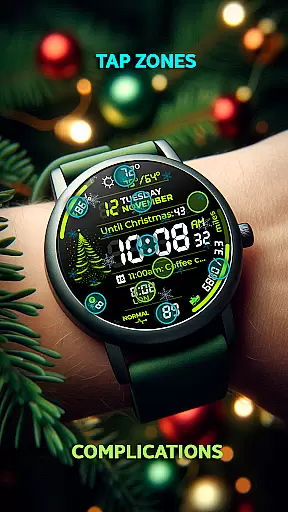
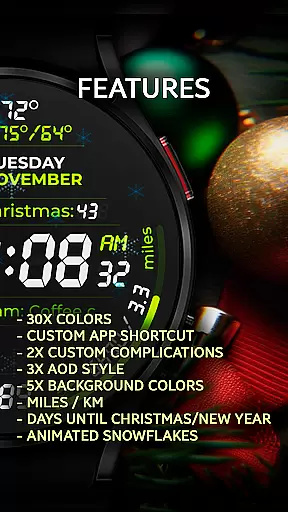
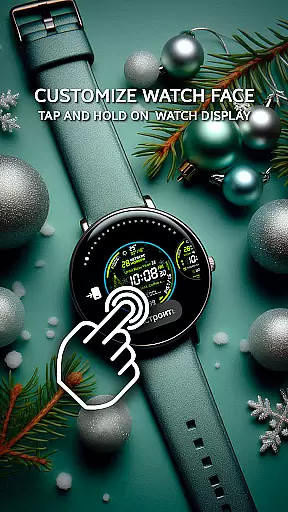
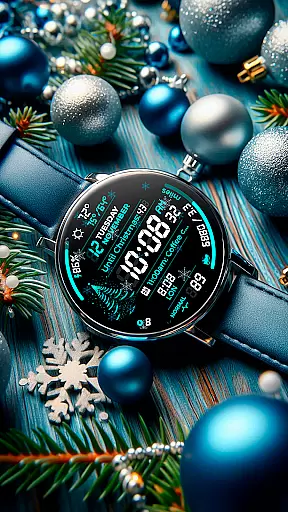
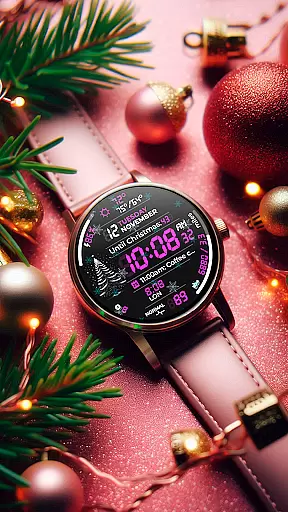
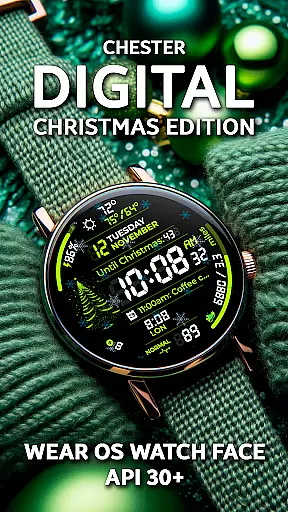
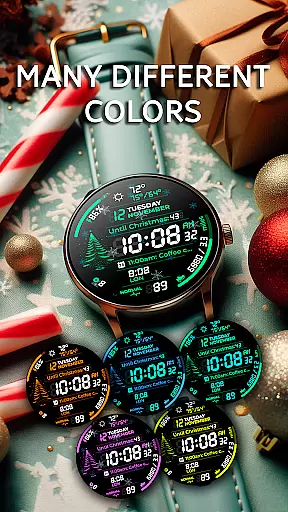
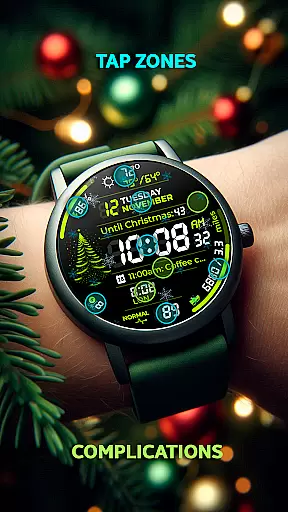
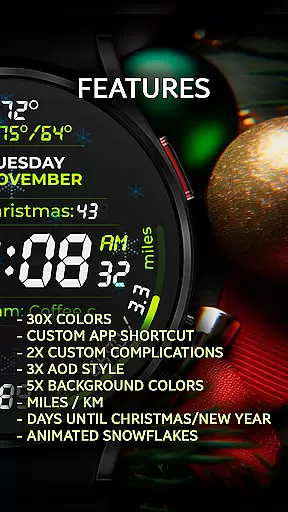
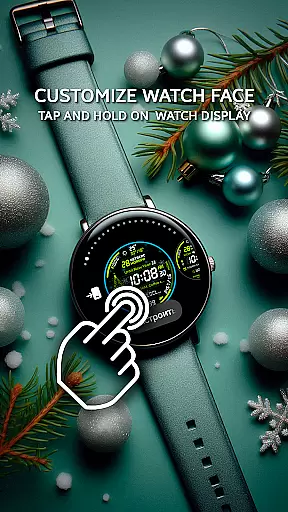
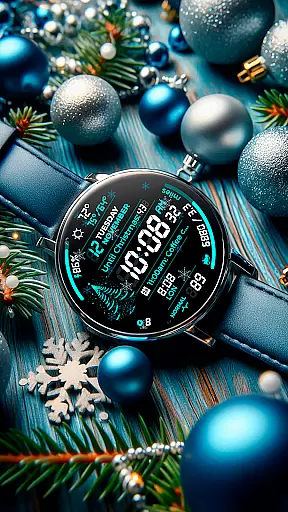
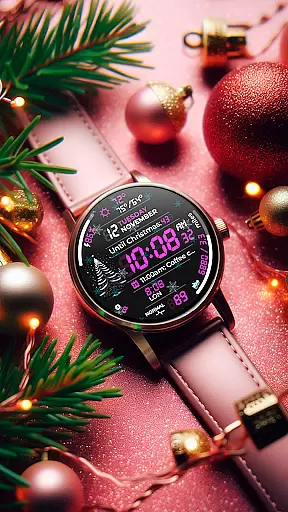
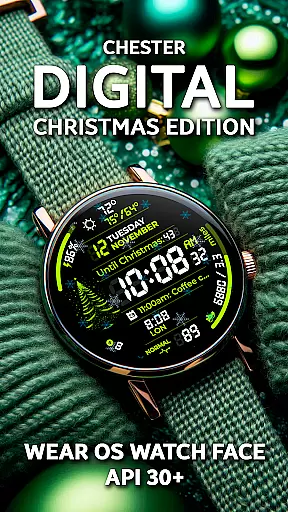
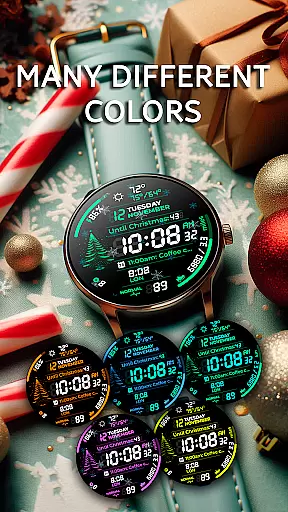
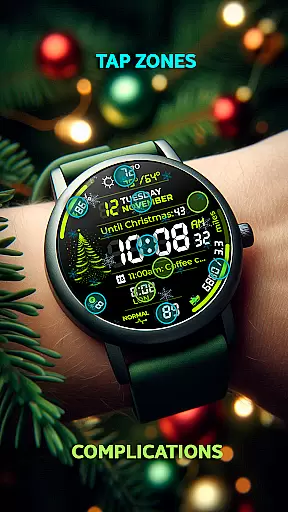
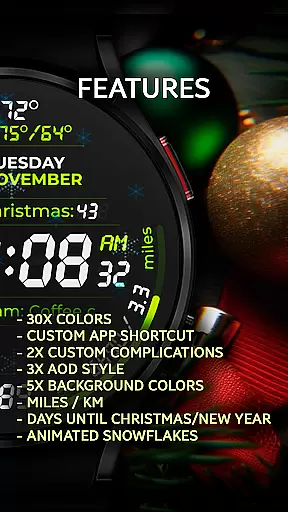
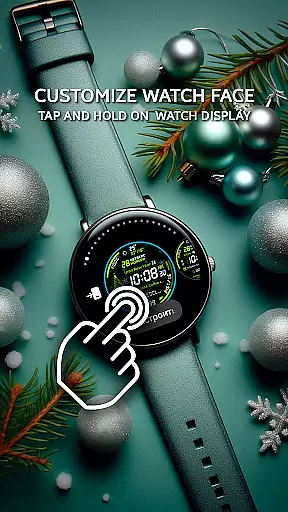
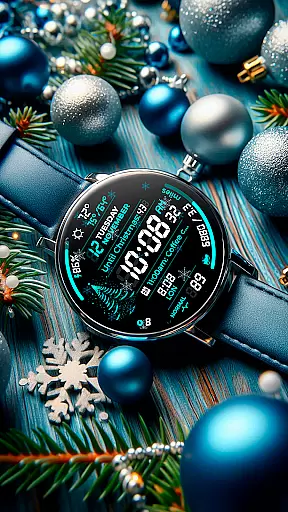
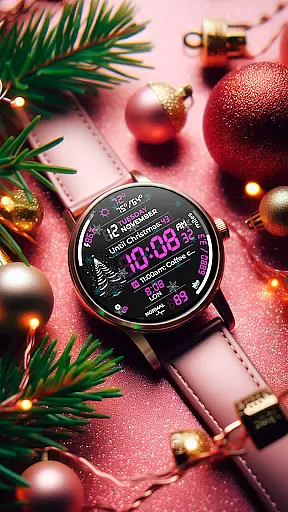
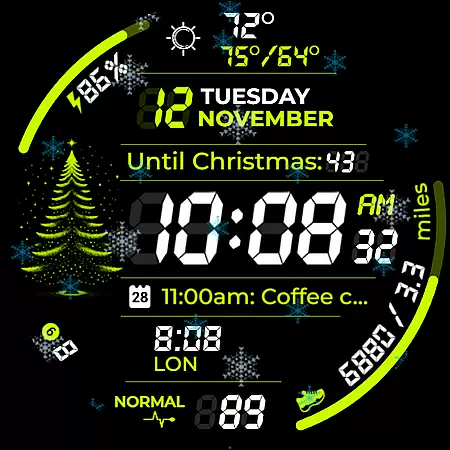
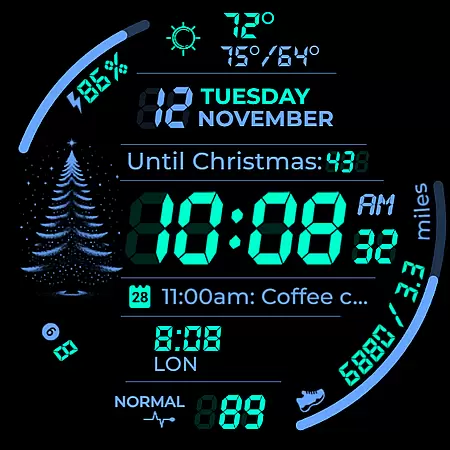
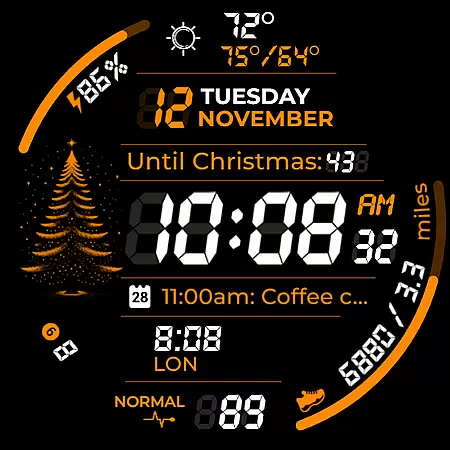
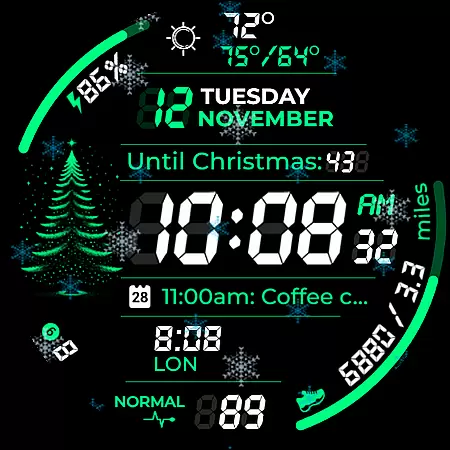
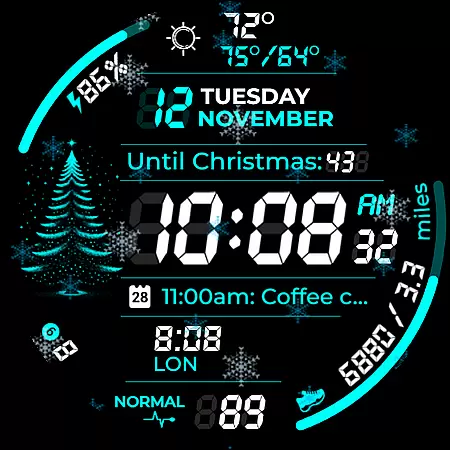
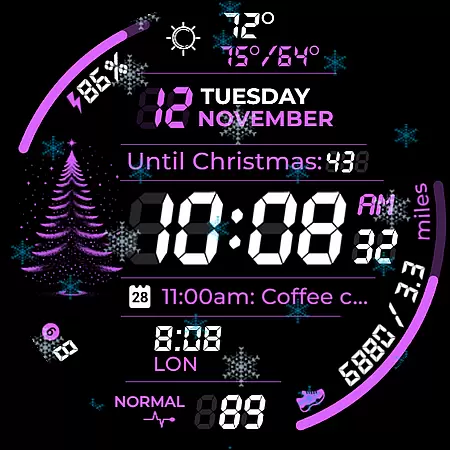
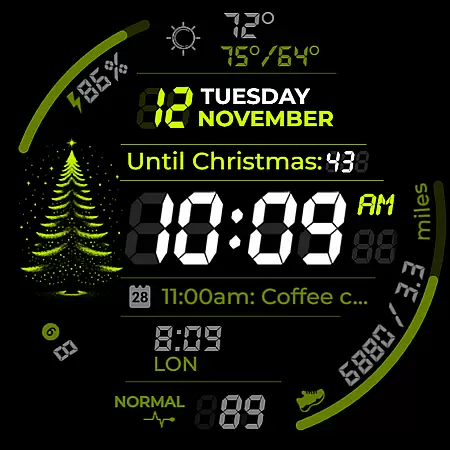
Chester Digital: Christmas is a feature-rich, customizable watch face designed specifically for Wear OS devices. This festive-themed app brings holiday cheer to your smartwatch while offering practical functionality. With 30 color schemes, interactive tap zones, and various customization options, it allows users to personalize their watch experience according to their preferences.
The watch face includes essential features like weather updates, calendar reminders, and distance tracking, making it both stylish and functional. Its compatibility with Wear OS API 30+ devices ensures broad usability across popular smartwatches such as Google Pixel Watch and Galaxy Watch series. The unique snowflake animation and Christmas countdown timer add a special holiday touch that makes this app stand out during the festive season.
This Wear OS watch face stands out through its extensive customization capabilities. Users can choose from 30 vibrant color schemes and five background colors to create a personalized look. The app shortcuts provide quick access to favorite functions, while two complication zones allow users to display important information directly on their watch face.
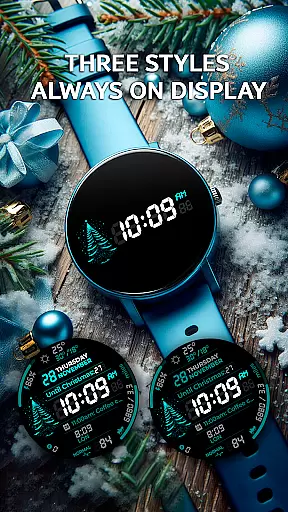
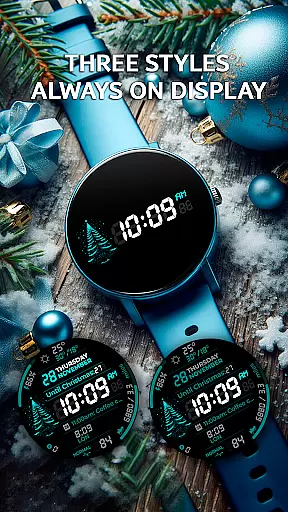
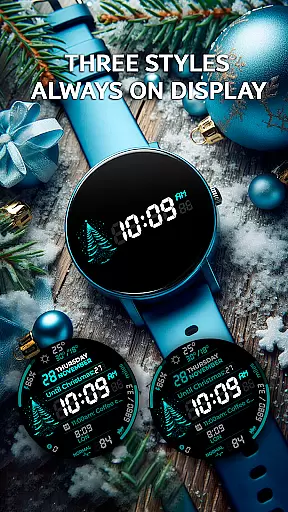
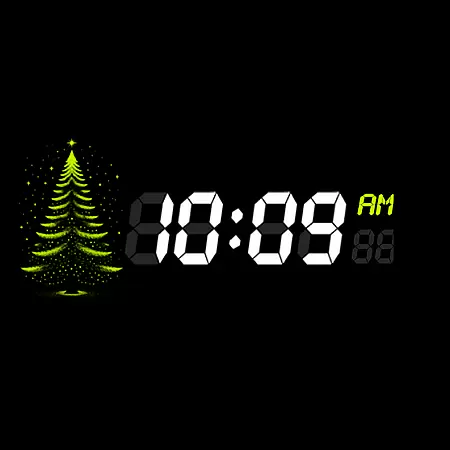
Advanced features include three Always-On Display (AOD) styles, weekly and yearly tracking, and full calendar event display with names and times. The weather function shows maximum and minimum temperatures, helping users stay prepared. Unique holiday features like snowflake animation and countdown timers for Christmas and New Year make this watch face particularly appealing during the festive season.
The watch face also displays unread notifications and offers distance measurement in miles or kilometers. Its compatibility with Wear OS 5.0+ devices and support for round watches (not suitable for rectangular ones) ensures optimal performance across various smartwatch models. These comprehensive features make Chester Digital: Christmas a perfect blend of style, functionality, and holiday spirit.
Companion app integration is essential for a seamless wearable experience. Chester Digital: Christmas ensures that your watch face works in perfect harmony with its companion app on your smartphone. This integration allows users to easily customize settings, manage notifications, and access advanced features directly from their mobile device.
The app provides a user-friendly interface where you can adjust all the available customization options. With 30 color schemes, background colors, and other personalization features, the companion app makes it simple to tailor the watch face to your preferences. You can also set up app shortcuts and complication zones through the companion app, ensuring quick access to your most-used functions.
This level of integration enhances the overall utility of the watch face by enabling features like full calendar reminders and weather updates. Users can see event names and times directly on their watch face and stay informed about maximum and minimum temperatures throughout the day.
By offering a comprehensive and intuitive companion app, Chester Digital: Christmas delivers an unmatched level of control and convenience, making it easy for users to enjoy a fully personalized and interactive Wear OS experience.
Ensuring broad device compatibility is crucial for any Wear OS application. Chester Digital: Christmas is designed to work seamlessly with all Wear OS API 30+ devices, including popular models like the Google Pixel Watch, Galaxy Watch 4/5/6/7, and Galaxy Watch Ultra. This wide compatibility ensures that users with different devices can enjoy the festive features without any issues.
The watch face takes full advantage of the capabilities offered by these advanced smartwatches. Features such as Always-On Display (AOD) styles, interactive tap zones, and weekly and yearly tracking are optimized for performance across supported devices. This optimization guarantees a smooth and responsive user experience regardless of the specific Wear OS device you own.
It's important to note that while Chester Digital: Christmas supports a wide range of devices, it is not suitable for rectangular watches. This design choice helps maintain the visual integrity and aesthetic appeal of the watch face on compatible circular devices.
With thorough testing and optimization for various devices, Chester Digital: Christmas offers reliable performance and functionality. Whether you're using a Google Pixel Watch or a Samsung Galaxy Watch model, you can expect a consistent and enjoyable holiday-themed experience right on your wrist.
Highly customizable
Festive holiday features
Weather and calendar integration
Always-On Display options
Broad device compatibility
No rectangular watch support
Limited to Wear OS
Complex for beginners
Requires API 30+
Premium features may cost extra

WTW M17 is a premium and luxurious hybrid watch face
 4.70
4.70
Sleek, highly customizable watch face inspired by Galaxy Watch Circle Dashboard.
4.5
Let's celebrate Thanksgiving - Wear Os watch face
4.20
Fitness interactive virtual pet super fighter boy watch face
4.2
Ideal for surviving in the wasteland left after nuclear fallout
4.50
The #1 source of faces for your smartwatch!
4.00
The Chevron App allows you to pay for fuel from the comfort of your car!
4.80
Funny animated watch face for Thanksgiving
4.5
Control your Samsung Smart TVs, appliances, and SmartThings-compatible devices
4.60
Gym Log & Workout Tracker | Fitness Journal, Training & Weight Lifting Planner
4.90
Your second brain for organizing your life: to-do, calendar, reminder.
4.70
Monitor health with the stress test and pulse checker in the heart rate app.
4.60
Fast and smart typing with Emojis, GIFs, and more
4.50
Beautiful artistic animated digital watch face, with a customizable layout!
4.40
Calming & relaxing sounds for sleeping and stress relief. Stay focused all day!
4.20
Embrace the festive spirit with our Christmas Countdown watchface for Wear OS
4.10
Professional weather radar and more
3.90
A full-featured Amazon Alexa voice assistant that can show you things.
3.70
A heartwarming Christmas scene featuring a cute image of Santa and Rudolf
4.5


User Reviews