
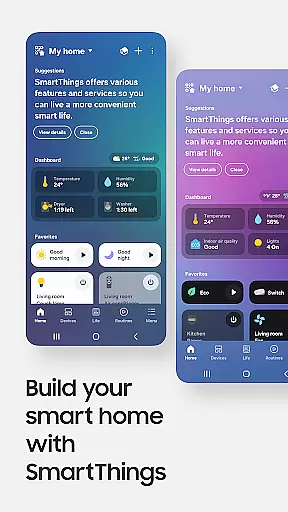
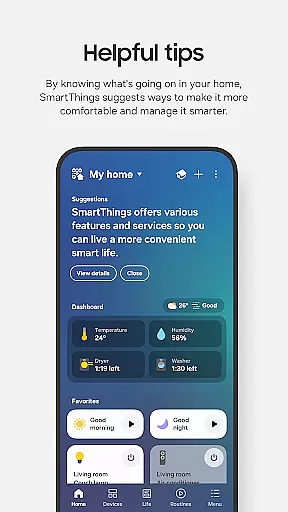
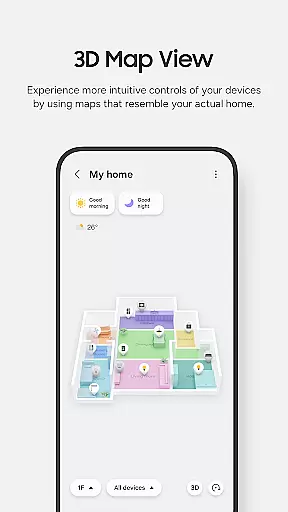
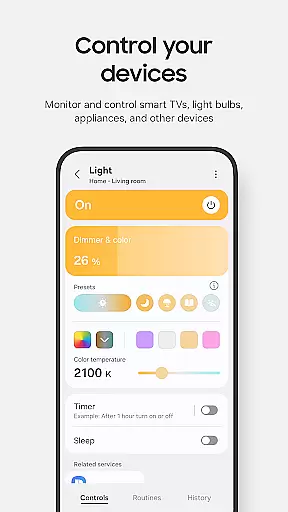
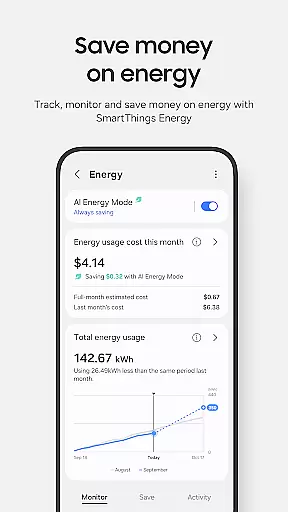
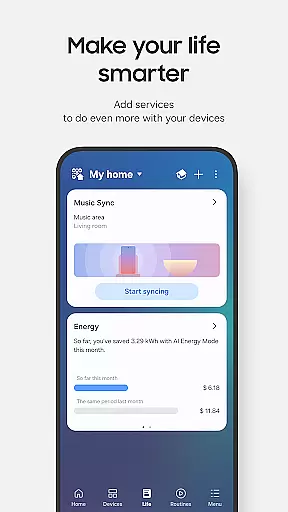
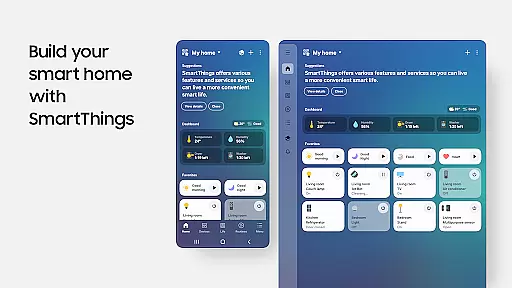
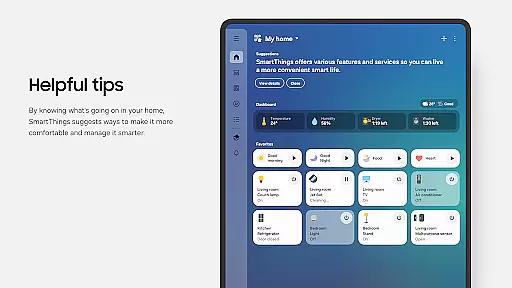
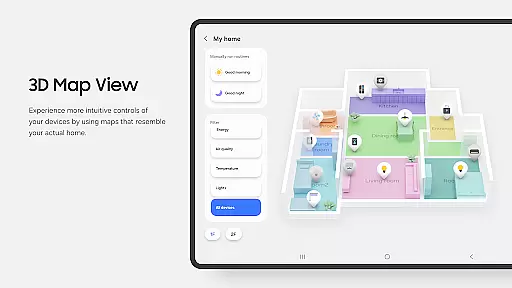
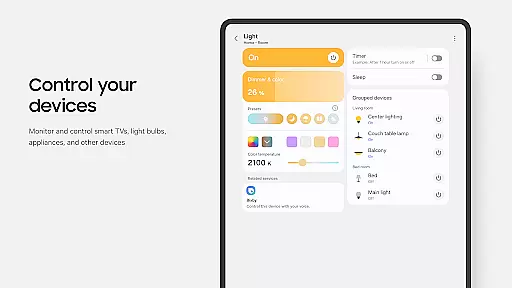
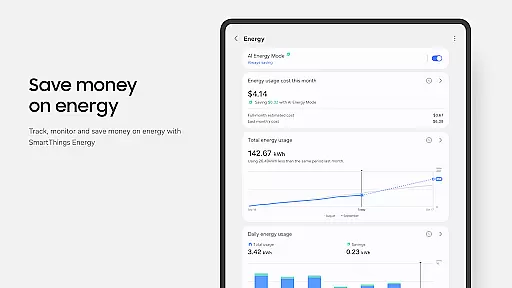
SmartThings is a comprehensive smart home management application that allows users to connect, monitor, and control multiple smart devices from various brands in one place. The app supports Samsung Smart TVs, smart appliances, and integrates with popular voice assistants like Alexa, Bixby, and Google Assistant.
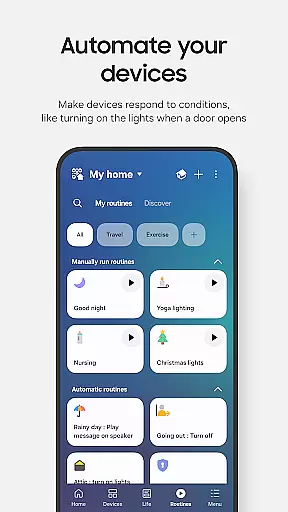
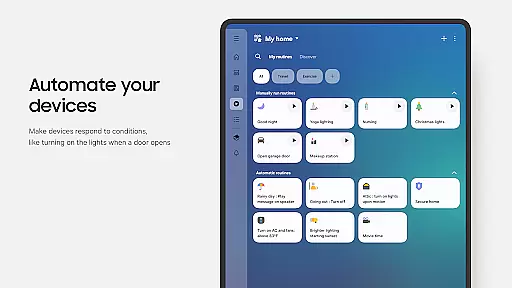
With its intuitive interface, SmartThings enables users to create automated routines based on time, weather, or device status, ensuring smooth operation of their smart home environment. The app also provides real-time notifications about device statuses and allows shared access for family members or roommates.
This versatile application is particularly useful for homeowners who want to streamline their smart home experience by consolidating all device controls into a single platform, making daily management more efficient and convenient.
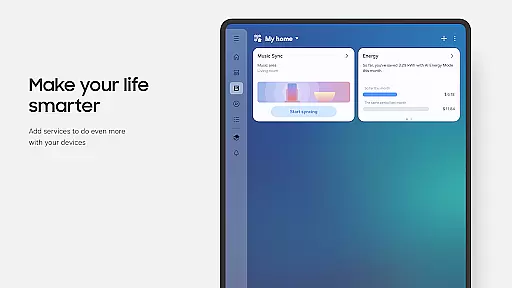
SmartThings stands out with its extensive compatibility across hundreds of smart home brands, allowing seamless integration of various smart devices. Users can control their entire smart home ecosystem, including lights, thermostats, security systems, and entertainment devices through customizable dashboards.
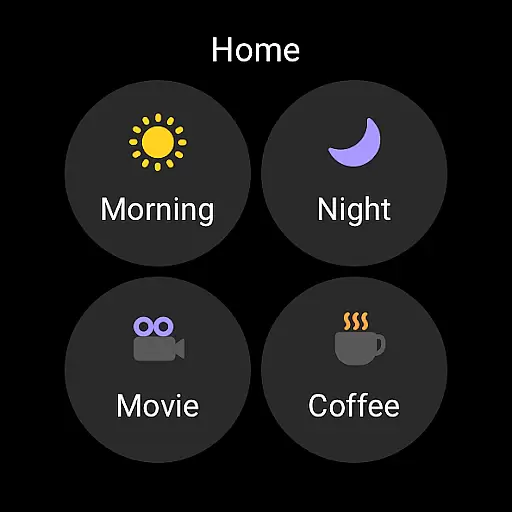
The application's advanced automation capabilities enable users to create complex routines and scenes. For instance, users can set up morning routines that automatically adjust lighting, temperature, and play music. The app's notification system keeps users informed about device activities and potential issues through automated alerts.
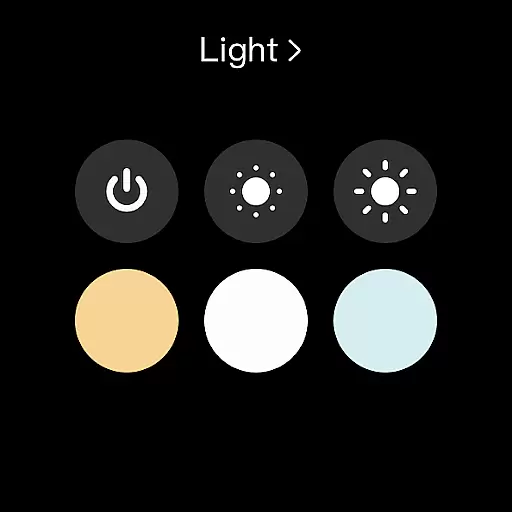
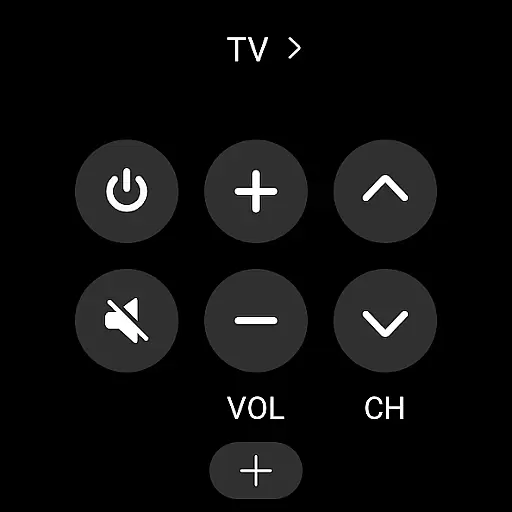
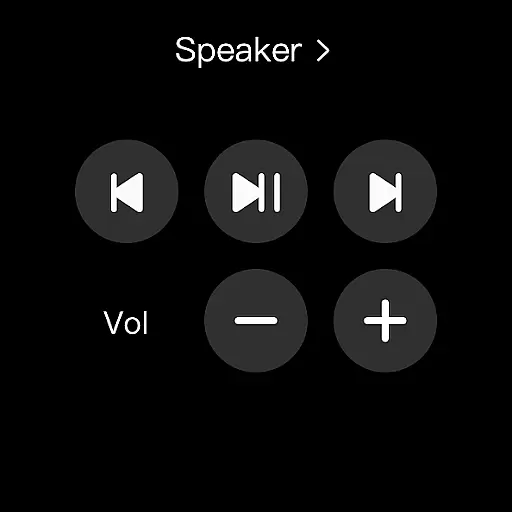
Additionally, SmartThings offers robust sharing features, allowing multiple users to access and control the smart home setup. The app's integration with Wear OS devices provides quick access to routines and device controls directly from smartwatches, enhancing accessibility and convenience.
SmartThings offers seamless companion app integration, ensuring that your smart home devices can be controlled from a single platform. This feature is crucial for users who want to manage multiple smart devices without switching between different apps.
The app allows you to connect and control Samsung smart TVs, smart appliances, smart speakers, and other brands like Ring, Nest, and Philips Hue. By integrating all these devices into one app, SmartThings simplifies the user experience, making it easier to monitor and manage your smart home environment efficiently.
Additionally, SmartThings supports voice assistants such as Alexa, Bixby, and Google Assistant, enhancing the control options available to users. This integration ensures that whether you are at home or away, you can easily interact with your smart devices using voice commands, thus providing convenience and flexibility in managing your smart home ecosystem.
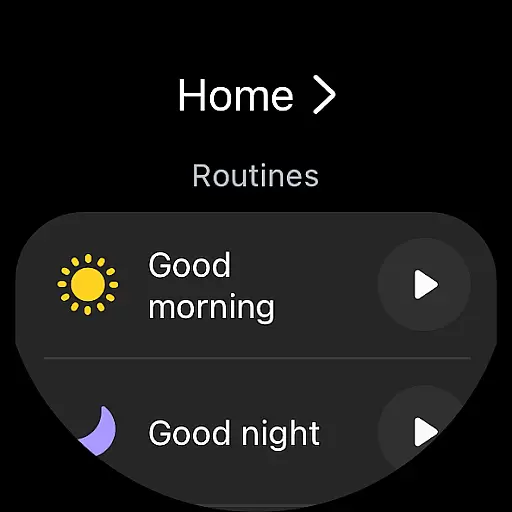
SmartThings provides excellent compatibility with Wear OS-based watches, allowing users to access and control their smart home devices directly from their wearable devices. This compatibility is essential for those who prefer having quick access to their smart home controls on the go.
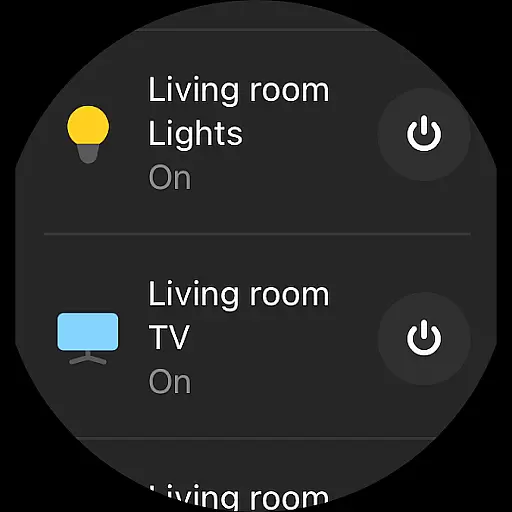
When connected to a mobile phone, SmartThings for Wear OS enables users to run routines and control devices by adding SmartThings tiles on their watch. This feature offers a streamlined experience, ensuring that users can manage their smart home devices without needing to take out their smartphones.
Furthermore, SmartThings complications are provided, allowing direct access to the app's services right from the watch face. This functionality enhances user convenience by offering instant access to critical smart home controls, ensuring that users can maintain their home's efficiency and security even when they are not near their phones.
User-friendly interface
Wide device compatibility
Advanced automation options
Voice assistant integration
Real-time notifications
Limited third-party phone support
Feature restrictions by region
Occasional connectivity issues
Complex setup for beginners
Battery consumption concerns

Walking app for weight loss: walk & step tracker, pedometer, indoor treadmill
 4.60
4.60
Highly customizable hybrid watch face for Wear OS, perfect for everyday use.
4.60
Easy Voice Recorder is your everyday companion to record important moments.
4.70
Minimalistic design modern digital watch face.
4.1
A digital watch face that celebrates Christmas.
4.00
Viewer for Wyze/Yi/Eufy/Arlo/ONVIF/RTSP/P2P IP cams w/ adv. features & DIY DVR
4.00
Hybrid watch face for Wear OS with customizable complications by Matteo Dini MD
4.70
A white realistic classic analog watch face with many customization options.
4.40
Simple, helpful messaging by Google
4.60
Period, ovulation & pregnancy tracker. Fertility insights & menstrual calendar.
4.90
Gym & home workout plans with strength training, exercise tracking, HIIT & more.
4.60
MyNISSAN® lets you remotely control your car from your phone.*
4.50
Digital watch face with big numbers and many customization for Wear OS devices
4.40
Your music, your playlists, and more—offline and unlimited.
4.20
Hyper-Realistic Airplane Dashboard Watch Face With 10 Skins and Custom AOD
4.00
Get helpful reminders, take progress photos and find answers to your questions.
3.90
Professional weather radar and more
3.90
an Analog Watch Face for winter season with freeze winter background for Wear OS
4.4
Sleek, highly customizable watch face inspired by Galaxy Watch Circle Dashboard.
4.2


User Reviews