
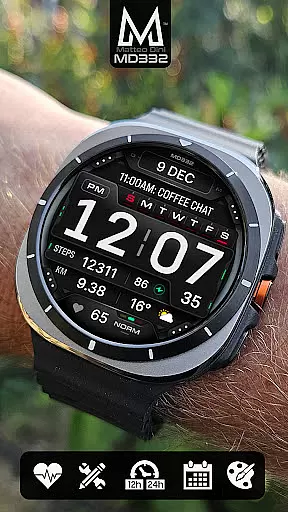
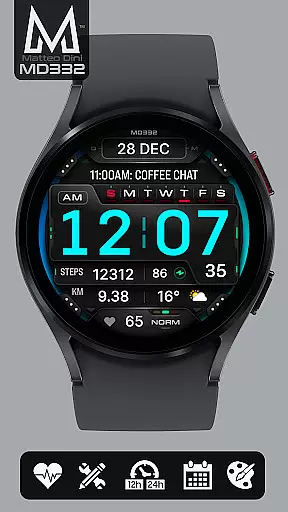
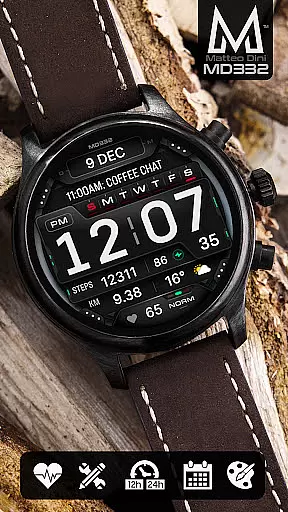
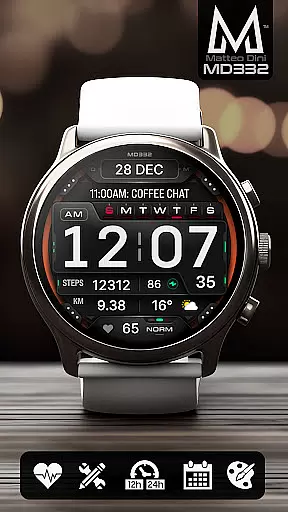
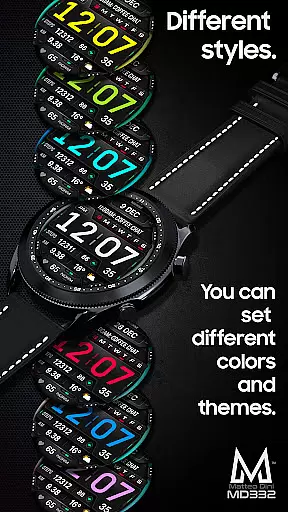
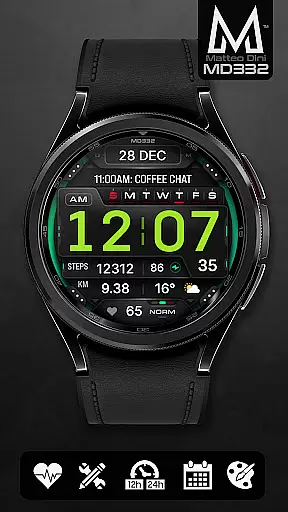
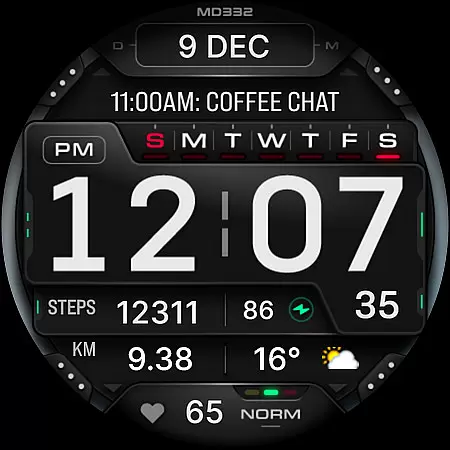
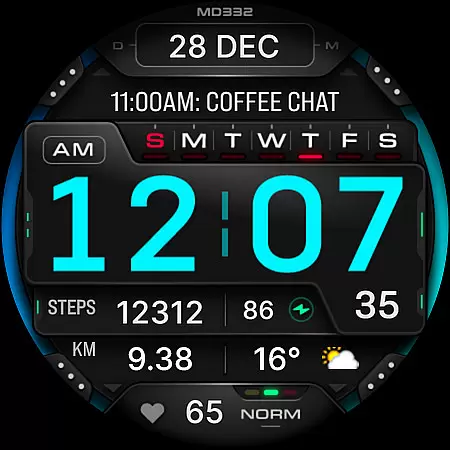
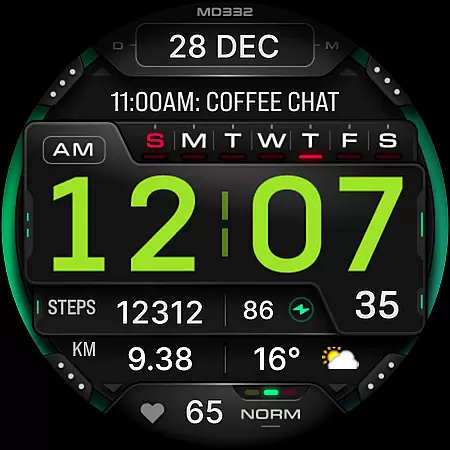
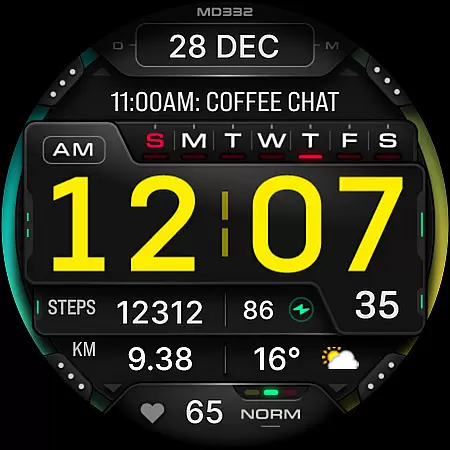
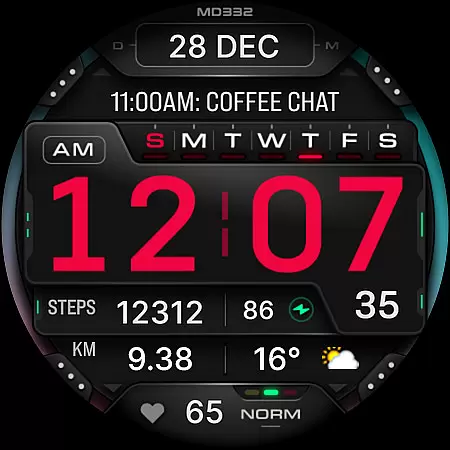
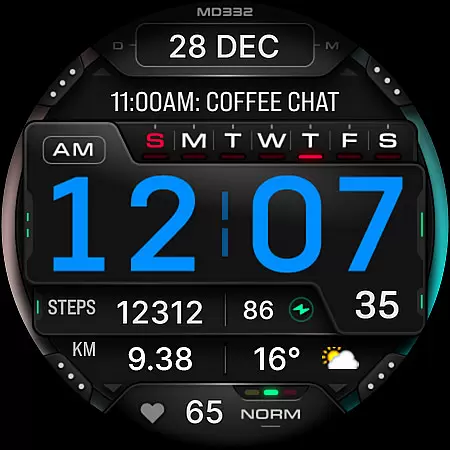
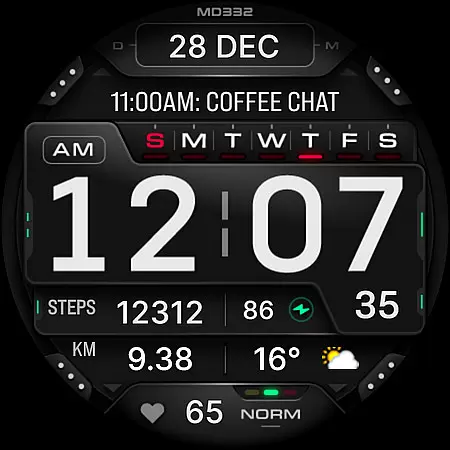
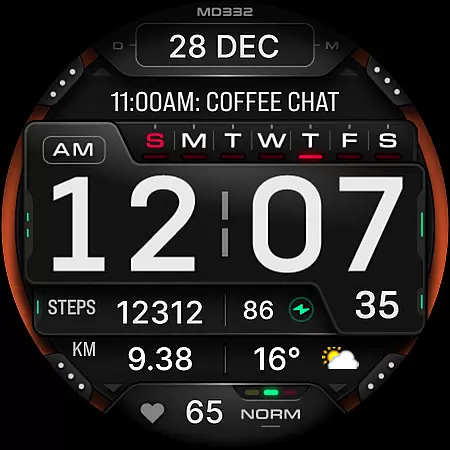
MD332 Digital watch face offers a feature-rich customization experience for Wear OS users. This advanced watch face supports devices with API Level 33+ including Samsung Galaxy Watch 4-8, Ultra, and Pixel Watch models.
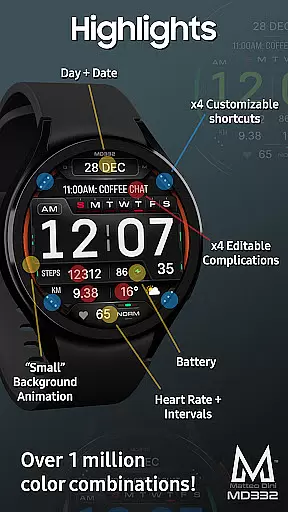
The design includes 3 preset app shortcuts, 4 customizable shortcuts, and 4 complications that display various data types like weather, barometer readings, and health metrics. Users can personalize colors, choose between 12/24-hour formats, and access essential features such as heart rate monitoring and calendar integration.
While the Samsung Wearable app's editor may struggle with loading complex designs, direct on-watch customization provides a reliable alternative. The watch face also features both minimal and full Always-On Display modes, making it versatile for different usage scenarios and preferences.
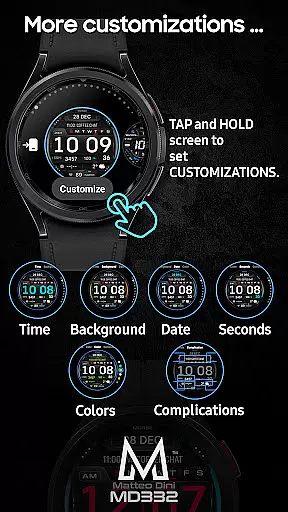
This digital watch face stands out with its extensive customization options. Users can modify time, date, seconds, background, and general color schemes to match their personal style. The inclusion of big numbers and multiple display formats enhances readability in various conditions.
Functionality is at the core of MD332, featuring 3 preset app shortcuts for Calendar, Battery, and Heart Rate measurement. Additionally, 4 customizable shortcuts and complications allow users to track preferred metrics such as calories burned, distance walked, and UV index.
The watch face automatically adjusts to the phone's 12/24-hour setting and displays essential information including date, day, battery level, and heart rate intervals. Its compatibility with Wear OS 4 and later versions ensures modern device support and optimal performance.
For the MD332 Digital watch face, seamless companion app integration is crucial for an optimal user experience. This feature ensures that data flows smoothly between your smartphone and the watch face.
The Samsung Wearable app allows users to customize their watch face directly on their device. However, due to potential loading issues with complex designs, it's recommended to personalize the watch face directly on the Galaxy Watch until Samsung resolves this concern.
By tapping and holding the screen on the watch, users can access customization options. This direct interaction eliminates the need for third-party apps and enhances the overall user experience.
With companion app integration, users can synchronize settings such as time format, date, day, battery status, heart rate intervals, and more. This synchronization ensures that all information displayed on the watch face is accurate and up-to-date.
The MD332 Digital watch face is designed to be compatible with a wide range of Wear OS devices. It supports all Wear OS devices with API Level 33+ (Wear OS 4 and later versions).
This compatibility includes popular models like the Samsung Galaxy Watch series (4-8, Ultra) and Pixel Watch. Users can enjoy a consistent experience across different devices without worrying about functionality issues.
Device compatibility extends to various features within the watch face itself. These include 12/24hr time display based on phone settings, date and day indicators, battery status, heart rate monitoring, and customizable shortcuts and complications.
Some advanced features may not be available on certain watches due to hardware limitations. Nevertheless, the core functionalities remain accessible, ensuring a versatile and reliable performance on supported devices.
Highly customizable
Wide device support
Feature-rich complications
Multiple shortcut options
Versatile color settings
Complex setup process
Limited editor support
External complication dependency
Feature availability varies
Advanced device requirement

Wear Os Watch Face - Animated Snow Effect & Christmas Lights
 4.4
4.4
Christmas and New Year - Themed Watchface
4.3
an Analog Watch Face for winter season with freeze winter background for Wear OS
4.4
Beautiful artistic animated digital watch face, with a customizable layout!
4.40
Ideal for surviving in the wasteland left after nuclear fallout
4.50
Nutrition, Macro tracker: Food, fitness & healthy diet tracking for weight loss
4.60
Reliable phone calls with spam protection, caller ID and more helpful features
4.40
Funny animated watch face for Thanksgiving
4.1
Track your active life in one place and share the journey with friends.
4.40
Beautiful, colorful and practical watch face. For Wear OS devices.
5.00
Period, ovulation & pregnancy tracker. Fertility insights & menstrual calendar.
4.90
Monitor health with the stress test and pulse checker in the heart rate app.
4.60
Calming & relaxing sounds for sleeping and stress relief. Stay focused all day!
4.20
Elegant animated Christmas tree with multiple customization options
4.20
Watch face for Wear OS.
4.20
Daily Weather forecast with 15 weather images for Day & Night plus Big Bold time
4.10
Viewer for Wyze/Yi/Eufy/Arlo/ONVIF/RTSP/P2P IP cams w/ adv. features & DIY DVR
4.00
Want to take charge of your health? Let Google Fit help you reach your goals.
3.50
Artistic Digital Watchface
4.1


User Reviews