
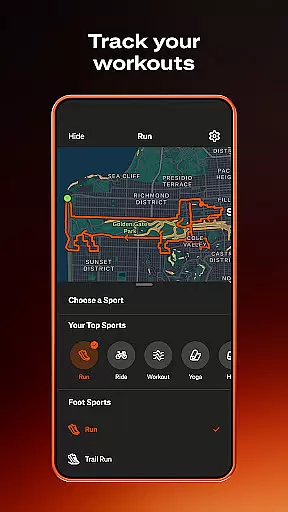
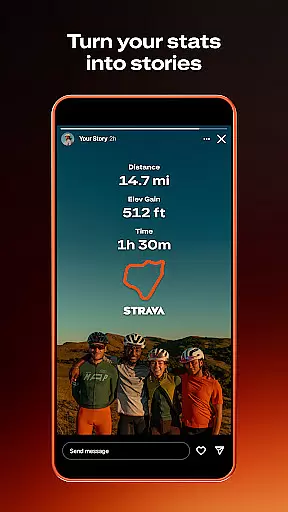
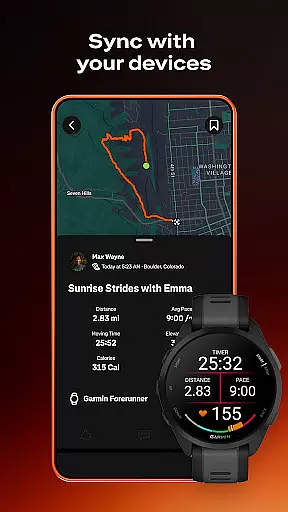
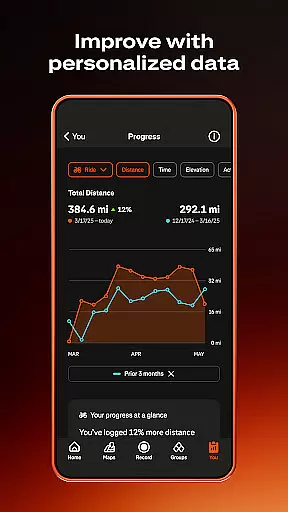
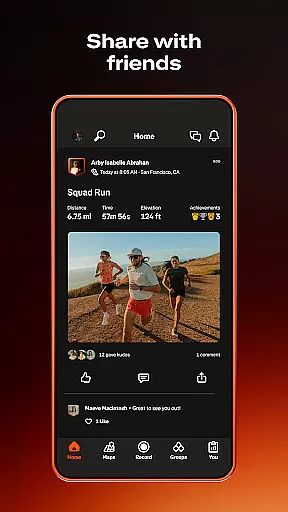
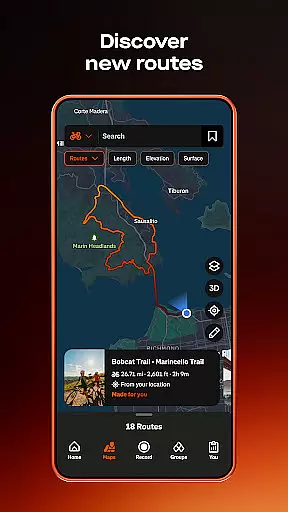
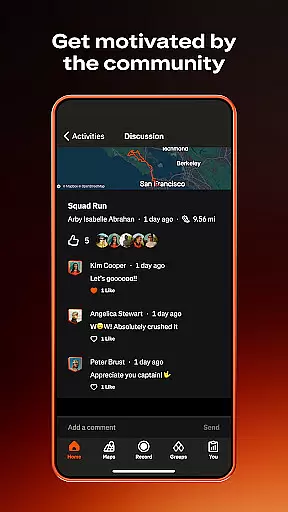
Strava is the ultimate fitness tracking app that combines community building with performance analytics, designed specifically for athletes and fitness enthusiasts. With over 180 million active users, Strava supports a wide range of activities including running, cycling, hiking, yoga, and more, making it versatile for all types of workouts. The app syncs seamlessly with thousands of devices such as Apple Watch, Garmin, Fitbit, and Peloton, offering users comprehensive data insights to track their progress over time.
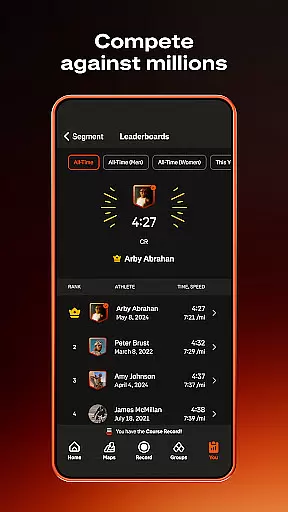
One standout feature is the ability to compete on segments, allowing users to race against others and climb leaderboards. Additionally, Strava fosters real-life connections through its Clubs feature and monthly challenges, helping users stay motivated by celebrating every achievement within their network. Whether you're a world-class athlete or just starting your fitness journey, Strava provides the tools and community support needed to achieve personal goals while ensuring safety and privacy during workouts.
Strava offers an extensive set of features tailored to enhance the fitness experience for its users. The app allows recording of over 40 different sport types, providing detailed activity tracking for running, cycling, walking, and more. By connecting with popular devices like Apple Watch, Garmin, Fitbit, and Peloton, Strava ensures accurate data collection and analysis, empowering users to understand their performance trends better.
Beyond basic tracking, Strava includes advanced functionalities such as segment competitions where users can vie for top positions on leaderboards, showcasing their competitive edge. Subscribers gain access to intelligent route recommendations, live segment updates, AI-driven insights, and custom goal setting, which collectively offer deeper engagement with one's fitness regimen. Furthermore, features like Beacon enhance user safety by sharing real-time location with loved ones, while customizable privacy settings ensure control over personal data visibility.
Companion app integration is essential for users who want a seamless experience between their mobile devices and wearables. Strava excels in this area by offering robust connectivity options.
The app supports synchronization with thousands of devices, including popular ones like Apple Watch, Garmin, Fitbit, and Peloton. This ensures that no matter what device you use, your activities are accurately recorded and reflected within the Strava ecosystem.
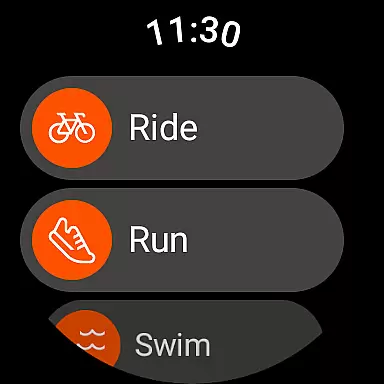
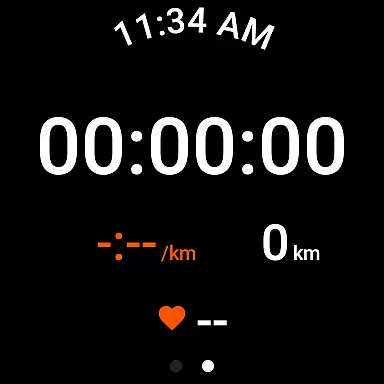
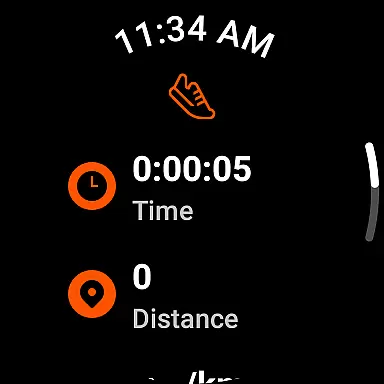
For Android Wear users, Strava provides a dedicated Wear OS app. This includes a tile and a complication that allows users to quickly launch activities directly from their smartwatch interface. Such features enhance user convenience and ensure that data flows smoothly between devices.
By integrating with various devices and offering specific functionalities for Wear OS, Strava ensures that users can maintain a consistent and comprehensive fitness tracking experience across all their gadgets.
Device compatibility is crucial for ensuring that an application performs optimally on a wide range of devices. Strava offers extensive support for Wear OS and other devices, making it versatile and accessible.
Strava's compatibility extends to numerous devices such as Apple Watch, Garmin, Fitbit, and Peloton. This broad support means users can choose their preferred hardware while still benefiting from Stravau2019s advanced tracking capabilities.
However, it's important to note that GPS functionality is critical for activity recording. Some devices may experience issues with GPS accuracy, impacting Stravau2019s performance. Ensuring your device has the latest operating system updates can mitigate these problems.
Despite some limitations with certain models, Strava remains committed to providing reliable service across a wide array of devices, enhancing its appeal to diverse users seeking comprehensive fitness solutions.
User-friendly interface
Comprehensive activity tracking
Vibrant community support
Advanced performance analytics
Flexible privacy controls
Premium subscription required
Limited free features
Occasional GPS issues
Device compatibility concerns
High battery consumption

Calming & relaxing sounds for sleeping and stress relief. Stay focused all day!
 4.20
4.20
Wear Os Watch Face - Animated Snow - Sesonal for Christmas & Winter
4.1
Rose gold watch face with festive lights & customizable features.
4.60
A Wintery Snow Globe on Your Wrist; now celebrating Christmas!
4.1
Structured watch face with seven complications and modular UI elements
3.90
sleep, alarm, snoring, stress, healing, focus, sound therapy, circadian rhythm
4.10
Hybrid watch face for Wear OS with customizable complications by Matteo Dini MD
4.70
Daily Weather forecast with 15 weather images for Day & Night plus Big Bold time
4.10
Simple, helpful messaging by Google
4.60
Hyperlocal rain alerts by MyRadar using patent-pending technology, radar & more
4.80
Retro digital watch face with customizable colors and a unique lighting effect
4.60
Reliable phone calls with spam protection, caller ID and more helpful features
4.40
The ultimate destination for kids ages 3-8 to explore the Marvel Universe!
4.30
Watch face for Wear OS.
4.20
Watch the sharpness of the sky on your wrist..
3.70
Watch face designed for Thanksgiving Day. 7 Background Styles included.
3.20
Wear Os Watch Face - Animated Snow Effect & Christmas Lights
4.2
Precision analog watch face with 7 complications and style options
4.5
Stylish digital watch face for Wear OS devices with customizable features
4.4


User Reviews