
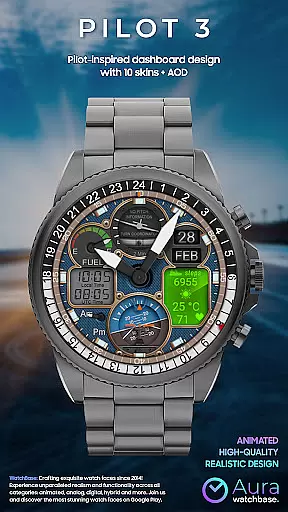
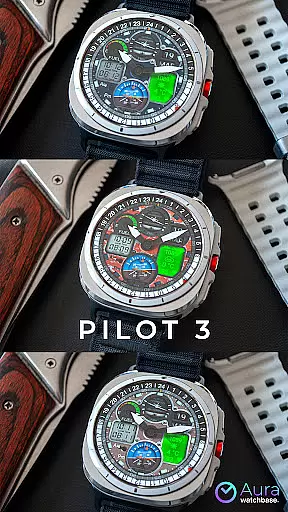
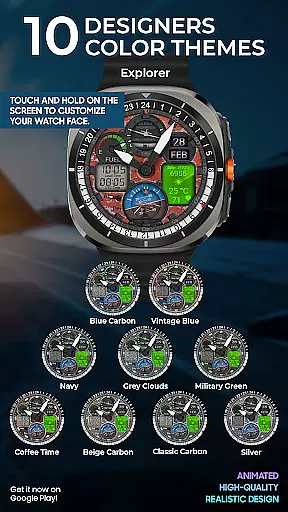
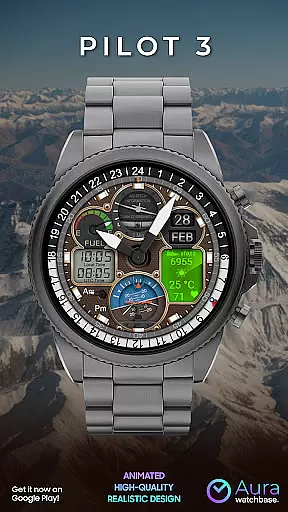
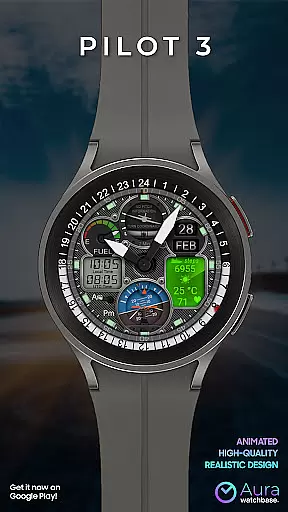
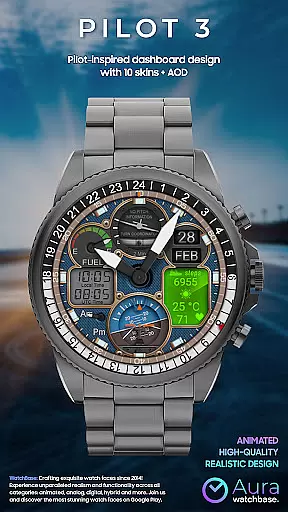
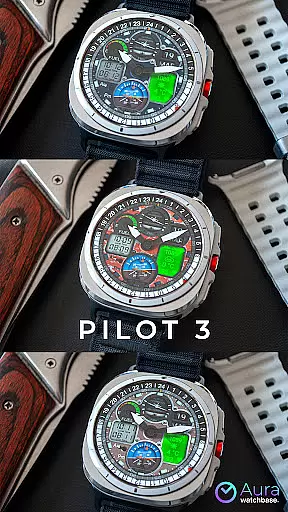
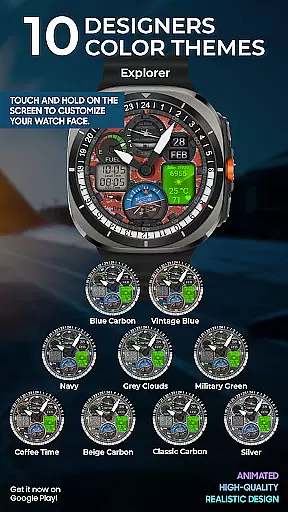
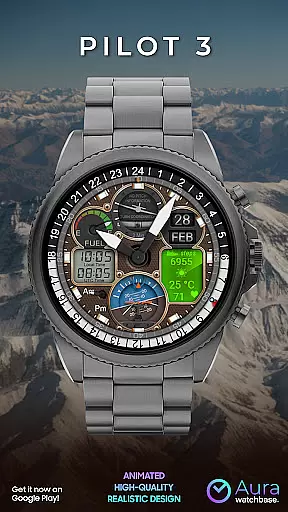
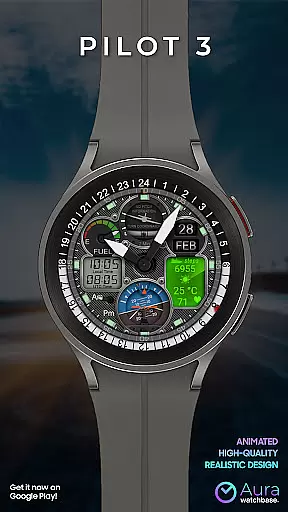
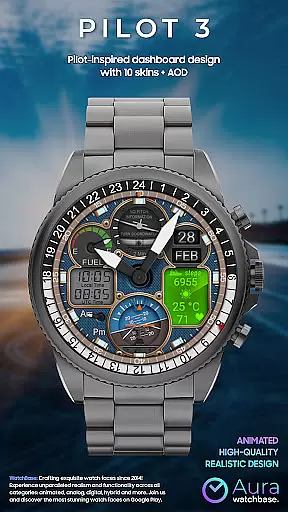
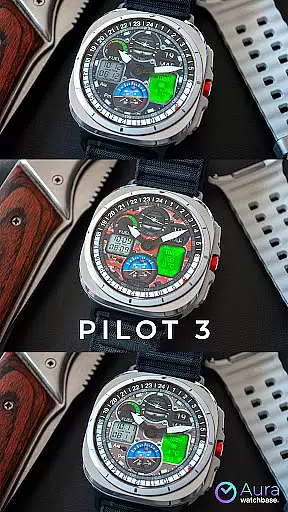
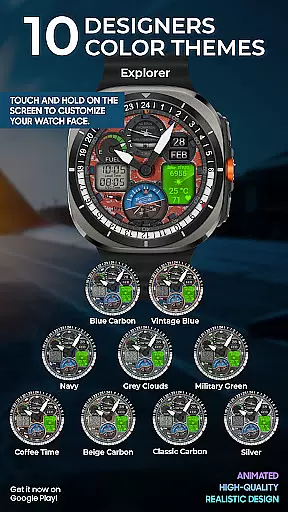
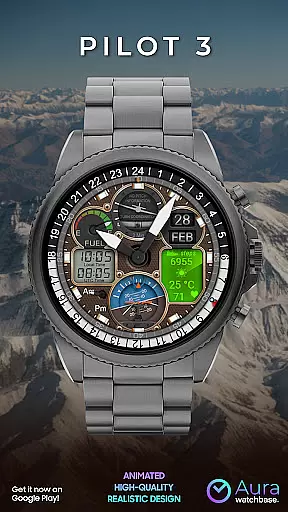
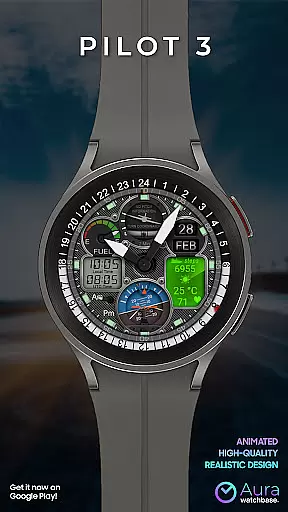
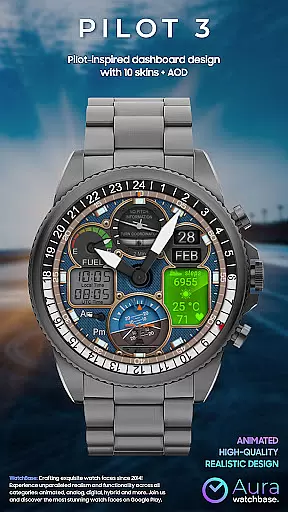
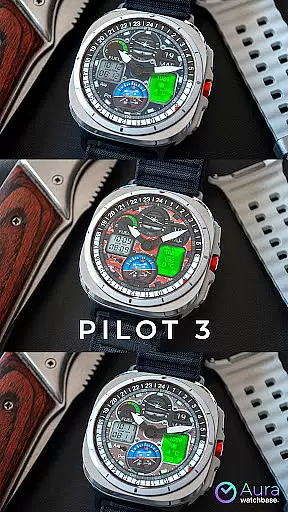
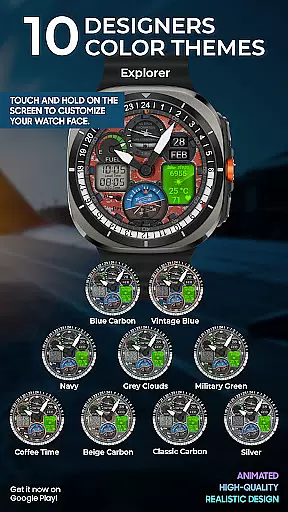
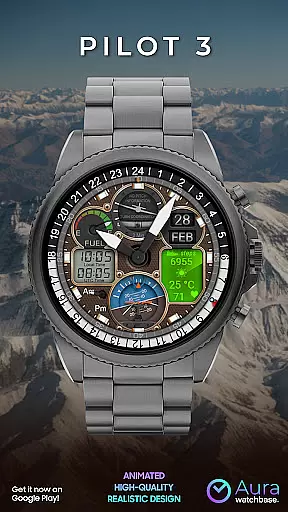
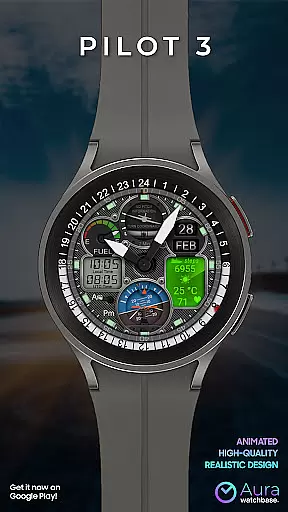
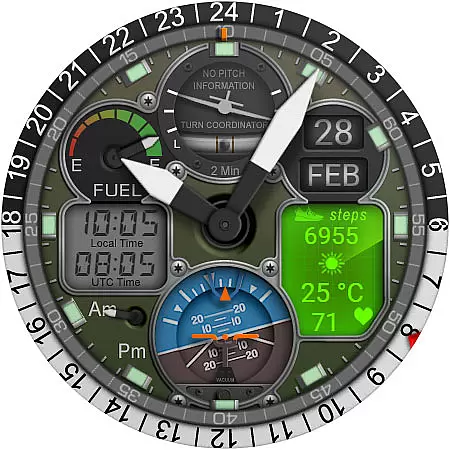
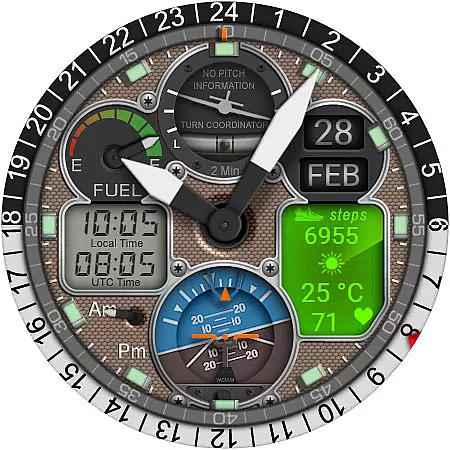
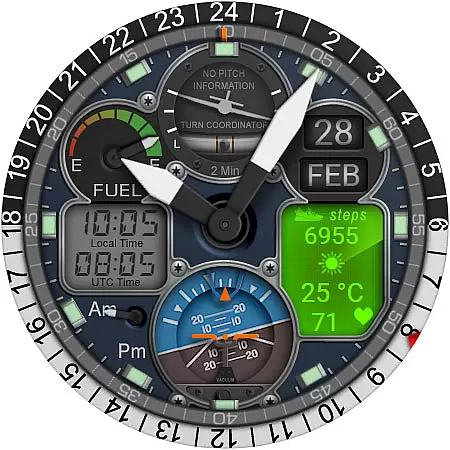
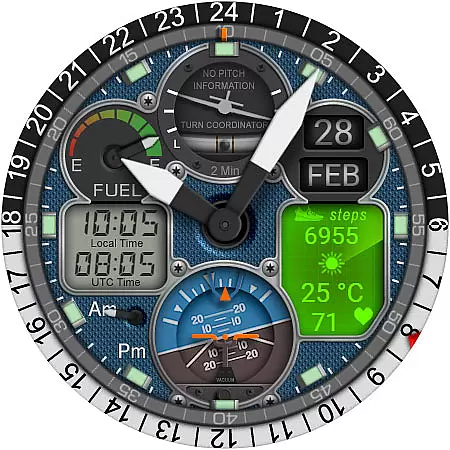
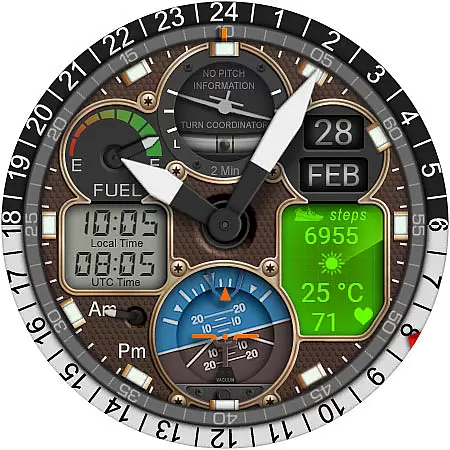
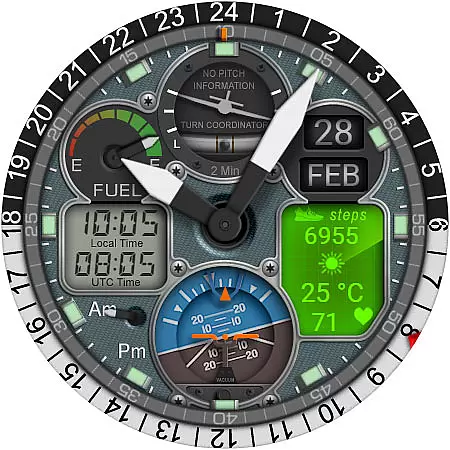
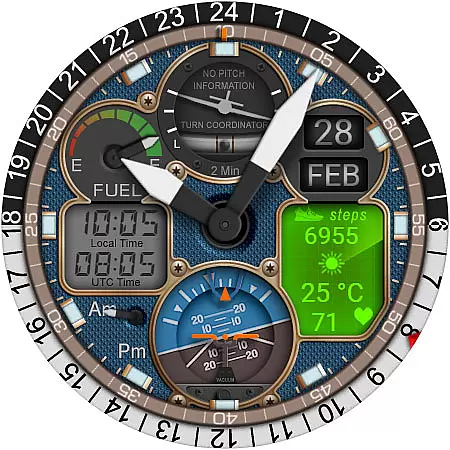
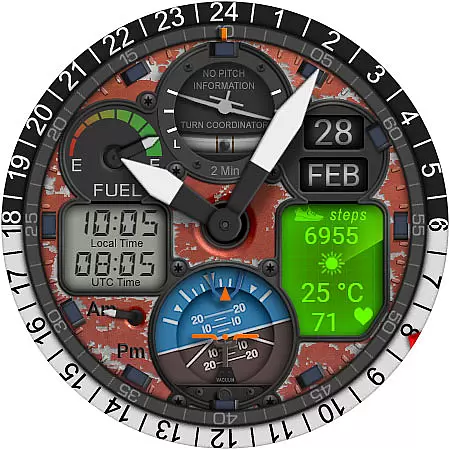
WB PILOT 3 Animated Watch Face brings the thrill of aviation to your Wear OS smartwatch. Designed for devices running Wear OS 5 and higher, this hybrid watch face combines stunning graphics with functional features. With 10 unique skins and animated elements like the Turn Coordinator and Altitude Indicator, it offers an immersive cockpit experience on your wrist.
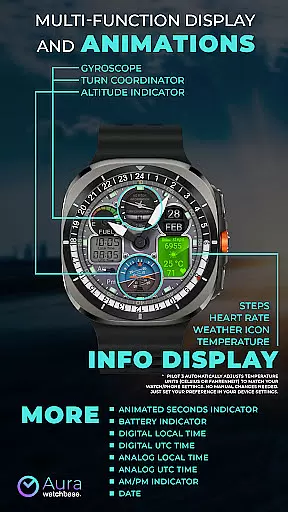
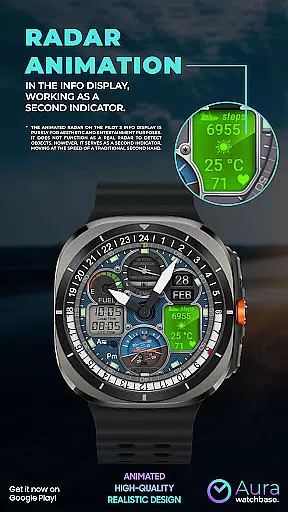
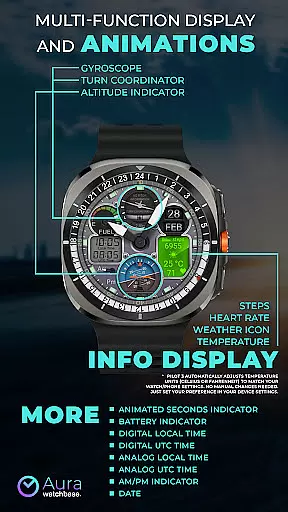
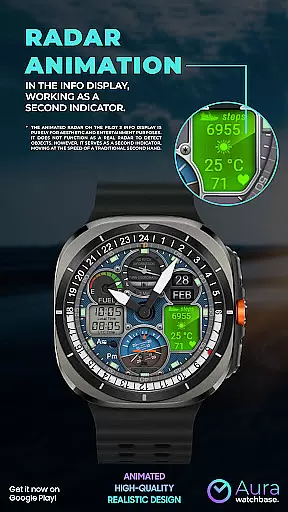
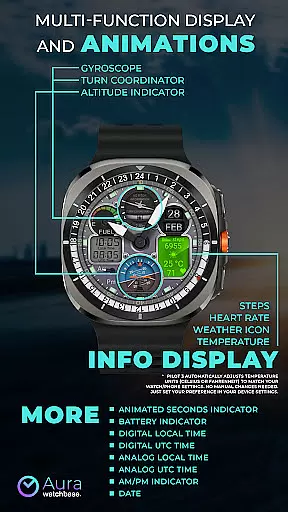
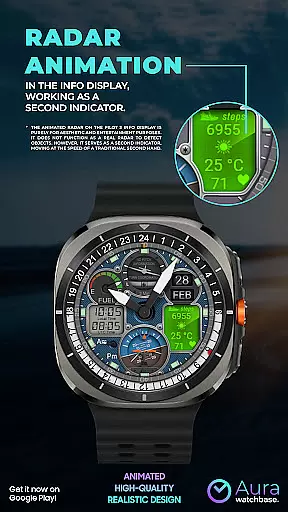
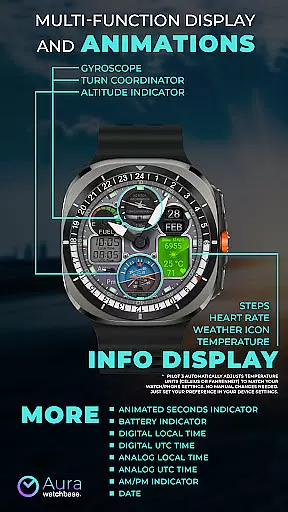
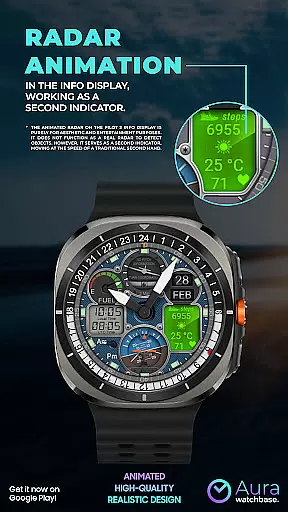
The watch face provides both digital and analog time displays, including local and UTC time options. It also features practical indicators such as battery level, date, steps, heart rate, and weather information. The animated radar serves as a second hand while maintaining an aviation theme. Users can customize their experience through simple settings, ensuring both aesthetics and usability are optimized.
WB PILOT 3 stands out with its rich feature set tailored for aviation enthusiasts. The watch face includes 10 customizable skins, each offering a unique aesthetic while maintaining the aviation theme. Key animated elements include the Turn Coordinator, Altitude Indicator, and Gyroscope, providing dynamic visuals that mimic real cockpit instruments.
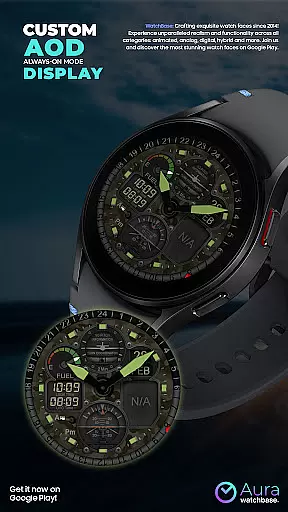
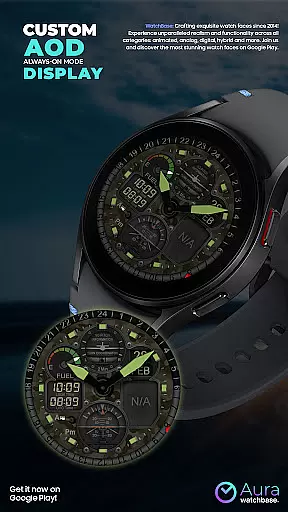
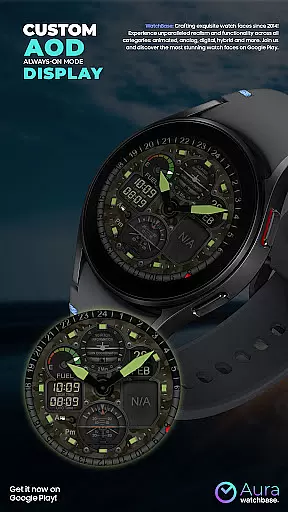
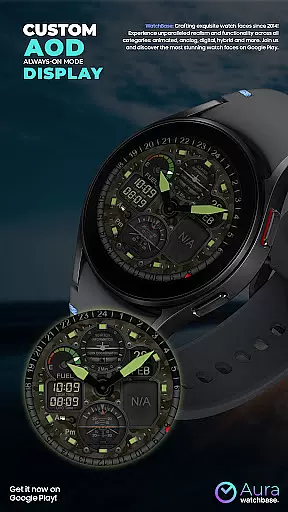
Functionality is not compromised, with dual time zones displayed in both digital and analog formats, AM/PM indicators, and an always-on-display (AOD) option. Practical features such as heart rate monitoring, step counting, and weather updates ensure the watch face is not only visually appealing but also highly useful in everyday scenarios. The automatic adjustment of temperature units based on device settings adds convenience for global users.
Companion app integration is crucial for a seamless smartwatch experience. WB PILOT 3 Animated Watch Face utilizes a dedicated mobile application to simplify the installation and customization process. This ensures that users can easily access and implement the watch face features without hassle.
The companion app serves as a bridge between your smartphone and Wear OS device. After purchasing the watch face, users can initiate installation directly from their phone. The app guides you through the necessary steps, ensuring that the watch face is correctly installed and functional on your wearable device.
This integration provides real-time synchronization of settings and preferences. Whether it's adjusting temperature units or customizing display elements, changes made via the companion app are immediately reflected on the watch face. This cohesive connection enhances user control and personalization options.
Moreover, the companion app helps resolve common synchronization issues. If users encounter problems with purchase verification or installation errors, the app facilitates troubleshooting. By maintaining this direct link between devices, WB PILOT 3 ensures a reliable and user-friendly experience across platforms.
Device compatibility is fundamental for optimal performance of any Wear OS application. WB PILOT 3 Animated Watch Face is specifically designed to work with devices running Wear OS 5 and higher. This targeted compatibility ensures that all features, including advanced animations and hybrid time displays, function as intended.
The watch face takes full advantage of Wear OS capabilities to deliver an immersive cockpit experience. From animated elements like the Turn Coordinator and Altitude Indicator to digital/analog time displays, each feature is optimized for compatible devices. This guarantees smooth performance and visual fidelity across supported smartwatches.
Compatibility extends beyond basic functionality to include system-level integrations. Features such as battery indicators, heart rate monitoring, and weather information rely on seamless communication between the watch face and device sensors. By aligning with Wear OS standards, WB PILOT 3 maintains consistent performance across different hardware configurations.
Users benefit from clear compatibility guidelines and installation instructions. The documentation specifies system requirements and provides detailed setup procedures. This transparency helps prevent common installation issues while ensuring that users can fully utilize the watch face's capabilities on their compatible Wear OS devices.
Stunning aviation-themed design
Highly customizable with 10 skins
Animated cockpit elements
Dual time zone support
Practical health and weather info
Limited to Wear OS 5+
Non-functional radar
Installation can be tricky
Companion app required
Premium price point

Current temperature, weather hourly, weather radar by the weather forecast app
 4.40
4.40
Digital watch face. For Wear OS devices.
4.40
Period, ovulation & pregnancy tracker. Fertility insights & menstrual calendar.
4.90
Real-time weather radar with temperatures, warnings, hurricanes, and widgets
4.80
Bold weather Digital watchface with forecast & optional animated background
4.40
Minimalistic design modern digital watch face.
4.0
Hybrid watch face for Wear OS with customizable complications by Matteo Dini MD
4.70
A realistic hybrid watch face with many customization options.
4.60
Track your active life in one place and share the journey with friends.
4.40
WTW M17 is a premium and luxurious hybrid watch face
4.70
Walking app for weight loss: walk & step tracker, pedometer, indoor treadmill
4.60
Rose gold watch face with festive lights & customizable features.
4.60
Gym & home workout plans with strength training, exercise tracking, HIIT & more.
4.60
To-Do List: daily schedule planner, task organizer, to do reminder app, calendar
4.60
Watch face for Wear OS.
4.20
Get helpful reminders, take progress photos and find answers to your questions.
3.90
Stay in touch with your friends and family using LINE!
3.40
Stylish digital watch face for Wear OS devices with customizable features
4.3
Hybrid Vibrant Health Watch Face for Wear OS
4.3


User Reviews