
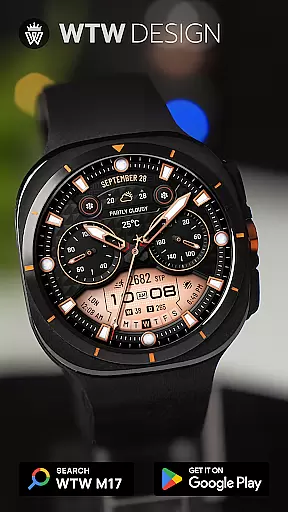
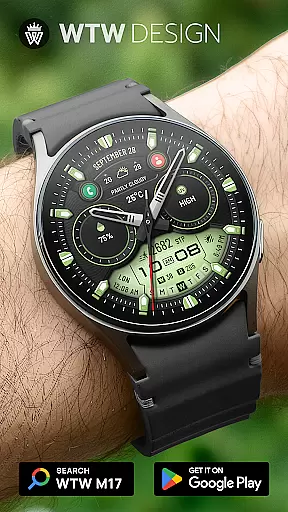
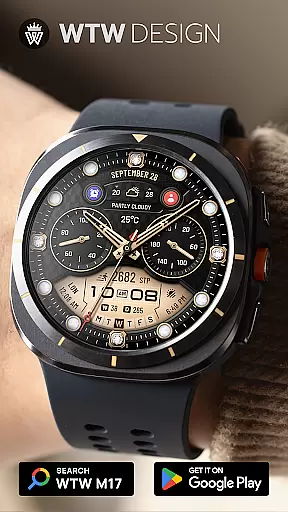
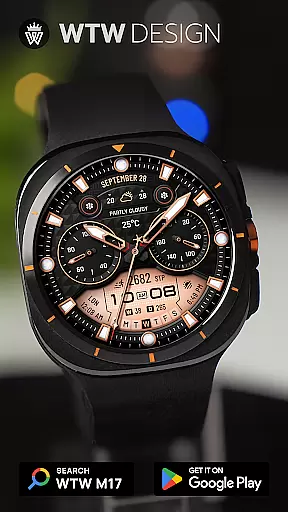
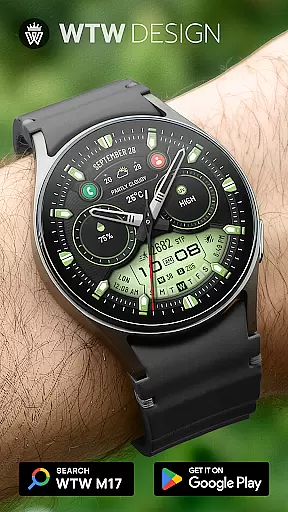
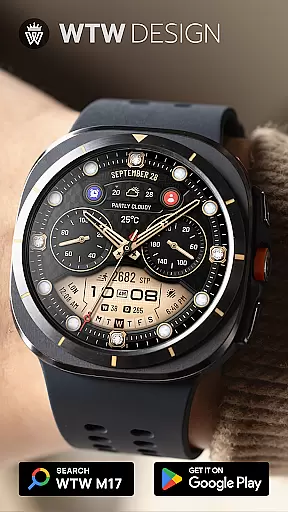
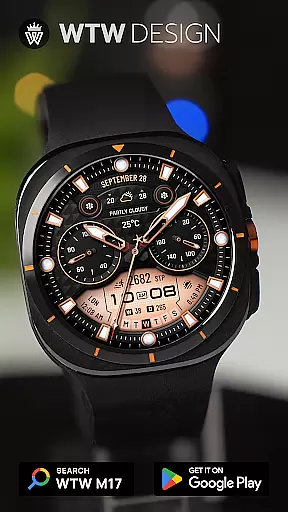
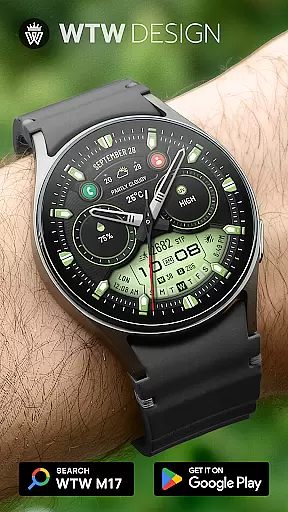
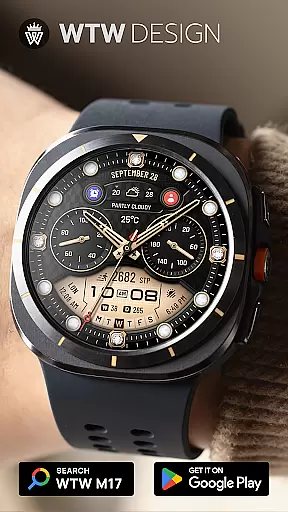
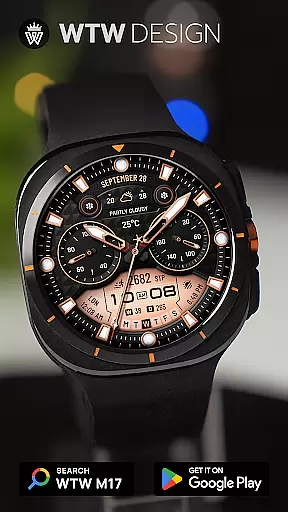
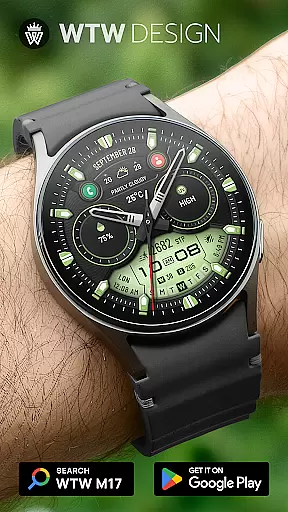
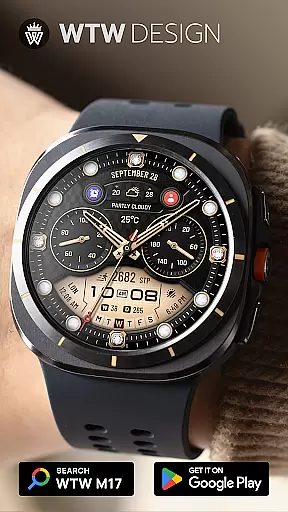
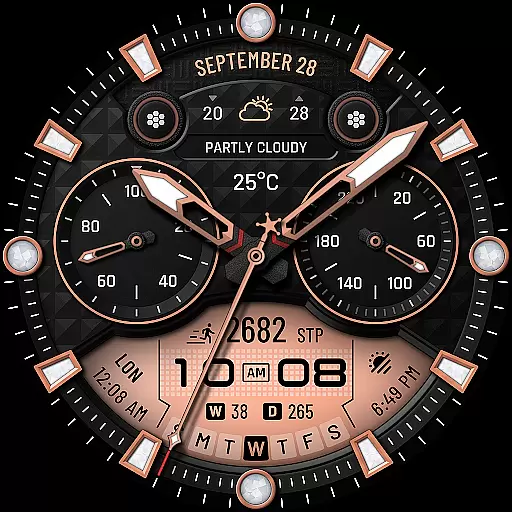
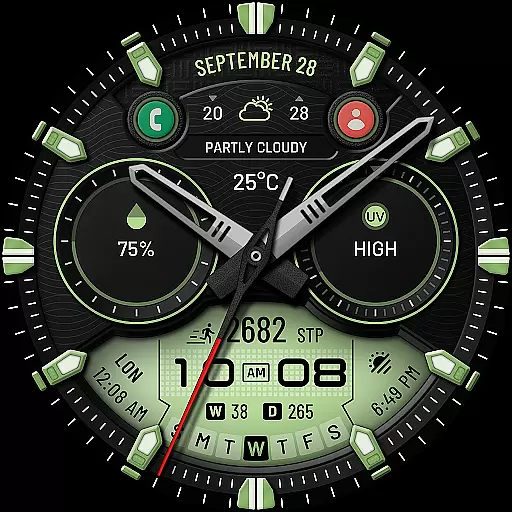
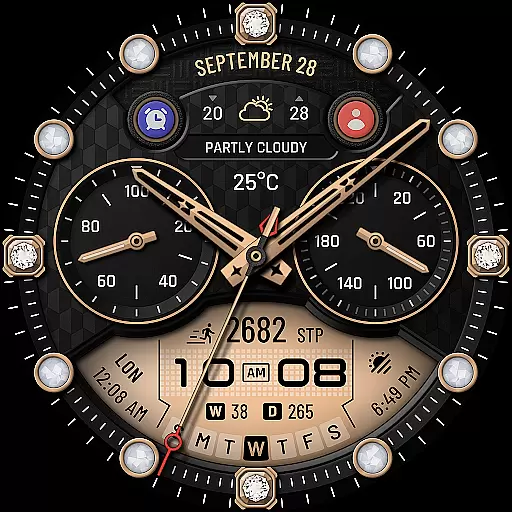
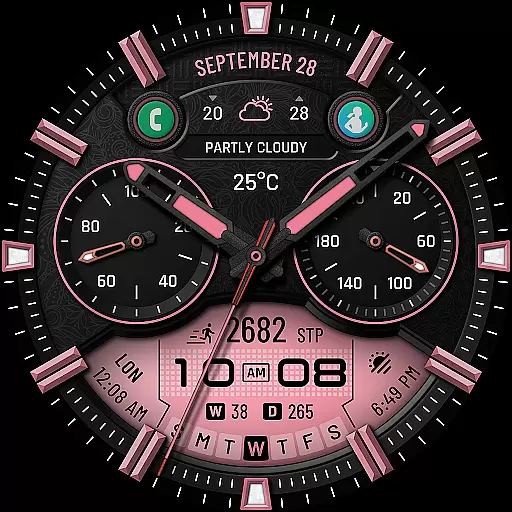
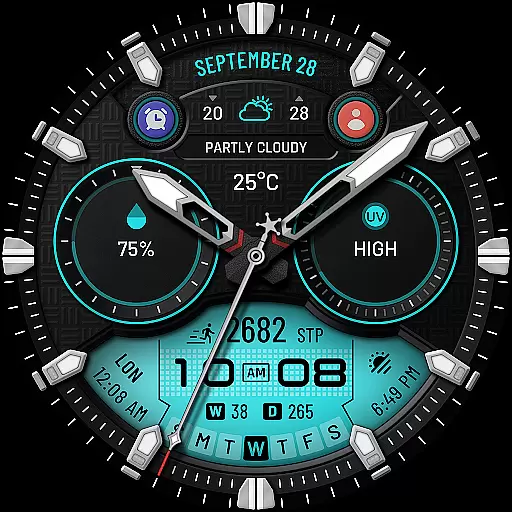
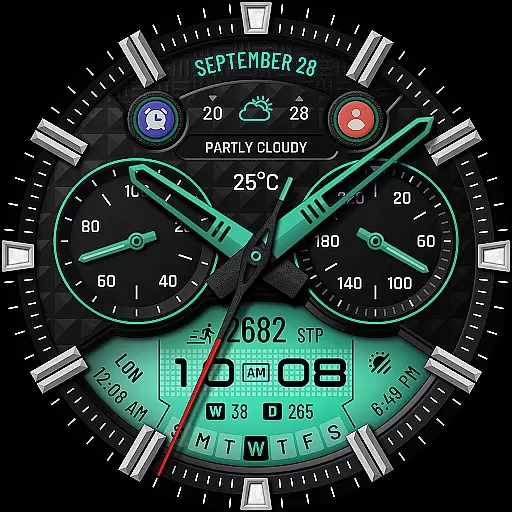
WTW M17 Hybrid Watch Face is a versatile and customizable watch face designed for Wear OS devices. It supports all Wear OS smartwatches with API Level 30+, including Samsung Galaxy Watch series and Pixel Watch. The app offers an analog dial with digital time display, health tracking features like heart rate and step count, calendar information, weather updates, and more.
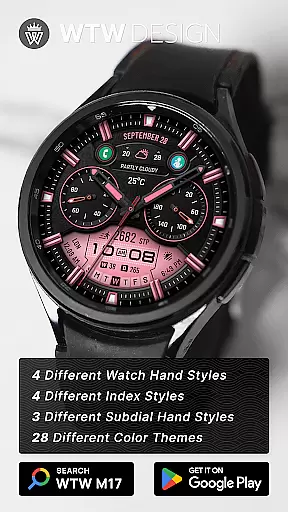
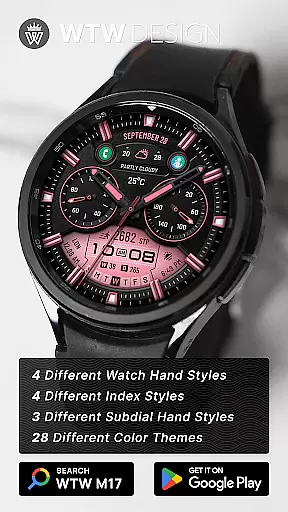
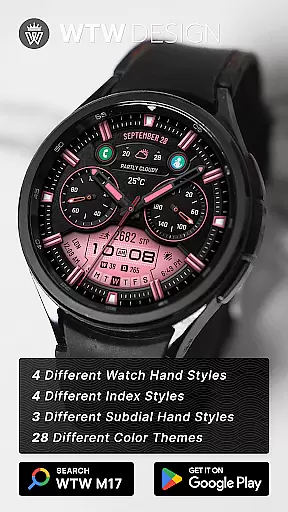
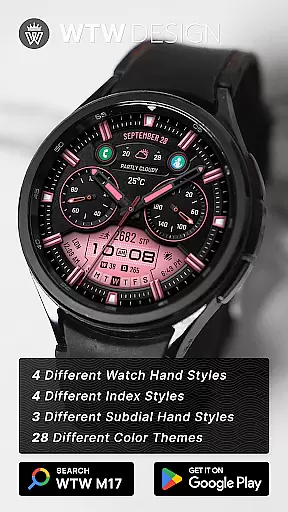
With multiple customization options such as different watch hand styles, index styles, subdial hand styles, and color choices, users can personalize their watch face to suit their preferences. Additionally, it includes preset app shortcuts and customizable complications for quick access to frequently used apps. This makes the WTW M17 ideal for users seeking both functionality and personalization on their smartwatch.
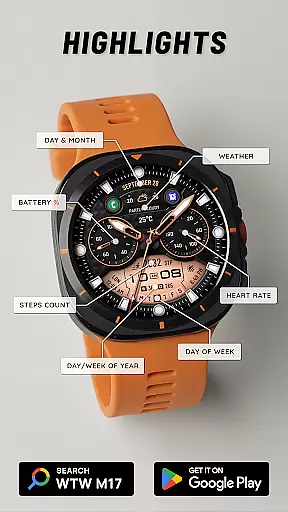
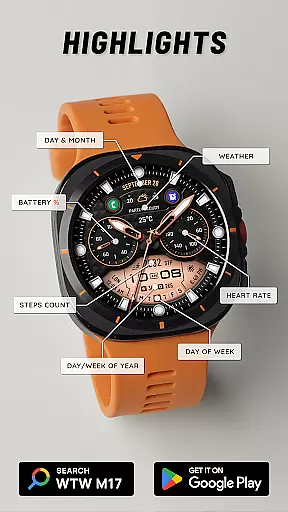
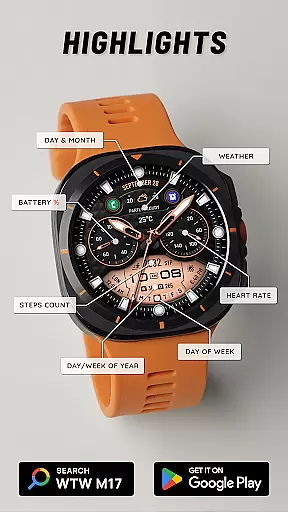
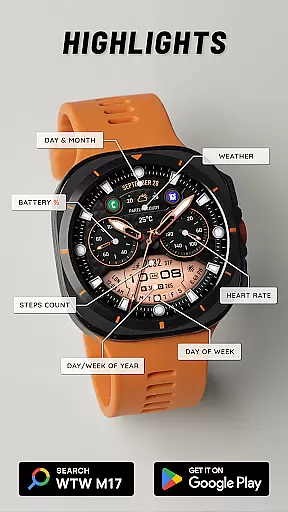
The WTW M17 Hybrid Watch Face stands out with its comprehensive feature set tailored for Wear OS users. It provides both analog and digital time displays, adapting to the user's phone settings for 12/24hr format. Beyond timekeeping, it integrates essential health metrics such as heart rate monitoring (BPM) and step counting, alongside calendar details like day, month, day of the week, day of the year, and week of the year.
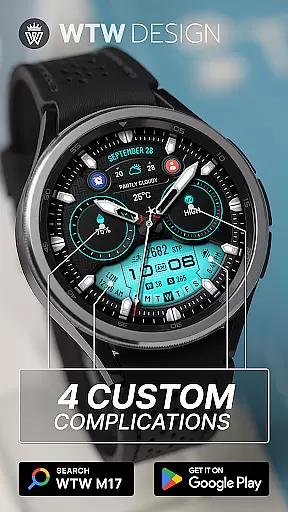
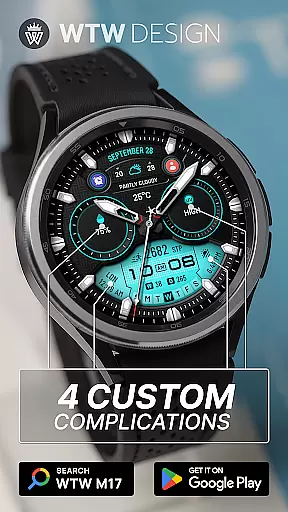
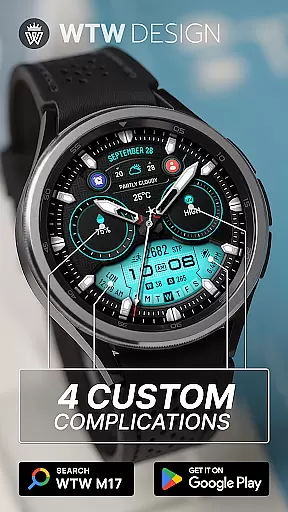
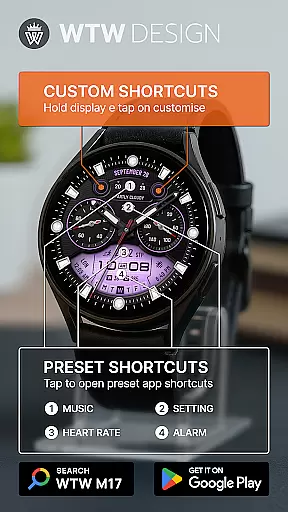
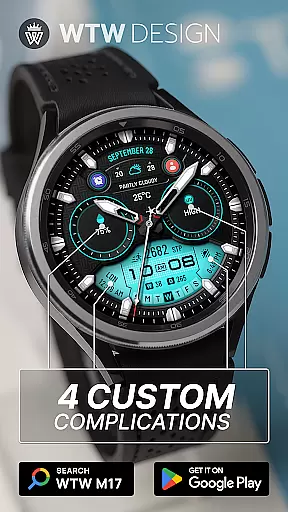
One of the key highlights is its extensive customization capabilities. Users can choose from four watch hand styles, four index styles, three subdial hand styles, and a variety of colors. The interface also supports four preset app shortcuts (Music, Alarm, Heart Rate, Settings), four custom complications, and two customizable app shortcuts. With Always On Display functionality, the watch face ensures important information is always visible while maintaining the device's aesthetics.
For the WTW M17 Hybrid Watch Face, seamless companion app integration is crucial for an enhanced user experience. This application works in tandem with your smartphone to provide real-time data synchronization, ensuring that all information displayed on your watch face is up-to-date and accurate.
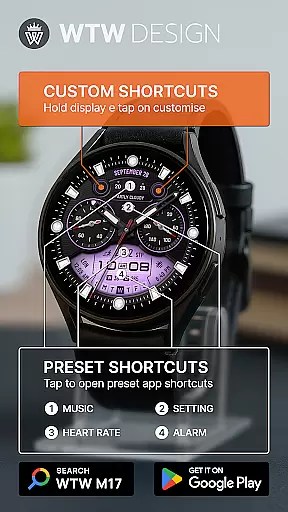
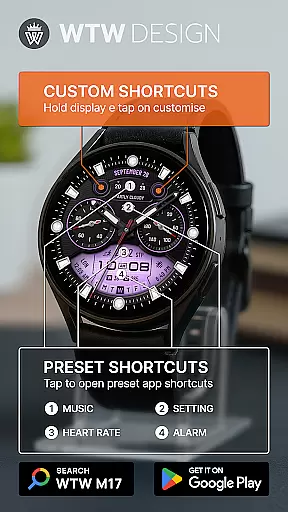
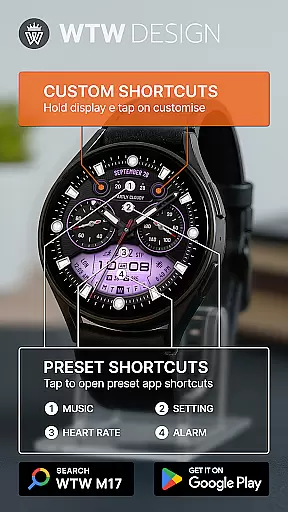
The connection between the watch face and its companion app allows users to customize their interface effortlessly. By simply touching and holding the display, then tapping on the customize option, you can tailor the watch face to suit your preferences, choosing from a variety of features such as different watch hand styles, index styles, and subdial hand styles.
Furthermore, the preset app shortcuts like Music, Alarm, Heart Rate, and Setting are easily accessible through this integration, providing quick access to frequently used functions. This ensures that users have a smooth and efficient interaction with their wearable device, making daily tasks more convenient.
The WTW M17 Hybrid Watch Face boasts extensive compatibility with a wide range of Wear OS devices, supporting all devices with API Level 30+. This includes popular models like the Samsung Galaxy Watch series (versions 4, 5, 6, 7, 7 Ultra, 8, 8 Classic) and the Pixel Watch, among others.
This broad compatibility ensures that regardless of the specific Wear OS device you own, you can enjoy the rich features of the WTW M17. These include functionalities like analog dial, digital time based on phone settings, battery percentage, BPM heart rate, steps counts, day & month, day of week, day in year, week in year, and weather updates.
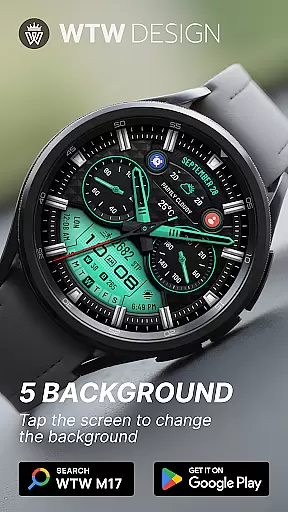
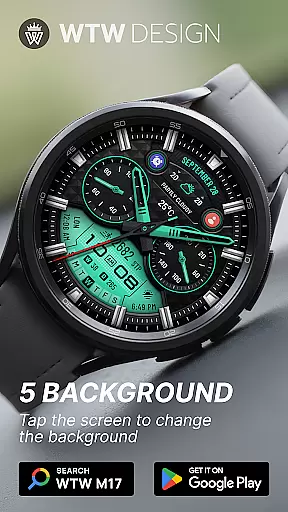
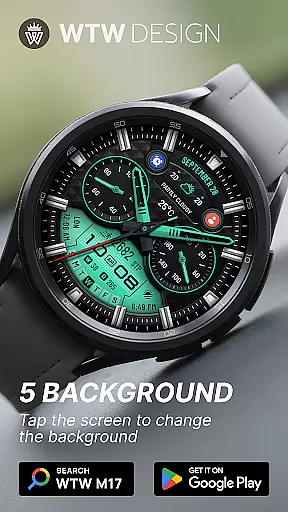
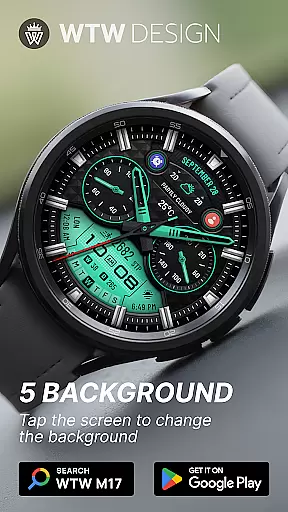
Additionally, the watch face supports various customization options, including multicolors and always-on display, which are optimized to work across different devices. This ensures a consistent and high-quality user experience, regardless of the specific hardware being used.
Wide device compatibility
Extensive customization options
Health and fitness tracking
Always On Display feature
Comprehensive time and date details
Limited to Wear OS
No iOS support
Premium features may require payment
Customization can be complex
Battery consumption may increase

Christmas watch face. For Wear OS devices.
 4.30
4.30
Embrace the holiday spirit with this magical animated watch face!
4.40
Christmas - Festive - Christmas Village - Winter - Christmas lights
5.00
Digital, flexibly customizable watch face. For Wear OS 5.0, API 34+ and later.
5.00
Nutrition, Macro tracker: Food, fitness & healthy diet tracking for weight loss
4.60
Gym & home workout plans with strength training, exercise tracking, HIIT & more.
4.60
Viewer for Wyze/Yi/Eufy/Arlo/ONVIF/RTSP/P2P IP cams w/ adv. features & DIY DVR
4.00
Fast and smart typing with Emojis, GIFs, and more
4.50
Download full tracks, listen to music offline, make unlimited playlists.
4.80
Gym Log & Workout Tracker | Fitness Journal, Training & Weight Lifting Planner
4.90
Hybrid watch face for Wear OS with customizable complications by Matteo Dini MD
4.70
Highly customizable hybrid watch face for Wear OS, perfect for everyday use.
4.60
Deck out your Wear OS Watch face with a beautifully decorated pine wreath!
4.50
Let's celebrate Thanksgiving - Wear Os watch face
4.20
Animated video-game inspired “secret agent” simulation, right on your wrist!
4.20
Hyper-Realistic Airplane Dashboard Watch Face With 10 Skins and Custom AOD
4.00
Christmas and New Year - Themed Watchface
4.1
Christmas is near, let's count together the days left until Santa comes
4.3
A Wintery Snow Globe on Your Wrist; now celebrating Christmas!
4.4


User Reviews