
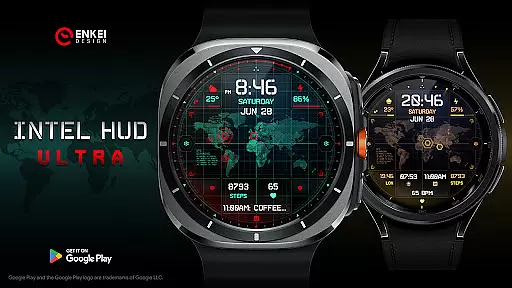
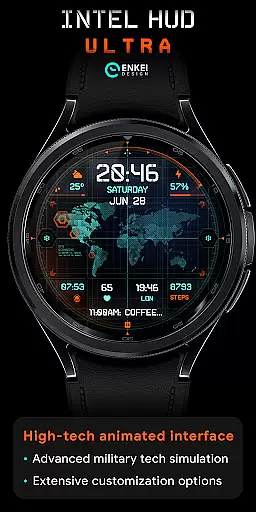
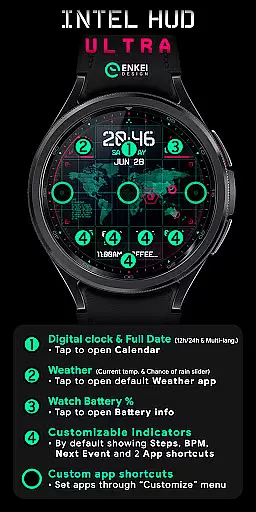
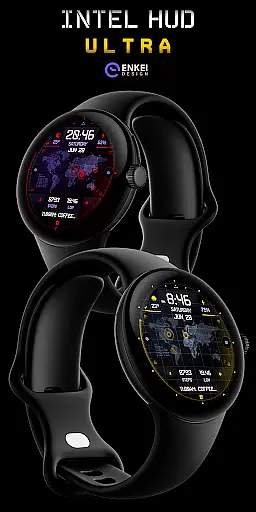
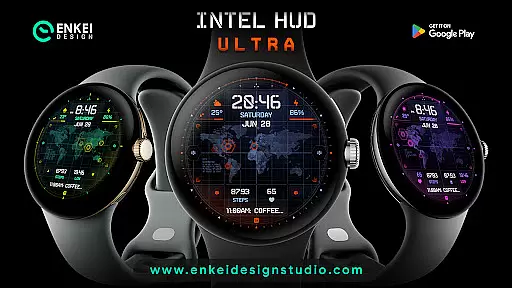
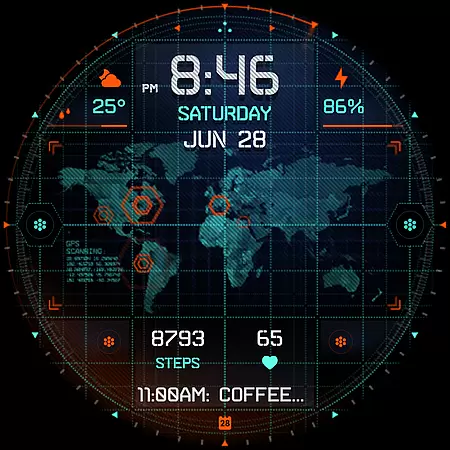
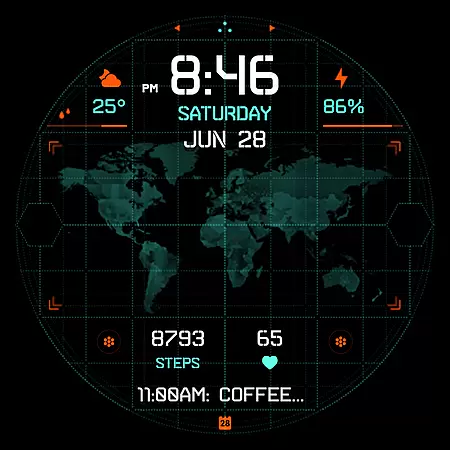
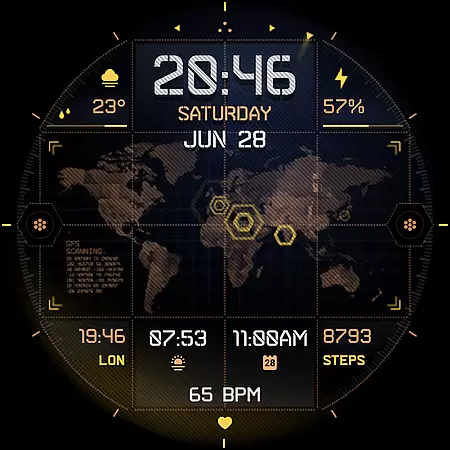
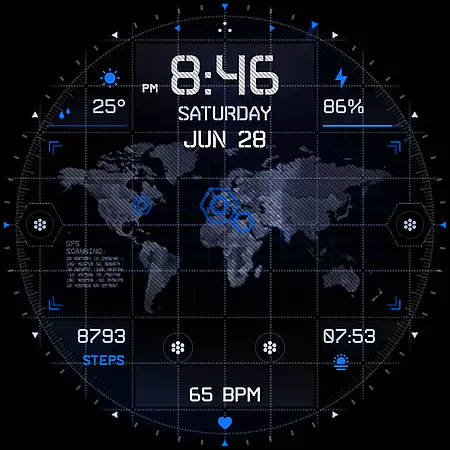
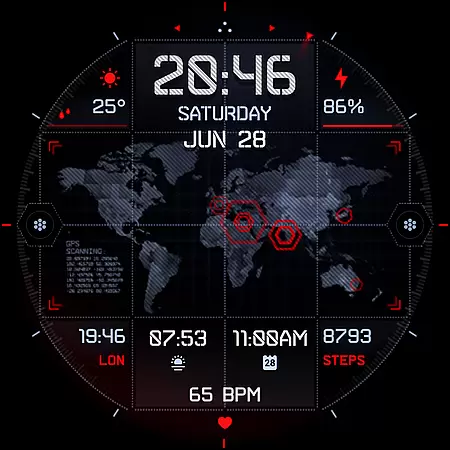
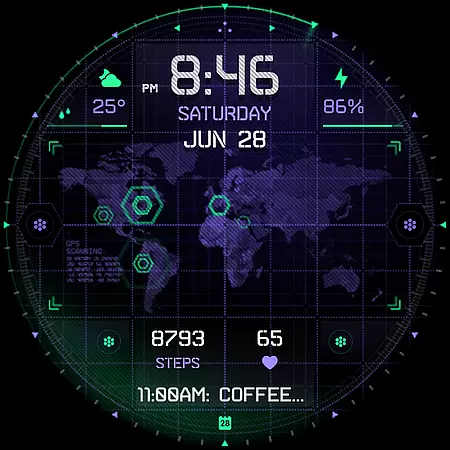
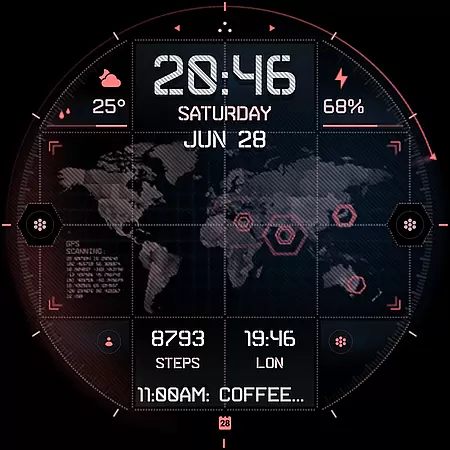
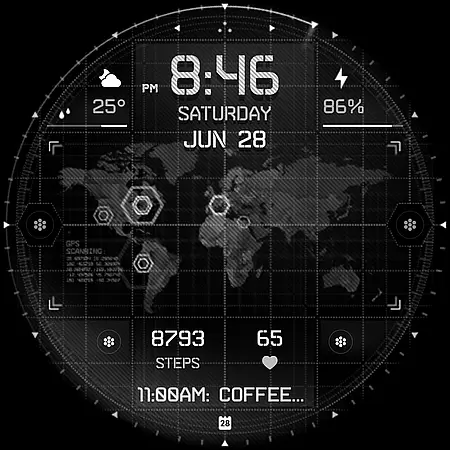
INTEL HUD Ultra is a high-tech digital watch face designed for smartwatches running Wear OS 5.0 and newer versions. This advanced watch face features an animated interface optimized for maximum performance while minimizing battery consumption. Users can enjoy extensive customization options, allowing them to personalize the layout by adjusting indicators, colors, and other visual elements.
The watch face supports various practical features such as a digital clock with 12h/24h format, weather updates, battery percentage display, and app shortcuts. It also includes customizable indicators for steps, heart rate, and upcoming events. With its military-inspired design and cutting-edge functionality, INTEL HUD Ultra offers a unique blend of style and utility for tech-savvy users.
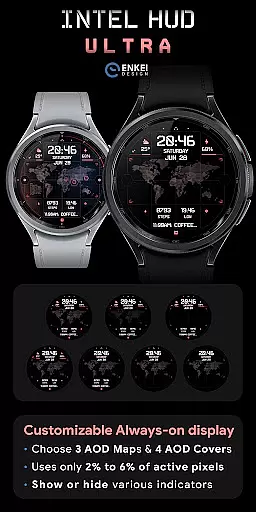
INTEL HUD Ultra stands out with its feature-rich design tailored for smartwatch users seeking both aesthetics and functionality. The watch face provides a digital clock that supports multiple languages and formats, along with tap-to-open functionalities for apps like Calendar and Weather. Its battery-efficient Always-On Display (AOD) ensures minimal power usage while maintaining essential information visibility.
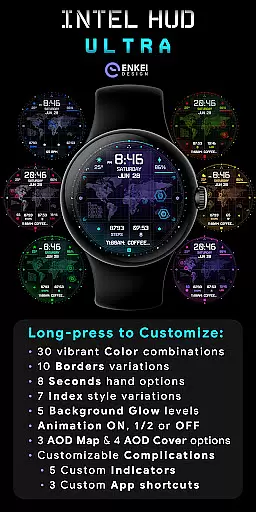
One of the key highlights is the extensive customization capability. Users can personalize color schemes, borders, seconds display, and more through the Customize menu accessible via a long-press on the watch face. Additionally, it offers three customizable app shortcuts and five custom indicators, allowing users to tailor their experience according to their preferences. These features collectively enhance user interaction and provide a personalized smartwatch experience.
Companion app integration is a crucial feature for Android Wear applications like INTEL HUD Ultra. This functionality ensures seamless synchronization between the watch face and its companion phone application.
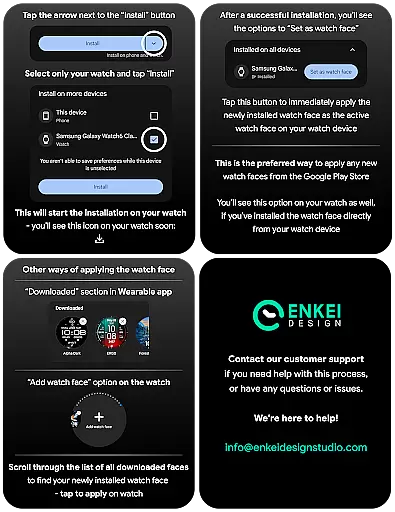
The INTEL HUD Ultra watch face leverages its companion app to facilitate direct installation to the user's wearable device. While the main interface resides on the watch, the companion app simplifies the setup process by serving as a bridge for data transfer and configuration settings.
This integration allows users to enjoy a hassle-free experience when setting up their high-tech digital watch face. The companion app ensures that all customization options and features are correctly deployed to the wearable device.
By streamlining the installation process through the companion app, INTEL HUD Ultra enhances user convenience while maintaining optimal performance on Wear OS 5.0 and newer versions.
Device compatibility is a fundamental aspect of any Wear OS application, ensuring that the software functions optimally across supported devices. For INTEL HUD Ultra, compatibility with Wear OS 5.0 and newer versions (API 34+) is essential for delivering its advanced features.
This digital watch face is specifically optimized for devices running the latest Wear OS versions, guaranteeing access to expanded customization options and useful features powered by Watch Face Format technology.
Users benefit from a refined layout and extensive customization possibilities only available on compatible devices. The requirement of modern operating systems ensures better performance, security, and access to new functionalities.
By focusing on Wear OS 5.0+ compatibility, INTEL HUD Ultra maintains high standards of quality while providing users with an enhanced experience that takes full advantage of advanced military-inspired design elements and customizable features.
Highly customizable
Battery efficient
Modern aesthetic
Feature rich
Optimized performance
Wear OS 5.0 required
Complex setup
Premium cost
Limited device support
Advanced features

A customizable Christmas watch face for Wear OS with a countdown.
 4.20
4.20
Christmas Theme Watch Face for Wear Os
5.00
A heartwarming Christmas scene featuring a cute image of Santa and Rudolf
4.5
Digital watch face. For Wear OS devices.
4.40
Structured watch face with seven complications and modular UI elements
3.90
Funny animated watch face for Thanksgiving
4.0
Real-time weather radar with temperatures, warnings, hurricanes, and widgets
4.80
Minimalistic design modern digital watch face.
4.0
Your local weather forecast, storm tracker, radar maps & live weather news
3.40
Hyperlocal rain alerts by MyRadar using patent-pending technology, radar & more
4.80
Monitor health with the stress test and pulse checker in the heart rate app.
4.60
Nutrition, Macro tracker: Food, fitness & healthy diet tracking for weight loss
4.60
Stylish, Energizing and Modern Watch Face crafted by Dominus Mathias.
4.50
A digital watch face that celebrates Christmas.
4.00
A full-featured Amazon Alexa voice assistant that can show you things.
3.70
Want to take charge of your health? Let Google Fit help you reach your goals.
3.50
Wear Os Watch Face - Animated Snow - Sesonal for Christmas & Winter
4.2
Sleek, highly customizable watch face inspired by Galaxy Watch Circle Dashboard.
4.1
3 Complications. All shadow on/off. 30 Themes color palette...
4.5


User Reviews