
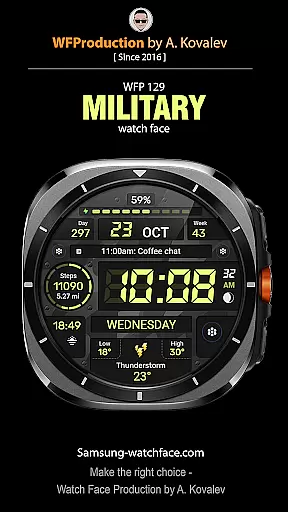
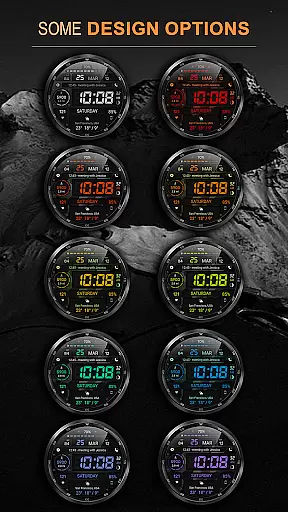
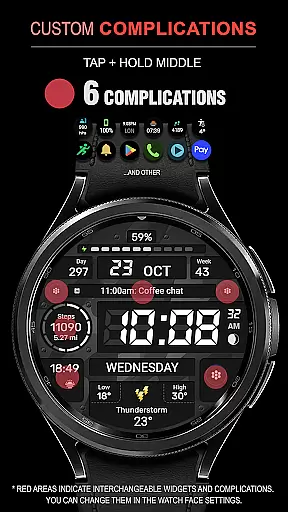
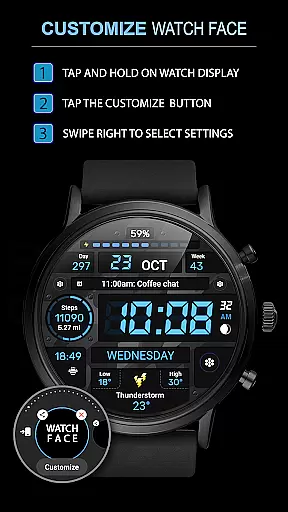
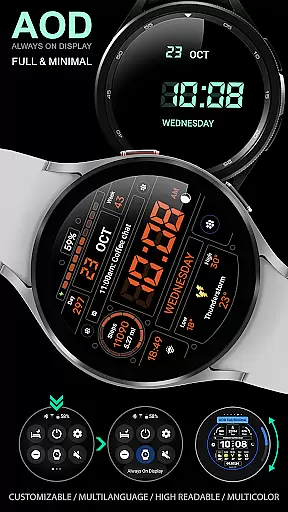
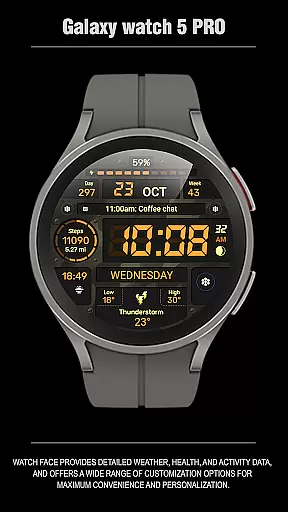
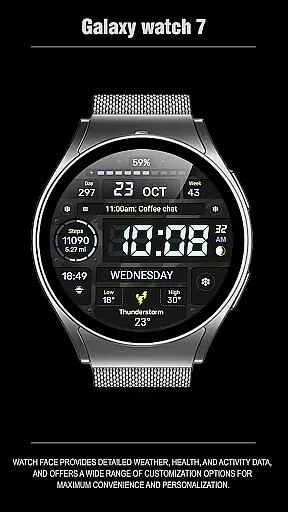
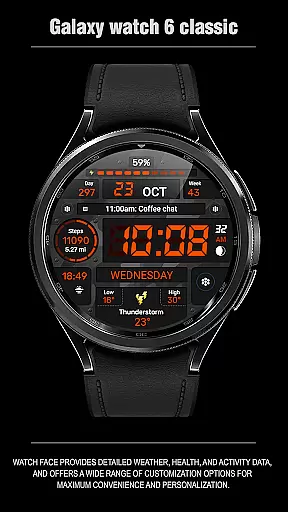
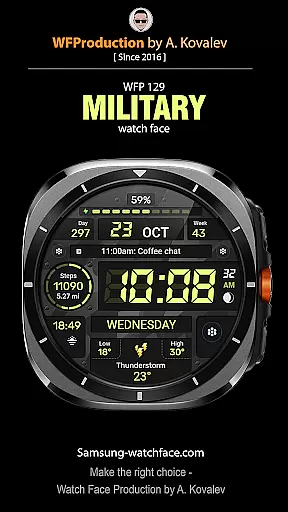
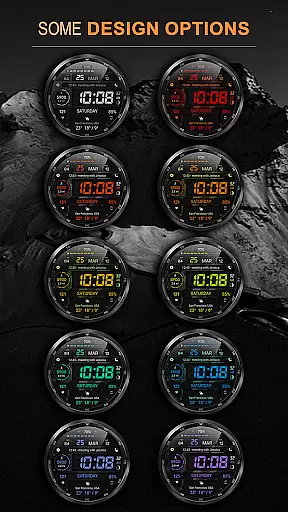
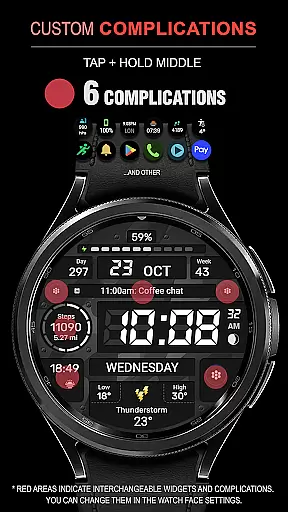
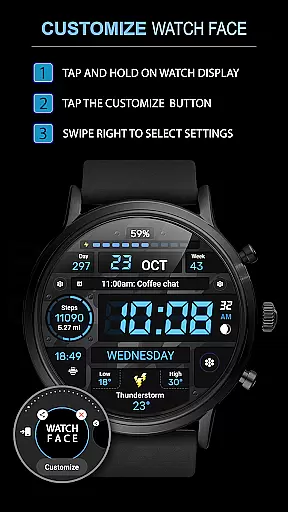
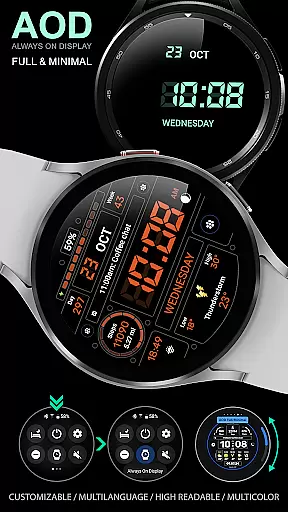
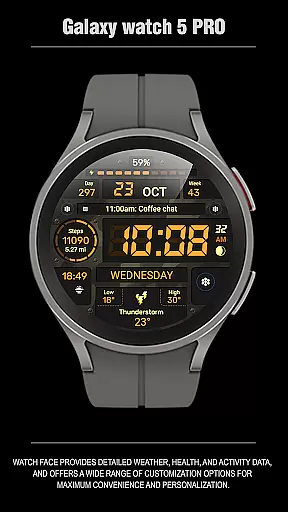
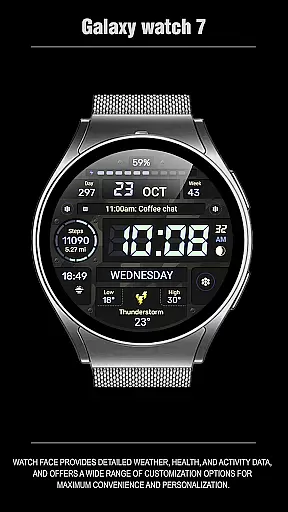
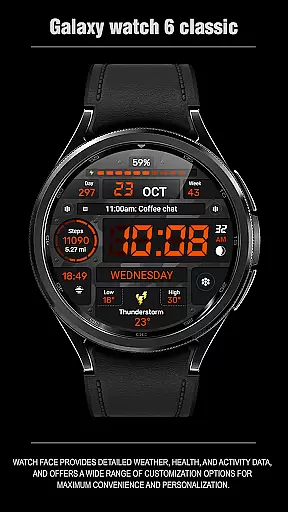
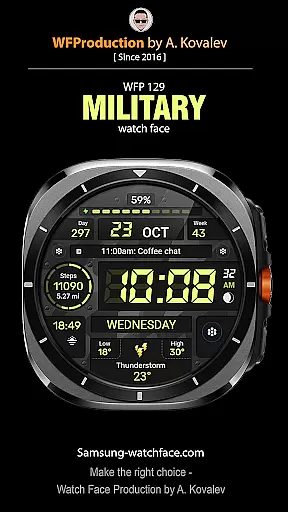
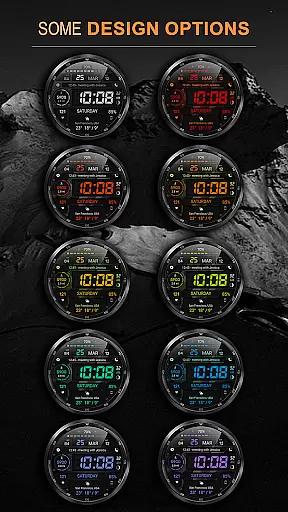
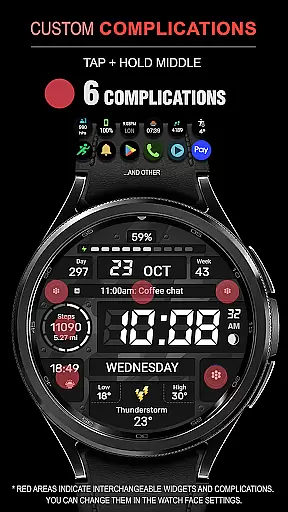
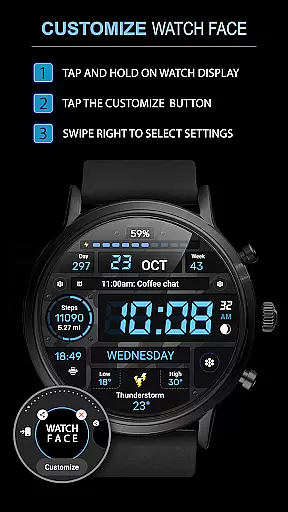
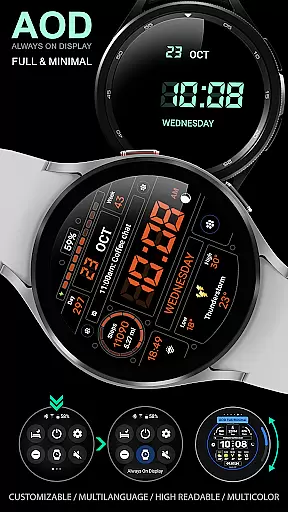
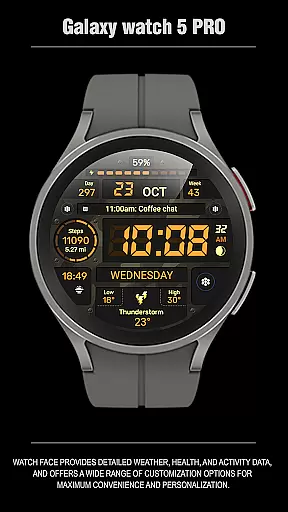
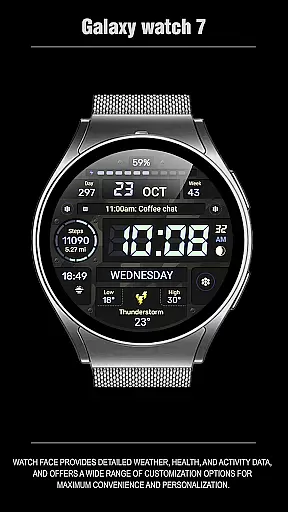
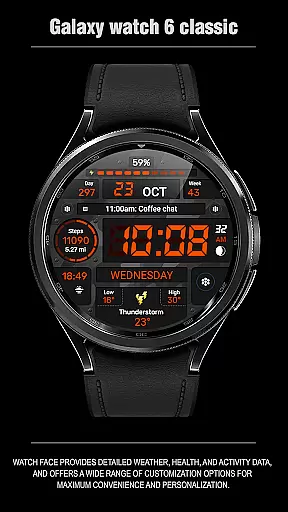
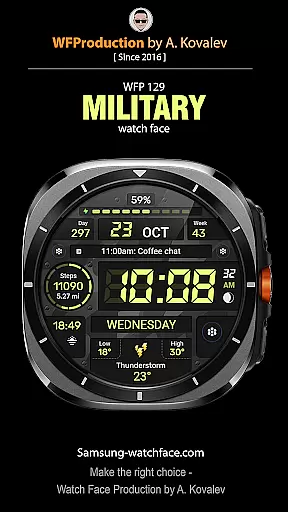
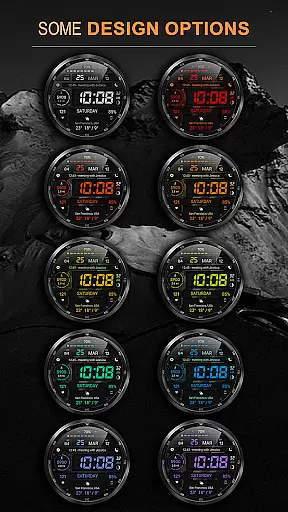
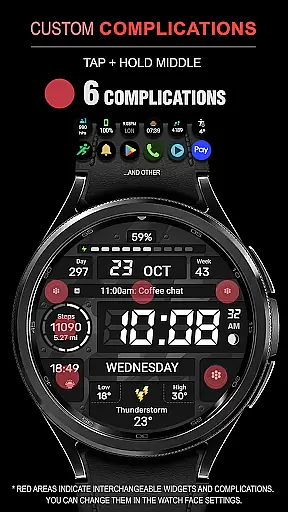
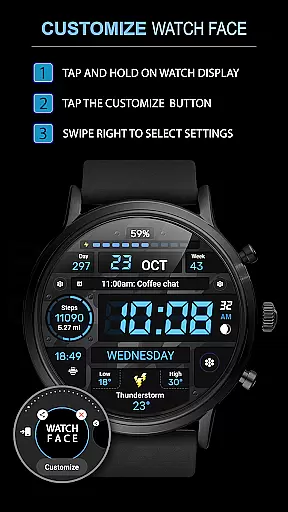
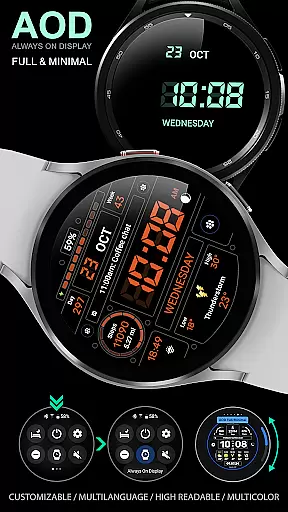
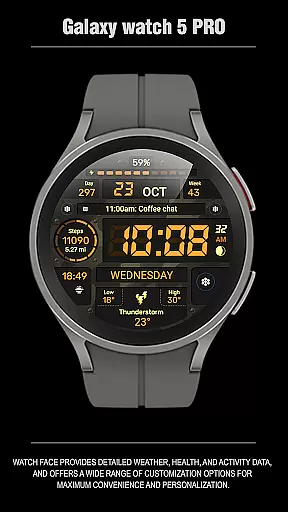
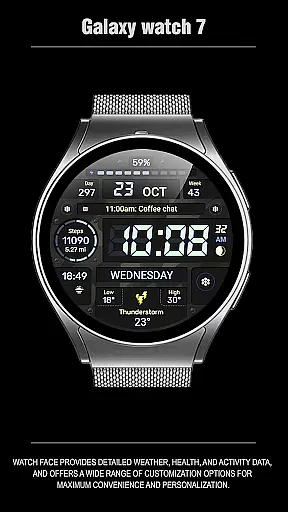
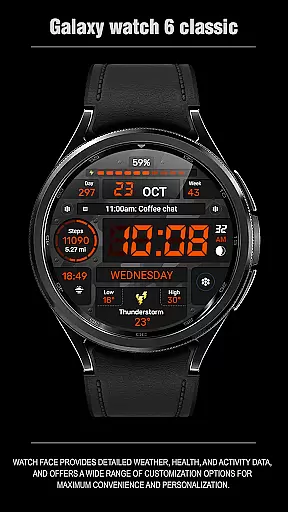
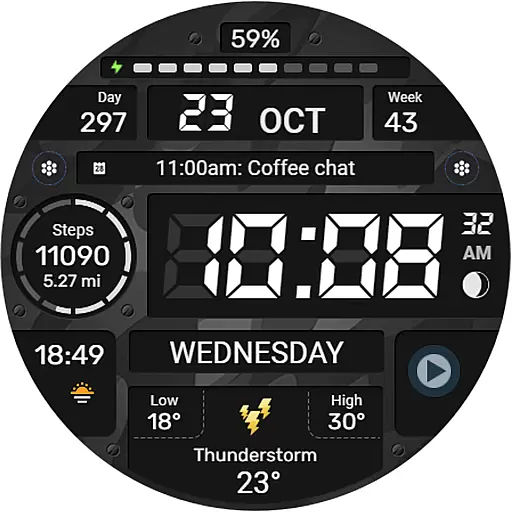
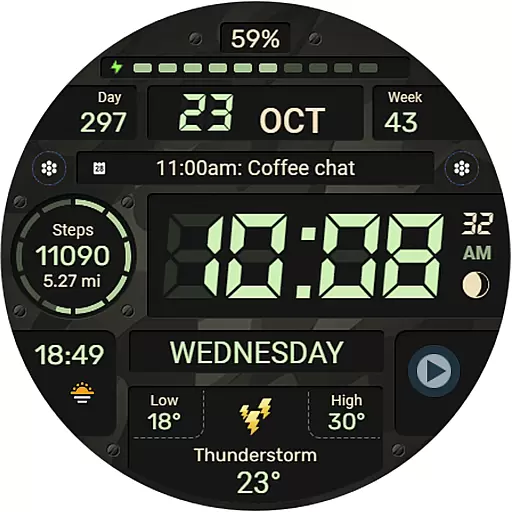
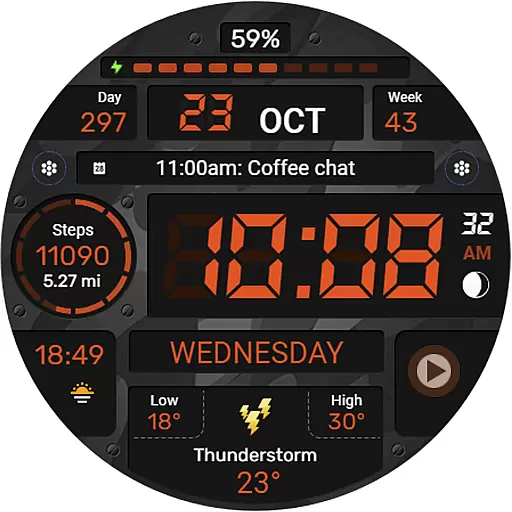
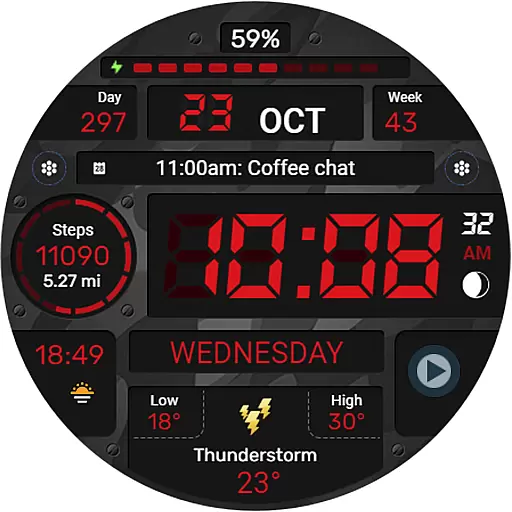
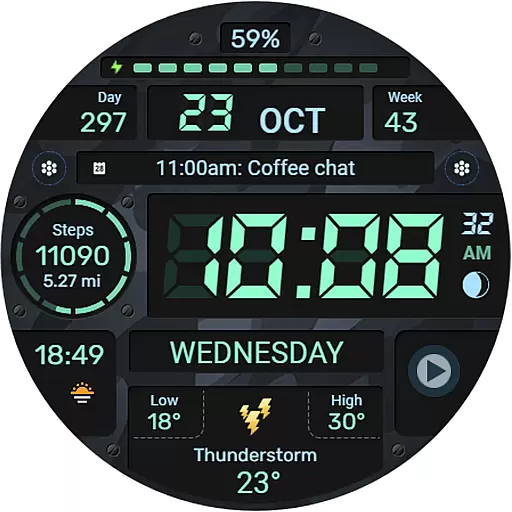
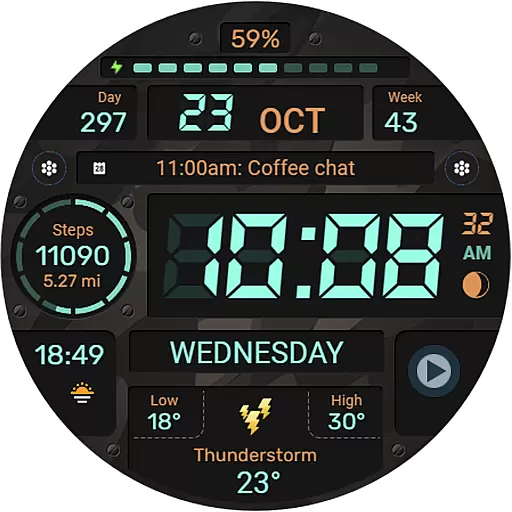
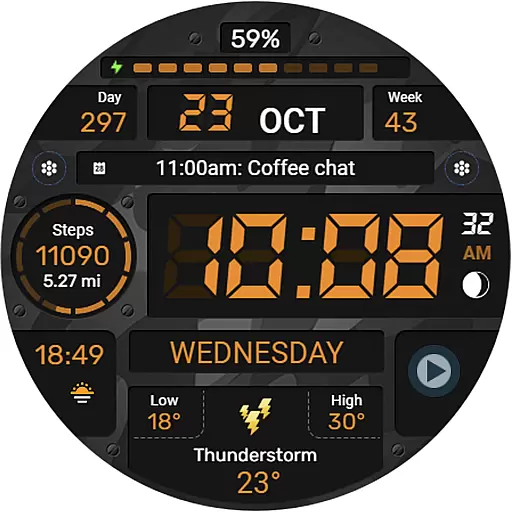
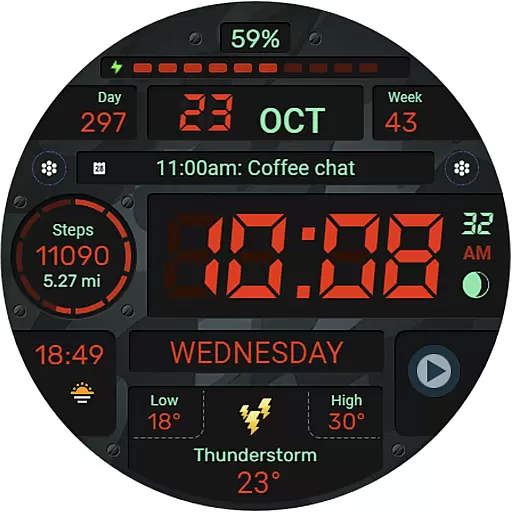
WFP 129 Military watch face is a feature-rich digital watch face designed for devices running WearOS 4 and above. This versatile watch face offers users a customizable experience with its wide range of features including six complications and widgets, 30 background color combinations, and support for both Km/Miles distance measurements. The high-resolution display ensures clarity while maintaining optimal performance through efficient optimization and low battery consumption.
In addition to its aesthetic appeal, the WFP 129 Military watch face provides practical functionalities such as multilingual support, 12/24 hour time format options, weather in Fahrenheit/Celsius, and a highly customizable Always-On Display (AOD) mode. Whether you're monitoring your fitness goals or staying informed with real-time data, this watch face caters to various user needs. Its seamless integration with phone charge widgets and other health metrics makes it an ideal choice for tech-savvy individuals seeking both style and functionality on their smartwatches.
The WFP 129 Military watch face stands out with its extensive customization options. Users can choose from six different complications and widgets that provide quick access to essential information like calories burned, floors climbed, and more. With thirty unique background color combinations available, personalizing your watch face has never been easier. The ability to switch between Km and Miles ensures global usability, catering to diverse user preferences.
Performance-wise, this watch face boasts high resolution graphics that deliver crisp visuals without compromising battery life thanks to its optimized design. It supports both 12-hour and 24-hour time formats with an option to remove leading zeros for a cleaner look. Furthermore, the inclusion of weather updates in either Fahrenheit or Celsius adds another layer of utility. Perhaps most notably, the fully customizable AOD mode allows users to maintain visibility even when their device is not actively in use, offering both full and minimal display settings tailored to individual preferences.
For smartwatch users, seamless companion app integration is essential for a unified experience. The WFP 129 Military watch face excels in this area by offering extensive connectivity options with smartphones. This ensures that all your vital data is synchronized in real-time, allowing you to access notifications, health metrics, and more directly from your wrist.
The application supports devices running WearOS 4 and API Level 30+, guaranteeing compatibility with the latest technology. By following simple installation instructions available on samsung-watchface.com, users can effortlessly set up the watch face. This streamlined process enhances user satisfaction and device utility.
Furthermore, additional features such as phone charge widgets and fitness tracking information are accessible through provided links. These resources help users maximize their experience by customizing settings according to personal preferences. With comprehensive support for various functionalities, WFP 129 ensures that every interaction with your smartwatch is both meaningful and efficient.
Device compatibility is a critical factor when selecting a smartwatch face, and the WFP 129 Military watch face stands out by supporting advanced Wear OS systems. Designed specifically for devices operating on WearOS 4 and API Level 30+, it guarantees optimal performance across a range of modern smartwatches. This broad compatibility ensures that users benefit from cutting-edge features without worrying about outdated software limitations.
In addition to technical specifications, the watch face offers an array of customization options tailored to individual tastes. With six complications and widgets, thirty background color combinations, and multilingual support, users can personalize their experience extensively. Whether you prefer distance displayed in kilometers or miles, or weather updates in Fahrenheit or Celsius, this application caters to diverse needs seamlessly.
Moreover, high optimization and low battery consumption make it an ideal choice for those seeking efficiency without compromising aesthetics. The inclusion of both full and minimal Always-On Display (AOD) modes further enhances usability while preserving battery life. By prioritizing user-centric design principles, WFP 129 delivers a versatile solution adaptable to any lifestyle or preference within the Wear OS ecosystem.
Highly customizable
Low battery usage
Multilingual support
Optimized performance
Wide color options
Limited WearOS compatibility
No advanced analytics
Premium cost for widgets
Complex setup process
Occasional sync issues

Highly customizable hybrid watch face for Wear OS, perfect for everyday use.
 4.60
4.60
Wear Os Watch Face - Animated Snow - Sesonal for Christmas & Winter
4.1
Analog watch face with 8 complications and expedition styling
4.1
sleep, alarm, snoring, stress, healing, focus, sound therapy, circadian rhythm
4.10
The most customizable hybrid watch face. For Wear OS 5.0, API 34+ and later
4.70
Hybrid Vibrant Health Watch Face for Wear OS
4.4
Animated video-game inspired “secret agent” simulation, right on your wrist!
4.20
A white realistic classic analog watch face with many customization options.
4.40
Your local weather forecast, storm tracker, radar maps & live weather news
3.40
Simple, helpful messaging by Google
4.60
Beautiful artistic animated digital watch face, with a customizable layout!
4.40
Calming & relaxing sounds for sleeping and stress relief. Stay focused all day!
4.20
Let's celebrate Thanksgiving - Wear Os watch face
4.20
Embrace the festive spirit with our Christmas Countdown watchface for Wear OS
4.10
Get helpful reminders, take progress photos and find answers to your questions.
3.90
Authentic military-tactical design with ZULU time! Realistic and functional!
3.80
Christmas is near, let's count together the days left until Santa comes
4.2
A watch face that fuses motorsport precision with contemporary smartwatch design
4.2
Stunning modern digital watch face with 7 complications and strong contrast
4.5


User Reviews