
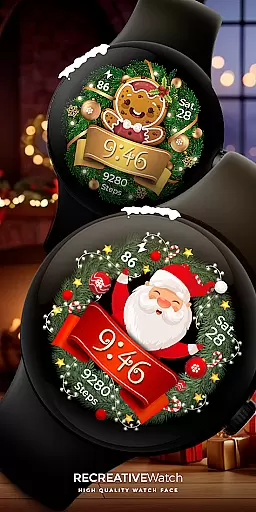
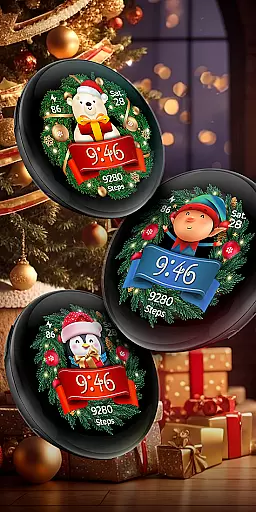
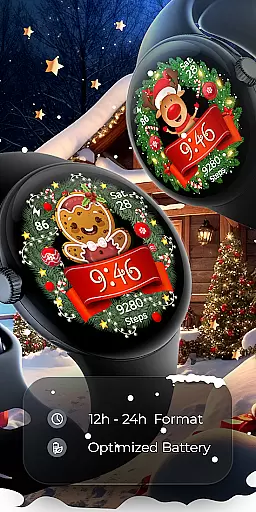

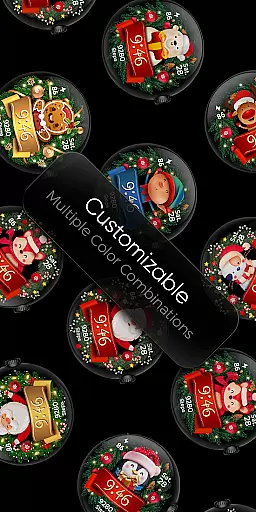
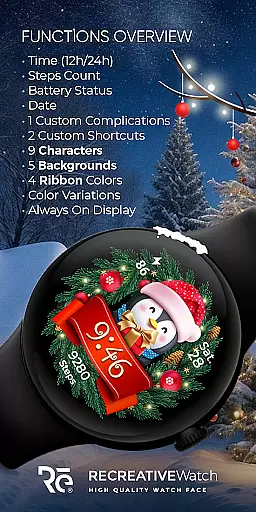
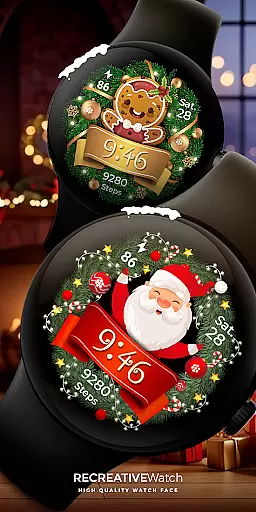
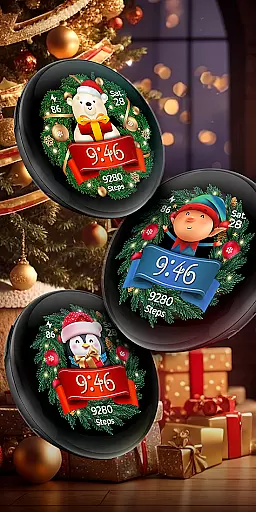
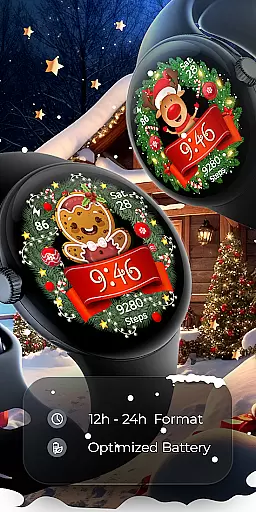

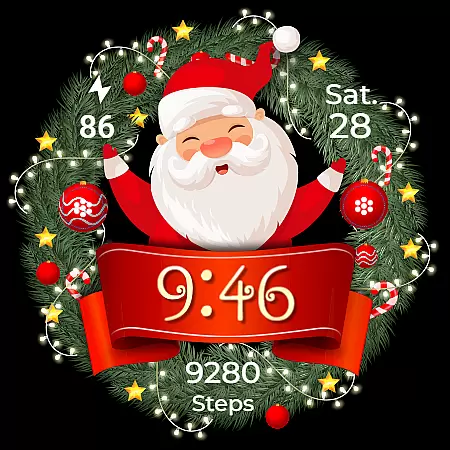
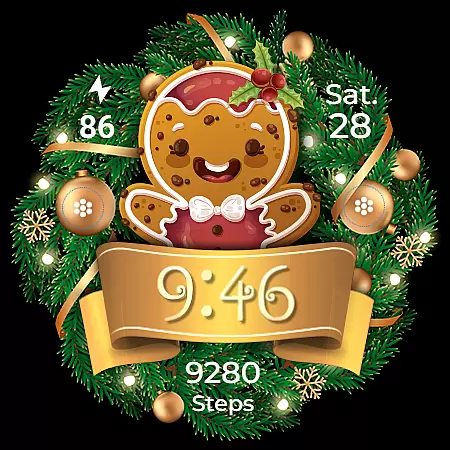
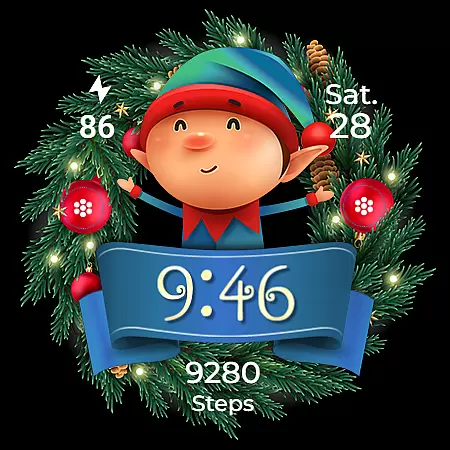
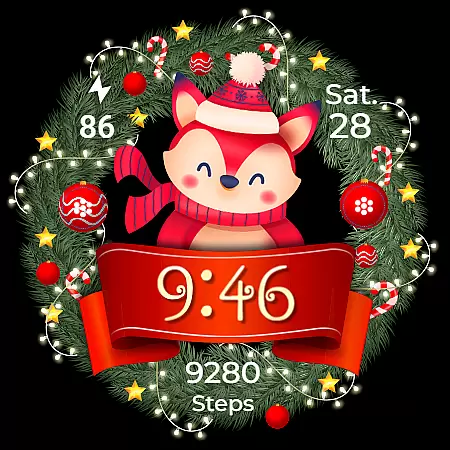
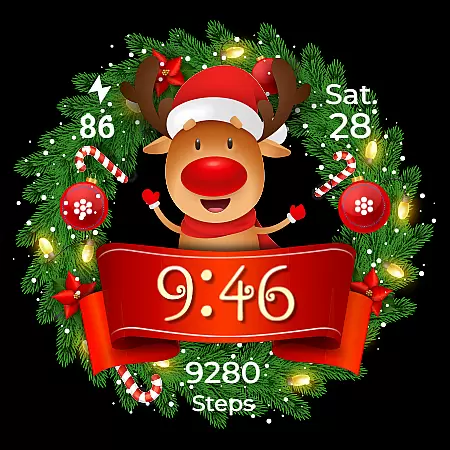
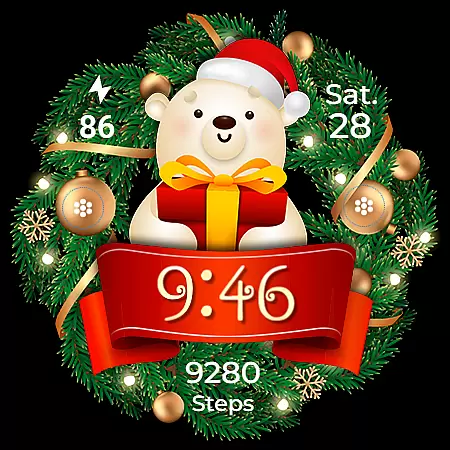
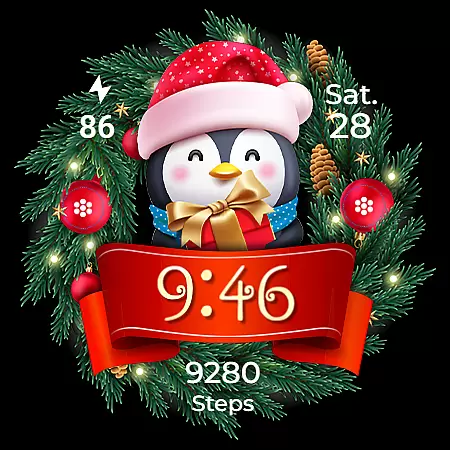
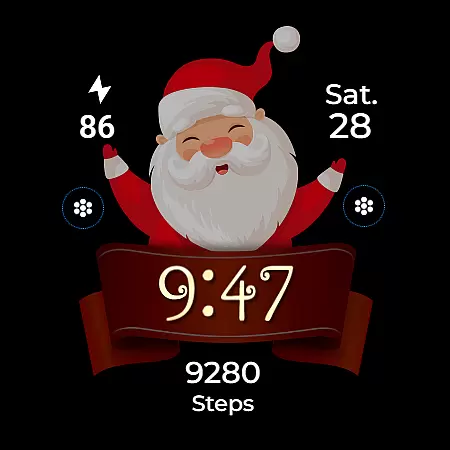
Christmas Frame is a festive-themed watch face app designed specifically for Wear OS devices. This application allows users to customize their smartwatch display with holiday-inspired designs, featuring various characters such as Santa, a reindeer, snowman, or an elf, all set within a decorative pine circle. Beyond its charming aesthetics, the app also provides practical functionalities including digital time display in 12/24h format, date, battery status, and step count.
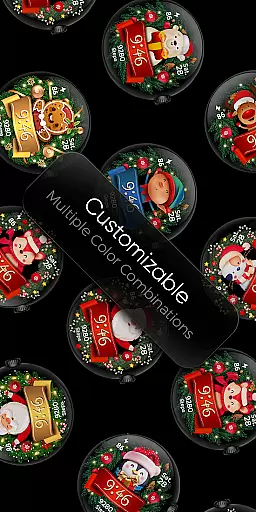
In addition to these features, Christmas Frame supports Always ON Display technology with customizable colors and modes, ensuring both utility and personalization are at the user's fingertips. The app offers multiple customization options, including five different backgrounds, nine unique characters, and four ribbon color choices. Compatible with API level 33+ devices like Google Pixel and Galaxy Watch series, this app brings a blend of festivity and functionality to your wrist during the holiday season.
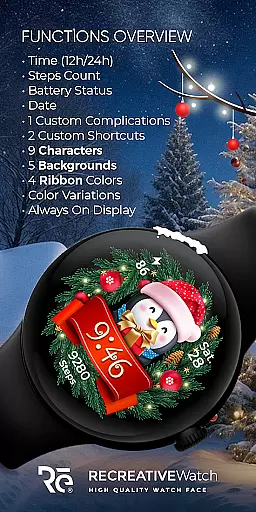
Christmas Frame stands out with its rich feature set tailored for the holiday season. One of the key highlights is the ability to choose from multiple festive characters and backgrounds, allowing users to tailor their watch face to their personal style. With support for both 12/24h digital time formats, date display, battery status indicator, and step counter, it ensures that users have quick access to essential information without compromising on style.
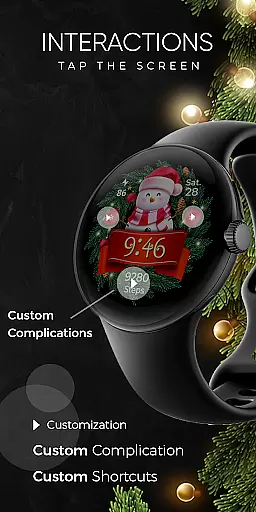
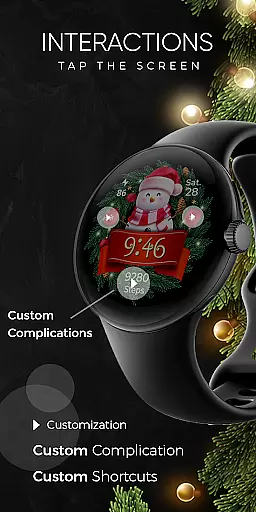
The app also includes advanced customization options such as one customizable complication and one customizable shortcut, giving users control over what additional data they want to see on their watch face. Furthermore, the Always ON Display feature is supported, which can be personalized with changeable colors and modes for better visibility and battery performance. These comprehensive features make Christmas Frame not just a seasonal accessory but a practical tool for daily use.
Companion app integration is essential for a seamless wearable experience. Christmas Frame offers a dedicated mobile application that simplifies the installation process and helps users locate the watch face on their Wear OS devices.
The phone app acts as a facilitator, ensuring that users can effortlessly manage and access the festive watch face. This streamlined approach allows for quick setup and easy customization, enhancing user engagement with the holiday-themed design.
While the mobile app contains ads, it remains a crucial tool for maximizing the utility of the Christmas Frame watch face. Users benefit from a hassle-free installation process and can fully leverage the unique features offered by this seasonal accessory.
Ensuring compatibility across various devices is vital for any Wear OS application. Christmas Frame supports API level 33+ devices, including popular models like Google Pixel and Galaxy Watch series, making it accessible to a wide range of users.
This compatibility extends to other Wear OS models, providing a consistent experience regardless of the specific device. Such broad support demonstrates the developer's commitment to reaching as many users as possible with their festive design.
By optimizing for multiple devices, Christmas Frame guarantees that users can enjoy its full range of features, from customizable characters to Always ON Display functionality. This dedication to compatibility enhances both the accessibility and appeal of the application.
Holiday-themed designs
Customizable complications
Always ON Display
Multiple background options
Step count tracking
Limited to festive seasons
Ads in mobile app
Character selection finite
Battery usage concerns
Specific device compatibility

Walking app for weight loss: walk & step tracker, pedometer, indoor treadmill
 4.60
4.60
Christmas watch face. For Wear OS devices.
4.30
Christmas Theme Watch Face for Wear Os
5.00
Be an elegant and classy secret agent, with this carefully detailed watch face
4.70
Digital, flexibly customizable watch face. For Wear OS 5.0, API 34+ and later.
5.00
Locate your family members by GPS phone location tracker everywhere and anytime
4.30
The ultimate destination for kids ages 3-8 to explore the Marvel Universe!
4.30
Hyper-Realistic Airplane Dashboard Watch Face With 10 Skins and Custom AOD
4.00
Your local weather forecast, storm tracker, radar maps & live weather news
3.40
Easy Voice Recorder is your everyday companion to record important moments.
4.70
Nutrition, Macro tracker: Food, fitness & healthy diet tracking for weight loss
4.60
Gym & home workout plans with strength training, exercise tracking, HIIT & more.
4.60
Stylish, Energizing and Modern Watch Face crafted by Dominus Mathias.
4.50
Animated Watch Face and Customizable with 24 Backgrounds. Perfect for Christmas!
3.90
Structured watch face with seven complications and modular UI elements
3.90
Get helpful reminders, take progress photos and find answers to your questions.
3.90
Artistic Digital Watchface
4.1
Funny animated watch face for Thanksgiving
4.4
Hybrid Vibrant Health Watch Face for Wear OS
4.1


User Reviews