
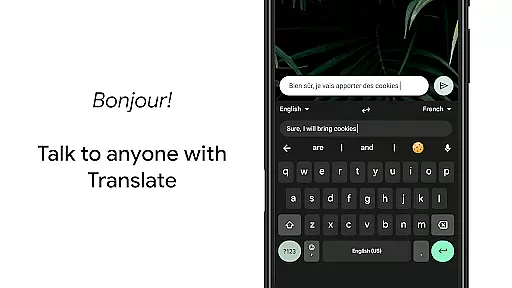
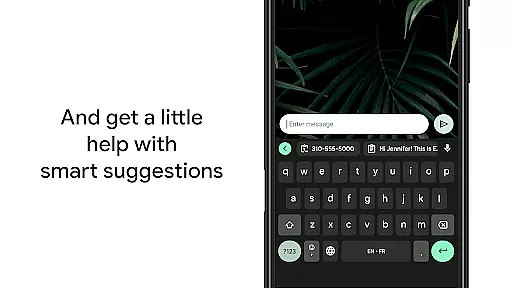
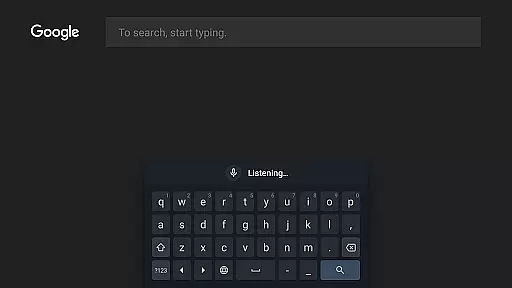
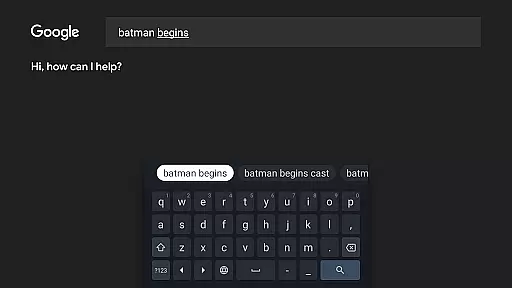
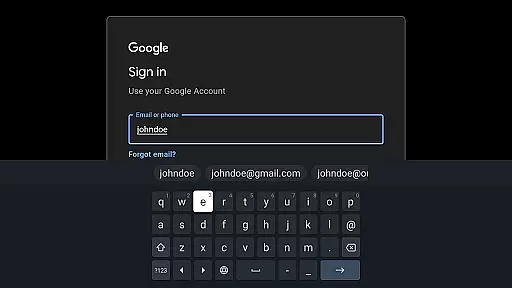
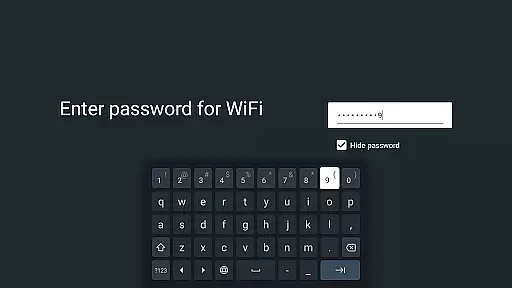
Gboard is a versatile keyboard app designed for Android devices, offering an array of powerful typing features. The app combines speed and reliability with innovative input methods such as Glide Typing, voice typing, and handwriting recognition. It supports hundreds of languages and dialects, making it ideal for multilingual users who need seamless transitions between languages. Gboard also integrates Google Translate directly into the keyboard, enabling real-time translation while typing.
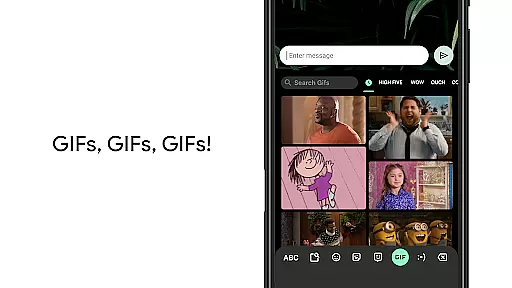
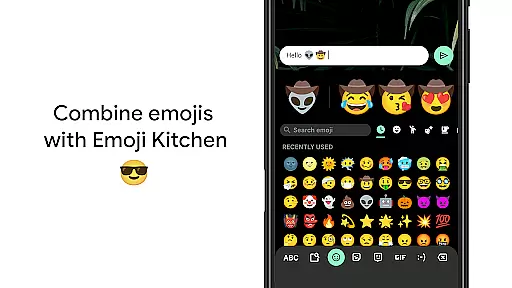
One of the standout features of Gboard is its support for multimedia content, including GIF searches and emoji suggestions, which enhance communication in chats and social media. Additionally, the app provides practical functionalities like gesture-based cursor control and one-handed mode for larger screens. Whether you're typing on a smartphone or using Wear OS on your smartwatch, Gboard delivers a consistent and efficient typing experience tailored to modern digital interactions.
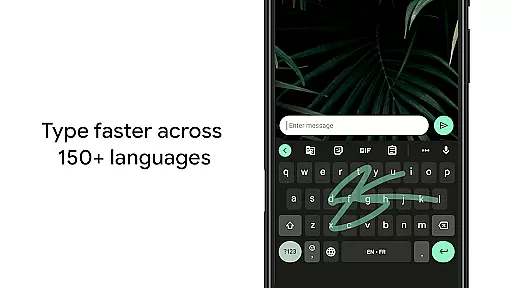
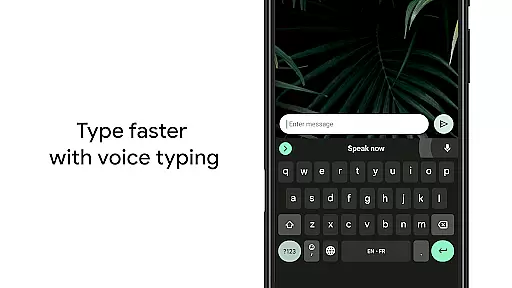
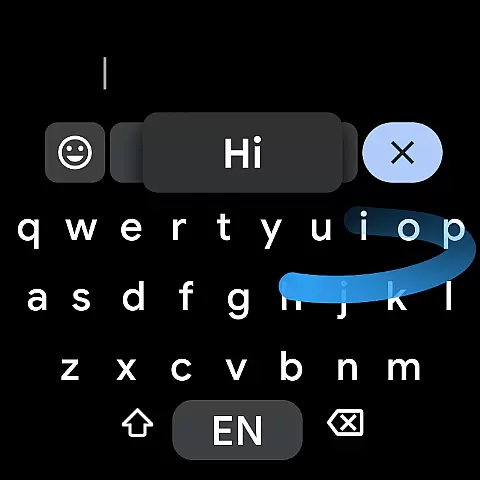
Gboard stands out with its comprehensive feature set that caters to various typing preferences. Glide Typing allows users to type faster by sliding their finger across the keyboard from letter to letter, significantly speeding up text input. Voice typing offers hands-free convenience, especially useful when you're multitasking or on the move. For those who prefer traditional input, handwriting recognition supports both cursive and printed styles, providing flexibility for different user needs.
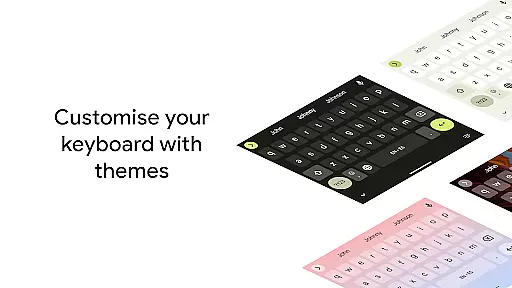
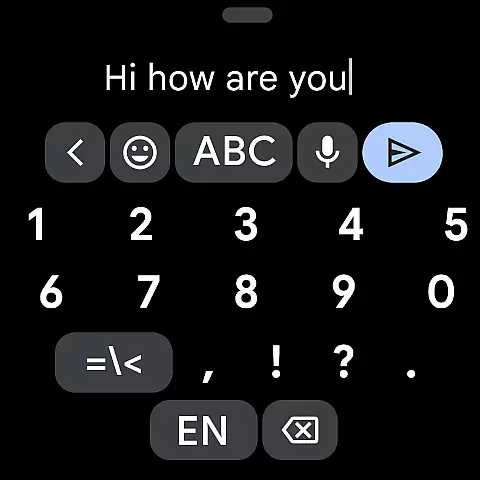
The app's multilingual typing capability eliminates the hassle of manually switching between languages, as it autocorrects and suggests words from any enabled language. Gboard also includes advanced tools like gesture cursor control, where sliding across the spacebar moves the cursor, and gesture delete, allowing quick erasure of multiple words. With customizable themes, symbol hints, and a dedicated number row option, Gboard ensures a personalized and efficient typing experience for every user.
Gboard offers seamless companion app integration, ensuring that your typing experience is consistent across all devices. The keyboard syncs with your smartphone to provide the same reliable performance on your Wear OS device.
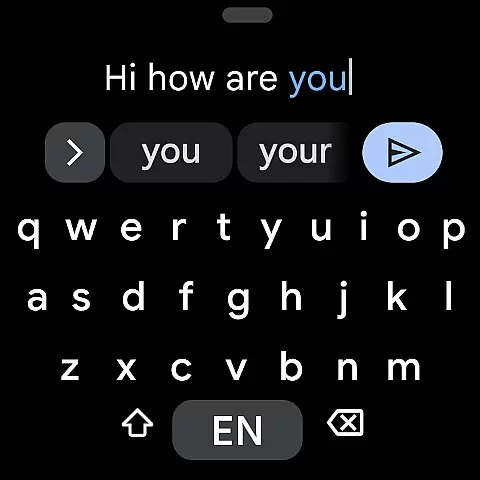
Key features like Glide Typing and Voice Typing are fully supported on smartwatches, allowing users to type quickly and efficiently even on smaller screens. This synchronization ensures that your preferred settings and personalized dictionary are always up-to-date.
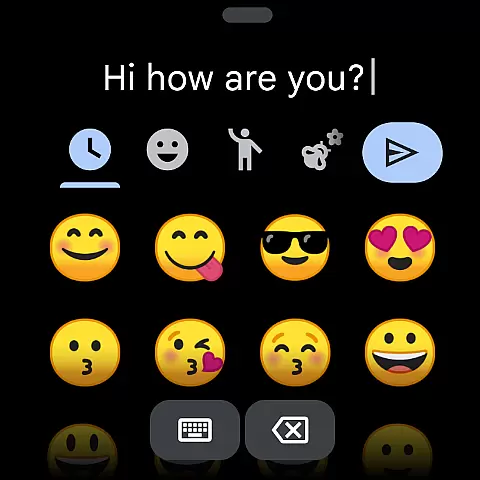
The integration extends to specialized functions such as emoji search and multilingual typing, making it easy to access all your favorite features regardless of the device you're using. This creates a unified user experience that enhances productivity.
By maintaining feature parity between mobile and wearable devices, Gboard ensures that users can enjoy the same high-quality typing experience everywhere, without compromising functionality or convenience.
Gboard is designed with full compatibility for Wear OS devices, supporting a wide range of languages including Chinese, English, Spanish, and many others. This extensive language support ensures that users worldwide can enjoy an optimized typing experience tailored to their specific needs.
The keyboard's adaptive design automatically adjusts to different screen sizes and resolutions, providing optimal visibility and usability on all compatible smartwatches. Its intuitive interface makes it easy to switch between different input methods such as voice, glide, and traditional tapping.
Advanced features like gesture cursor control and one-handed mode have been specifically adapted for wearable devices, allowing for precise text editing even on small displays. These innovations significantly improve the overall user experience on Wear OS devices.
With regular updates and continuous improvement, Gboard maintains excellent compatibility with the latest Wear OS versions, ensuring stable performance and access to new features as they become available.
Fast and reliable typing
Voice typing convenience
Multilingual support
Google Translate integration
Customizable themes
No Android Go support
Limited handwriting options
Occasional lag
Complex settings
Battery consumption

"PER27 Galaxy Digital" is a digital Wear OS watch face designed by PERSONA
 4.10
4.10
an Analog Watch Face for winter season with freeze winter background for Wear OS
4.5
A heartwarming Christmas scene featuring a cute image of Santa and Rudolf
4.2
Artistic Digital Watchface
4.1
The ultimate destination for kids ages 3-8 to explore the Marvel Universe!
4.30
Real-time weather radar with temperatures, warnings, hurricanes, and widgets
4.80
Minimalistic design modern digital watch face.
4.1
Track your active life in one place and share the journey with friends.
4.40
Track airplanes and follow flights with our real-time flight tracker
4.50
Gym Log & Workout Tracker | Fitness Journal, Training & Weight Lifting Planner
4.90
A modern hybrid informative watch face for Wear OS designed by BALLOZI
4.80
Easy Voice Recorder is your everyday companion to record important moments.
4.70
Your second brain for organizing your life: to-do, calendar, reminder.
4.70
Embrace the holiday spirit with this magical animated watch face!
4.40
Let's celebrate Thanksgiving - Wear Os watch face
4.20
Your music, your playlists, and more—offline and unlimited.
4.20
The #1 source of faces for your smartwatch!
4.00
Watch the sharpness of the sky on your wrist..
3.70
Stay in touch with your friends and family using LINE!
3.40


User Reviews