
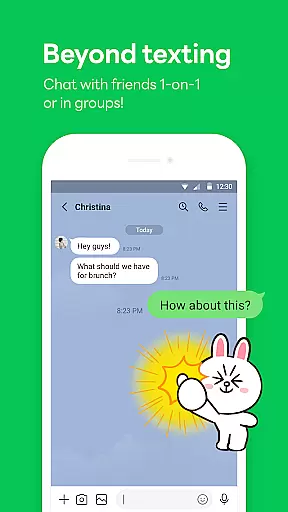
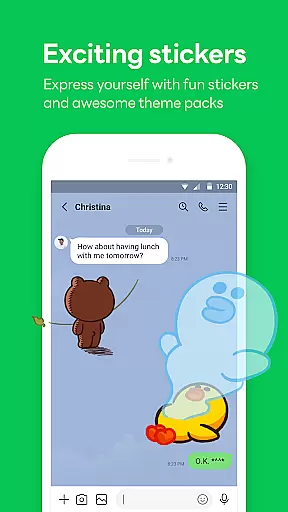
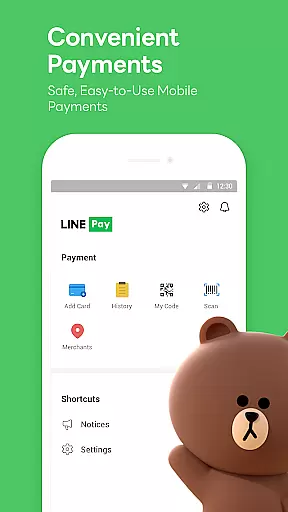

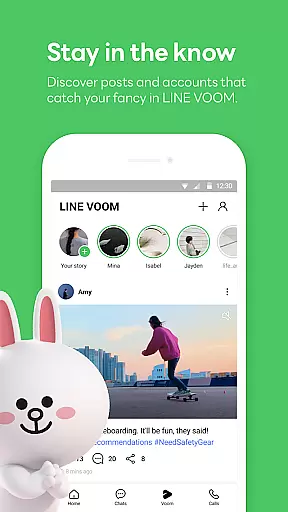
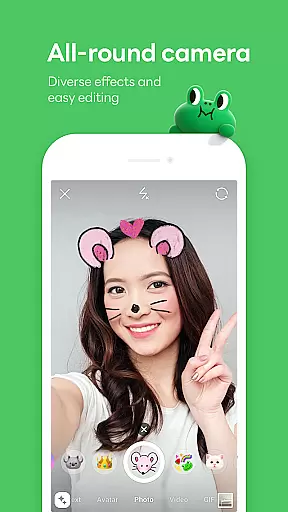
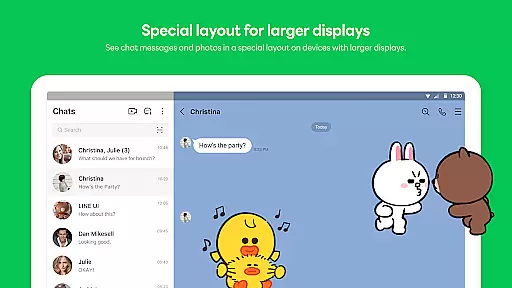
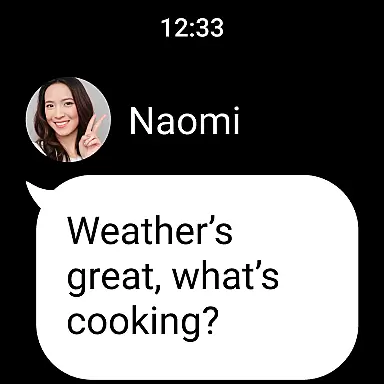
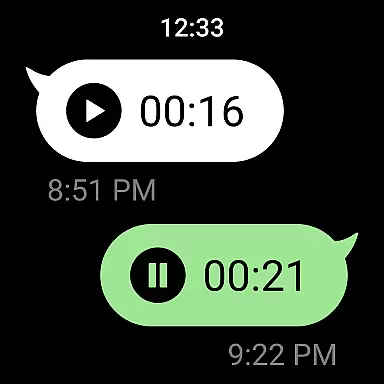

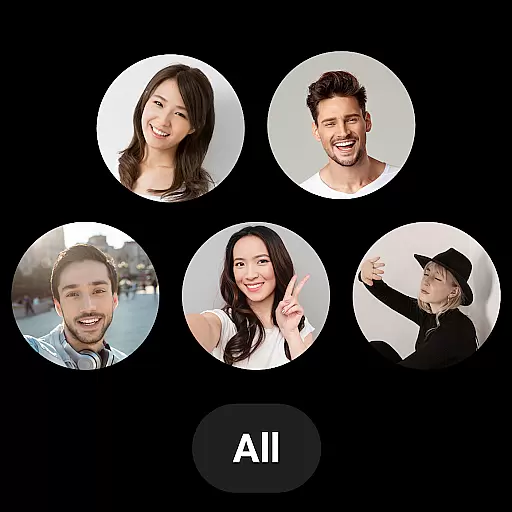
LINE is a versatile communication app that bridges the gap between family, friends, and loved ones through free voice and video calls, messages, and an extensive range of exciting stickers. Available globally on mobile, desktop, and Wear OS, LINE continues to expand its platform with new services and features that enhance both fun and convenience in your life.
The app offers seamless connectivity across various devices, ensuring you can chat anytime and anywhere. Whether you're commuting or working from home or office, LINE keeps you connected via smartphone, Wear OS, or desktop. With additional features like Keep Memo for personal storage and Letter Sealing for enhanced privacy, LINE ensures your communications are both secure and personalized.
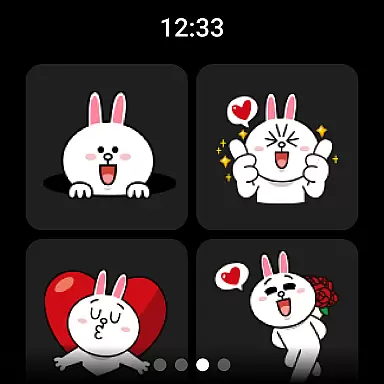
LINE stands out with its comprehensive messaging capabilities including voice and video calls, text messages, and a vast selection of expressive stickers. The Home feature provides quick access to friends lists, birthdays, sticker shops, and various services offered by LINE, making navigation intuitive and user-friendly.
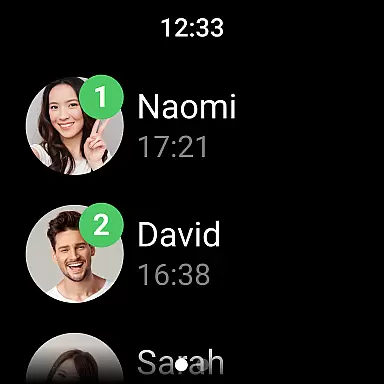
Privacy and customization are prioritized with features like Letter Sealing, which encrypts messages, call history, and location data, ensuring top-notch security. Users can also personalize their experience with unique themes and emojis. Furthermore, integration with Wear OS allows users to check messages directly from smartwatches and even add complications to watch faces for quicker access.
For users of wearable devices, companion app integration is essential for a seamless experience. LINE offers robust synchronization between its mobile application and Wear OS devices. This ensures that all your important messages, calls, and notifications are accessible right from your wrist.
The integration allows you to receive real-time updates without needing to constantly check your phone. Whether it's an incoming message or a call notification, everything is mirrored on your smartwatch instantly. This feature not only enhances convenience but also helps in maintaining continuous connectivity.
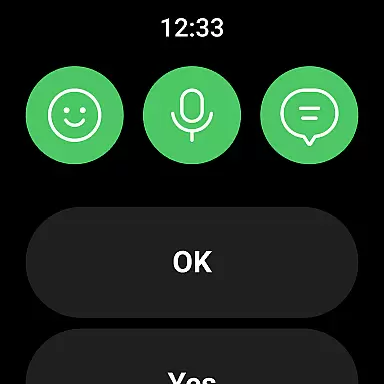
Moreover, the companion app functionality extends beyond just notifications. You can interact with messages directly from your wearable device, ensuring that you never miss an important update even when your phone isn't within reach. This level of integration makes LINE a versatile communication tool across different platforms.
Device compatibility is crucial for any app targeting the wearable technology market. LINE has been optimized to work flawlessly with Wear OS, Googleu2019s platform for smartwatches. This compatibility ensures that users can enjoy the full range of LINE features without any compromise on performance or usability.
The app takes advantage of Wear OS capabilities to deliver a smooth user experience. From receiving notifications to interacting with messages, every function is tailored to work efficiently on smaller screens typical of smartwatches. Additionally, LINE supports various watch face complications, allowing users to customize their experience further.
By focusing on compatibility, LINE ensures that its users can enjoy consistent performance whether they're using a smartphone or a smartwatch. This cross-device reliability enhances overall user satisfaction and makes LINE a preferred choice for those invested in the Wear OS ecosystem.
User-friendly interface
Free voice and video calls
Vast selection of stickers
Strong privacy protection
Cross-platform compatibility
Requires significant storage space
May drain battery quickly
Limited functionality on older devices
Occasional network issues
Some features require Wi-Fi

"PER27 Galaxy Digital" is a digital Wear OS watch face designed by PERSONA
 4.10
4.10
Christmas Theme Watch Face for Wear Os
5.00
Christmas is near, let's count together the days left until Santa comes
4.4
Authentic military-tactical design with ZULU time! Realistic and functional!
3.80
Period, ovulation & pregnancy tracker. Fertility insights & menstrual calendar.
4.90
Real-time weather radar with temperatures, warnings, hurricanes, and widgets
4.80
A realistic hybrid watch face with many customization options.
4.60
Fast and smart typing with Emojis, GIFs, and more
4.50
Track your active life in one place and share the journey with friends.
4.40
Hybrid watch face for Wear OS with customizable complications by Matteo Dini MD
4.70
Kia Access makes getting your vehicle information easier than ever
4.60
Ideal for surviving in the wasteland left after nuclear fallout
4.50
Find EV charging stations
4.30
A customizable Christmas watch face for Wear OS with a countdown.
4.20
Your music, your playlists, and more—offline and unlimited.
4.20
The #1 source of faces for your smartwatch!
4.00
Want to take charge of your health? Let Google Fit help you reach your goals.
3.50
an Analog Watch Face for winter season with freeze winter background for Wear OS
4.0
Wear Os Watch Face - Animated Snow - Sesonal for Christmas & Winter
4.1


User Reviews