
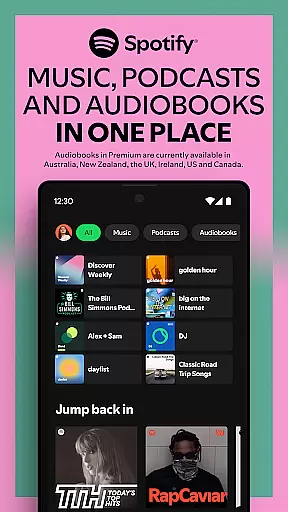


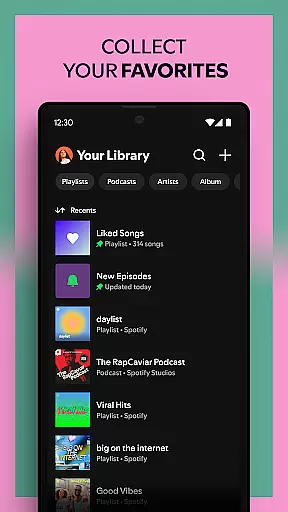
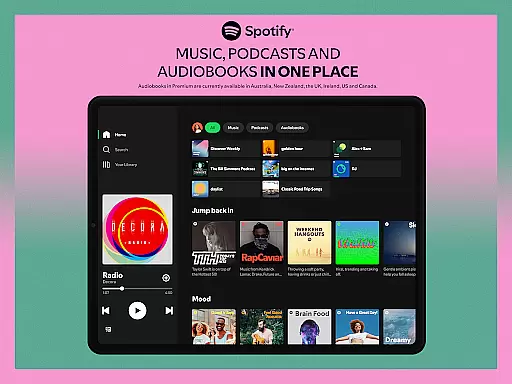

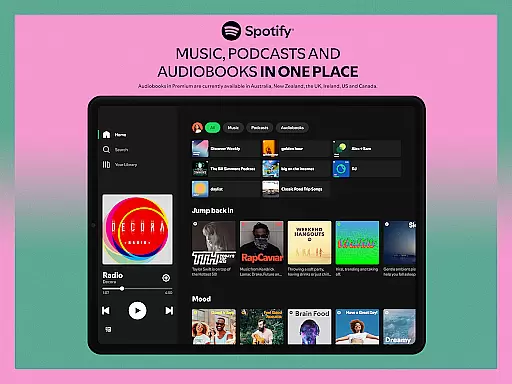

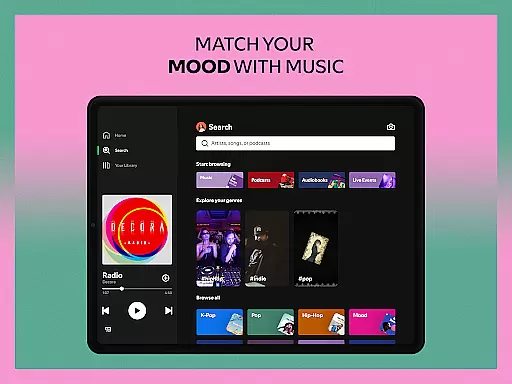
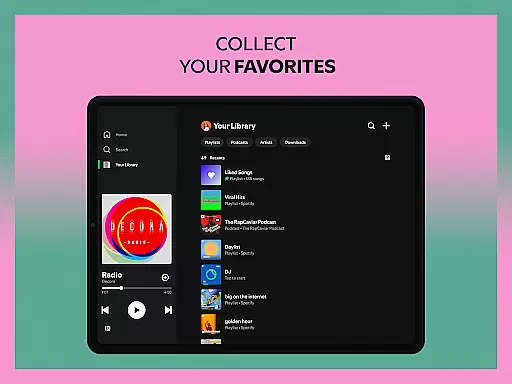
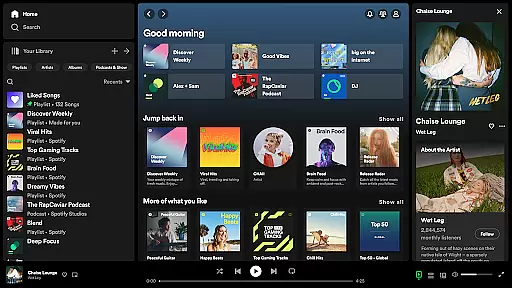
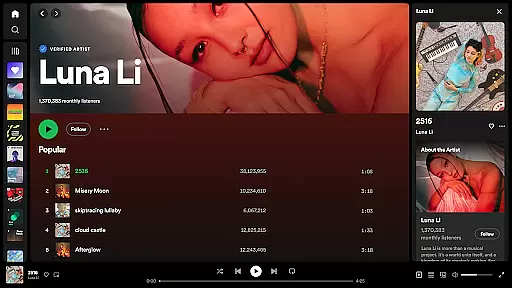

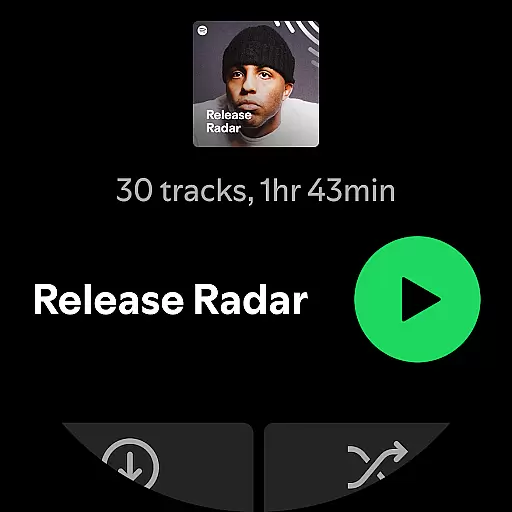
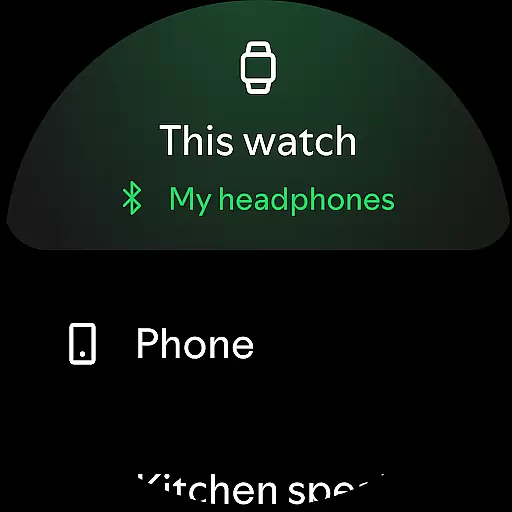
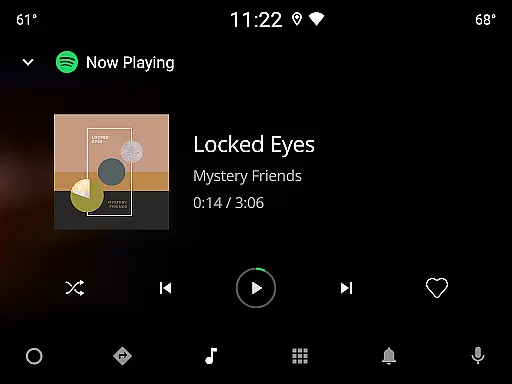

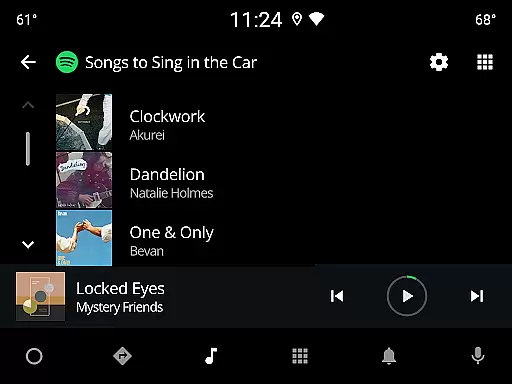
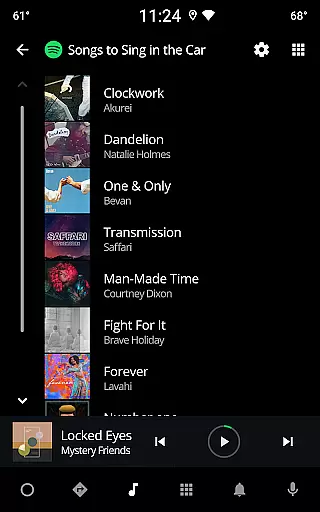
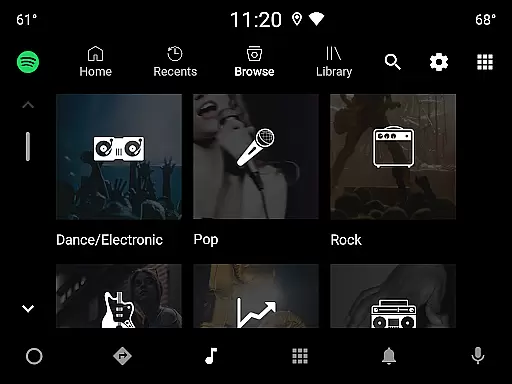
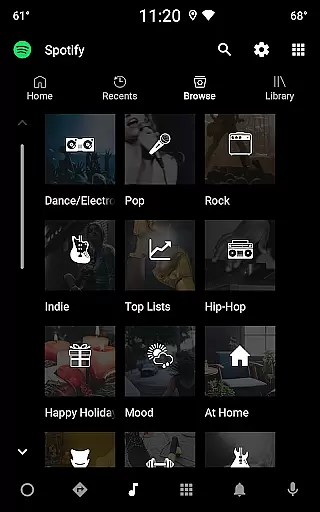
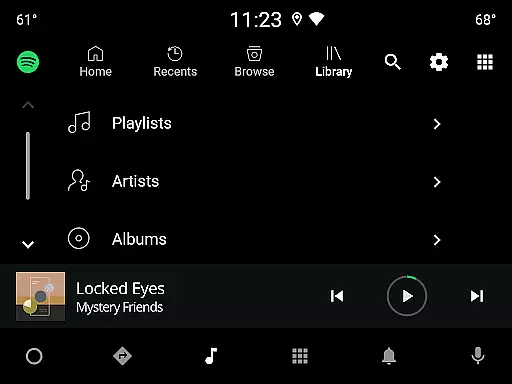
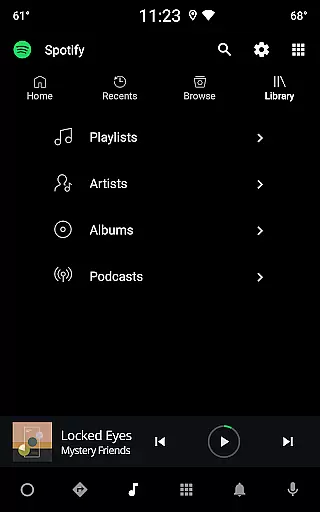
Spotify is a leading music and podcast streaming application that offers users access to over 80 million songs, 4 million podcasts, and a vast library of audiobooks. Available on Android Wear devices, it allows you to enjoy your favorite content on the go with features like offline downloads for Premium users and high-quality audio playback.
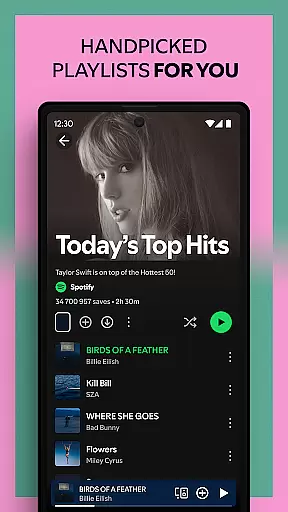
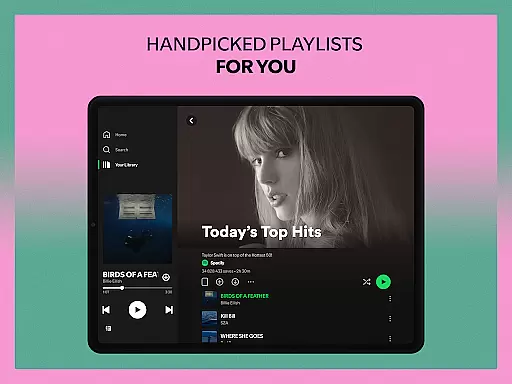
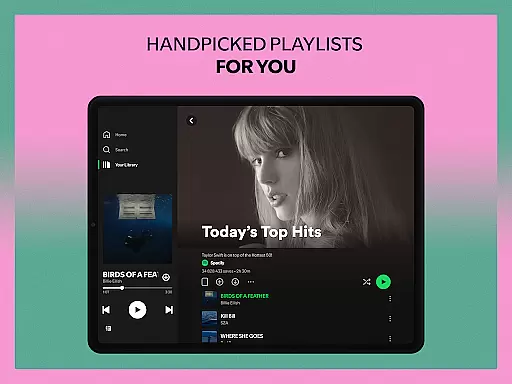
The app provides curated playlists, daily mixes based on your preferences, and specialized radio stations featuring popular artists. Whether you're looking for new music discoveries or want to follow specific genres, Spotify's extensive catalog and personalized recommendations make it an essential tool for music enthusiasts.
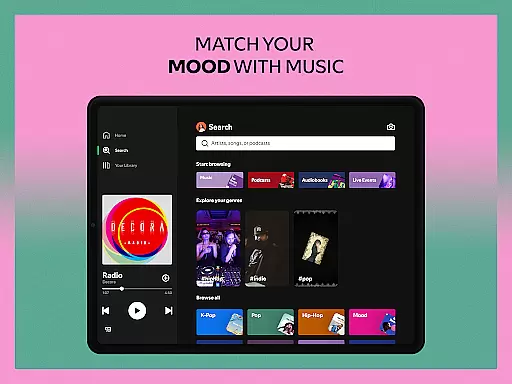
With its cross-device compatibility, including mobile, tablet, desktop, and wearable devices, Spotify ensures you can seamlessly transition between different platforms while enjoying uninterrupted playback. The app's intuitive interface and customizable options allow users to tailor their listening experience according to their mood or activity.
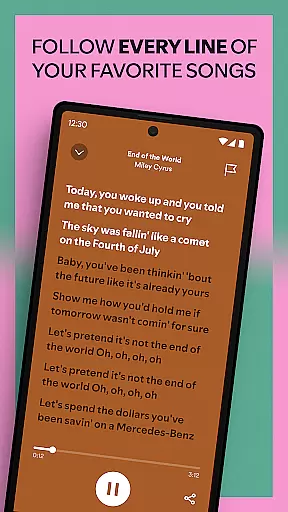
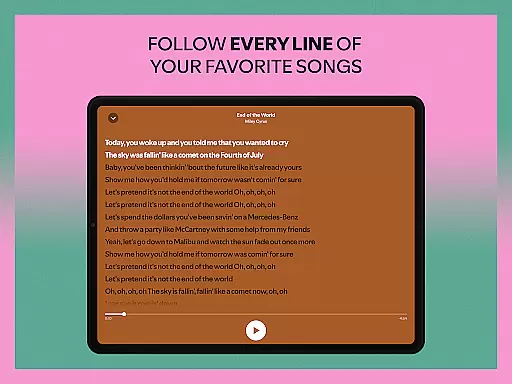
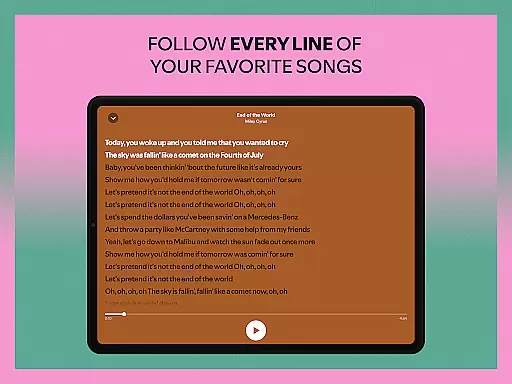
Spotify stands out with its diverse feature set tailored for both casual listeners and dedicated audiophiles. One of its key strengths is the ability to search for songs by lyrics, making it easy to find tracks even if you only remember a few words. Additionally, the app offers impressive sound quality across all devices, ensuring an immersive listening experience.
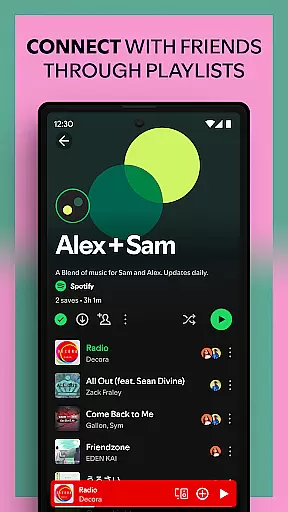
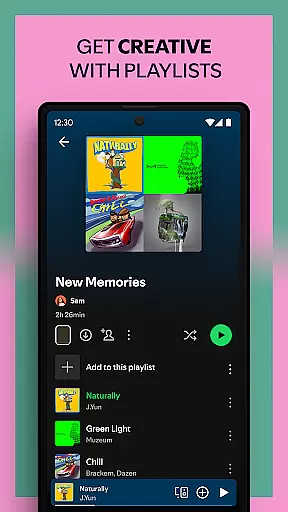
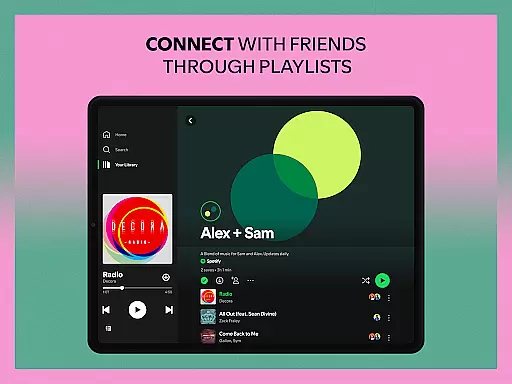
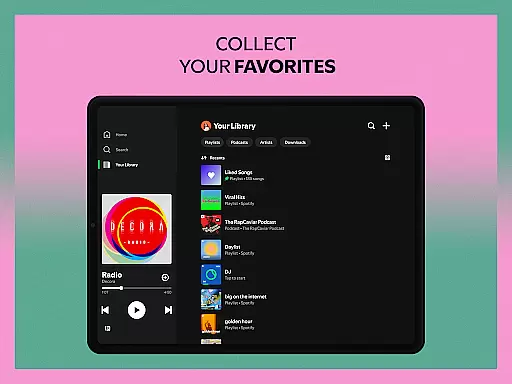
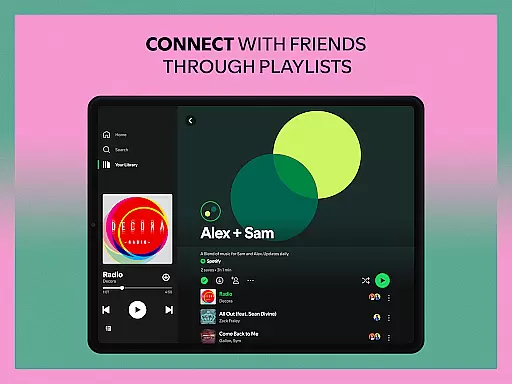
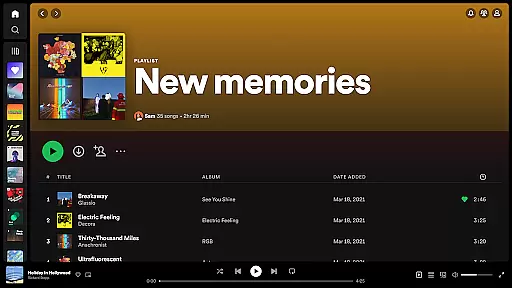
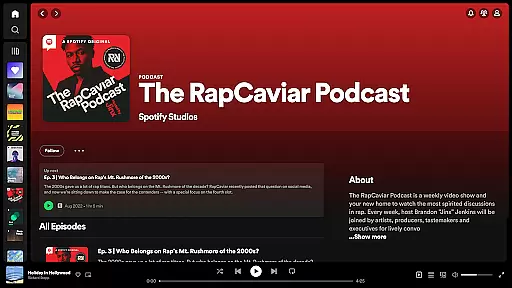
For those who love personalization, Spotify allows users to create and share custom playlists, bookmark individual podcasts into playlists, and subscribe to favorite podcasts to never miss an episode. The Daily Mixes and Genre-based playlists provide fresh content regularly, while the Popular Radio feature lets you listen to top artists throughout the day.
Premium subscribers benefit from additional perks such as ad-free listening, offline downloads, and on-demand playback. Audiobook lovers can also explore over 300,000 titles, with 15 hours of monthly listening available for select subscription plans. These robust features make Spotify a versatile choice for all types of audio content consumption.
Companion app integration is essential for a seamless user experience across multiple devices. Spotify excels in this area by providing a robust connection between its mobile app and Wear OS devices. This ensures that users can control their music and podcasts directly from their smartwatch without needing to carry their phone.
The integration allows for real-time synchronization of playback controls, playlists, and listening history. Whether you're going for a run or simply relaxing at home, the ability to manage your audio content from your wrist enhances convenience and accessibility. This feature is particularly valuable for users who lead active lifestyles or frequently find themselves away from their primary devices.
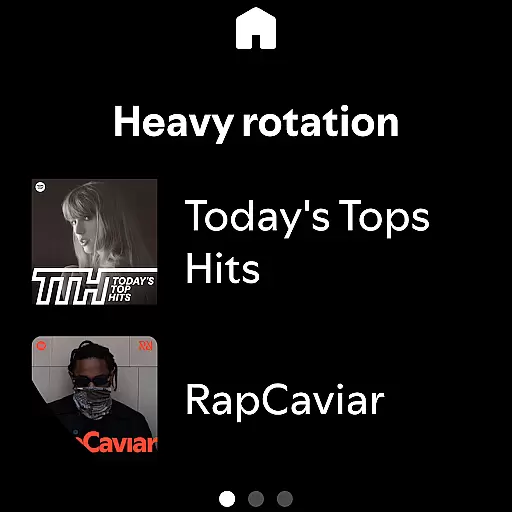
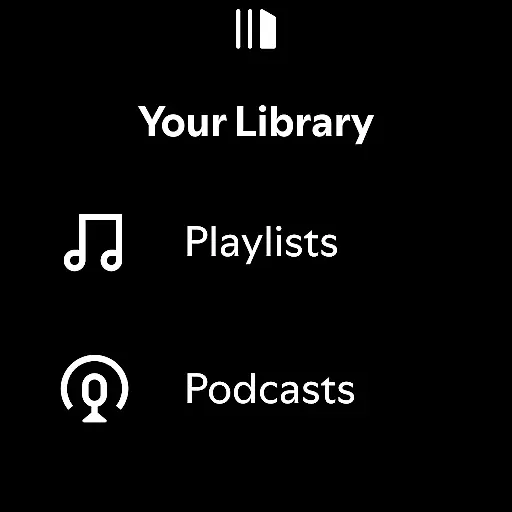
Spotify's companion app functionality extends beyond basic playback controls. Users can browse recommended content, view recently played items, and even download music for offline listening directly on their wearable device. This comprehensive integration demonstrates Spotify's commitment to creating a unified ecosystem that adapts to users' diverse listening habits and environments.
Furthermore, the companion app maintains consistent user preferences and settings across all connected devices. This means that volume levels, equalizer settings, and playback preferences are automatically synchronized, providing a truly cohesive listening experience regardless of which device you're using to control your music.
Device compatibility is crucial for ensuring optimal performance across various hardware configurations. Spotify has been meticulously optimized for Wear OS, guaranteeing smooth operation on a wide range of smartwatches and wearable devices. This broad compatibility allows users to enjoy their favorite music and podcasts regardless of their specific device model.
The application supports both Wi-Fi and Bluetooth connectivity options, enabling flexible usage scenarios. Whether you're streaming content directly through your smartwatch's internet connection or controlling playback from a paired mobile device, Spotify delivers consistent performance and reliability. This versatility is particularly beneficial for users who switch between different network environments throughout their day.
Spotify's development team regularly updates the application to maintain compatibility with new Wear OS devices and operating system versions. This commitment to ongoing support ensures that users can upgrade their hardware without worrying about losing access to their favorite features. The application also takes advantage of device-specific capabilities, such as heart rate monitors and fitness trackers, to enhance the listening experience during workouts.
Additionally, the application's interface has been carefully designed to accommodate various screen sizes and resolutions common among Wear OS devices. This attention to detail ensures that text remains readable, controls remain accessible, and visual elements maintain their quality across different display specifications, providing a consistently excellent user experience.
User-friendly interface
Extensive music library
Personalized recommendations
Cross-device compatibility
Offline listening option
Limited free version
Occasional ads in free tier
Subscription cost for premium
High data usage on mobile
Regional content restrictions

"PER27 Galaxy Digital" is a digital Wear OS watch face designed by PERSONA
 4.10
4.10
Highly customizable hybrid watch face for Wear OS, perfect for everyday use.
4.60
Christmas watch face. For Wear OS devices.
4.30
A Wintery Snow Globe on Your Wrist; now celebrating Christmas!
4.4
Beautiful, colorful and practical watch face. For Wear OS devices.
5.00
The ultimate destination for kids ages 3-8 to explore the Marvel Universe!
4.30
Daily Weather forecast with 15 weather images for Day & Night plus Big Bold time
4.10
Track your active life in one place and share the journey with friends.
4.40
Toyota app currently supports 2010 or newer vehicles (2018 or newer for Hawaii).
4.50
The Chevron App allows you to pay for fuel from the comfort of your car!
4.80
A modern hybrid informative watch face for Wear OS designed by BALLOZI
4.80
Connect to your Bluelink equipped Hyundai vehicle from your smartphone.
4.50
Stylish, Energizing and Modern Watch Face crafted by Dominus Mathias.
4.50
Reliable phone calls with spam protection, caller ID and more helpful features
4.40
Watch face for Wear OS.
4.20
Embrace the festive spirit with our Christmas Countdown watchface for Wear OS
4.10
A full-featured Amazon Alexa voice assistant that can show you things.
3.70
Analog watch face with 8 complications and expedition styling
4.3
Stunning modern digital watch face with 7 complications and strong contrast
4.5


User Reviews