

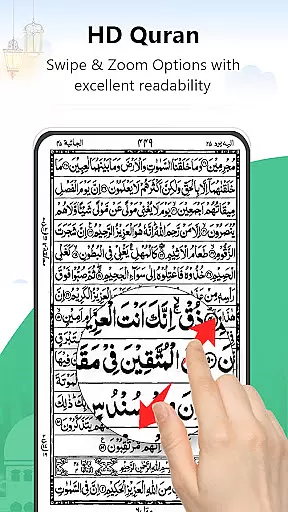
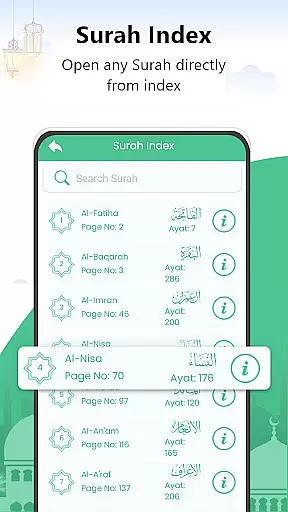
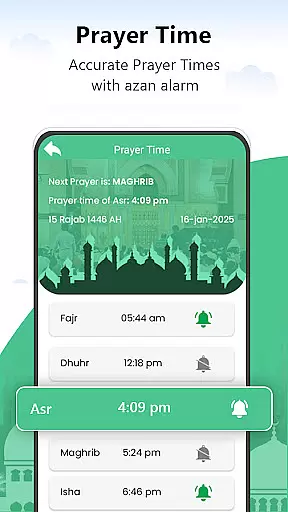
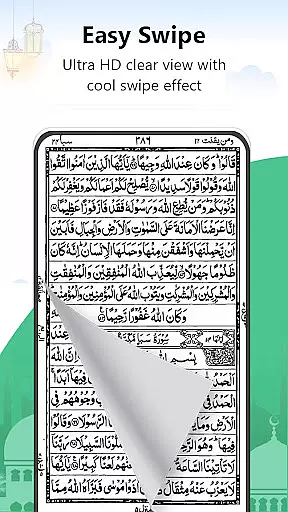

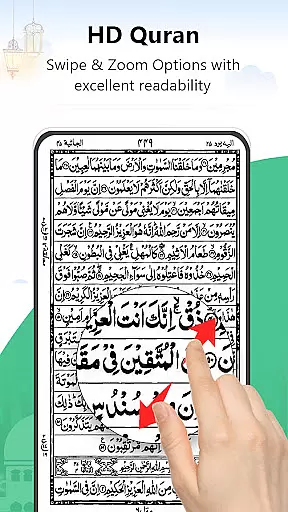
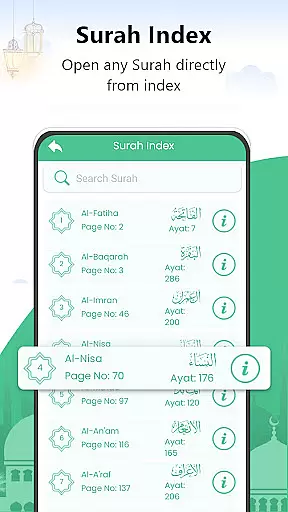
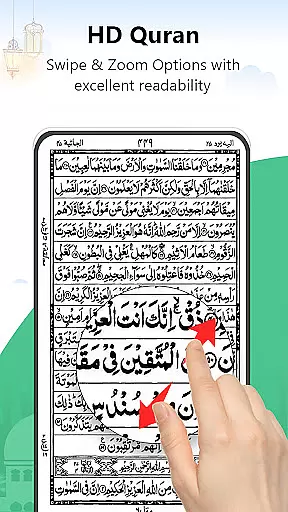

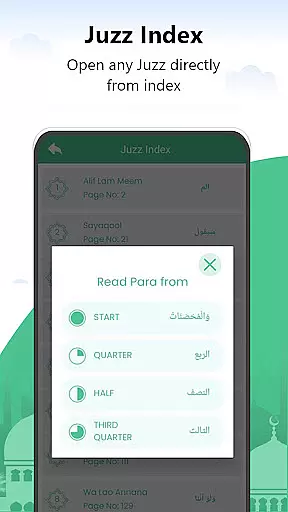
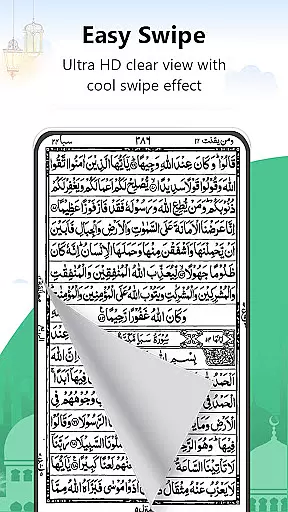
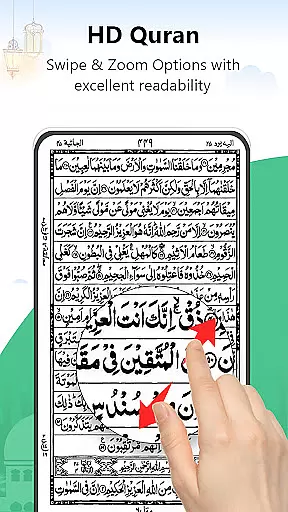
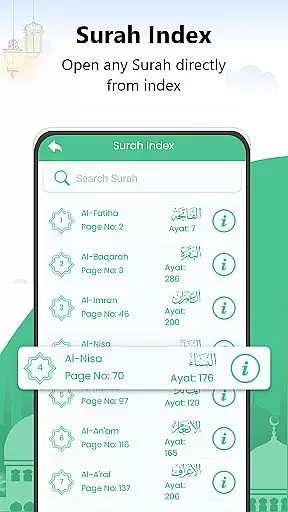
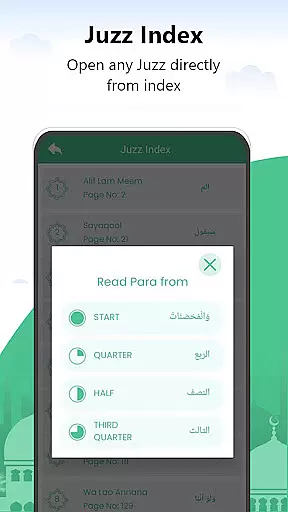
Al Quran Kareem is a comprehensive offline Quran reading application designed specifically for Muslims seeking a genuine digital Quran experience. This app offers users the ability to read the Holy Quran in an elegant, page-by-page format that mirrors the actual Quran book. With features like full-page display, easy navigation by Surah or Para, and a realistic page-turning effect, it creates an immersive reading experience. The app's design ensures comfort with adjustable brightness and readable font sizes suitable for all ages, making it ideal for both personal study and Quran memorization.
The application stands out through its accessibility features and user-friendly interface. It includes advanced search options for quickly locating specific Surahs or verses, a bookmarking system for saving important pages, and a resume feature that remembers your last read page. These functionalities make it particularly beneficial for Hafiz-e-Quran and students learning in madrasas or schools. Whether used for daily recitation, spiritual enrichment, or religious study, Al Quran Kareem provides a reliable and convenient way to maintain a strong connection with the holy text at any time and place.
Al Quran Kareem offers an array of distinctive features that enhance the Quran reading experience. One of its key characteristics is the complete offline functionality, allowing users to access the entire 30 Juz of the Quran without an internet connection. Each page presents 16 lines of Quranic text, maintaining the traditional layout while providing comfortable readability through well-designed fonts and adjustable display settings. The app's advanced search capability enables users to quickly find specific Surahs or verses, streamlining their study and recitation practices.
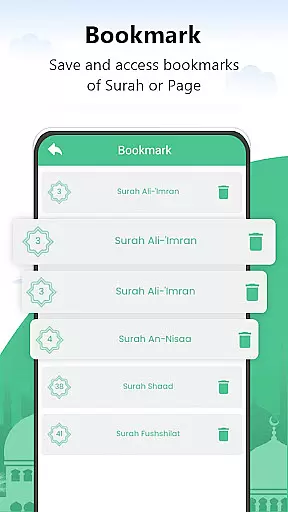
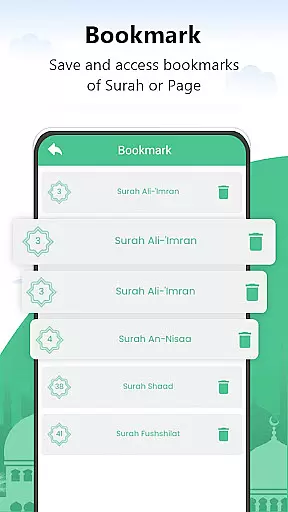
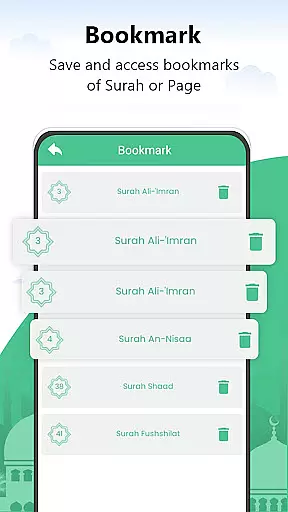
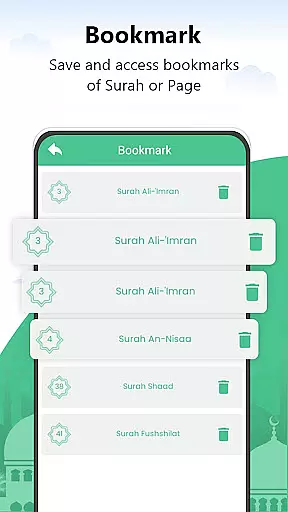
Another significant feature is the robust bookmarking system, which allows readers to save their progress and easily return to specific pages, Surahs, or Juz. The app maintains a history of all saved bookmarks, creating a personalized reading experience. Additionally, practical functions such as the automatic screen stay-awake during reading sessions and the intuitive swipe navigation for page turning ensure uninterrupted study sessions. These carefully crafted features collectively create an optimal environment for focused Quranic study and recitation, whether for casual reading or serious memorization efforts.
For a Libraries & Demo app like Al Quran Kareem, functionality completeness refers to how comprehensively it delivers essential features for reading and reciting the Holy Quran. This application offers an extensive set of tools that cater specifically to the needs of Muslim users who wish to engage with the Quran offline.
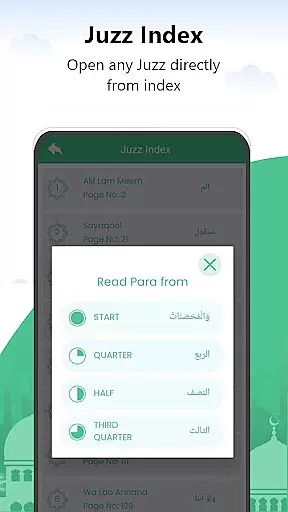
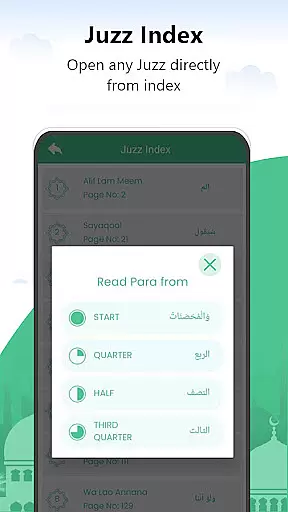
The app includes all 30 Juz of the Quran, allowing uninterrupted recitation without the need for an internet connection. It supports navigation by Surah or Para, ensuring that users can easily access any section they wish to read. The inclusion of advanced search options further enhances its utility, making it simple to find specific verses or sections quickly.
Moreover, the app provides practical features such as bookmarking, which lets users save their place in the text, and a resume page feature that remembers where they left off. These elements contribute significantly to user convenience and satisfaction, ensuring that readers can maintain a consistent and meaningful connection with the Quran.
By offering full-page readability and mimicking the experience of holding an actual Quran book, this app achieves a high level of functionality completeness. Its design prioritizes ease of use and accessibility, making it suitable for people of all ages, including those with limited technical skills.
Usability and operational smoothness are critical factors that determine how effectively users can interact with an application. For Al Quran Kareem, these aspects are meticulously addressed to ensure a seamless and intuitive user experience when engaging with the Holy Quran.
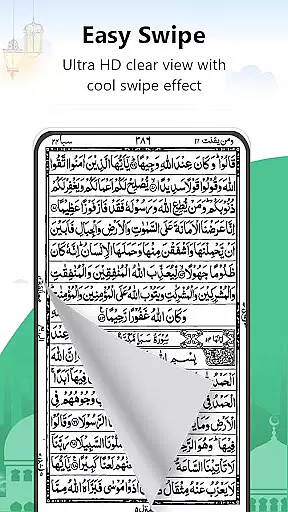
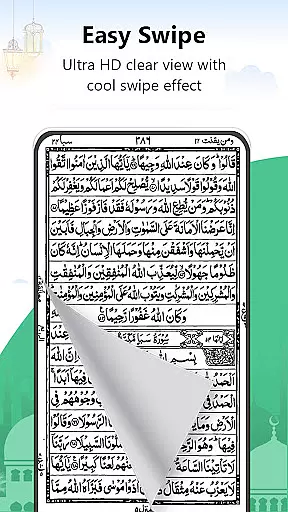
The interface is designed to be straightforward and visually appealing, featuring elegant styling reminiscent of traditional Quran books. Users can navigate through pages effortlessly using swipe gestures, eliminating the hassle of scrolling up and down. This natural page-turning effect enhances the overall reading experience, providing a sense of authenticity and familiarity.
Brightness adjustments and readable font sizes make prolonged reading sessions comfortable for the eyes. Additionally, the app ensures that the mobile screen remains active during reading sessions, preventing interruptions caused by automatic screen timeouts. Such thoughtful design choices reflect a deep understanding of user needs and contribute to operational smoothness.
Furthermore, the app's ability to operate entirely offline adds another layer of usability. By removing dependency on internet connectivity, it becomes an indispensable tool for Muslims worldwide, enabling them to incorporate Quranic recitation into their daily lives seamlessly. Overall, Al Quran Kareem excels in delivering a polished and reliable platform for spiritual enrichment.
User-friendly interface
Full offline access
Advanced search option
Comfortable readability
Bookmarking system
Limited additional resources
No audio recitation
Basic design elements
Occasional bugs
Ads may appear

Sad ringtones full of feeling, sad music ringtones
 3.90
3.90
TV USB connector app provides you a seamless cast option from your phone to tv.
4.70
Block, disable and secure phone camera from secretly taking photos by spyware.
4.50
Explore The Holy Quran Majeed for Muslim. Listen to MP3 Quran & Al Quran Kareem.
4.80
CloudEye 365 is a easy-handling APP
3.60
A Pydroid Quick Install repository provider.
4.00
Manage apps & elevate your gaming experience with Game Launcher: Gaming Hub app.
4.30
Simulator of real black light
3.50
Now Available on Android ™
3.40
Expo is a free & open source platform to build apps using JavaScript and React.
4.70
Popular mods fnaf mods for melon playground
4.50
Game booster GFX may reduce interruptions and improve gaming experience.
4.50
Wireless reverse charging using phone now is possible
4.30
An impressive collection of tools, characters, weapons, skins and more!
4.30
Test DPC is a sample device policy controller for use with Android Enterprise.
4.20
Endoscope camera an app to connect with endoscope cam or any device
3.30
Record with Double Camera Video Recording using Dual Camera Front and Back Video
3.00
Zlink Carplay Android a mirror link app with a Carplay interface style
4.5
Mirror Link Car Display to share your screen with car dashboard wirelessly
4.0


User Reviews