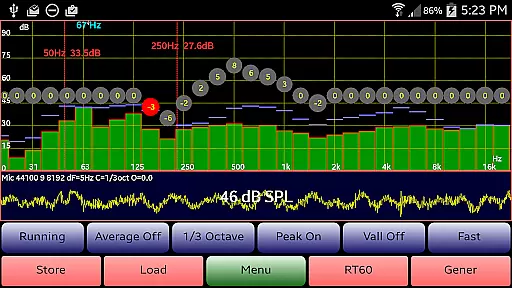
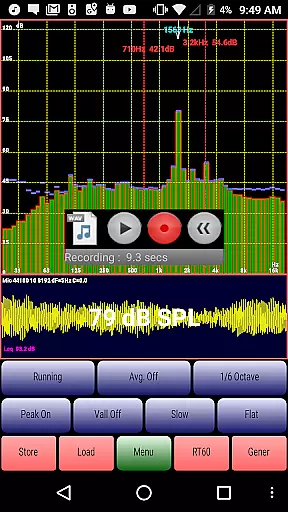
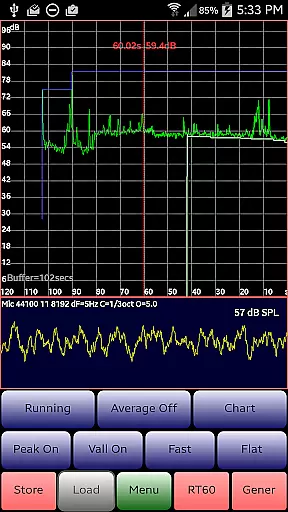
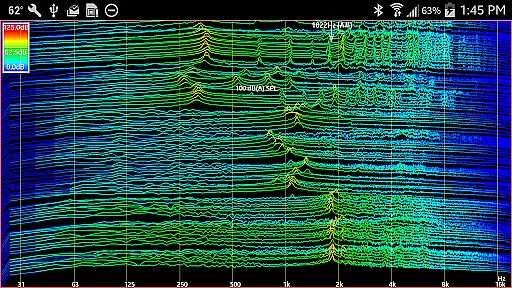
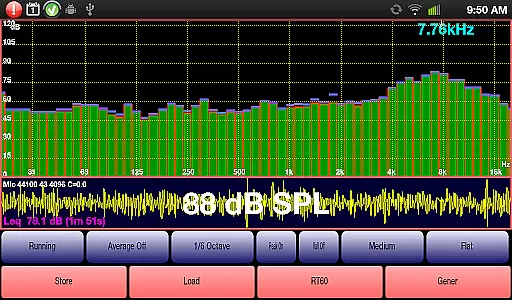
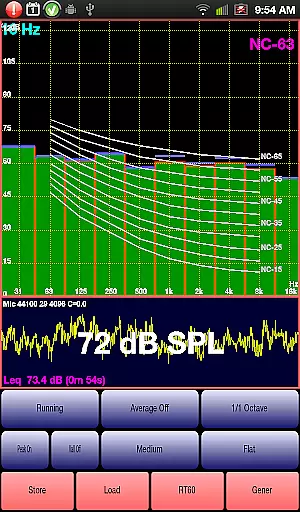
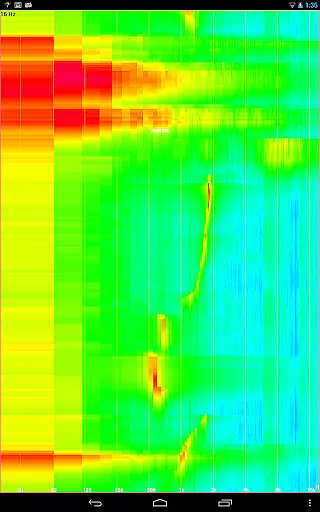
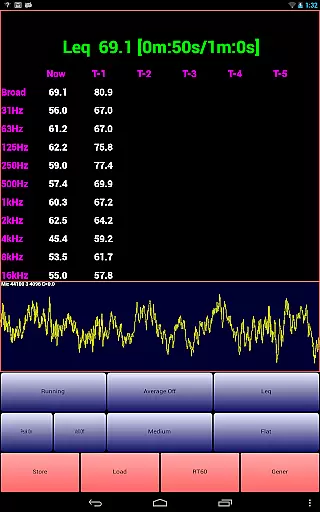
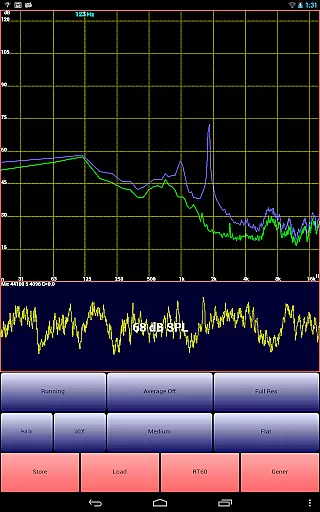
AudioTool is a comprehensive audio measurement and analysis application designed for audio engineers, acousticians, and enthusiasts. The app features an SPL meter with RT60, Leq, Sone, Spectrum Analyzer, Spectrogram, Chart Recorder, Signal Generator, Polarity Checker, and Mic calibration capabilities.
This professional-grade tool supports multiple octave RTA modes (1/1, 1/3, 1/6 & 1/12), various filters (Impulse, Fast, Medium & Slow), and different weighting options (Flat & A/C Weighting). It also includes advanced functionalities like exclusive ISO 1/3 Octave Calibration to correct microphone response, making it suitable for gig measurements, home theater setups, car audio tuning, and more.
The app's value lies in its ability to provide precise audio measurements and analysis tools that are typically found in expensive hardware devices. Audio engineers worldwide appreciate its accuracy and versatility, as evidenced by positive reviews from industry professionals and publications like 'Sound and Vision' magazine.
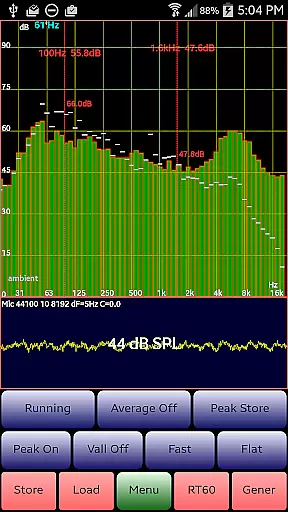
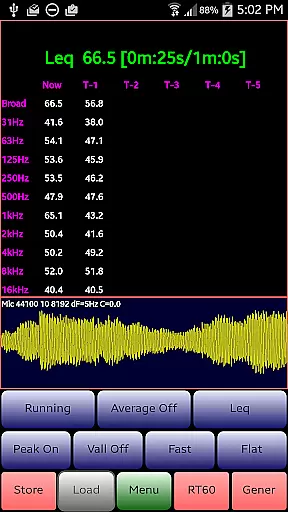
AudioTool stands out with its extensive feature set tailored for audio professionals. The app offers real-time spectrum analysis through its 1/1, 1/3, 1/6, and 1/12 octave RTA modes, allowing users to perform detailed frequency response measurements. Its Leq functionality provides wideband and octave-based sound level monitoring over variable durations, while the Sones feature measures perceived loudness.
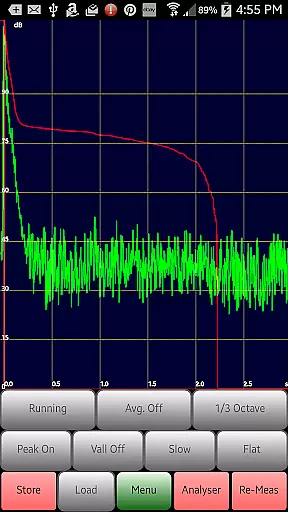
One of the app's key innovations is its exclusive ISO 1/3 Octave Calibration system, which can correct for your phone's microphone response. This feature, combined with support for popular external microphones like Dayton Audio iMM-6 and MicW i436, ensures accurate and reliable measurements. The inclusion of advanced tools like RT60 measurement for reverberation analysis, Noise Criteria evaluation, and a comprehensive Signal Generator further enhances its professional utility.
These features collectively enable users to conduct thorough acoustic analyses, from basic SPL measurements to complex room acoustics evaluations. The app's ability to save and load spectrum data, along with its sophisticated chart recording and spectrogram functions, makes it an invaluable tool for both field measurements and detailed post-analysis work.
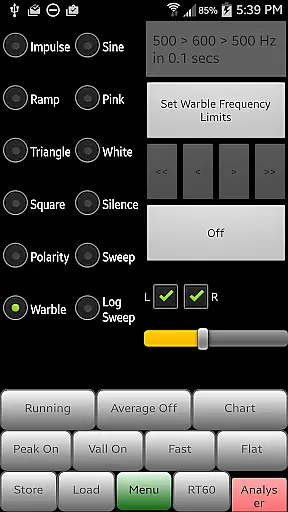
AudioTool offers a comprehensive suite of audio measurement and generation tools, ensuring users have access to an extensive array of functionalities. While it doesn't provide a traditional music library, its features like the Signal Generator with White and Pink Noise, Sine, Square, Triangle, and Ramp waves cater to professionals needing precise audio signals.
The app's commitment to copyright authenticity is reflected in its support for exclusive ISO 1/3 Octave Calibration, allowing users to correct for their phone's microphone response. This ensures that any generated or analyzed audio content adheres to professional standards, making it a trusted tool among audio engineers worldwide.
With options to save and restore calibration files for popular microphones, AudioTool provides a reliable platform for accurate audio measurements. This feature not only enhances the credibility of the content but also assures users of its legitimacy and compliance with industry norms.
By integrating advanced tools such as RTA modes, Leq, Sones, Spectrum Analyzer, and Spectrogram, AudioTool empowers users to perform detailed audio analyses. These capabilities make it an indispensable resource for gig measurements, home theater setups, acoustics, and more, reinforcing its value in the Music & Audio category.
One of AudioTool's standout features is its diverse range of audio quality options, which cater to both amateur enthusiasts and professional audio engineers. The app supports multiple octave RTA modes (1/1, 1/3, 1/6, and 1/12), providing users with granular control over frequency analysis and ensuring high-quality audio output.
The Signal Generator within AudioTool produces various waveforms, including Sine, Square, Triangle, and Ramp signals, along with sweeps and noise types. With a typical frequency accuracy of around 1%, the generated sine waves maintain fidelity across most of the audio spectrum, delivering consistent and reliable audio quality.
Advanced functionalities such as Averaging, SPL Chart Recorder, and film industry X Curve further enhance the precision of audio measurements. These tools allow users to fine-tune their audio experiences, whether they are calibrating sound systems or conducting acoustic research, thus elevating the overall audio quality.
Additionally, AudioTool's ability to display stored spectrum files alongside real-time data and its compatibility with external calibration discs ensure that users can achieve the highest standards of audio quality. This dedication to excellence makes AudioTool a preferred choice for those seeking robust and versatile audio solutions.
Comprehensive feature set
Professional-grade accuracy
Real-time analysis capabilities
Extensive calibration options
Wide industry recognition
Complex for beginners
Hardware-dependent performance
Advanced features require expertise
Interface may feel cluttered
Calibration file management

Fun & Easy Voice Changer – Record, Edit & Add Hilarious Effects!
 4.50
4.50
Tune in to the greatest hits on UK Radio | The home of Capital, Smooth & Heart.
4.90
Background pads for your band
3.80
A High-Precision Audio Spectrum Analysis App
4.20
Your song collections with lyrics and chords on Android smartphones and tablets.
4.80
Smart piano keyboard, Classical to Pop, Real-time multiplayer connection!
4.20
The official Sonos app
4.10
Manage your Sonos system directly from your home-screen!
4.40
Full featured mp3 and audio player with Chromecast and Android Auto support.
4.40
Responsive piano with great sounds, graphics, and songs
4.80
Record, Mix & Master with all n-Track effects, 64-bit audio and Stem Separation.
4.70
Super Sound Editor, Song Maker & Mixer, Vocal Remover, Voice Recorder & Changer!
4.60
Learn the notes on the guitar fretboard fast with this easy and fun app
4.60
Reverse your voice & songs instantly! Fun singing challenge with cool effects.
4.60
Enhance the sound quality of your devices, listen to what you want
4.50
Learn and play 2M+ music tabs & chords on guitar, ukulele, bass, and more
4.30
The original SP-1200 experience on your iPad
4.20
Permanently backup Now Playing. Maps, filters & listening stats.
4.00
Simple mp3 and mp4 player with advanced features.
3.40


User Reviews