
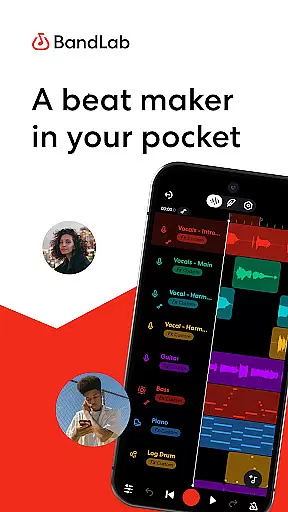
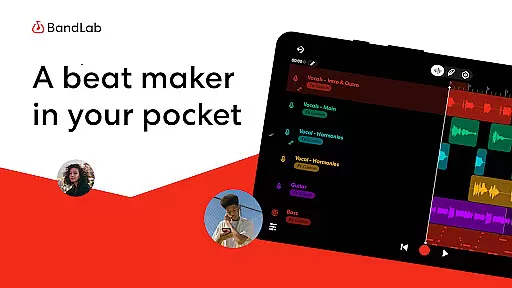
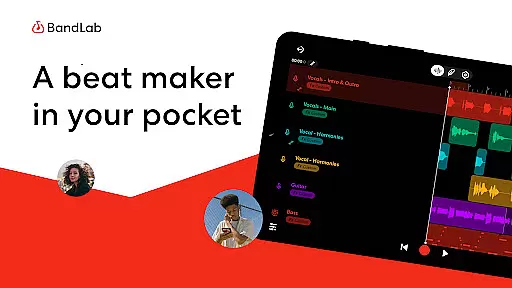
BandLab is a comprehensive music production studio that empowers users to create, mix, and share their music directly from their mobile devices. This free digital audio workstation (DAW) offers an extensive suite of professional-grade tools including a massive royalty-free sample library, advanced MIDI instruments, and AI-powered stem separation features.
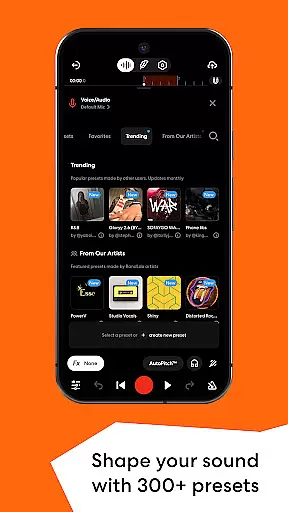
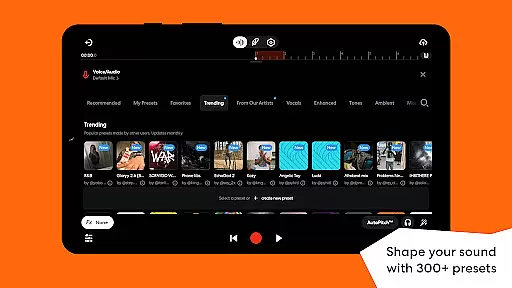
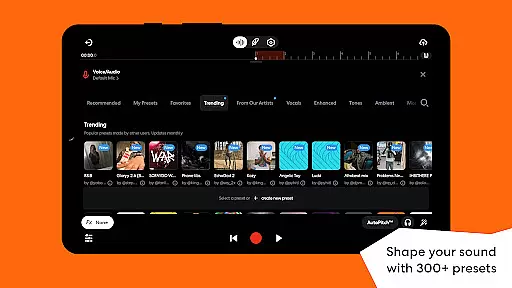
The app's key strength lies in its all-in-one approach to music creation. Users can access over 385 virtual MIDI instruments, utilize professional audio effects through 300+ presets, and employ innovative features like SongStarter for creative inspiration. The inclusion of mastering tools designed by industry experts ensures tracks are ready for professional distribution across streaming platforms.
Ideal for both amateur and professional musicians, BandLab enables seamless music creation on-the-go. Whether crafting beats, recording vocals, or splitting tracks into stems for remixing, this application provides a complete mobile studio experience that maintains professional quality standards while offering unprecedented accessibility.
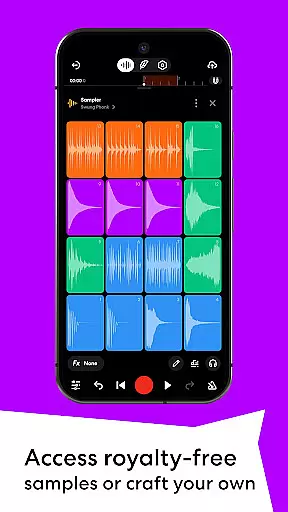
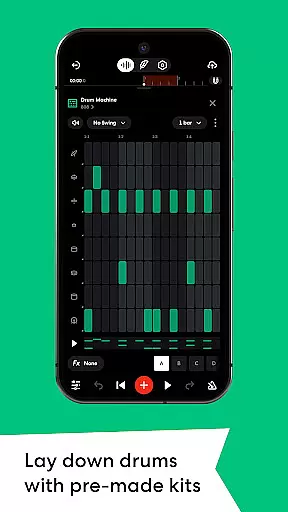
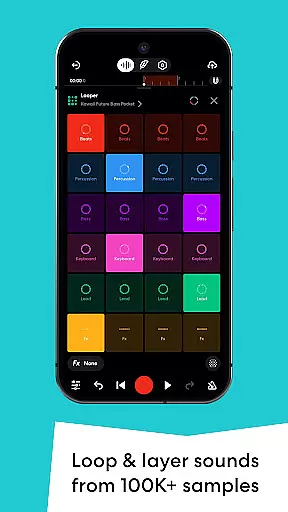
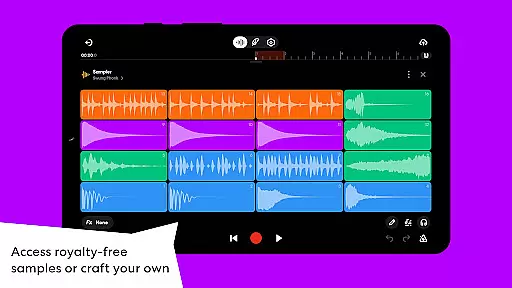
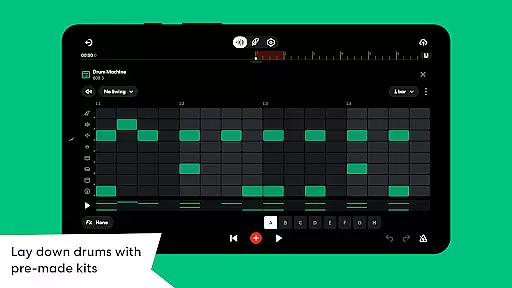
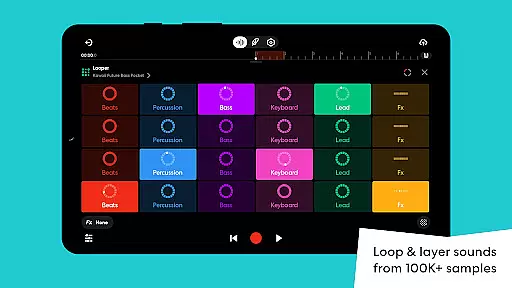
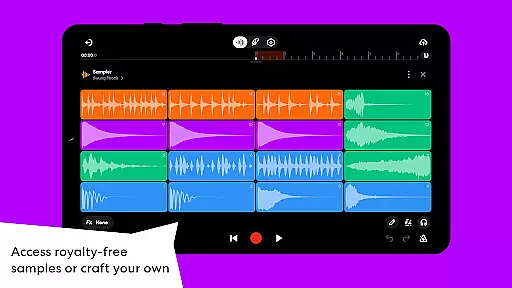
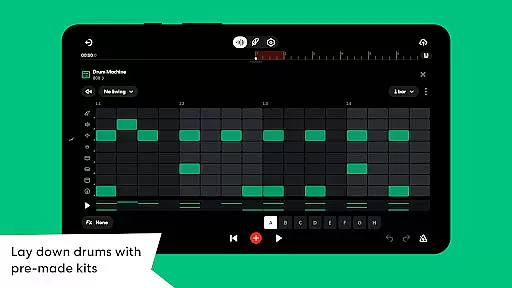
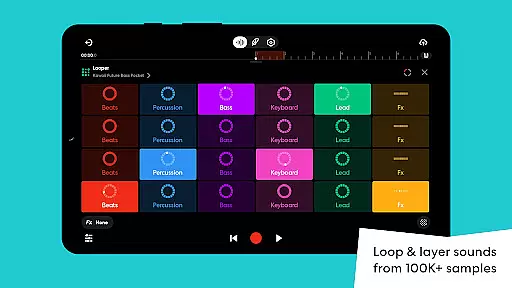
BandLab distinguishes itself through its extensive feature set tailored for modern music creators. The Sampler tool provides access to over 100,000 royalty-free samples while allowing users to capture custom sounds from their environment. Advanced beat-making capabilities include a sophisticated Drum Machine with genre-specific kits and a user-friendly Looper for quick track creation.
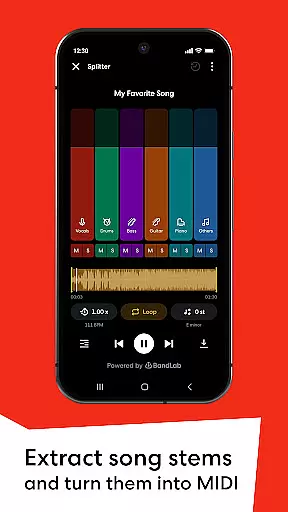
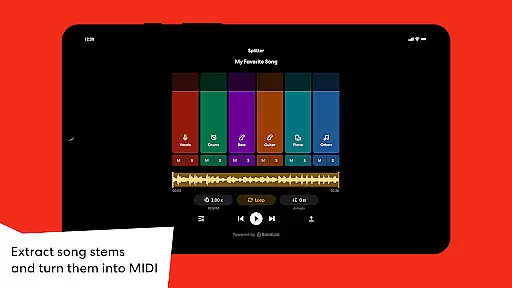
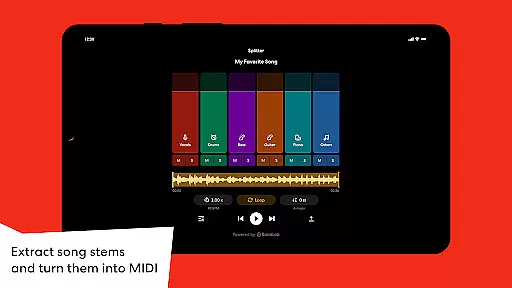
The application's technological prowess extends to its AI-driven tools. The Splitter feature uses artificial intelligence to separate songs into high-quality stems, enabling creative remixing possibilities. SongStarter generates unique composition ideas across multiple genres, helping overcome creative blocks. These innovations are complemented by precise automation controls for mixing parameters and professional mastering presets.
Additional notable features include cloud storage for unlimited projects, cross-device synchronization, and direct distribution to major streaming platforms. The app maintains exceptional audio quality throughout its 385+ virtual instruments and effect chains, ensuring professional results regardless of the user's skill level or project complexity.
BandLab offers an extensive music library that includes over 100,000 royalty-free samples and 385+ Virtual MIDI instruments. This vast collection ensures that creators have access to a wide variety of sounds and instruments without worrying about copyright infringement. The availability of such a comprehensive library empowers users to experiment with different genres and styles.
The app's dedication to copyright authenticity is evident through its partnership with industry professionals to provide high-quality, legal content. Users can craft their music using audio presets, drum machines, and loops knowing they are utilizing resources that respect intellectual property rights. This feature not only enhances creative freedom but also educates users on the importance of copyright compliance.
Furthermore, BandLab's integration of AI tools like SongStarter and Splitter allows musicians to generate unique compositions or extract stems from existing tracks legally. These innovative features ensure that artists can push creative boundaries while maintaining integrity in their work. Such resources make BandLab an invaluable tool for both amateur and professional music producers.
BandLab provides superior audio quality options designed to meet the needs of discerning audio producers. With features such as 300+ vocal, guitar, and bass audio presets, users can shape their sound using effects like reverb, delay, and EQ. These tools allow for precise sound customization, ensuring each track meets professional standards.
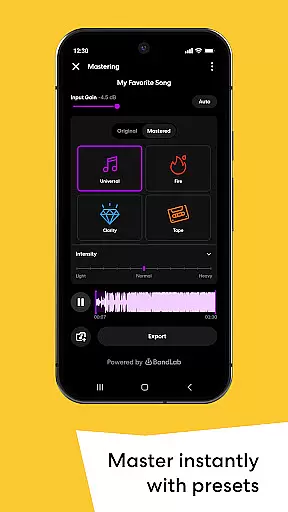
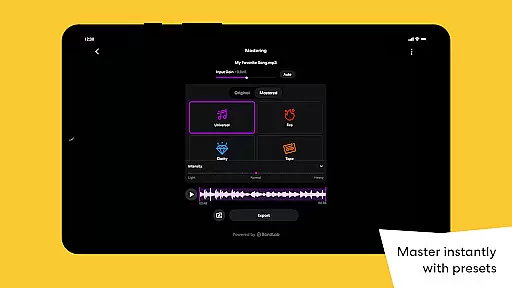
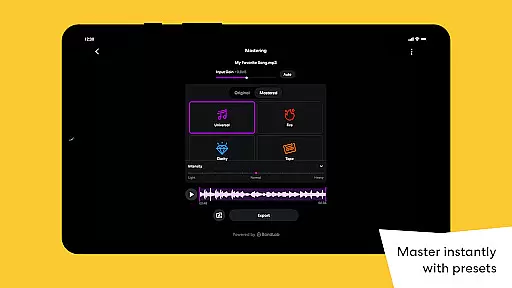
In addition to customizable audio presets, BandLab offers mastering tools crafted by multi-Platinum and Grammy-winning engineers. These mastering presets enhance the final output of any track with just a tap, making it ready for streaming platforms. Such high-caliber mastering guarantees that even novice producers can achieve polished results.
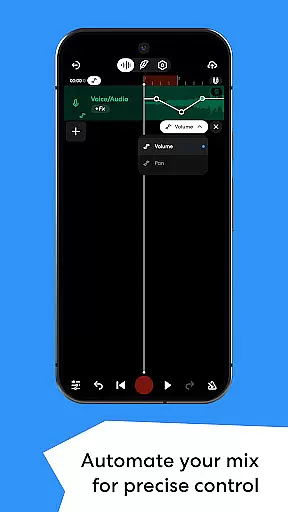
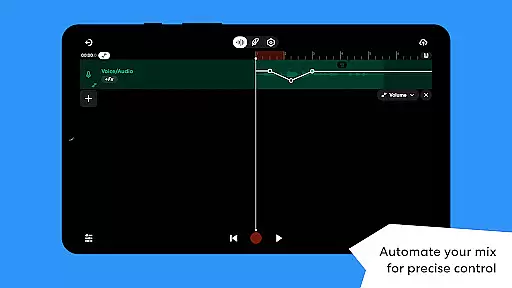
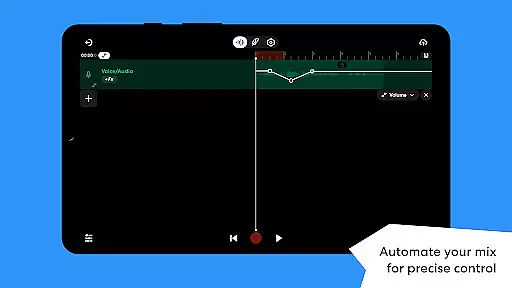
Moreover, automation functionalities give users exact control over volume, panning, and effects parameters within their mixes. This level of detail supports dynamic range management and smooth transitions between song sections. By providing these advanced audio quality options, BandLab ensures that every piece produced resonates with clarity and depth expected in todayu2019s music industry.
User-friendly interface
Extensive sound library
Professional mastering tools
Cross-device project syncing
Free with no hidden costs
Mobile interface limitations
Occasional performance lag
Advanced features learning curve
Limited offline functionality
Ads in free version

10-Band Audio Equalizer, Sound / Bass Booster for Spotify Users & Music Players
 4.40
4.40
Advanced 10-Band Audio Graphic Equalizer Sound Booster Pro
4.30
Guzheng Master supports many playing techniques as an acoustic Guzheng
4.50
Super Sound Editor, Song Maker & Mixer, Vocal Remover, Voice Recorder & Changer!
4.60
Recording studio w/ 10k beats, pro vocal FX and a network of 20M rappers & fans!
4.60
AI Music Maker: Generate And Compose AI Tunes & AI Songs & AI Music & AI Melody!
4.60
Learn and play 2M+ music tabs & chords on guitar, ukulele, bass, and more
4.30
Full featured mp3 and audio player with Chromecast and Android Auto support.
4.40
Turn Every Moment into Music
3.60
Brian Eno and Peter Chilvers’ acclaimed music app Bloom, radically reinvented.
4.80 4.70
4.70
Offline Music Player&MP3 Player with themes, equalizer, lyrics, music play mode
4.60
DJ Music Mixer Pro is a real DJ controllers and DJ Music Studio to remix DJ.
4.40
DJ Music Mixer - DJ Remix: remix songs, make beat music & record mix of DJ.
4.40
The original SP-1200 experience on your iPad
4.20
USB audio recording and playback finally possible on Android 3.1 or higher!
3.90
Sheet music reader, piano & music note player. Play music score & learn to read.
3.90
The Skullcandy App Experience
3.20
MilkDrop for Android TV
3.00


User Reviews