
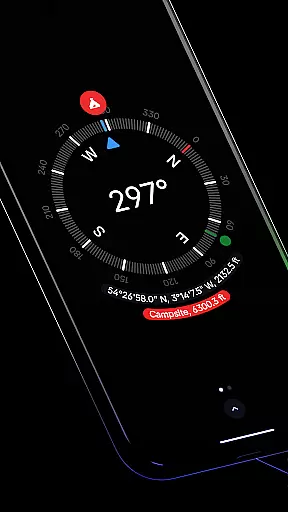
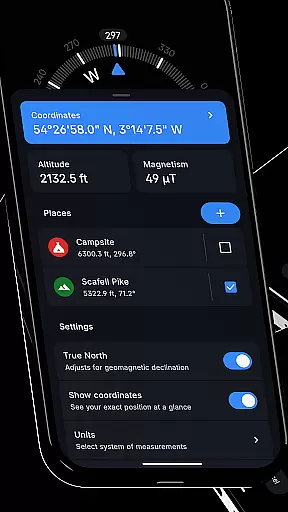
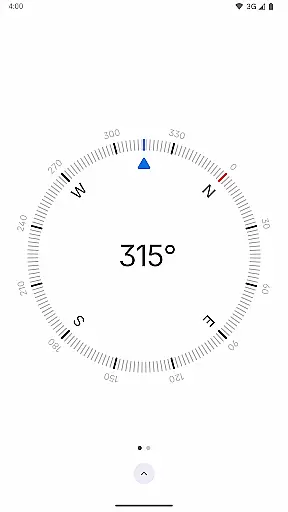
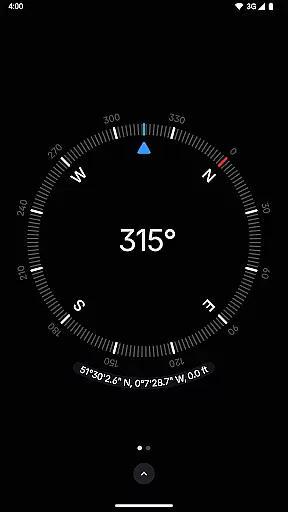
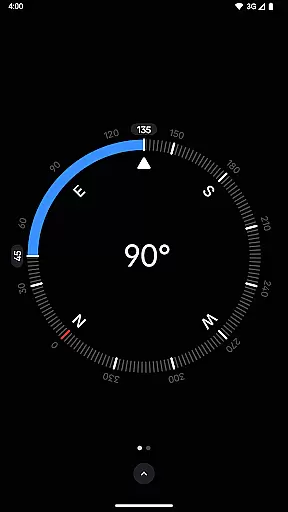
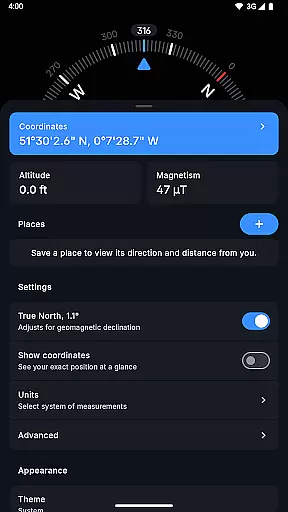
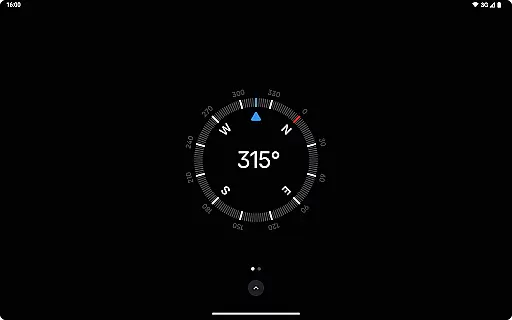
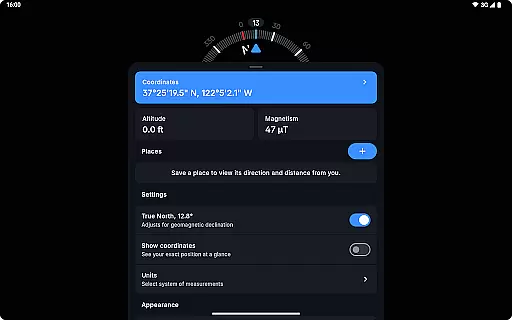
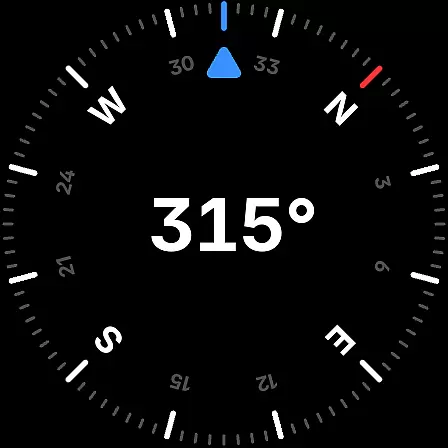
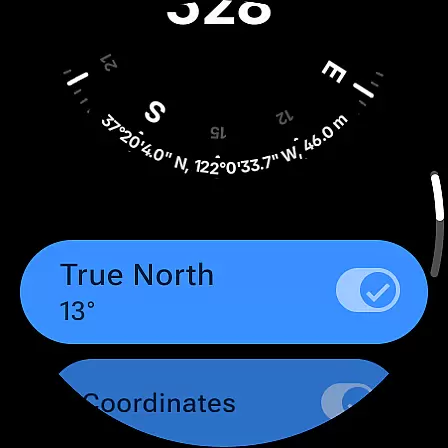
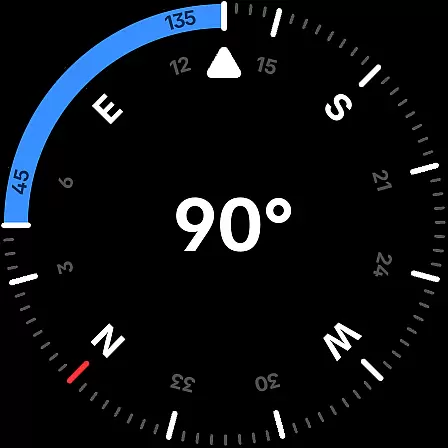
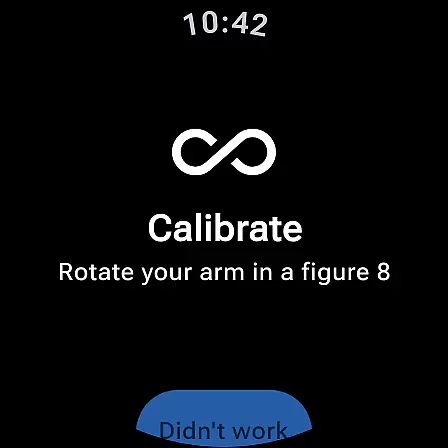
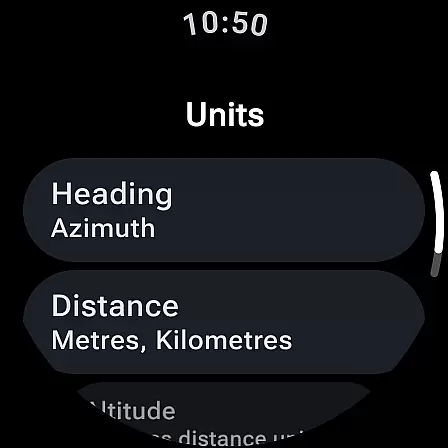
Compass is a sleek and minimalistic navigation app that combines simplicity with elegance. Designed for both Android phones and select Wear OS smartwatches, it offers users precise direction and location data through an intuitive dark-themed interface. The app provides essential navigation features such as coordinates in multiple formats (DMS, DDM, DD, UTM, MGRS, OLC), altitude information, and the ability to save places for quick reference.
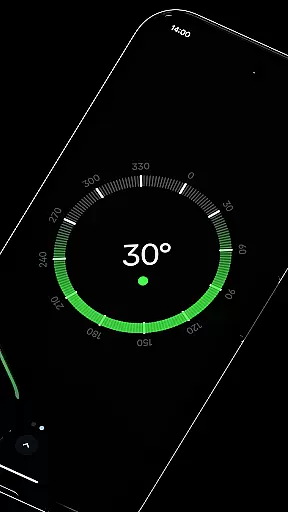
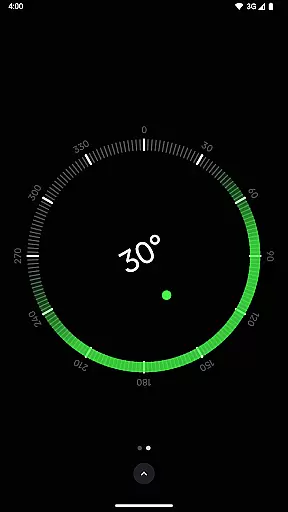
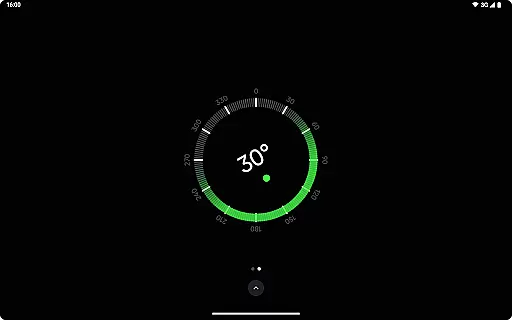
Beyond basic navigation, Compass includes advanced functionalities like geomagnetic declination adjustment for true north alignment, a bubble level for checking surface levels, and angle difference measurement between orientations. Its customization options allow users to change units for angles and distances, switch between dark and light themes, and even personalize the app's appearance using Android 12's dynamic colors. With rich haptic feedback and a red screen filter for night use, Compass ensures a seamless experience in all conditions.
This app is particularly valuable for outdoor enthusiasts, travelers, and professionals like carpenters or DIYers who require reliable and distraction-free tools. By offering offline functionality, zero trackers, and no ads, Compass prioritizes user privacy while delivering a functional and aesthetically pleasing navigation solution.
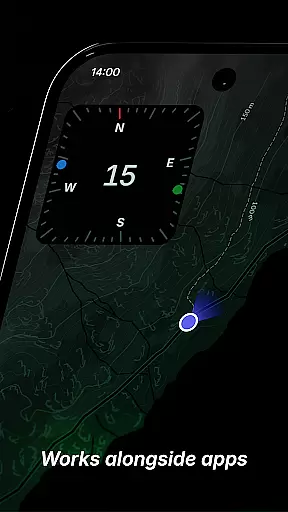
Compass stands out with its modern design and comprehensive feature set tailored for precision and usability. One of its key highlights is the support for multiple coordinate formats, including DMS, DDM, DD, UTM, MGRS, and OLC (Plus Codes), catering to diverse user preferences. The app also allows users to dock the compass to the edge of the screen while multitasking, ensuring uninterrupted navigation even when using other apps.
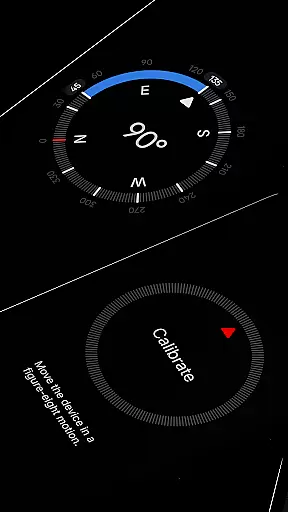
Another notable feature is its calibration guide, which ensures accurate readings by aligning with true north while accounting for geomagnetic declination. For added convenience, Compass integrates practical tools such as a bubble level for surface leveling and an anomaly detector that alerts users to magnetic interference. Users can further customize their experience by adjusting units for angles (Azimuth or Quadrant Bearing) and distances (Metric, Imperial, Nautical Miles).
The app's adaptability extends to its visual settings, where users can toggle between high-contrast displays, dark and light themes, and dynamic color schemes based on their wallpaper. Additional touches include rich haptic feedback for tactile navigation cues and a red screen filter for improved visibility at night. These thoughtful features make Compass not only versatile but also highly user-centric.
Compass stands out for its precision and reliability in delivering accurate navigation data. The app supports multiple coordinate formats including DMS, DDM, DD, UTM, MGRS, and OLC (Plus Codes), catering to various user preferences and needs. This versatility ensures that whether you are a hiker, traveler, or professional requiring exact geographical data, Compass provides the necessary tools to obtain precise location information.
The inclusion of features such as geomagnetic declination adjustment allows users to align with true north, enhancing the accuracy of directional readings. Additionally, the integrated bubble level feature offers a practical utility for checking the level of any surface, making it invaluable for carpenters and DIY enthusiasts. These functionalities underscore Compass's commitment to delivering an effective and comprehensive navigation tool.
Moreover, the app facilitates personalization and adaptability through unit adjustments for angles, distances, and coordinates. Users can choose their preferred units, such as Azimuth or Quadrant Bearing for angles and Metric, Imperial, or Nautical Miles for distance and altitude. This flexibility not only enhances user experience but also ensures that Compass remains a relevant and practical tool across different contexts and applications.
Compass excels in providing a user-friendly interface that combines elegance with ease of use. Its modern, dark-themed design offers a sleek and minimalistic aesthetic that ensures clarity and intuitive interaction. This thoughtful design approach makes navigation effortless, allowing users to focus on their journey without distraction.
A key aspect of Compass's interface is the ability to dock the compass to the edge of the screen while using other apps. This feature exemplifies the app's dedication to maintaining simplicity and accessibility, ensuring that vital navigation information remains available without obstructing other activities. Furthermore, the straightforward calibration guide guarantees accurate readings, reinforcing the app's intuitive nature.
Customization options such as switching between dark and light themes and utilizing Android 12's dynamic colours feature enhance personalization, adapting the app's appearance to match user preferences or environmental conditions. With these capabilities, Compass not only simplifies navigation but also tailors the experience to individual tastes, affirming its position as an intuitive and versatile tool.
User-friendly interface
Offline functionality
No ads or trackers
Customizable themes
Precise navigation tools
Limited Wear OS compatibility
No voice guidance
Advanced features may overwhelm beginners
Requires manual calibration
Interface may feel too dark for some

Learn the vast amount of system information about device and monitor it's state
 4.70
4.70
Unit and currency converter with easy and simple UI.
4.80
This app unlocks the Pro features of the Central for DayZ app
3.60
Safely recover deleted photos, videos, and files with a single easy tap.
3.70
ADB support Android 4.X-Android 13(Support wireless pair mode).No root required!
4.70
Forza Tuning Calculator App for Forza Horizon 5, Motorsport and Earlier Titles
4.40
The Ultimate Bluetooth Keyboard & Mouse. Securely control your PC, Mac, and more
4.50
Quickly check the frequency of the Earth
4.30
The Ultimate Flex Drivers Utility App - Convenient Tapping & Block Filters
4.70
Monitor car performance in real time and troubleshoot malfunctions.
4.80
Extremely fast, secure, and protects your privacy
4.80
Small and simple app to Verify Root Access and BusyBox Install!
4.70
HD Camera captures every special moment.
4.60
Head tracking for PC sim games such as MSFS 2024 or Elite:Dangerous. No headset!
4.50
Mirror your screen to Fire TV - Super fast and simple
4.40
An open-source APK explorer for Android!
4.10
Smart and comfortable browsing experience.
3.80
Clean the junk files on your device
3.40
Transfer Files, APK from Phone to Watch & Install.
4.2


User Reviews