
Wear APK Install is a powerful tool designed specifically for Wear OS smartwatches, enabling users to seamlessly transfer and install APK files directly on their devices. The app eliminates the need for complex sideloading methods by establishing a secure Wi-Fi server connection between the user's phone and smartwatch.
With an intuitive interface tailored for small screens, Wear APK Install offers effortless file transfers over local Wi-Fi networks without requiring cables or complicated ADB commands. Its integrated file manager allows easy navigation of transferred files, while one-tap installation ensures that apps are installed instantly using the native Wear OS Package Manager.
This application is particularly useful for power users and developers who wish to expand their smartwatch’s functionality by installing applications not available on the Google Play Store. By simplifying the process, Wear APK Install empowers users to unlock the full potential of their Wear OS devices with ease.
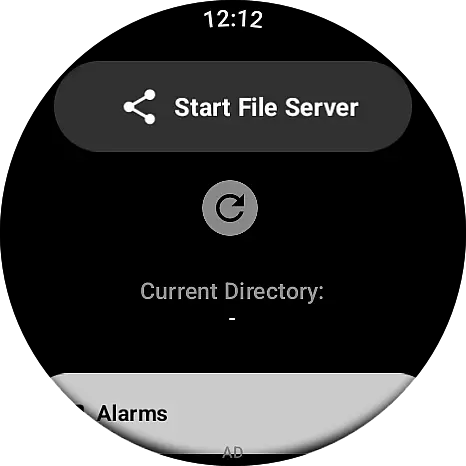
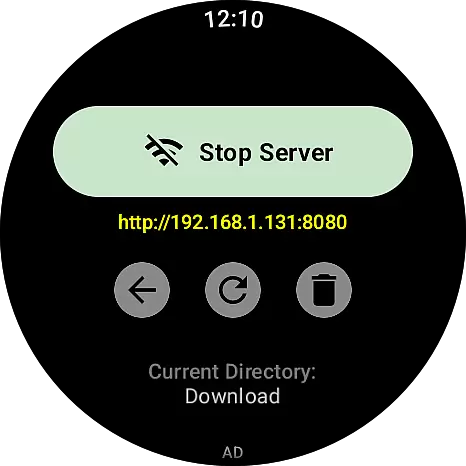
One of the standout features of Wear APK Install is its ability to set up a secure Wi-Fi server directly on the smartwatch, allowing for quick and safe file transfers from an Android phone. This feature removes the hassle of dealing with cumbersome ADB commands or physical connections, streamlining the entire process.
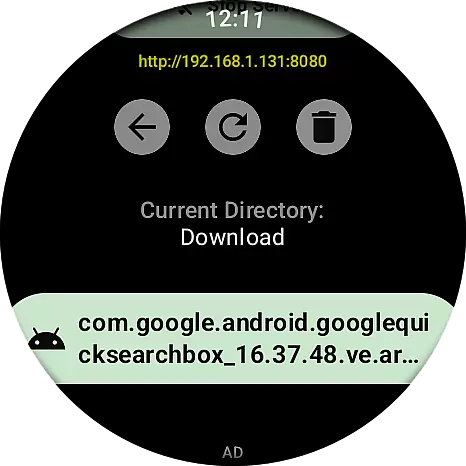
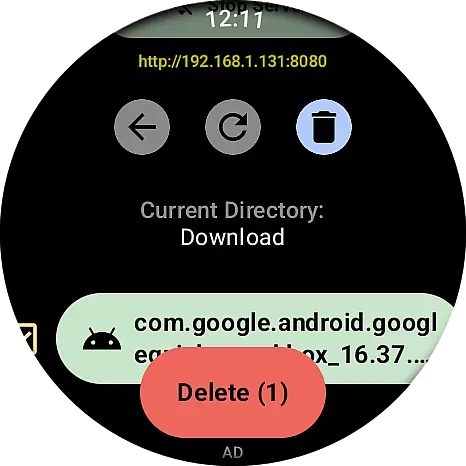
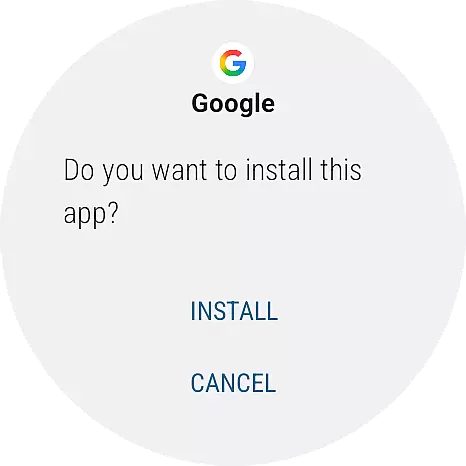
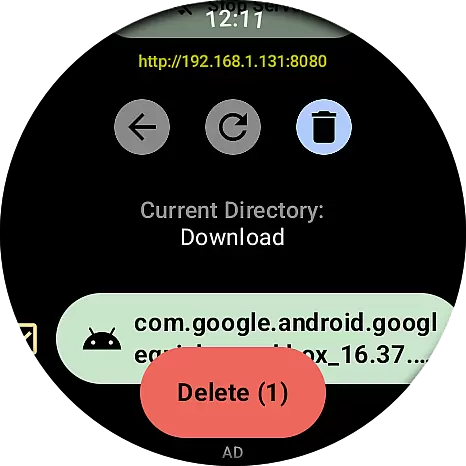
The app also includes an integrated file manager, which provides a seamless way to navigate through transferred files right on the watch itself. This makes it easy to locate and manage APKs or other documents that have been sent over. Additionally, the one-tap APK installation functionality leverages the native Wear OS Package Manager, ensuring reliable and straightforward installations with minimal user intervention.
Designed with usability in mind, Wear APK Install boasts an intuitive user experience optimized for small screens. Its clean and fast interface ensures that even those new to sideloading can efficiently utilize the app's capabilities, making it accessible to both novice users and seasoned developers alike.
Wear APK Install excels in providing a seamless and accurate method for transferring and installing APK files directly onto Wear OS smartwatches. The core functionality revolves around its secure Wi-Fi server connection, which ensures that files are transferred without errors or interruptions.
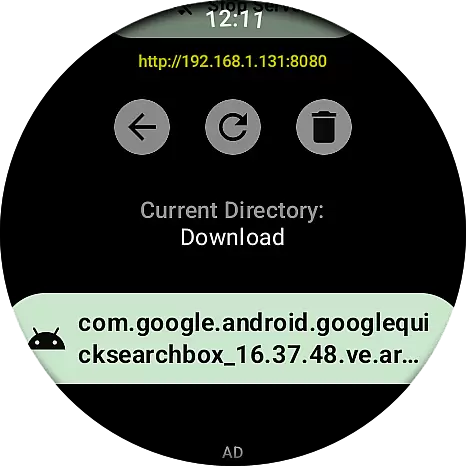
The app's integrated file manager allows users to navigate through their transferred files with ease, ensuring that the correct APK is selected for installation. This attention to detail in file management enhances the overall user experience by reducing the chances of installing incorrect or corrupted files.
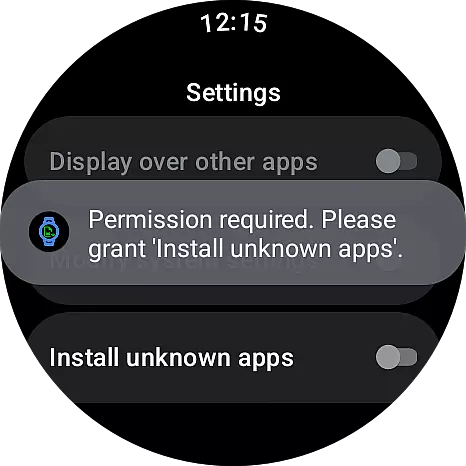
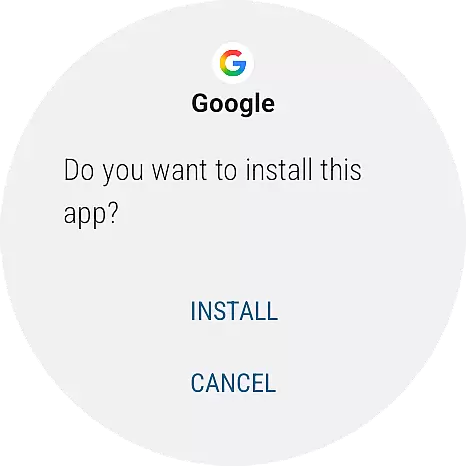
One of the standout features is the one-tap installation process. By leveraging the native Wear OS Package Manager, users can install applications effortlessly, streamlining what was once a complex procedure into a simple tap-and-confirm action. This not only improves the speed of installations but also significantly reduces the technical knowledge required.
For power users and developers, this level of accuracy and effectiveness in sideloading applications is invaluable. It empowers them to unlock the full potential of their smartwatches, making Wear APK Install an essential tool for anyone looking to expand their device's capabilities beyond the Google Play Store offerings.
The interface design of Wear APK Install prioritizes simplicity and intuitiveness, catering specifically to the small screen real estate of Wear OS devices. Every element of the UI has been optimized for ease of use, ensuring that even those unfamiliar with sideloading can navigate the app confidently.
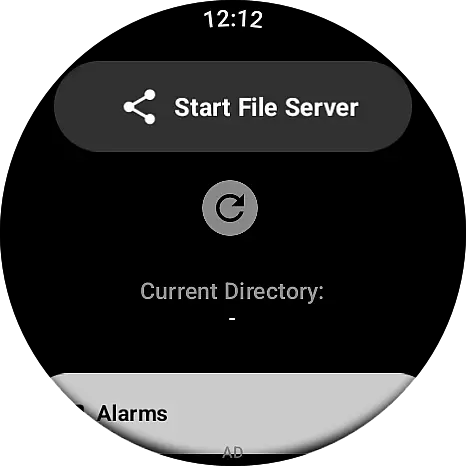
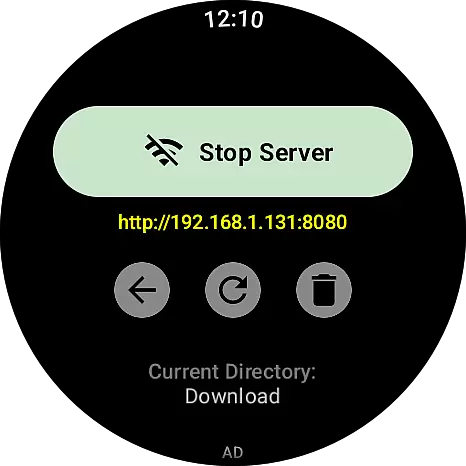
Starting the Wi-Fi server on the watch is as simple as opening the app and tapping a button. This straightforward approach eliminates the need for complex setup procedures, making the process accessible to users of all technical backgrounds.
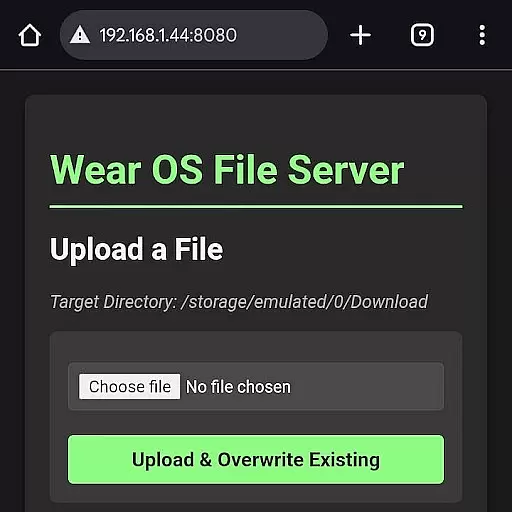
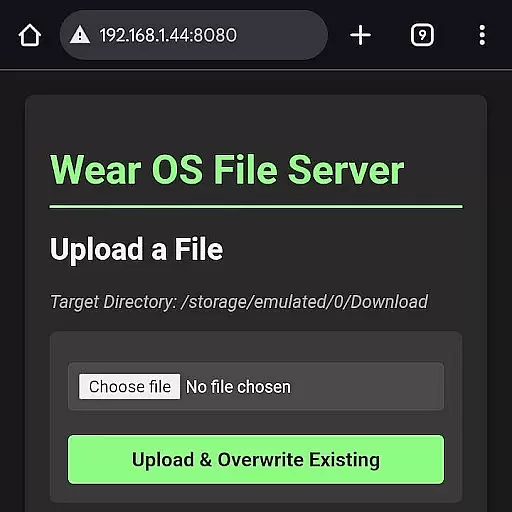
On the phone side, the web interface mirrors this simplicity. Users can easily upload APK files through a browser window, guided by clear instructions and intuitive controls. This cohesive design between the watch and phone interfaces ensures a smooth and frustration-free experience.
By focusing on clean design and fast navigation, Wear APK Install removes the learning curve typically associated with sideloading apps. Its intuitive nature encourages more users to explore custom applications, enhancing their smartwatch experience without overwhelming them with technical jargon or complicated steps.
Effortless file transfer
Secure Wi-Fi server
Integrated file manager
One-tap installation
User-friendly interface
Limited to Wear OS
Requires Wi-Fi
No iOS support
Needs technical knowledge
Potential security risks

1-Click close all background apps on Android TV
 3.90
3.90
HD Video player and downloader for all formats, fast & smooth 4K video playback.
4.60
eXtended Permission Manager - a small app to manage permissions and AppOps
4.50
ADB support Android 4.X-Android 13(Support wireless pair mode).No root required!
4.70
Detect hidden spy camera with advanced scanning {{ Premium version }}
4.00
Excellent scientific calculator with symbolic algebra, integrals, derivatives
4.80
Bedrock Together: Join any bedrock server on Xbox/PS
4.80
Pro Emulator is an easy to use game console emulator for a range of consoles.
4.40
Screen recorder with audio to record high-quality videos and take screenshots.
4.40
Change your GPS location instantly. Simulate routes anywhere in the world.
4.90
Monitor car performance in real time and troubleshoot malfunctions.
4.80
Creation, Learning, Entertainment & More — The All-in-One AI Search Engine
4.70
Connect instantly to a fast, encrypted VPN with one tap
4.60
FV File Manager Pro, Fast and powerful file manager for Android
4.60
Button mapper, mouse toggle, sleep timer and a lot of another features
4.50
Carry a FTP server in your pocket and avoid USB cables for file transfer
4.20
Quickly & easily calculate the spacing of handrail balusters
4.20
View detailed information about your Nissan Leaf the dealer never shows you.
4.10
PDF Reader - Document Viewer: Read, Manage & Organize Your Documents
3.10


User Reviews