
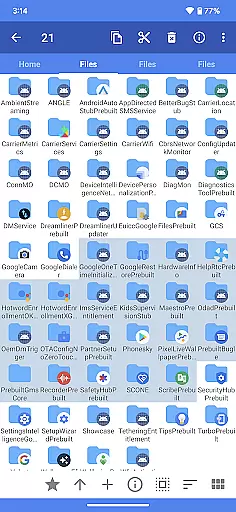
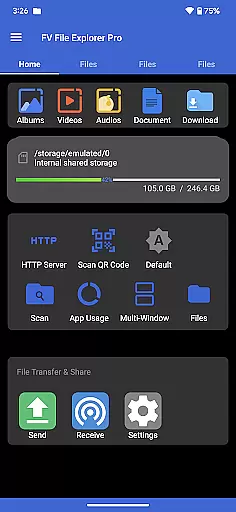
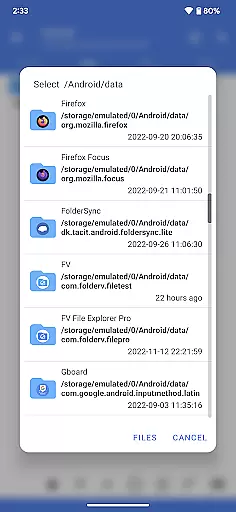
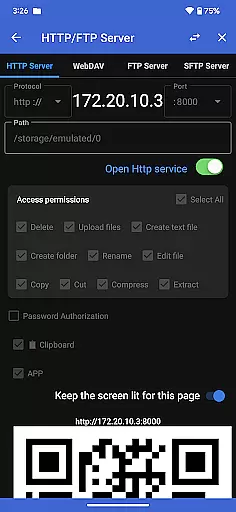
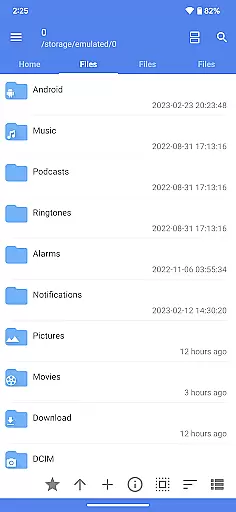
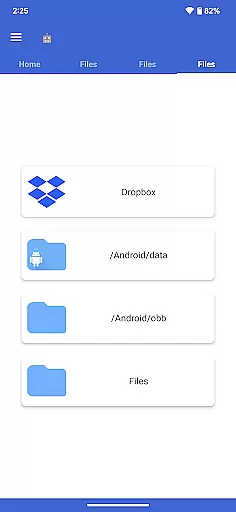
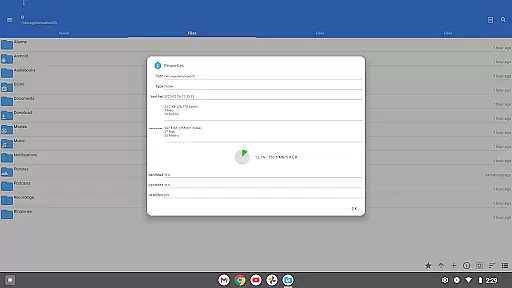
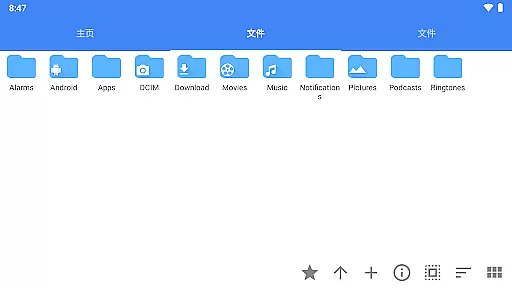
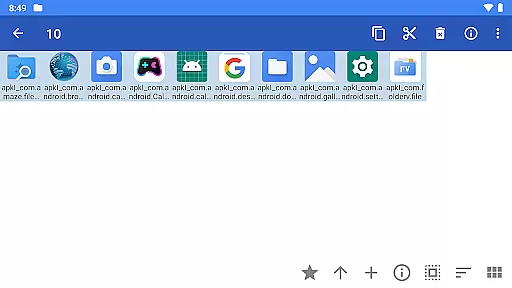
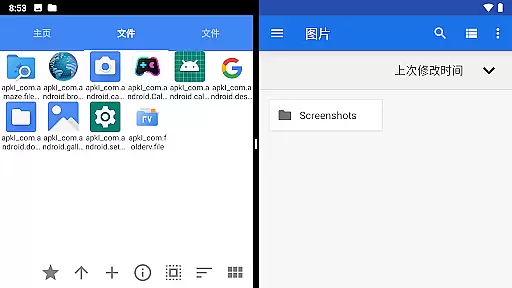
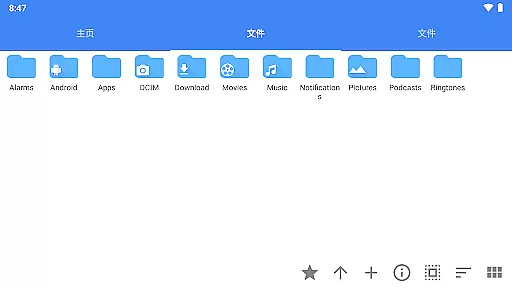
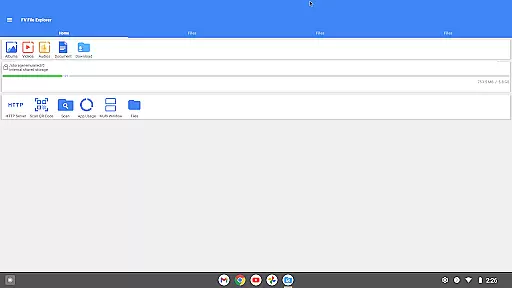
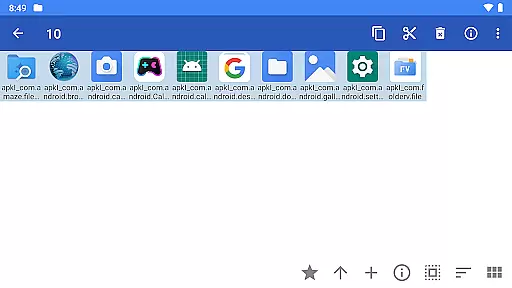
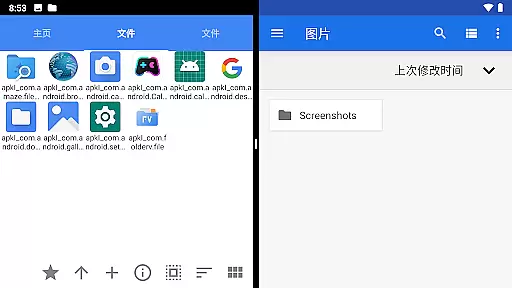
FV File Pro is a fast and powerful file manager for Android, designed to provide users with an efficient way to manage their files. It allows access to critical directories like /Android/data and /Android/obb on Android 13 without requiring root permissions. The app features a Material Design UI that ensures ease of use while offering advanced functionalities.
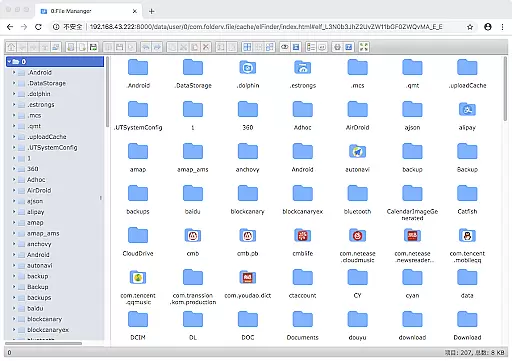
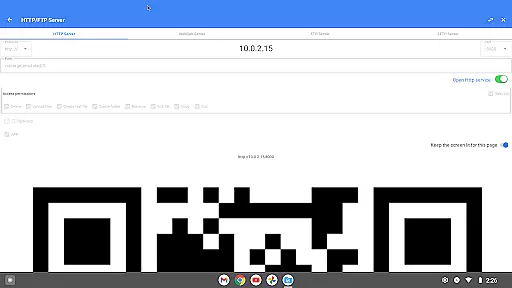
One of the standout features of FV File Pro is its support for viewing multiple image formats including JPG, PNG, BMP, TIFF, and more. Additionally, it supports extraction of various compressed files such as ZIP, RAR, and 7Z. Users can also manage files over a wireless network via HTTP, FTP, or SFTP within the LAN, making it convenient to transfer documents between devices without using data cables.
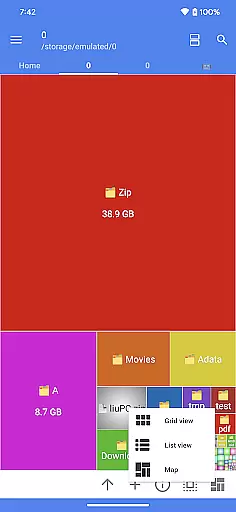
The app includes a WebDAV server feature, enabling seamless file management between your mobile device and computers. With treemap visualizations for storage, users can easily understand their storage usage. Other notable features include QR code scanning, markdown file preview, and HTTP file download capabilities, making it a versatile tool for both casual and power users.
FV File Pro offers a comprehensive suite of features tailored for efficient file management on Android devices. One of its key strengths is the ability to access restricted directories such as /Android/data and /Android/obb on Android 13 without root, which is crucial for advanced users who need to manage app data directly.
The app provides extensive support for various file formats. It can view multiple image formats including JPG, PNG, BMP, TIFF, WEBP, HEIF, AVIF, ICO, and APNG. Moreover, it supports decompression of several compressed file types such as ZIP, RAR, 7Z, ISO, and DMG. This makes it an all-in-one solution for handling different kinds of files efficiently.
Another significant feature is the ability to manage files over a wireless network using HTTP, FTP, or SFTP protocols. This functionality facilitates easy file transfers between a computer and mobile phone within the same LAN without the need for data cables. Additionally, the WebDAV server feature allows users to connect to the app from their Mac's Finder, enhancing cross-platform file management. The treemap visualization tool helps users understand their storage distribution better, ensuring optimal use of available space.
FV File Pro delivers exceptional accuracy and effectiveness in its core functions, making it a reliable file manager for Android users. The app provides precise access to critical directories like /Android/data and /Android/obb on Android 13 without requiring root permissions, ensuring that users can manage their files securely and efficiently.
One of the standout features is its support for viewing multiple image formats, including JPG, PNG, BMP, TIFF, WebP, HEIF, AVIF, ICO, and APNG. This versatility ensures that users can open nearly any image file they encounter, eliminating the frustration of unsupported formats. Additionally, the app supports decompression of various compressed file types such as ZIP, RAR, 7z, ISO, and DMG, allowing users to extract files quickly and accurately.
The app also excels in managing files over a wireless network via HTTP, FTP, or SFTP within a local area network (LAN). This feature enables seamless file transfers between computers and mobile devices without the need for data cables, saving time and effort while avoiding mobile data usage. With these capabilities, FV File Pro empowers users to handle their files with precision and ease.
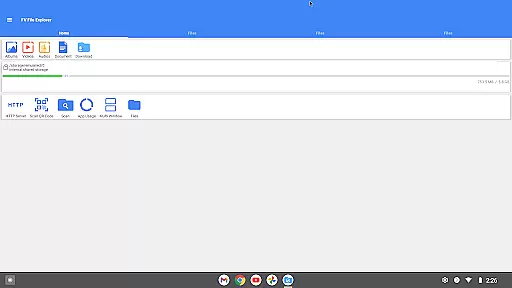
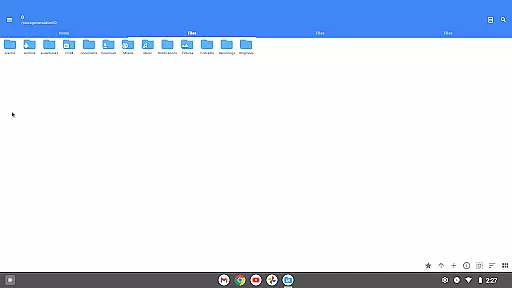
The interface of FV File Pro is designed with simplicity and intuitiveness in mind, offering users a streamlined experience that is both visually appealing and easy to navigate. The app employs a Material Design UI, which not only enhances its aesthetic appeal but also ensures that users can interact with the app's features effortlessly.
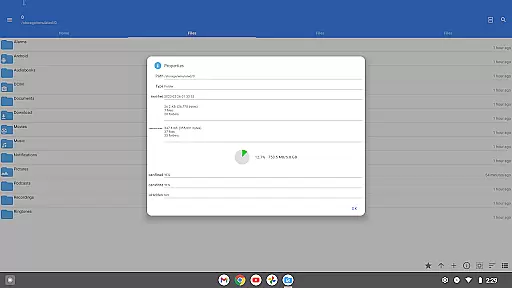
A key aspect of the app's intuitive design is its treemap visualizations for storage management. These visualizations represent each file as a colored rectangle, with the size of the rectangle proportional to the file's size. Directories are displayed as larger rectangles that encompass their files and subdirectories, providing a clear and concise overview of storage usage. This innovative approach helps users quickly identify large files and manage their storage space effectively.
Furthermore, FV File Pro includes additional features that enhance usability, such as QR code and barcode scanning, markdown file preview, and HTTP file download functionality. These tools are integrated seamlessly into the interface, ensuring that users can access them without cluttering the main screen. Overall, the app's focus on simplicity and intuitiveness makes it an excellent choice for users seeking a powerful yet user-friendly file manager.
User-friendly interface
Advanced file access
Versatile format support
Wireless file management
Comprehensive utilities
No cloud integration
Limited iOS support
Complex for beginners
Occasional bugs
Premium features cost

 4.50
4.50
Save any video in HD - paste the link, download fast and watch offline.
4.4
Smart and comfortable browsing experience.
3.80
Excellent scientific calculator with symbolic algebra, integrals, derivatives
4.80
Mirror your screen to Chromecast and Android TV - Super fast and simple
4.60
Bedrock Together: Join any bedrock server on Xbox/PS
4.80
With videos, electrical calculators, and built-in ebook, Ugly’s has your answer.
4.50
The Ultimate Flex Drivers Utility App - Convenient Tapping & Block Filters
4.70
Enhance your Beats
3.70
Remote Play with FSR upscaling, low latency & full controller support
4.80
Optimize your WiFi network, turn your phone into Wifi Analyzer
4.70
Protect your device with antivirus, storage cleanup, and system monitoring
4.70
pdf merge, word to pdf, jpg to pdf, edit pdf, convert to pdf and much more!
4.20
Signal Strength, Mobile, Wifi, Speed Test, Bad Signals, Cellular, 5G, LTE, 4G
4.20
View detailed information about your Nissan Leaf the dealer never shows you.
4.10
1-Click close all background apps on Android TV
3.90
Amateur Radio app for APRS: Track friends, exchange messages, get tactical info.
3.90
Create your own custom widget with endless possibilities
3.90
PDF Reader - Document Viewer: Read, Manage & Organize Your Documents
3.10


User Reviews