
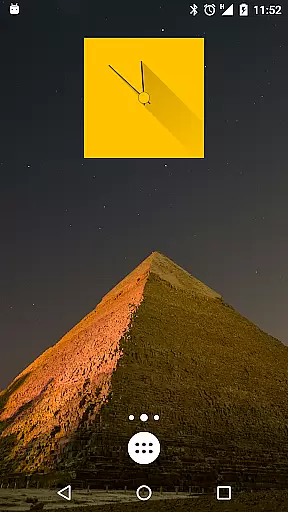
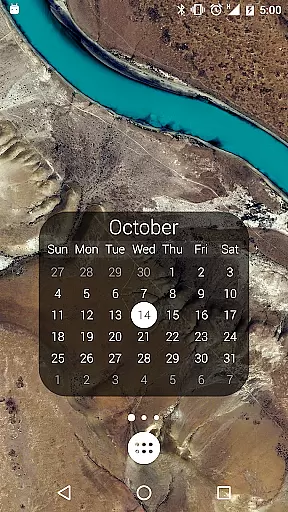
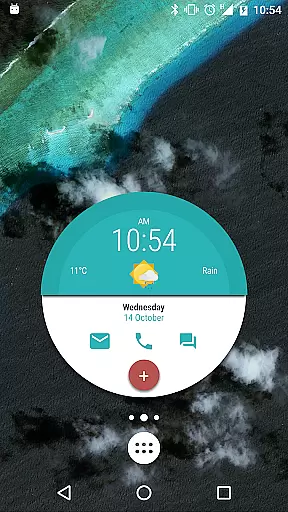
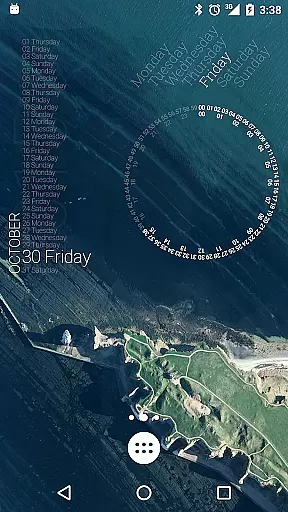
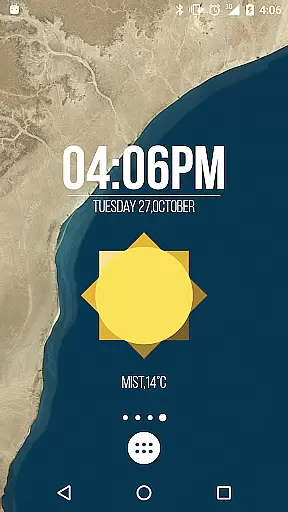
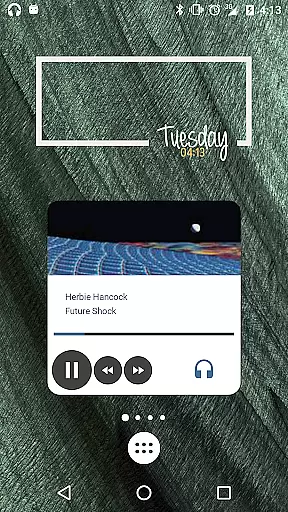
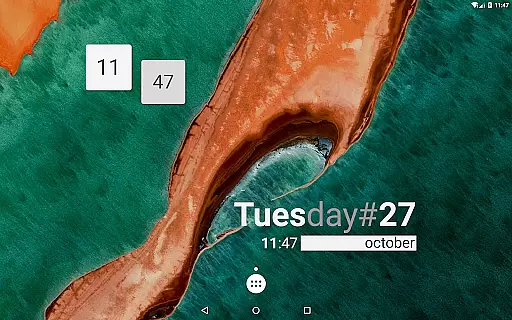
KWGT Kustom Widget Pro Key is a powerful tool designed to enhance the customization capabilities of the Kustom Widget app. This pro key unlocks advanced features that allow users to create unique and sophisticated widgets for their Android devices. With this key, you can remove ads, import skins from external sources, and access additional functionalities like Buzz Launcher support.
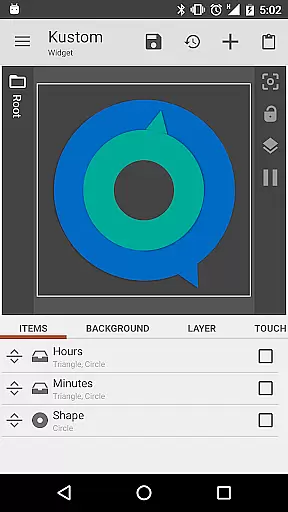
The application enables users to design both digital and analog clocks, weather widgets, battery meters, and more. It offers a WYSIWYG editor, custom fonts, shapes, 3D transformations, and touch actions on created objects. KWGT supports complex programming languages, dynamic content downloads, and integrates with Google Fitness and Tasker, making it an essential tool for those seeking to personalize their device's interface extensively.
This app stands out due to its extensive customization options. Users can create custom widgets with personalized text, shapes, and images. The WYSIWYG editor allows real-time visualization of changes, ensuring that the final design matches the user's vision. Advanced features include 3D flip transformations, gradient effects, and layer overlay effects similar to professional image editors.
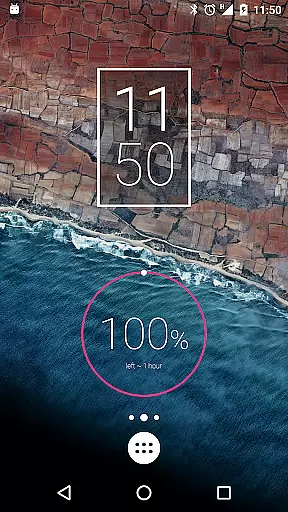
KWGT also supports dynamic data display such as weather, battery status, and Google Fitness metrics. The inclusion of a complex programming language with functions and conditionals allows for highly customized widget behaviors. Additionally, the ability to change widget backgrounds based on various triggers like time or weather adds another layer of personalization. These features collectively make KWGT a versatile tool for creating unique home screen and lock screen designs.
KWGT Kustom Widget Pro Key is designed to enhance the functionality of the Kustom Widget app, providing users with powerful tools for creating unique Android launcher and lockscreen widgets. The core functions include advanced customization options such as custom fonts, colors, shapes, and complex programming capabilities.
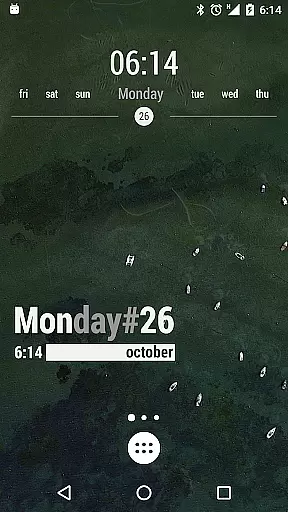
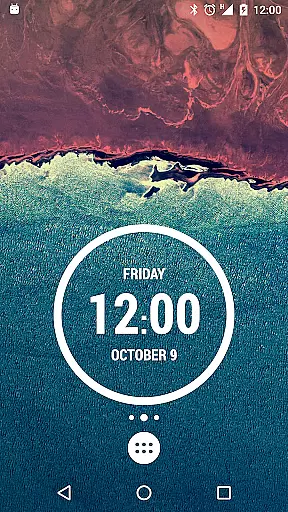
This application allows users to create sophisticated designs ranging from digital and analog clocks to live map widgets and astronomy widgets. With support for features like 3D flip transformations, gradients, and touch actions on any created object, KWGT ensures both precision and versatility in widget creation.
Users benefit from the app's ability to display a vast array of data, including weather, battery status, date, time, and even Google Fitness information. This comprehensive data integration enables users to craft widgets that are not only visually appealing but also highly informative.
The effectiveness of KWGT lies in its optimization for performance, ensuring that these extensive features do not drain the device's batteryu2014a common issue with other widget tools. By unlocking additional functionalities such as ADS removal and external skin imports, this pro key amplifies both the creative potential and operational efficiency of the main Kustom Widget application.
Despite its powerful features, KWGT Kustom Widget Pro Key maintains an interface that balances complexity with user-friendliness. The WYSIWYG (What You See Is What You Get) editor is central to this experience, allowing users to design their widgets through a straightforward visual interface.
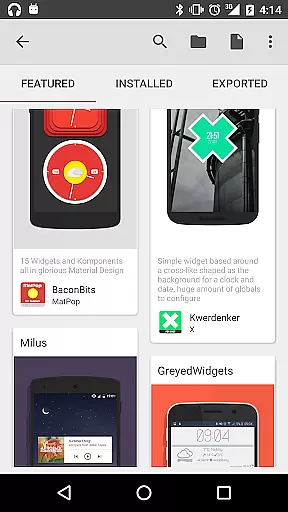
The app provides numerous pre-made skins and components to help users get started quickly. These templates serve as a foundation upon which users can apply custom fonts, colors, sizes, and effects without needing deep technical knowledge, making it accessible even to beginners.
Advanced options like Zooper-like progress bars, series, layers with overlay effects, and dynamic content downloading via HTTP are presented in a structured manner. This organization ensures that while advanced users can delve into intricate designs, casual users are not overwhelmed by the complexity.
Overall, KWGTu2019s intuitive design philosophy empowers users to fully utilize its robust feature set without compromising ease of use. Whether you're looking to build simple text widgets or complex multifunctional displays, the interface supports your journey with clarity and precision.
Extensive customization
Real-time design preview
Advanced programming support
Battery-efficient operation
Versatile widget options
Requires separate app
Steep learning curve
Premium cost
Limited free resources
Complex setup process

Change your GPS location instantly. Simulate routes anywhere in the world.
 4.90
4.90
Easily install aab(Android App Bundle) files on your Android device with our app
4.80
HD Video player and downloader for all formats, fast & smooth 4K video playback.
4.60
Carry a FTP server in your pocket and avoid USB cables for file transfer
4.20
Unleash gamepad precision for ultimate mobile gaming dominance.
3.90
Fast Video Downloader, Movie Downloader, Torrent Downloader & Adblock Browser
4.70
The Ultimate Flex Drivers Utility App - Convenient Tapping & Block Filters
4.70
Introducing Smart Printer, your ultimate destination for printing solutions!
4.00
Clean up your phone, find files, play media, and share files offline
4.50
The ultimate tool for network analysis, wifi scanning and problem detection.
4.90
The one-and-only remote control for PC, Mac, and Linux
4.70
Quickly switch to an encrypted DNS server on Android TV
4.50
The Ultimate Bluetooth Keyboard & Mouse. Securely control your PC, Mac, and more
4.50
Screen Mirroring for Roku Sticks, Roku TCL TV and Roku Hisense TV
4.50
Universal TV remote control all TVs, Roku, LG, Samsung, Fire, Vizio, Sony, TCL.
4.40
PC precision for mobile gaming: dominate with keyboard and mouse!
4.30
App that Recover your pictures, videos or files after you delete them.
4.20
A convenient photo, video, and file recovery tool.
4.00
Fun lie-detection pranks for friends and parties.
3.80


User Reviews