
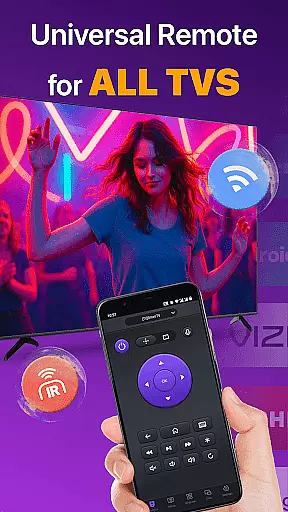
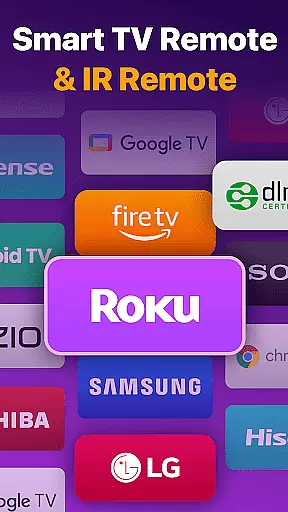
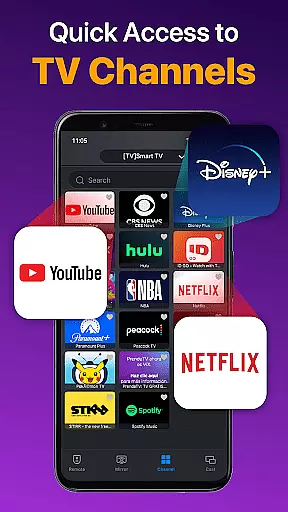
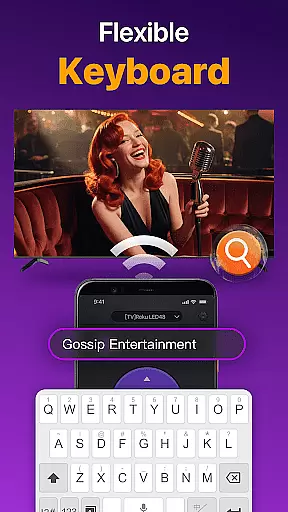
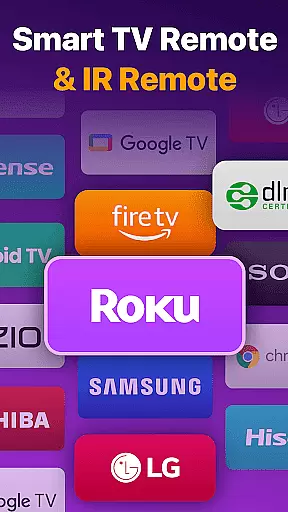
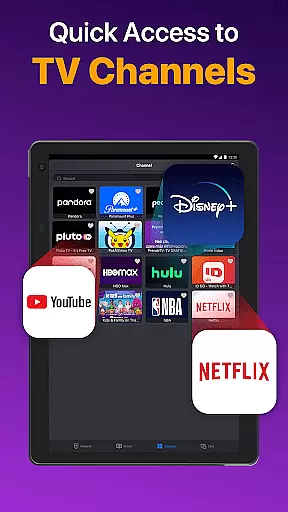
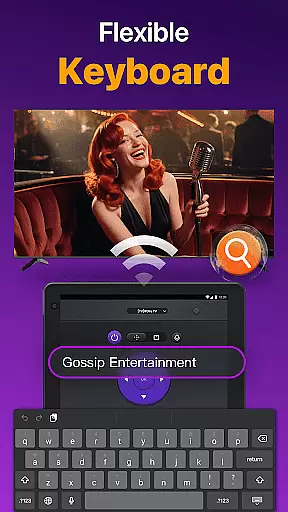
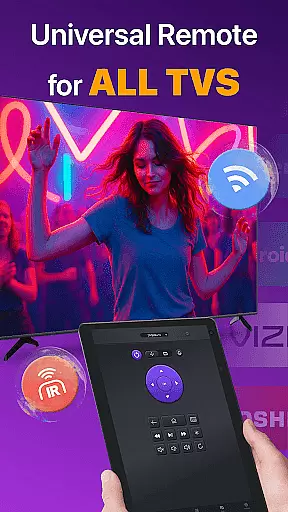
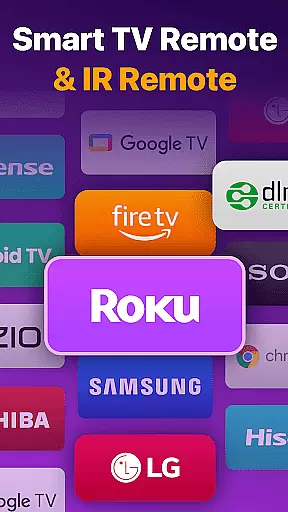
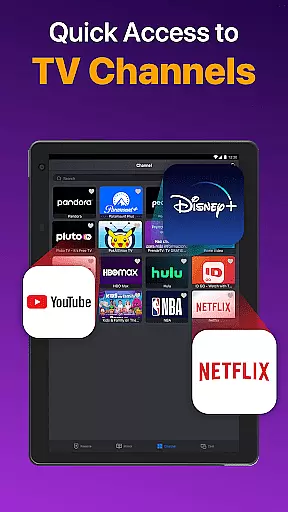
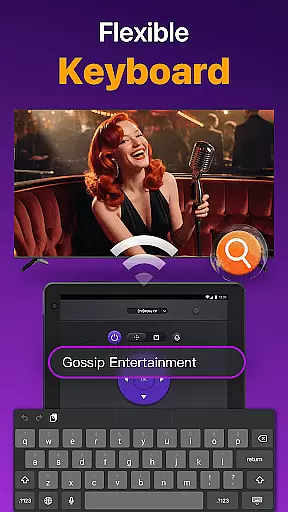
Universal TV Remote for All TV is a versatile remote control application designed to simplify the management of multiple smart TVs. This app supports major brands like Roku, LG, Samsung, and TCL, allowing users to seamlessly control their devices through WiFi or IR modes. With features such as power on/off, volume adjustment, channel management, and playback control, it functions just like a physical remote.
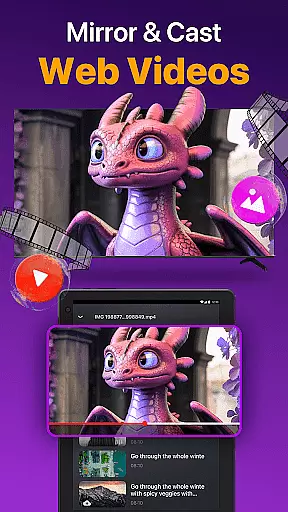
The app's standout feature is its ability to auto-detect all smart TVs on the same WiFi network, making setup quick and easy. Additionally, it offers advanced functionalities like screen mirroring, photo casting, and efficient text input for searching content. Whether you're at home or in a multi-TV environment, this tool provides convenience and efficiency, eliminating the need for multiple remotes.
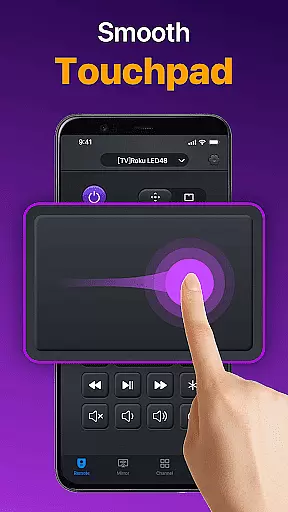
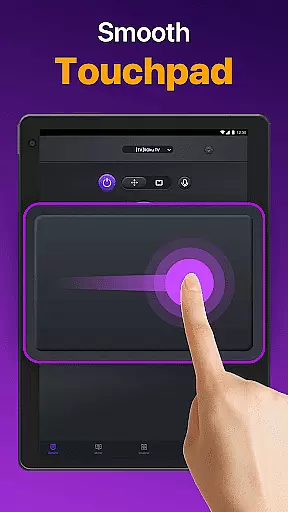
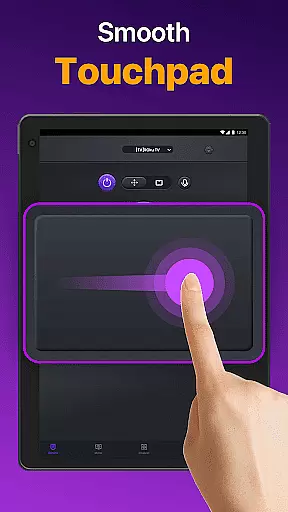
Universal TV Remote for All TV boasts an array of innovative features tailored for smart TV users. The app's auto-detection capability identifies all compatible TVs on the same WiFi network, streamlining the connection process. Once connected, users can enjoy responsive touchpad controls, quick text input for searches, and seamless playback management, including fast forward and reverse options.
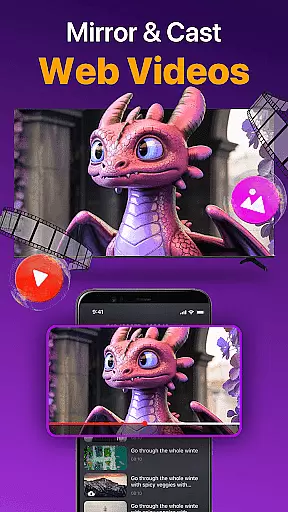
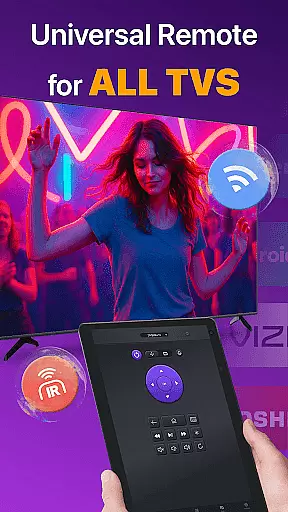
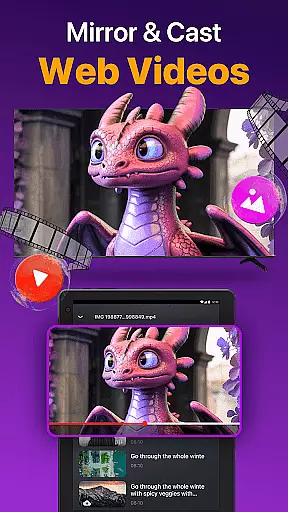
Another key highlight is its support for both WiFi and IR modes, ensuring functionality even without an active internet connection. The app also allows screen mirroring with low latency and enables users to cast photos and videos directly from their device to the TV. These features collectively enhance user experience by providing a comprehensive, reliable, and multifunctional remote control solution.
Universal TV Remote for All TV offers a comprehensive suite of remote control functionalities that ensure precision and reliability in managing your smart TVs. The app auto-detects all Smart TVs on the same WiFi network, providing seamless integration and control.
With features like volume adjustment, channel management, and content playback controls, the app delivers an experience akin to using a physical remote. Its responsive touchpad further enhances user interaction by offering efficient navigation across different menus and options.
The application supports both WiFi and IR modes, making it versatile for various scenarios where one might not have access to a stable internet connection. This dual-mode support ensures users can maintain control over their devices without interruptions or connectivity issues.
Overall, Universal TV Remote for All TV stands out through its ability to simplify complex tasks such as text input for searching shows or movies, casting photos and videos, and even mirroring phone screens onto larger displays with minimal latency.
Navigating Universal TV Remote for All TV is designed to be straightforward and user-friendly, ensuring that individuals of all tech-savviness levels can operate their smart TVs effortlessly. Upon launching the app, users are greeted with a clean interface that highlights essential functions prominently.
The layout includes easily recognizable icons for power on/off, volume control, reverse, fast forward, and other critical operations. Such intuitive design choices reduce the learning curve typically associated with adopting new technology, allowing users to focus more on enjoying their entertainment rather than figuring out how to use the tool itself.
Additionally, quick text input capabilities streamline searches for favorite shows or movies, enhancing overall usability. By minimizing unnecessary clutter and focusing on core functionalities, the app maintains a balance between offering advanced features while remaining accessible to everyday users.
This commitment to simplicity extends beyond just visual aesthetics; performance optimization ensures smooth transitions between actions, reinforcing the perception of an intuitive and responsive interface that adapts well to individual preferences and usage patterns.
User-friendly interface
Wide brand compatibility
Quick setup process
IR and WiFi support
Screen mirroring feature
Limited to same WiFi network
Occasional connectivity issues
Not officially affiliated with brands
May not support older TV models
Requires frequent updates

 4.50
4.50 4.50
4.50
Quickly switch to an encrypted DNS server on Android TV
4.50
Connect instantly to a fast, encrypted VPN with one tap
4.60
Best leveling tool for your Android device. Hang paintings like a pro.
4.90
Excellent scientific calculator with symbolic algebra, integrals, derivatives
4.80
Navigate with Ease and Style
4.90
PC precision for mobile gaming: dominate with keyboard and mouse!
4.30
Play your X-Box games remotely in 1080p with any controller and zero latency
4.60
Bedrock Together: Join any bedrock server on Xbox/PS
4.80
Learn the vast amount of system information about device and monitor it's state
4.70
The one-and-only remote control for PC, Mac, and Linux
4.70 4.50
4.50
Mirror your screen to Fire TV - Super fast and simple
4.40
pdf merge, word to pdf, jpg to pdf, edit pdf, convert to pdf and much more!
4.20
Just one-tap to easy translate in any language after calls within seconds.
4.20
Effortlessly run ADB commands directly on your device without a PC.
4.20
Signal Strength, Mobile, Wifi, Speed Test, Bad Signals, Cellular, 5G, LTE, 4G
4.20
A convenient photo, video, and file recovery tool.
4.00


User Reviews