
PDF Editor & PDF Converter Pro is a comprehensive document management tool designed to enhance productivity and streamline PDF handling. This all-in-one solution allows users to convert various file formats into PDFs, including Word documents and images, making it an essential app for professionals and students alike.
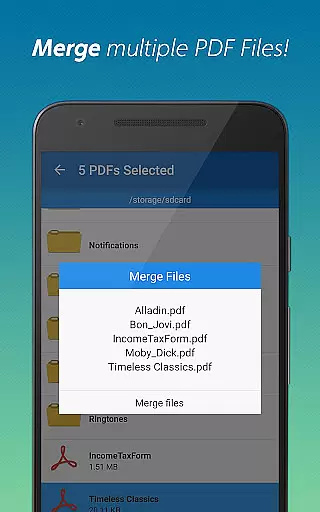
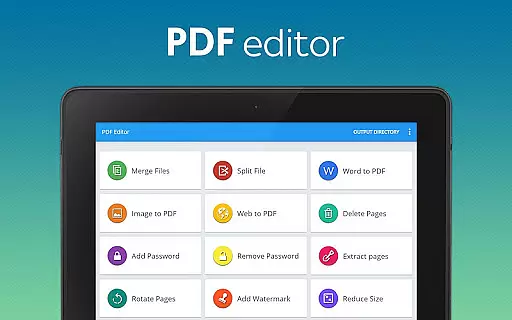
The app stands out with its advanced features such as merging multiple PDFs, splitting large documents, adding or removing passwords, and deleting or extracting specific pages. These capabilities ensure that users can customize their PDF files to meet exact requirements while maintaining document security and organization.
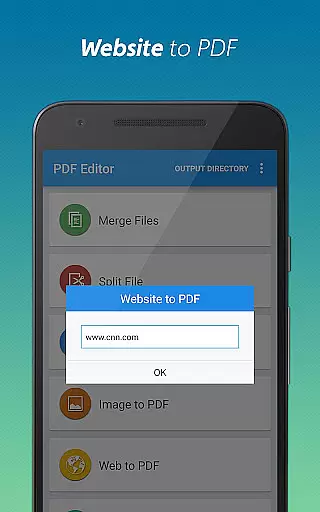
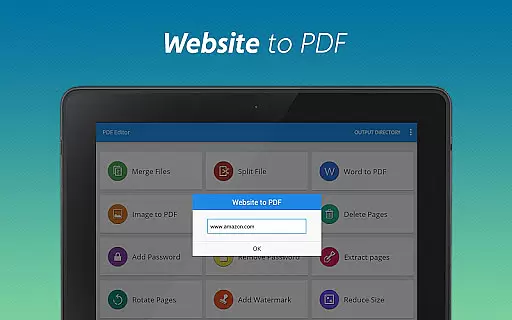
Ideal for anyone dealing with extensive documentation, this app provides a seamless experience for converting, editing, and managing PDFs efficiently. Whether you need to archive webpages, compress files for sharing, or personalize documents with watermarks, PDF Editor & PDF Converter Pro delivers the tools necessary to optimize your workflow.
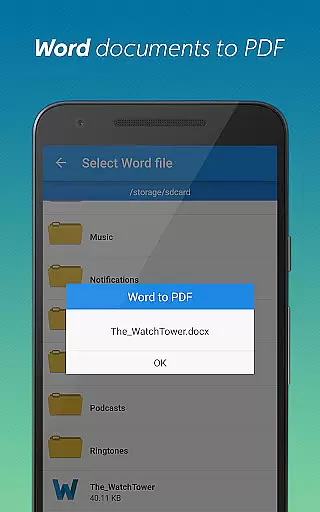
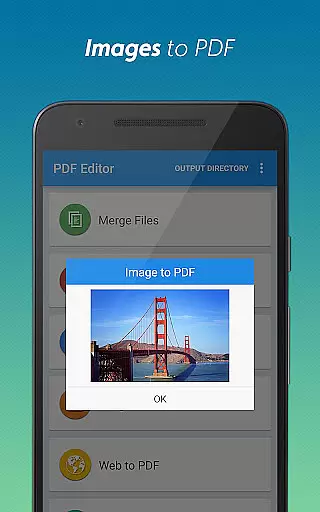
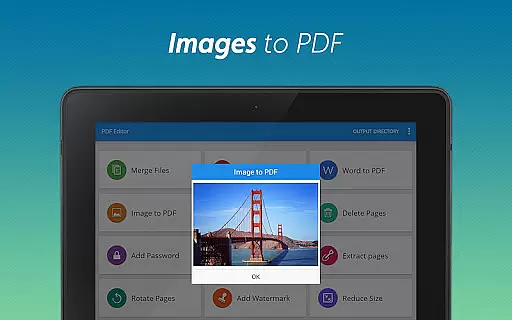
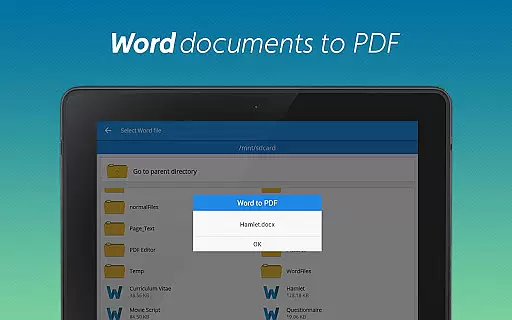
PDF Editor & PDF Converter Pro offers a rich set of features tailored to meet diverse document management needs. One of its standout functionalities is the ability to convert different file types into PDFs effortlessly. Users can transform Word documents and images into PDF format with just a few taps, ensuring compatibility and ease of sharing across platforms.
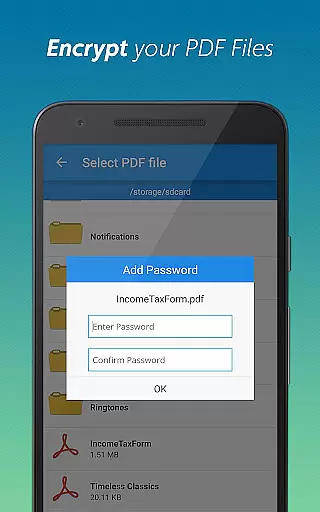
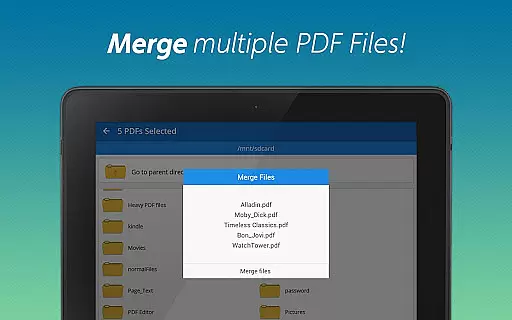
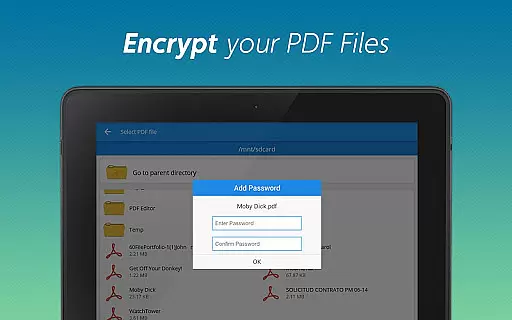
In addition to conversion capabilities, the app provides robust editing tools. You can merge multiple PDFs into one cohesive document, split large files into smaller sections, add or remove password protection, delete unnecessary pages, and extract specific pages as needed. Each feature is designed to give users precise control over their documents while enhancing security and organization.
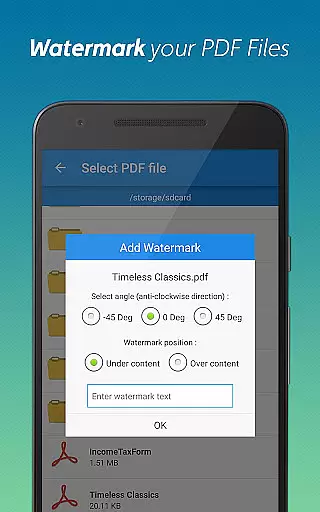
Furthermore, the app includes options for personalization and optimization. Users can add watermarks to make their documents unique, rotate pages for better readability, and compress files to facilitate easy sharing without compromising quality. These innovative features collectively empower users to manage their PDFs more effectively than ever before.
When it comes to document management tools, the precision and reliability of core functions are paramount. PDF Editor & PDF Converter Pro offers an extensive suite of features that ensure both accuracy and effectiveness in handling PDF files. The app allows users to convert various file formats into PDFs with impeccable precision, preserving the original layout and formatting.
The application's capabilities extend beyond simple conversions. It provides advanced functionalities such as merging multiple PDF documents into one cohesive file, splitting large PDFs into smaller sections, and extracting or deleting specific pages from a document. Each feature is designed to maintain the integrity of the content while offering users flexibility and control over their documents.
Users benefit significantly from the app's ability to secure their documents through password protection and watermarking options. These security features not only protect sensitive information but also add a layer of personalization to each file. Additionally, the app optimizes PDFs for sharing by compressing them without sacrificing quality, making it easier to distribute documents efficiently.
A user-friendly interface is crucial for productivity tools, and PDF Editor & PDF Converter Pro excels in providing an intuitive experience. The app's design emphasizes ease of use, allowing users to perform complex tasks with minimal effort. Whether converting Word documents to PDFs or transforming images into professional-looking files, the process is streamlined and straightforward.
The layout of the application is thoughtfully organized, presenting users with clear options for each task. Functions like rotating pages, adding watermarks, and adjusting document security settings are easily accessible, ensuring that even those new to PDF editing can navigate the app confidently. This logical arrangement reduces the learning curve typically associated with mastering new software.
Moreover, the app supports multitasking by enabling users to work on several documents simultaneously without experiencing lag or performance issues. Its responsive controls and real-time previews enhance the overall user experience, allowing individuals to make immediate adjustments and see the results instantly. With its combination of powerful features and an intuitive interface, this tool stands out in the realm of document management applications.
User-friendly interface
Comprehensive feature set
Efficient document management
Enhanced security options
Versatile file conversion
Premium version required
Occasional bugs reported
Limited free features
Ads in free version
Large file size

A convenient photo, video, and file recovery tool.
 4.00
4.00
Just one-tap to easy translate in any language after calls within seconds.
4.20
Complete kernel toolbox with features to manage and tweak your rooted device
4.30
eXtended Permission Manager - a small app to manage permissions and AppOps
4.50
Forza Tuning Calculator App for Forza Horizon 5, Motorsport and Earlier Titles
4.40
Unleash gamepad precision for ultimate mobile gaming dominance.
3.90
Making emulation easy for everyone!
4.30
A simple app to back up and restore SMS & MMS messages and call logs.
4.10
fast and easy mp3 music downloader
4.80
Best leveling tool for your Android device. Hang paintings like a pro.
4.90
Excellent scientific calculator with symbolic algebra, integrals, derivatives
4.80
Optimize your WiFi network, turn your phone into Wifi Analyzer
4.70
Small and simple app to Verify Root Access and BusyBox Install!
4.70
NFC Tools can read and write NFC tags.
4.70 4.50
4.50 4.50
4.50
Game Booster, GFX Tool is now compatible with newer game update
4.50
Button mapper, mouse toggle, sleep timer and a lot of another features
4.50
Safely recover deleted photos, videos, and files with a single easy tap.
3.70


User Reviews