
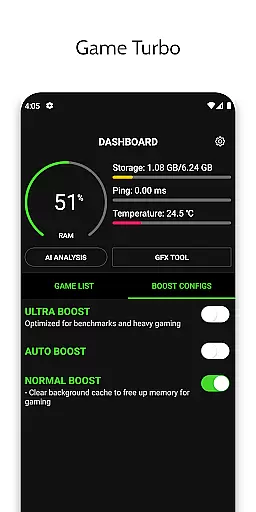
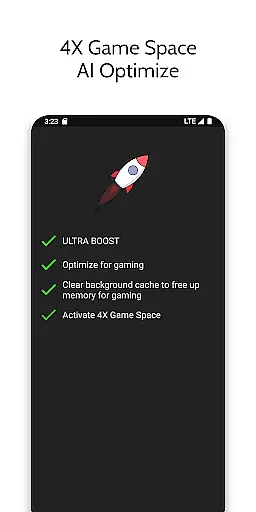
Game Booster 4x Faster Pro is a powerful optimization tool designed to enhance your mobile gaming experience. The app offers advanced features like one-touch game boosting, auto gaming mode, and AI-based optimization that work together to deliver smoother gameplay with higher frame rates and improved graphics quality.
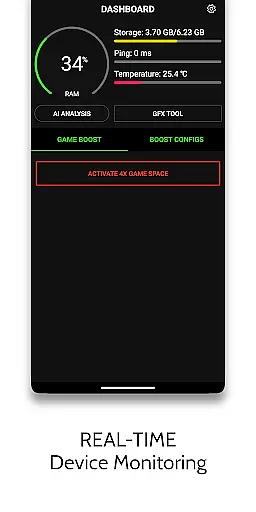
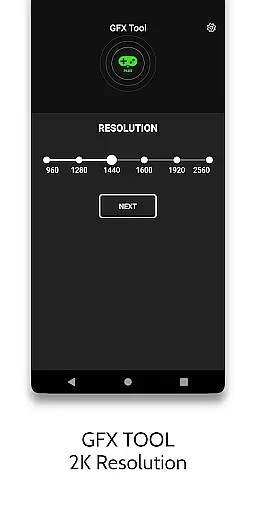
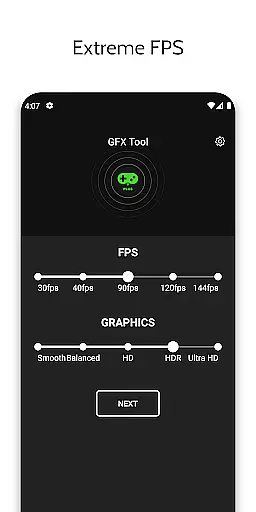
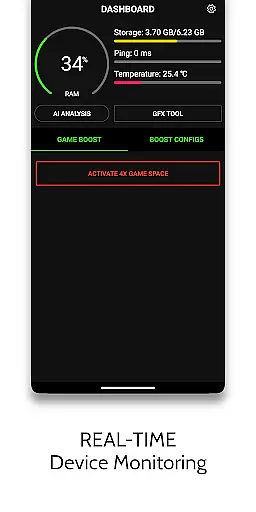
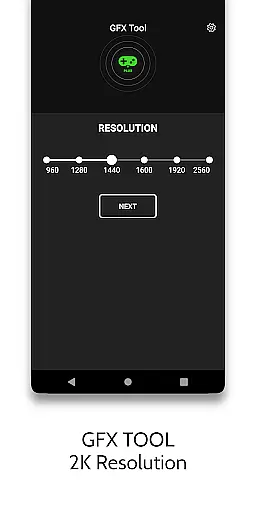
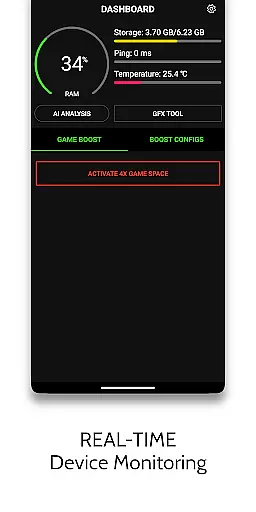
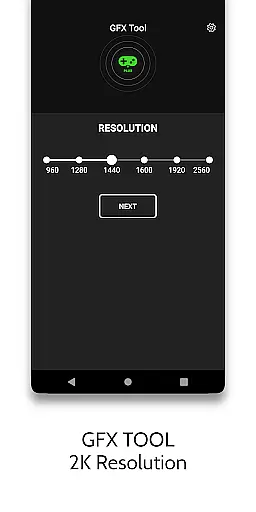
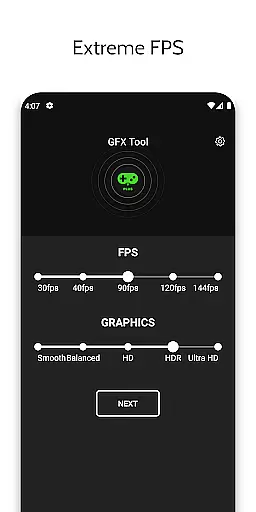
One of the standout capabilities is its GFX Tool, which allows users to adjust game resolution, unlock HDR graphics, and customize graphic styles even on lower-end devices. Additionally, the HUD Monitor provides real-time insights into device performance metrics such as memory load, temperature, and network latency, ensuring optimal gaming conditions at all times.
Whether you're looking to maximize FPS without device overheating or reduce CPU load for better performance, this app caters to both casual gamers and competitive players who demand the best from their gaming sessions.
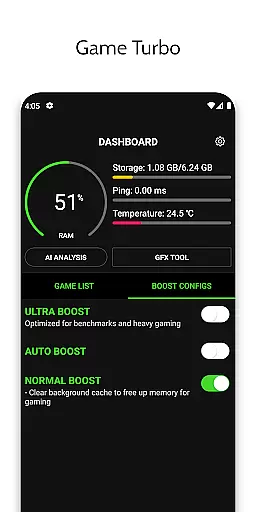
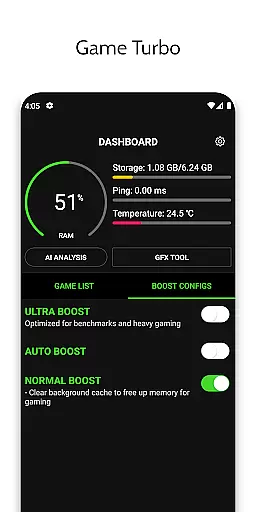
This app stands out with its comprehensive suite of gaming optimization tools. The Game Turbo feature applies RAM-free tweaks and uses AI technology to optimize in-game performance while enhancing picture quality through HDR effects. This ensures not only visually stunning but also fluid gameplay experiences.
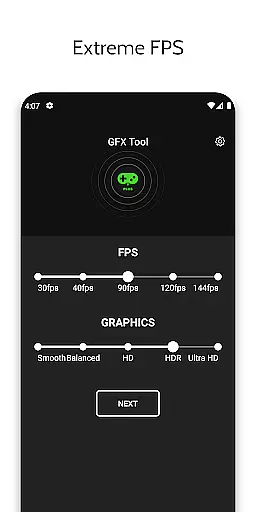
The GFX Tool component gives users granular control over their gaming visuals by allowing them to change resolutions up to 1080p, unlock extreme FPS levels, and modify graphic styles according to personal preferences. Meanwhile, the Zero Lag Mode optimizes game configurations specifically for performance, reducing lag significantly during intensive gaming sessions.
Additional functionalities include quick boost options for immediate enhancements, fast launch capabilities for getting into games quicker than ever before, and detailed monitoring via the HUD interface. These robust features collectively ensure an unparalleled gaming experience tailored to each user's unique needs and device capabilities.
Game Booster 4x Faster Pro is designed to optimize gaming performance through its core functions, ensuring an accurate and effective boost to your gaming sessions. The app employs advanced algorithms and AI technology to fine-tune game settings, which results in enhanced picture quality, smoother gameplay, and reduced lag.
The application's capabilities extend to adjusting in-game graphics settings such as resolution and FPS levels, allowing for a tailored gaming experience that can be optimized for both high-end and low-end devices. With features like the GFX Tool and HDR Game Graphic options, users can unlock the full potential of their device's graphical capabilities.
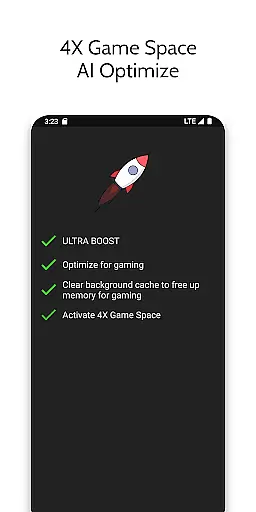
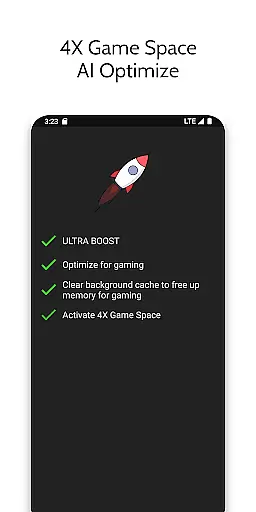
By using this app, gamers can expect a noticeable improvement in load times and overall game fluidity. The Quick Boost and Auto Gaming Mode further streamline the process, enabling players to jump into their games faster with pre-optimized settings that are designed to reduce CPU load and prevent overheating.
A user-friendly interface is crucial for any tool app, and Game Booster 4x Faster Pro excels in providing an intuitive experience. Upon launching the app, users are greeted with a clean layout that organizes its powerful features into easily navigable sections. This ensures that even those unfamiliar with game optimization tools can quickly understand how to utilize the app's offerings.
The one-touch activation of Gaming Mode simplifies the process of optimizing device performance for gaming. Users don't need to navigate complex settings; instead, they can enable performance tweaks with minimal effort. Additionally, the HUD Monitor provides real-time insights into system resources, making it straightforward for users to monitor their deviceu2019s memory load, storage, temperature, and network latency.
With clear options for Quick Launch and Gaming Settings adjustments, the app maintains its commitment to ease of use without sacrificing functionality. These features ensure that gamers can swiftly launch their games or make necessary setting changes without being bogged down by complicated menus or confusing options.
Enhances gaming speed
Improves graphic quality
Easy-to-use interface
Real-time performance monitoring
Compatible with many devices
Premium version required
Limited free features
Device compatibility issues
Occasional bugs reported
Internet permission needed

 4.50
4.50
Navigate with Ease and Style
4.90
PC precision for mobile gaming: dominate with keyboard and mouse!
4.30
Bedrock Together: Join any bedrock server on Xbox/PS
4.80
Screen Mirroring for Roku Sticks, Roku TCL TV and Roku Hisense TV
4.50
Connect wirelessly to your computer to watch movies, browse the web, play games
5.00
The Ultimate Flex Drivers Utility App - Convenient Tapping & Block Filters
4.70
Clean up your phone, find files, play media, and share files offline
4.50
Fast VPN USA for any country. Super secure VPN for calls, streaming, games, TV.
4.40
The ultimate tool for network analysis, wifi scanning and problem detection.
4.90
WiFi Signal Strength Meter help you detect WiFi Signal Strength in real time.
4.80
ADB support Android 4.X-Android 13(Support wireless pair mode).No root required!
4.70
HD Video player and downloader for all formats, fast & smooth 4K video playback.
4.60
Just swipe the edge to do something!
4.40
Pro Emulator is an easy to use game console emulator for a range of consoles.
4.40
Signal Strength, Mobile, Wifi, Speed Test, Bad Signals, Cellular, 5G, LTE, 4G
4.20
Smart and comfortable browsing experience.
3.80
Clean the junk files on your device
3.40
Save any video in HD - paste the link, download fast and watch offline.
4.5


User Reviews