
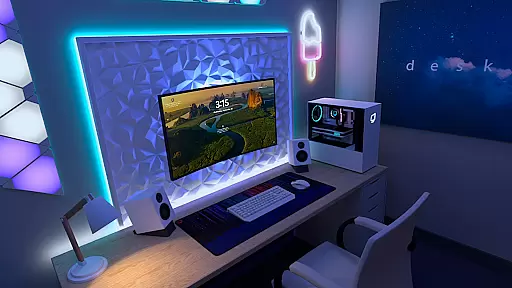
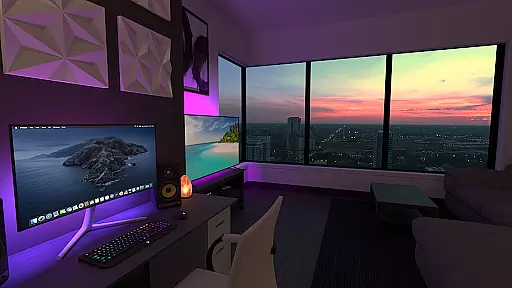
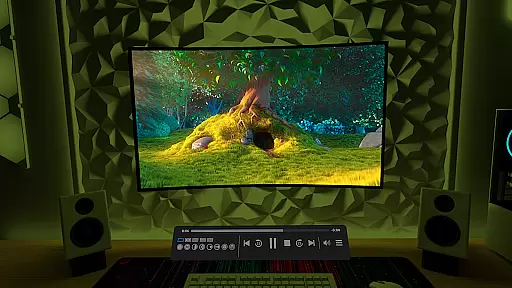
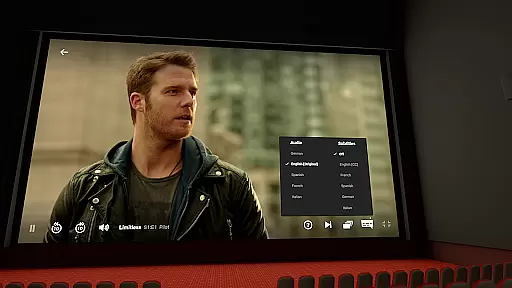
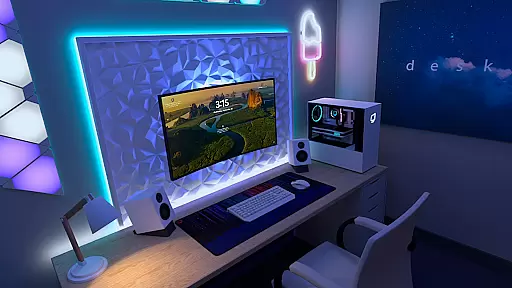

Virtual Desktop is a powerful tool that allows users to connect wirelessly to their computers for an immersive experience. With the ability to watch movies, browse the web, and even play games on a large virtual screen, this app transforms how you interact with your PC remotely. Designed for low latency and high-quality streaming, it's perfect for both entertainment and productivity.
The application supports a wide range of devices running Windows 10 or 11, as well as macOS Catalina or later, ensuring broad compatibility. Whether you're looking to stream PCVR games or simply want a bigger workspace, Virtual Desktop delivers exceptional performance and flexibility.
Virtual Desktop boasts several standout features that enhance its usability and appeal. The app requires a wired Gigabit Ethernet connection to ensure stable streaming, while supporting both local and remote connections over the internet. This makes it versatile for various networking environments.
One of its key capabilities is the support for multi-monitors, including physical and virtual displays, which is ideal for multitasking. Additionally, the inclusion of Bluetooth peripherals like mice, keyboards, and gamepads adds to the convenience. Users can also enjoy 3D content in Side-by-Side or Over-Under formats, further enriching the viewing experience.
Virtual Desktop excels in delivering a seamless and high-quality streaming experience, ensuring that users can efficiently connect to their computers wirelessly. The application is optimized for low latency, which is crucial for activities such as watching movies, browsing the web, and even playing games on a giant virtual screen.
The app supports both local and remote connections, providing flexibility for users who need access from different locations. With the requirement of a Gigabit Ethernet cable connection to a 5 or 6 GHz router, Virtual Desktop guarantees a stable and fast connection, essential for high-quality streaming without interruptions or delays.
Moreover, the support for multi-monitors and various content formats like 3D Side-by-Side / Over-Under enhances its utility for both work and entertainment purposes. This ensures that users can customize their virtual desktop environment according to their preferences and needs, making it an effective tool for enhancing productivity and enjoyment.
Despite its advanced features, Virtual Desktop maintains an intuitive and user-friendly interface. Users can easily navigate through its functionalities, such as streaming PCVR games, downloading or streaming videos directly from their computer, and managing multiple monitors.
The inclusion of support for Bluetooth devices like mice, keyboards, and gamepads further simplifies the user experience, allowing for a more traditional and comfortable interaction with the virtual environment. This ease of use makes the transition from a physical to a virtual workspace straightforward and hassle-free.
Additionally, features like Microphone passthrough and remote connections over the internet are integrated smoothly into the interface, ensuring that users can take full advantage of these capabilities without facing a steep learning curve. Such considerations make Virtual Desktop not only powerful but also accessible to a wide range of users.
High-quality streaming
Wide device compatibility
Supports multi-monitor setups
Low latency performance
Flexible peripheral integration
Requires wired Ethernet
Limited mobile OS support
Internet streaming setup complex
Premium feature cost
Dependent on network quality

Change your GPS location instantly. Simulate routes anywhere in the world.
 4.90
4.90
HD Camera captures every special moment.
4.60
Enjoy smooth gameplay with Game Booster
4.90
Quickly & easily calculate the spacing of handrail balusters
4.20
The one-and-only remote control for PC, Mac, and Linux
4.70
With videos, electrical calculators, and built-in ebook, Ugly’s has your answer.
4.50
Support Fossify apps with a warm thank you!
5.00
Screen Mirroring for Roku Sticks, Roku TCL TV and Roku Hisense TV
4.50
Play your X-Box games remotely in 1080p with any controller and zero latency
4.60
FV File Manager Pro, Fast and powerful file manager for Android
4.60
Keep track of your Palia friendships, tasks, and inventory with Palia Notebook
4.60
App to pay for FUTO Keyboard
4.60
Making emulation easy for everyone!
4.30
Remote for Roku, Fire TV, Samsung TV, LG TV, Android TV, Chromecast and VIZIO TV
4.20
Effortlessly run ADB commands directly on your device without a PC.
4.20
An open-source APK explorer for Android!
4.10
Family Locator, Share location, StayConnect with your family in real time
3.90
Fun lie-detection pranks for friends and parties.
3.80
Clean the junk files on your device
3.40


User Reviews