
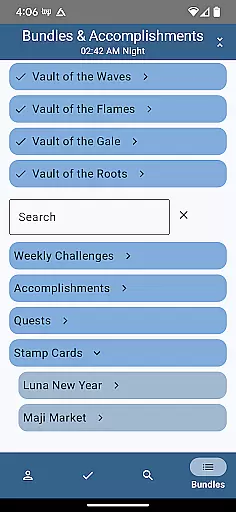
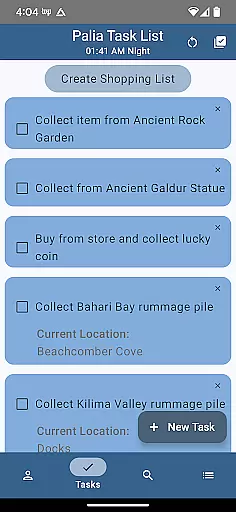
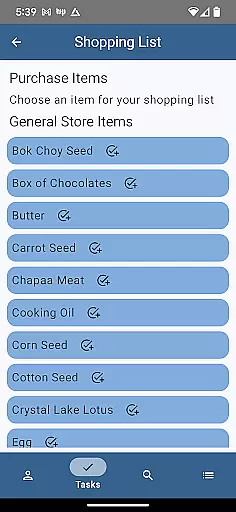
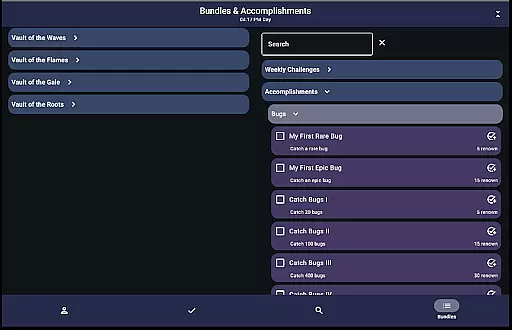
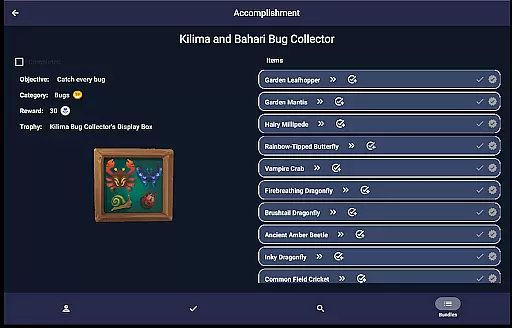
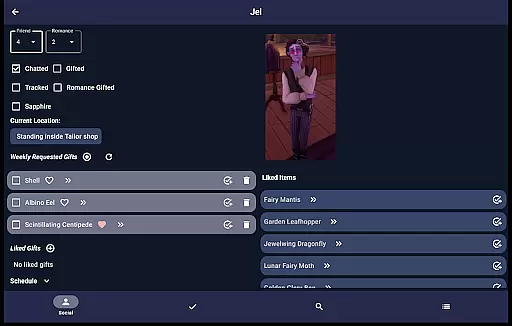
Palia Notebook is a comprehensive companion app designed specifically for players of the video game Palia. This ad-free tool helps users efficiently manage their daily interactions with in-game villagers, including tracking chats, gifts, schedules, and locations. The app also enables players to monitor their inventory, create tasks, track processing activities like preserves and seeds, and manage achievements offline.
One of the standout features of Palia Notebook is its ability to automatically update villager interactions based on game time. Players can optimize their strategies by reviewing detailed item properties, villager preferences, and even current game time. Whether it's planning gift-giving or organizing tasks, this app ensures that players stay organized and maximize their efficiency within the game.
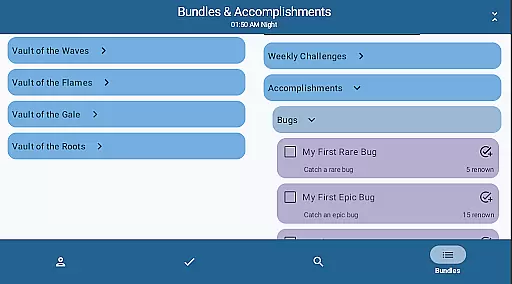
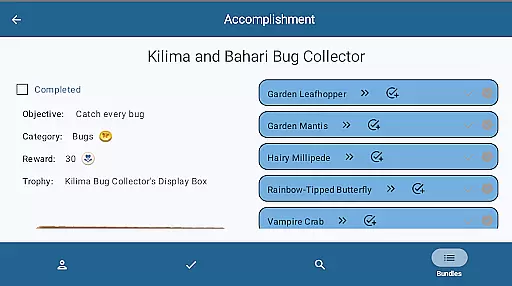
This app is particularly useful for players who want to streamline their gameplay experience without constantly navigating through multiple game screens. By offering functionalities such as task linking, item search filters, and bundle tracking, Palia Notebook provides an all-in-one solution for managing both basic and advanced aspects of the game.
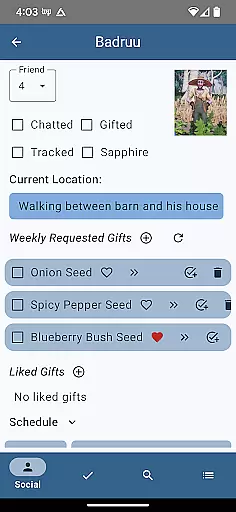
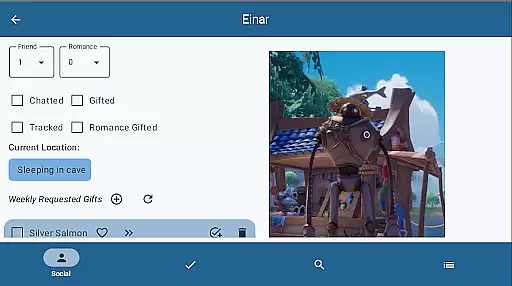
Palia Notebook offers a rich set of features tailored to enhance the Palia gaming experience. One key functionality is the Villager screen, where players can track their daily chats and gifts, view schedules, discover current locations, and look up likes for each villager. These statuses are automatically updated according to the game's internal clock, ensuring accuracy and timeliness.
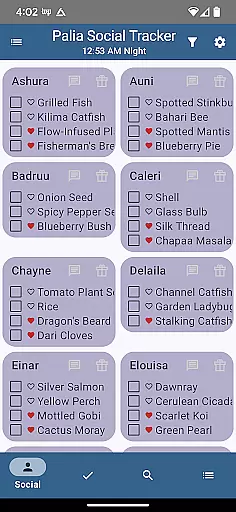
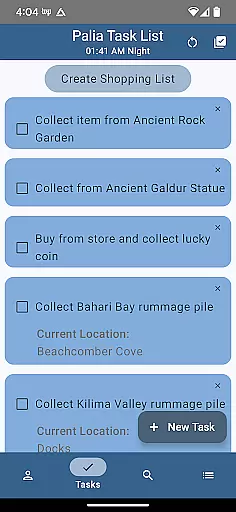
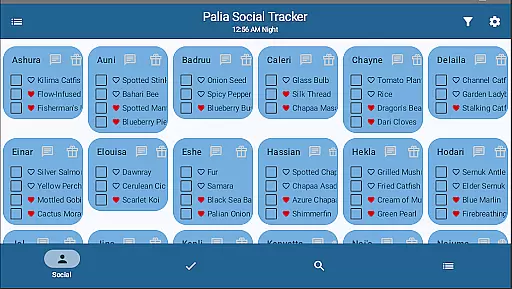
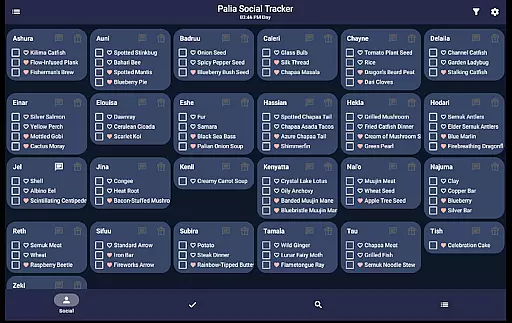
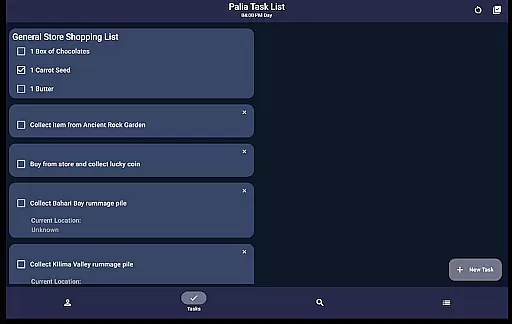
The Social Tracker screen allows users to monitor all villagers at once, filtering those they've already interacted with and searching for specific items requested or liked by villagers. Meanwhile, the Task Edit screen lets players create and customize tasks, link them to other requirements, and assign gifts to specific villagers. This level of customization helps streamline complex in-game activities.
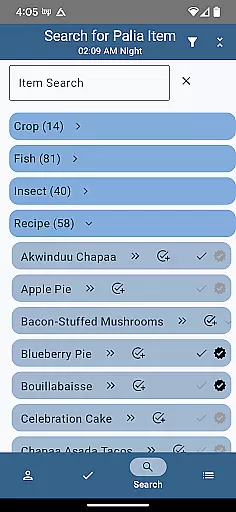
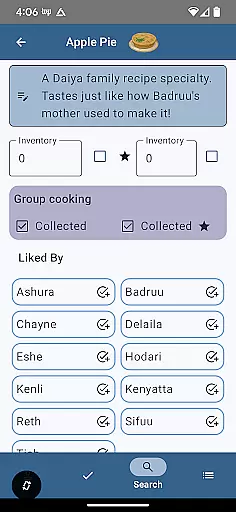
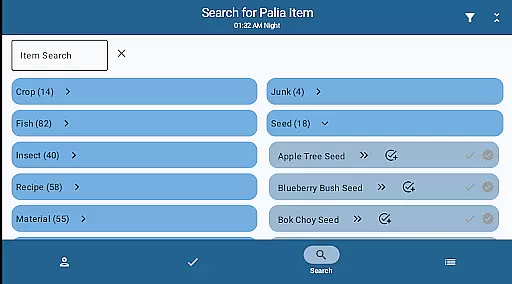
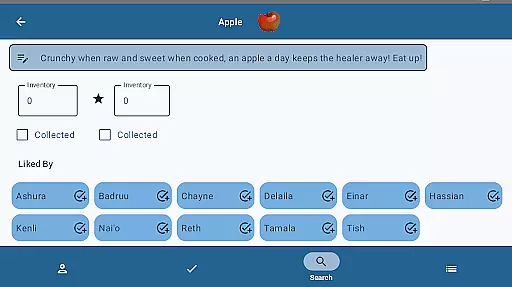
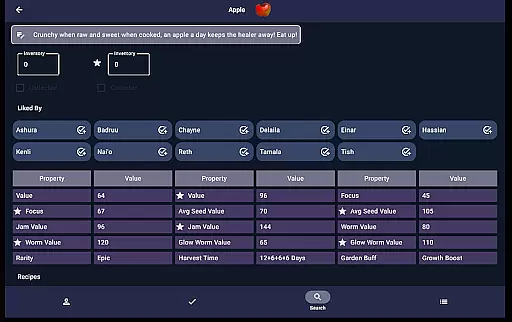
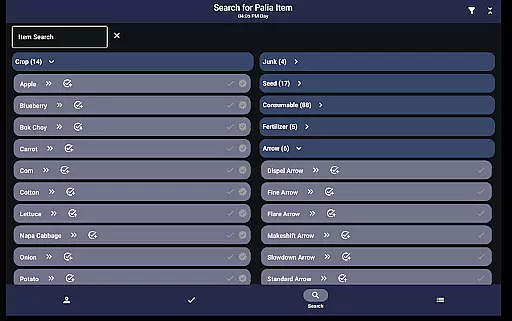
Additionally, the Items screen displays detailed information about collected items, inventory levels, and villager preferences. For processable items, the app shows potential profits from different methods, aiding in decision-making. The Search screen further enhances usability by allowing players to browse items by category, location, biome, and time, making it easier to plan in-game activities effectively.
Palia Notebook is designed to enhance your gaming experience by providing accurate tracking of villager interactions, inventory management, and task organization. The app meticulously records daily chats, gift-giving, villager schedules, and locations, ensuring that no important interaction is missed. This level of detail allows players to maintain a comprehensive overview of their in-game relationships and responsibilities.
The application's effectiveness extends to its ability to track items through the Items screen. Here, users can mark items as collected, input current inventory levels, and identify which villagers favor particular items. By integrating processing values for seeds, preserves, and worms, Palia Notebook enables players to strategize the most profitable ways to manage and sell their resources. This functionality ensures that gamers can optimize their economic strategies within the game environment.
Additionally, the Task Edit feature exemplifies the app's commitment to precision and utility. Players can create and modify tasks, specify required items, and even link multiple tasks together. This interconnected system supports complex planning and organization, allowing users to tailor their gameplay with remarkable specificity. Such tools are indispensable for managing the multifaceted demands of Palia.
Navigating Palia Notebook is an intuitive experience, thanks to its well-organized interface that caters to both novice and experienced players. The Villager screen consolidates essential information such as chat history, gift preferences, and schedules into a single, easy-to-access location. This thoughtful arrangement reduces the cognitive load on users, enabling them to focus more on enjoying the game rather than managing it.
The Social Tracker screen further simplifies player-villager interactions by offering a collective view of all villagers. With filtering options for chat and gift statuses, along with item search capabilities, this feature streamlines social management in Palia. Users can efficiently identify which villagers require attention or gifts, enhancing their ability to maintain positive relationships without unnecessary effort.
Moreover, the Search screen demonstrates the app's dedication to user-friendly design. By categorizing items and providing filters for location, biome, and time, Palia Notebook empowers players to quickly locate desired objects or creatures. Whether searching for specific fish, bugs, or furniture sets, the app delivers results that are both relevant and timely. This intuitive layout not only saves time but also enriches the overall gaming experience by making information retrieval seamless and enjoyable.
User-friendly interface
Automated updates
Offline functionality
Comprehensive villager tracking
Task management system
Limited to Palia gamers
No iOS version available
Requires manual input
Occasional bugs reported
Not officially endorsed

Easily install aab(Android App Bundle) files on your Android device with our app
 4.80
4.80
Complete kernel toolbox with features to manage and tweak your rooted device
4.30
Enjoy smooth gameplay with Game Booster
4.90
Small and simple app to Verify Root Access and BusyBox Install!
4.70
MS-DOS in your pocket. Play old DOS games anywhere you are ;)
4.10
The Ultimate Bluetooth Keyboard & Mouse. Securely control your PC, Mac, and more
4.50
Creation, Learning, Entertainment & More — The All-in-One AI Search Engine
4.70
Clean up your phone, find files, play media, and share files offline
4.50
Enhance your Beats
3.70
Unit and currency converter with easy and simple UI.
4.80
WiFi Signal Strength Meter help you detect WiFi Signal Strength in real time.
4.80
Planner and Tracker for Stardew Valley
4.60
Quickly switch to an encrypted DNS server on Android TV
4.50
With videos, electrical calculators, and built-in ebook, Ugly’s has your answer.
4.50
Making emulation easy for everyone!
4.30 4.10
4.10
Create your own live wallpaper or check out thousands already made presets
3.90
A powerful, easy-to-use flight computer on your phone or tablet!
3.80
Safely recover deleted photos, videos, and files with a single easy tap.
3.70


User Reviews