
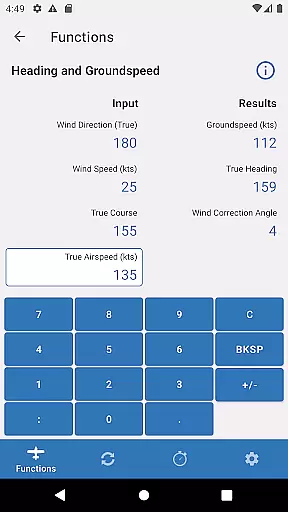
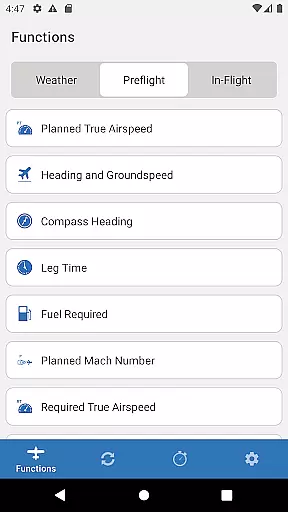
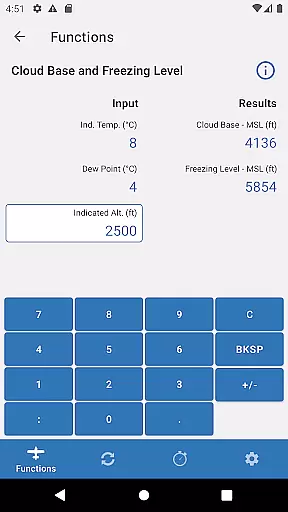
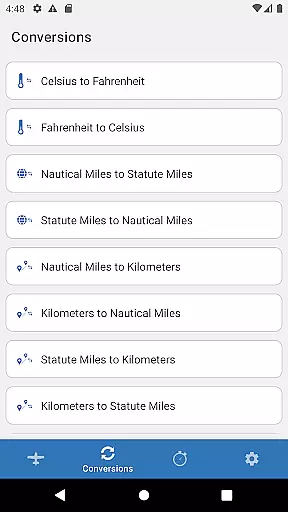
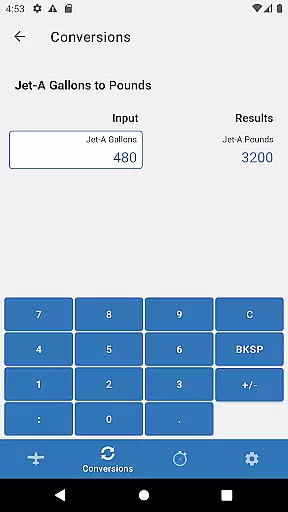
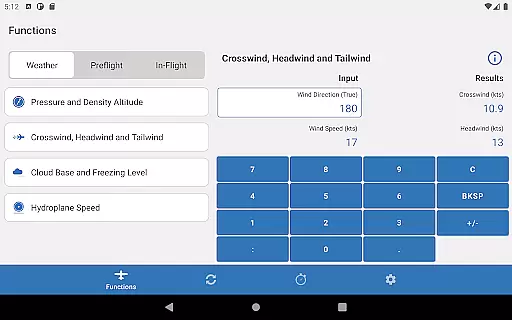
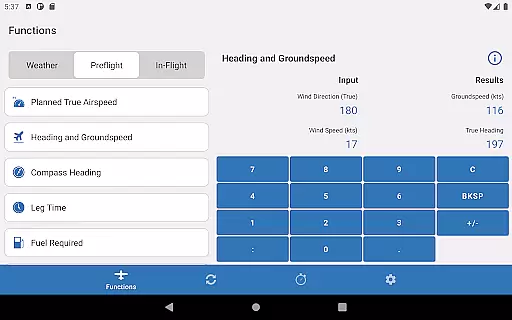
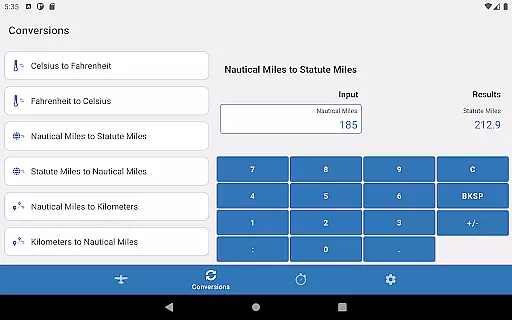
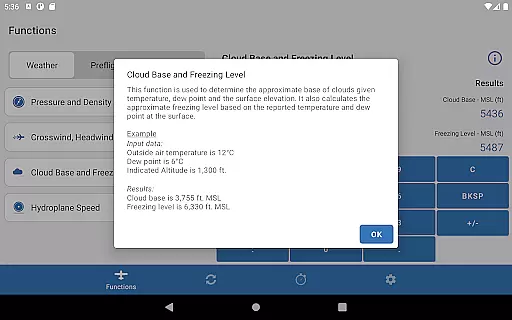
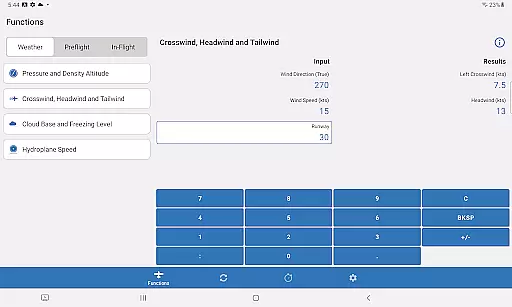
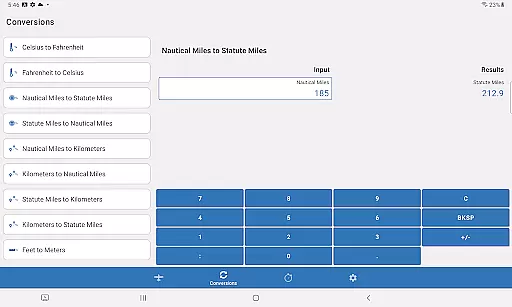
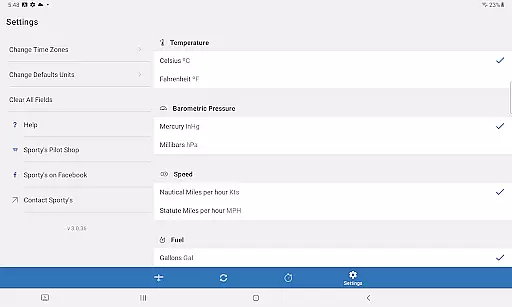
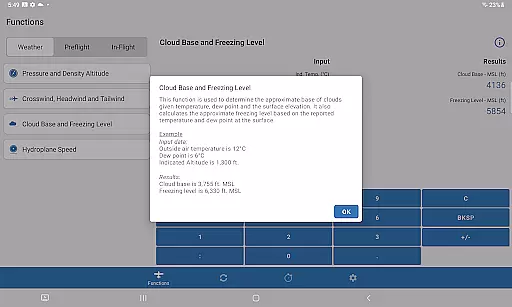
Sporty's E6B is a powerful aviation tool designed for both Android phones and tablets. This app encompasses all the essential features of a traditional E6B flight computer, including 23 aviation functions and 18 conversion utilities. Pilots can perform critical calculations with ease, thanks to its intuitive interface that allows selection from a plain English list and saves previous entries for efficiency.
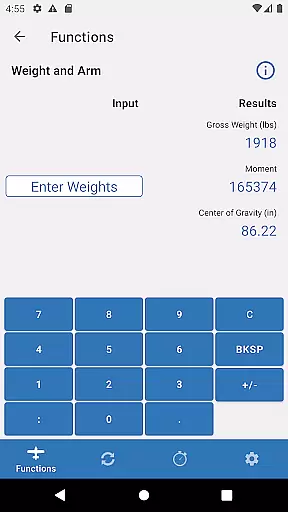
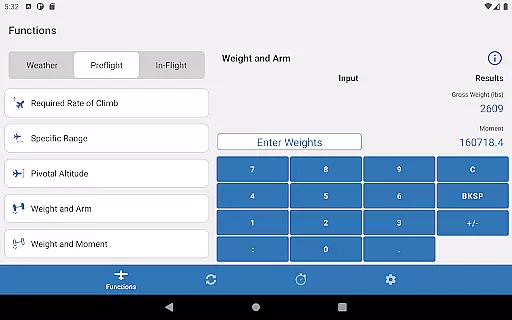
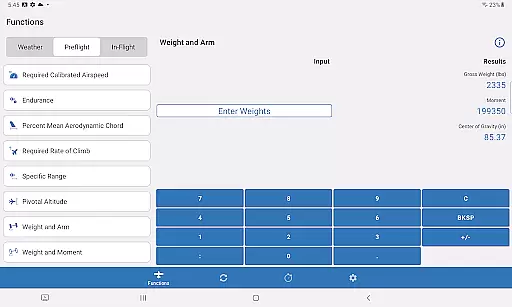
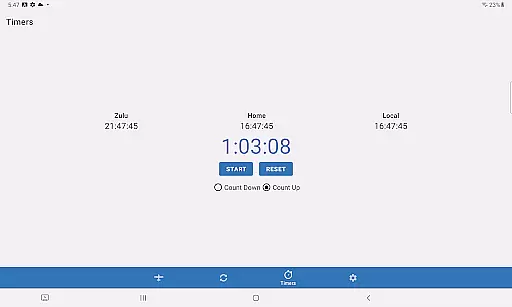
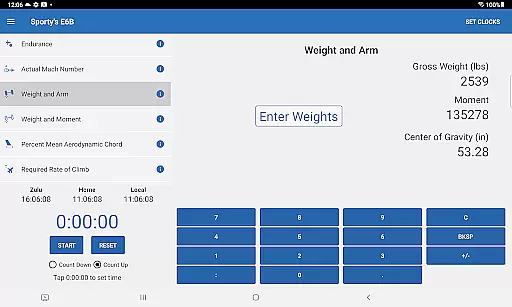
One standout feature is its specialized weight and balance page, which simplifies adding new passengers, fuel, or baggage. The app also includes timers that can count up or down, making it ideal for various in-flight tasks like timing approaches or switching fuel tanks. With additional functionalities such as Top of Descent, Specific Range, and Planned Mach #, Sporty's E6B caters to both student and experienced pilots, enhancing their navigational accuracy and operational efficiency.
The Sporty's E6B app stands out due to its comprehensive set of features tailored specifically for aviation use. It offers 23 aviation functions and 18 conversion tools, ensuring that pilots have access to all necessary computations at their fingertips. Each function is accessible via an easy-to-understand English menu, prompting users step-by-step through each calculation process.
A key advantage is the app's ability to save previous entries, eliminating the need for repetitive data input. Its dedicated weight and balance page streamlines the addition of new elements like passengers, fuel, or baggage. Furthermore, advanced features such as Top of Descent, Specific Range, and Planned Mach # provide valuable insights for experienced aviators. The inclusion of versatile timers adds practicality by allowing countdowns or count-ups for crucial flight operations.
Overall, these features collectively enhance the pilot's capability to manage complex calculations swiftly and accurately, making Sporty's E6B an indispensable tool in modern aviation.
The Sporty's E6B Flight Computer app is designed to deliver precise and effective aviation calculations, making it an essential tool for pilots. With 23 aviation functions and 18 conversion options, the app ensures that every computation, from navigational challenges to weight and balance issues, is accurate. The user-friendly interface allows pilots to select functions using plain English terms, which simplifies complex calculations.
One of the standout features of this app is its ability to save previous entries, eliminating the need for repetitive data input. This not only speeds up the calculation process but also minimizes errors, allowing pilots to focus more on flying and less on number crunching. Whether you are a student pilot or an experienced aviator, the app's comprehensive functionality, including features like Top of Descent and Specific Range, proves invaluable in flight planning and execution.
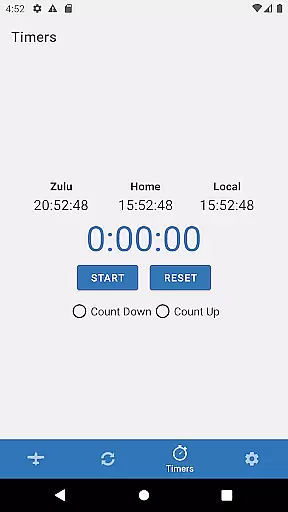
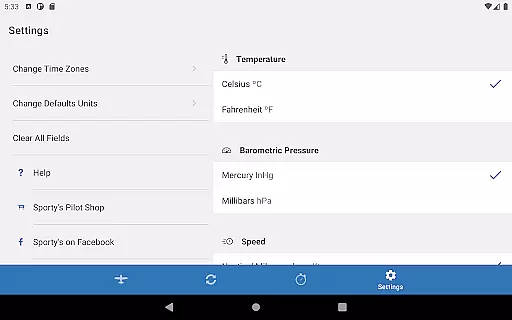
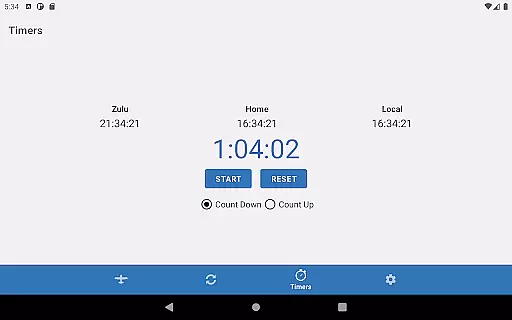
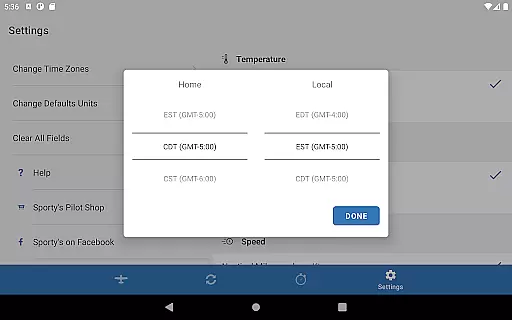
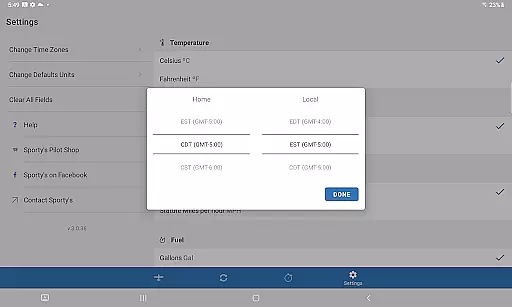
Furthermore, the app includes a robust timer feature that can count up or down, perfect for managing various in-flight tasks such as timing approaches or switching fuel tanks. The inclusion of Home, Local, and Zulu time displays adds another layer of utility, ensuring that pilots have all the necessary time-related information at their fingertips. These capabilities make Sporty's E6B app a reliable and indispensable tool in any pilot's arsenal.
Sporty's E6B Flight Computer app stands out for its intuitive and straightforward interface, which makes complex aviation calculations accessible even to student pilots. The design philosophy centers around simplicity and ease of use, enabling users to quickly navigate through a plain English list of functions. This approach eliminates confusion and ensures that pilots can perform necessary computations swiftly and accurately.
Each function within the app prompts the user for specific information step-by-step, streamlining the data entry process and reducing the likelihood of errors. By saving inputs from previous calculations, the app further enhances its user-friendliness, allowing pilots to perform repeated calculations without redundant data entry. This feature is particularly beneficial when calculating weight and balance, where new passengers, fuel, or baggage can be added effortlessly.
In addition to its core calculation functions, the app offers dedicated pages for specific tasks, such as adding new passengers or fuel, which simplifies these processes significantly. The timer and clock functions are intuitively integrated, providing quick access to essential time-related tools without cluttering the interface. Overall, Sporty's E6B app combines powerful functionality with an intuitive design, making it an essential companion for pilots seeking efficiency and accuracy in their flight operations.
User-friendly interface
Comprehensive aviation functions
Efficient data entry system
Versatile timer options
Valuable for all pilot levels
Limited to aviation use
No offline functionality
Requires Android device
Premium pricing model
Complex for beginners

 4.50
4.50
Change your GPS location instantly. Simulate routes anywhere in the world.
4.90
pdf merge, word to pdf, jpg to pdf, edit pdf, convert to pdf and much more!
4.20
Unlock your Essential Key. Create custom shortcuts to your favorite apps!
4.0
Amateur Radio app for APRS: Track friends, exchange messages, get tactical info.
3.90
Create your own live wallpaper or check out thousands already made presets
3.90
Clean up large files and similar photos, fast and easy to use
4.40
Clean up your phone, find files, play media, and share files offline
4.50
Enjoy a smooth mobile reading experience!
3.60
Easily install aab(Android App Bundle) files on your Android device with our app
4.80
ADB support Android 4.X-Android 13(Support wireless pair mode).No root required!
4.70
Protect your device with antivirus, storage cleanup, and system monitoring
4.70
Mirror your screen to Chromecast and Android TV - Super fast and simple
4.60
Play your X-Box games remotely in 1080p with any controller and zero latency
4.60
Forza Tuning Calculator App for Forza Horizon 5, Motorsport and Earlier Titles
4.40
Remote for Roku, Fire TV, Samsung TV, LG TV, Android TV, Chromecast and VIZIO TV
4.20
Carry a FTP server in your pocket and avoid USB cables for file transfer
4.20
Quickly & easily calculate the spacing of handrail balusters
4.20
card-reader app
2.20


User Reviews