
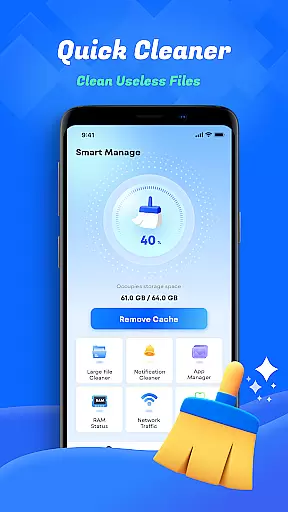
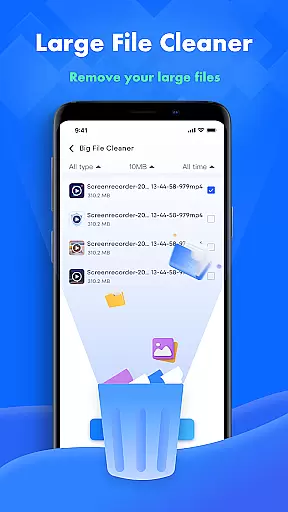
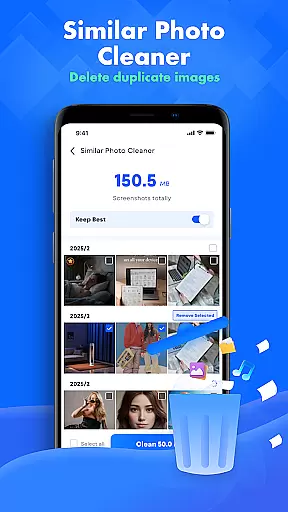
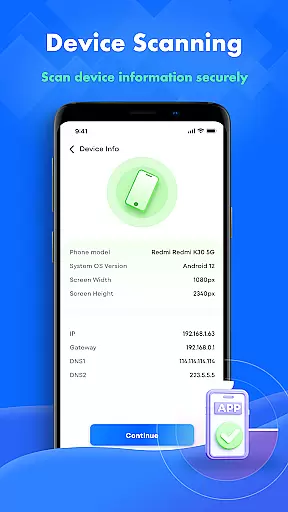
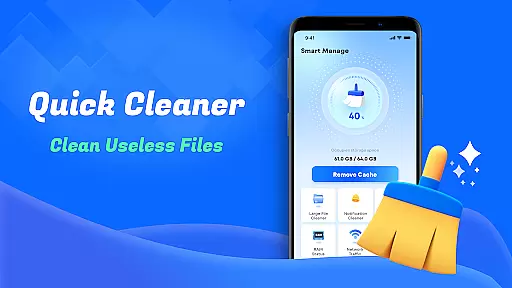
Smart Cleaner is a comprehensive phone cleaning tool designed to optimize device performance through its robust feature set. The app focuses on helping users manage their files efficiently with minimal effort.
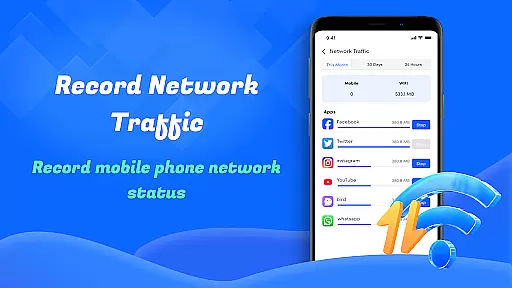
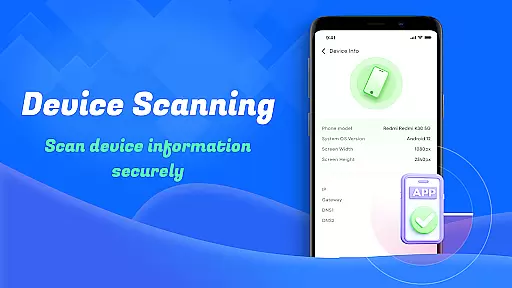
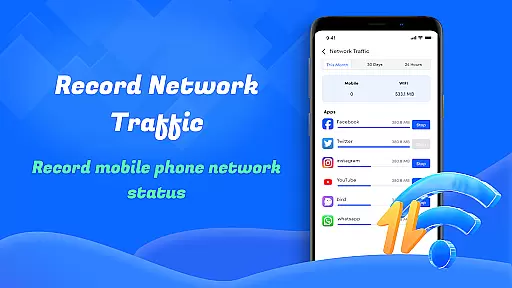
Key functionalities include unnecessary file cleanup, large file management, and similar photo detection. These features work together to free up valuable storage space while maintaining an organized digital environment. Additionally, the app provides essential utilities like device information monitoring and network usage analysis, making it an indispensable tool for maintaining optimal device health.
Whether you're looking to declutter your gallery or monitor data consumption, Smart Cleaner offers practical solutions that cater to various user needs, ensuring your device runs smoothly and efficiently.
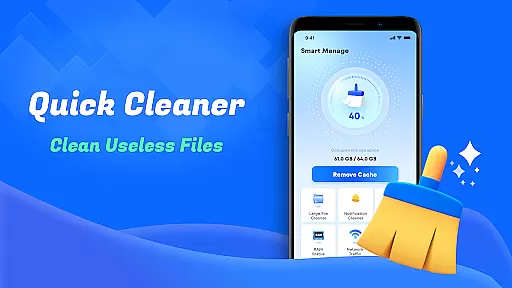
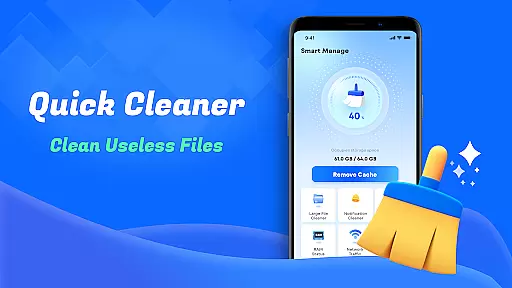
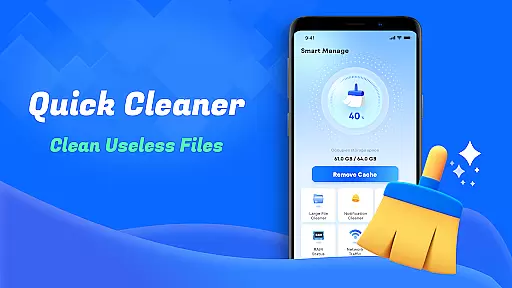
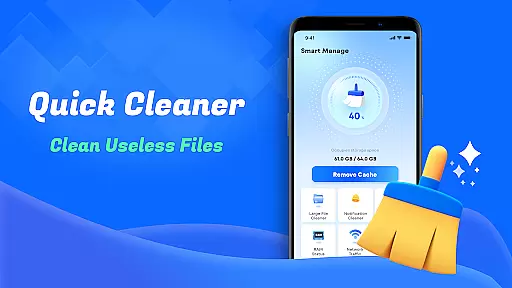
Smart Cleaner stands out with its diverse range of practical features tailored to enhance device maintenance. One of its core strengths is the ability to clean unnecessary files with just one click, simplifying the process of removing junk files that accumulate over time.
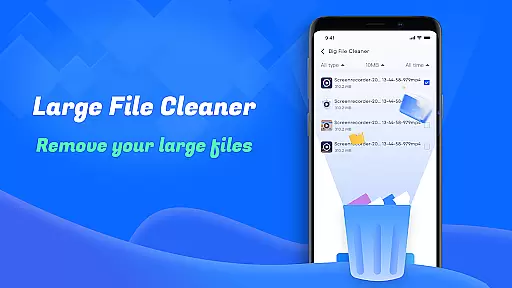
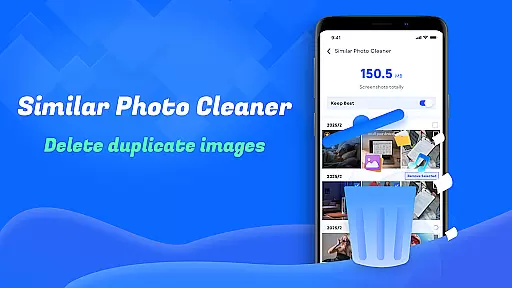
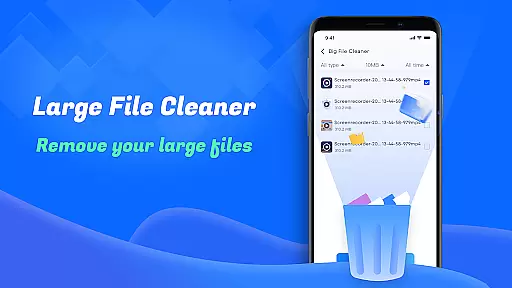
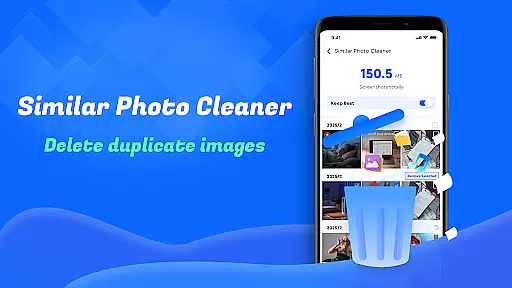
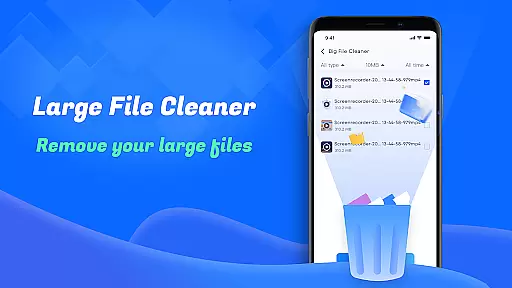
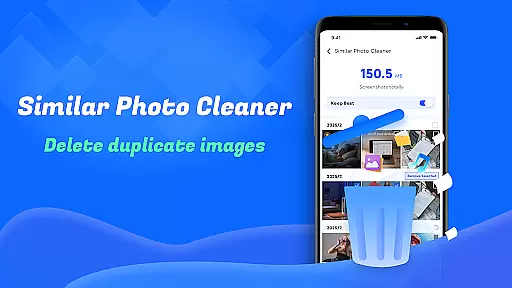
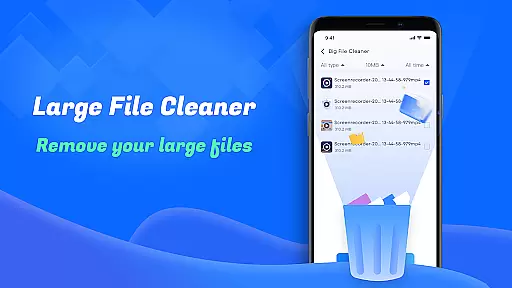
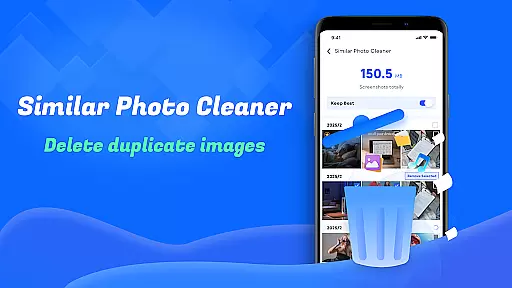
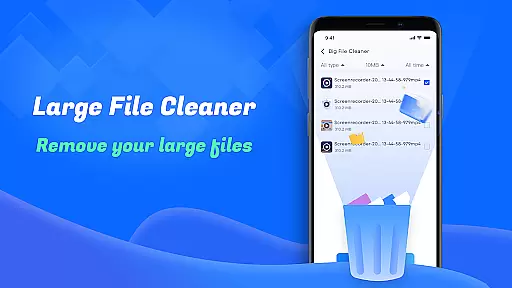
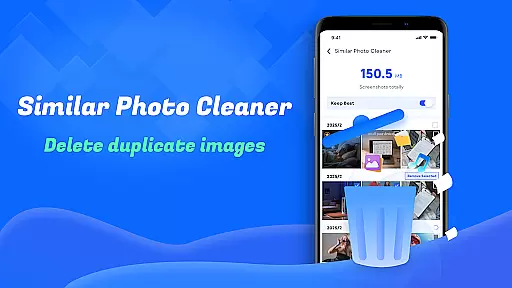
In addition to basic cleaning, the app includes specialized tools such as Large File Cleanup, which helps identify and remove bulky files consuming significant storage space. The Similar Photos feature intelligently detects duplicate images, allowing users to keep only the necessary copies. Furthermore, Screenshots Cleanup ensures that unnecessary screenshots don't clutter your gallery.
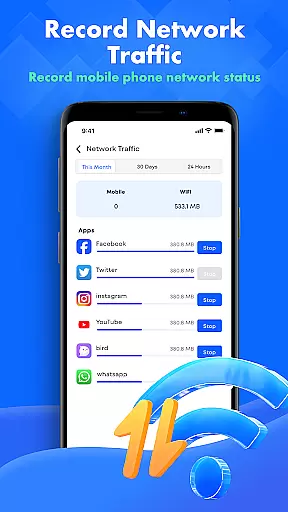
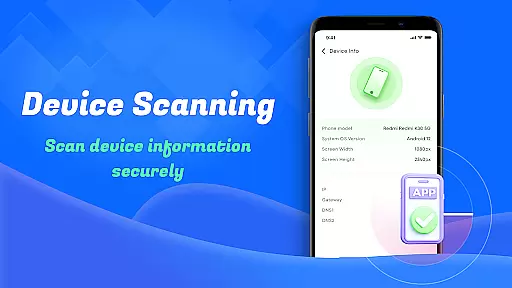
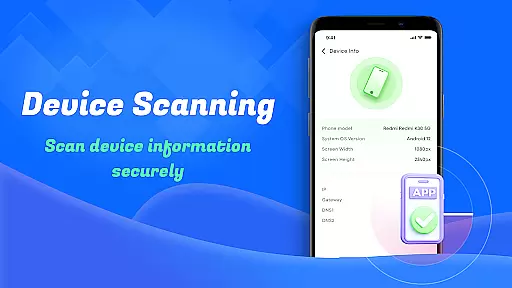
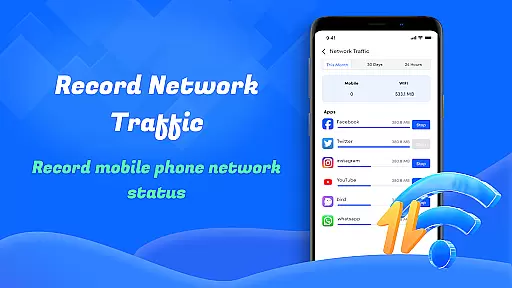
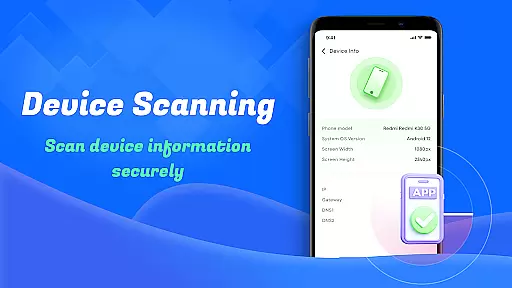
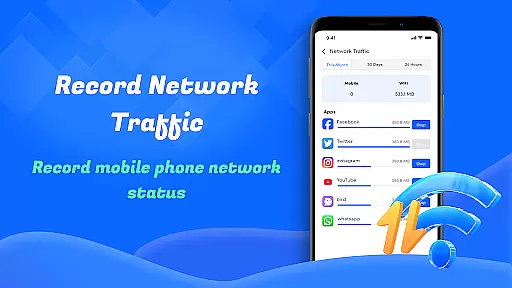
Beyond file management, Smart Cleaner provides insightful utilities like Device Info Check and Network Usage Monitoring. These features empower users to stay informed about their device's status and manage data consumption effectively, offering both convenience and control.
Smart Cleaner stands out for its precision and efficiency in managing device storage. The app employs advanced algorithms to scan and identify unnecessary files, large files, and redundant screenshots with remarkable accuracy.
Each cleaning feature is designed to deliver tangible results. For instance, the Unnecessary Files Cleanup removes temporary and residual files that accumulate over time, while the Large File Cleanup helps users pinpoint files that consume significant space. This targeted approach ensures that only the most relevant files are retained on the device.
Users benefit from a streamlined device management experience. With just one click, they can reclaim valuable storage space, enhance device performance, and maintain an organized file system without the risk of losing important data.
The effectiveness of Smart Cleaner's core functions translates into real-world value by providing a reliable tool that simplifies digital decluttering and optimizes device functionality.
A user-friendly interface is crucial for ensuring a seamless experience, and Smart Cleaner excels in this aspect. Its design emphasizes simplicity and ease of navigation, allowing users to access powerful cleaning tools without any learning curve.
The layout is intuitive, presenting all essential features in a clear and organized manner. Whether it's removing similar photos or monitoring network usage, each function is easily accessible through a straightforward menu structure that minimizes complexity.
This simplicity empowers users of all technical backgrounds to manage their devices confidently. By reducing the steps needed to perform tasks, Smart Cleaner makes routine maintenance quick and hassle-free.
Ultimately, the app's intuitive design enhances user engagement by providing an accessible yet powerful solution for maintaining optimal device performance without overwhelming the user.
User-friendly interface
One-click cleaning functionality
Comprehensive file management
Effective storage optimization
Insightful device monitoring tools
Limited advanced customization options
Occasional slow performance on older devices
Basic design lacks visual appeal
Some features require additional permissions
Premium version may be costly for casual users

A recovery soft,it features photo recovery, video recovery, file recovery.
 3.40
3.40
Quickly & easily calculate the spacing of handrail balusters
4.20
A non-root local ADB shell client. READ BELOW!
3.40
Unleash gamepad precision for ultimate mobile gaming dominance.
3.90
Signal Strength, Mobile, Wifi, Speed Test, Bad Signals, Cellular, 5G, LTE, 4G
4.20
Bedrock Together: Join any bedrock server on Xbox/PS
4.80
Create your own custom widget with endless possibilities
3.90
Button mapper, mouse toggle, sleep timer and a lot of another features
4.50
fast and easy mp3 music downloader
4.80
Powerful collection of electronics tools and reference.A must for any enthusiast
4.90
WiFi Signal Strength Meter help you detect WiFi Signal Strength in real time.
4.80
Easily install aab(Android App Bundle) files on your Android device with our app
4.80
Small and simple app to Verify Root Access and BusyBox Install!
4.70
Canon PRINT is a companion app for your Canon printer.
4.60
Complete kernel toolbox with features to manage and tweak your rooted device
4.30
VESC Tool can monitor and configure VESC-compatible devices over BLE and Wifi
4.20
A convenient photo, video, and file recovery tool.
4.00
Smart and comfortable browsing experience.
3.80
Transfer Files, APK from Phone to Watch & Install.
4.3


User Reviews