
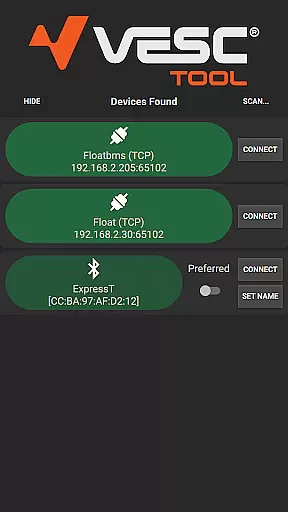
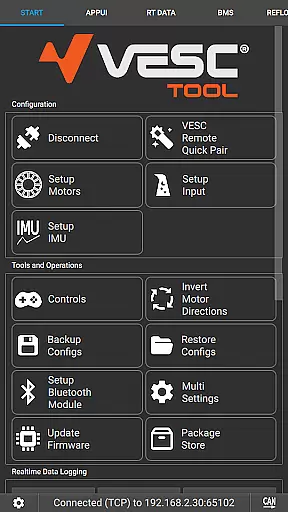
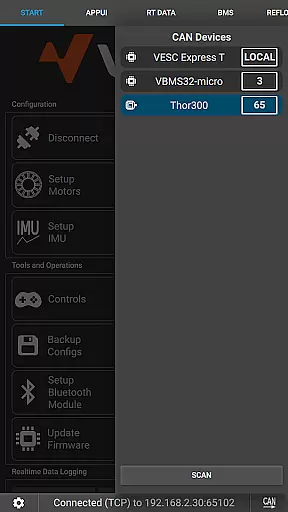
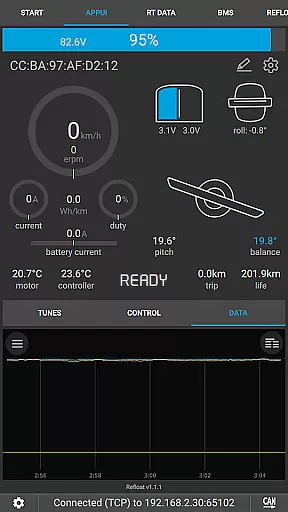
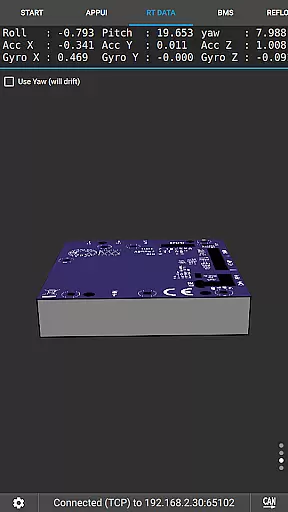
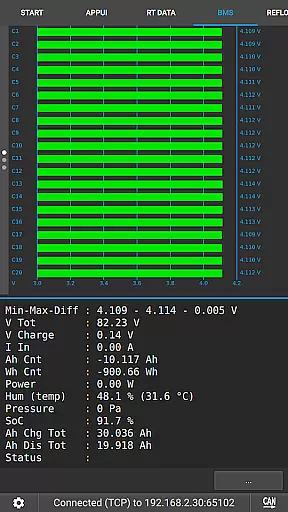
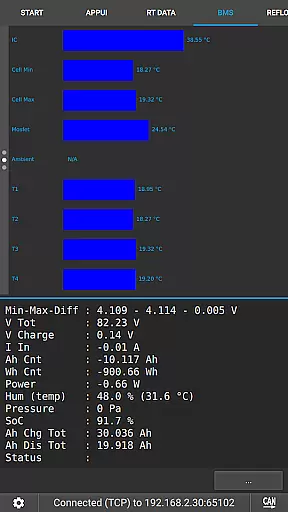
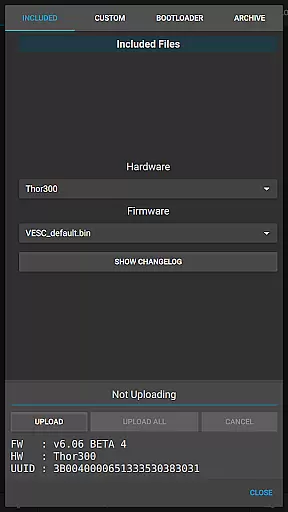
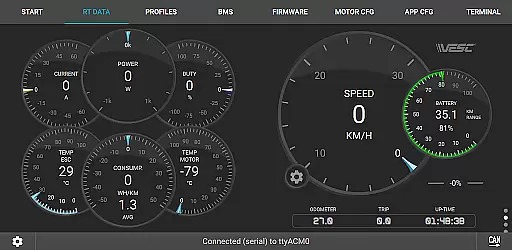
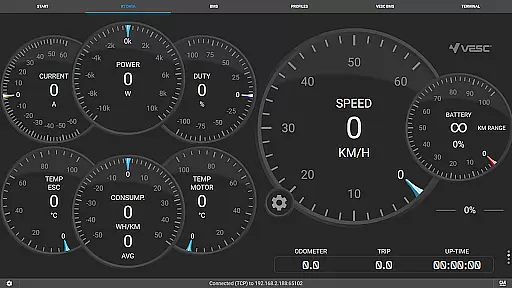
VESC Tool is a powerful mobile application designed for users who work with VESC-based hardware. The app allows you to configure your hardware over BLE or WiFi, stream live data, update firmware, and log important information. Whether you're a hobbyist or a professional, this tool provides an efficient way to manage and monitor your VESC devices directly from your smartphone.
With compatibility for both BLE and WiFi connections, VESC Tool offers flexibility in how you interact with your hardware. You can perform firmware updates, access real-time data streaming, and log critical performance metrics. This makes it an essential utility for anyone involved in electric vehicle projects or motor control systems.
VESC Tool stands out with its comprehensive feature set tailored for VESC hardware management. One of the key features is its ability to connect via BLE or WiFi, enabling seamless communication with your devices. This connectivity allows users to configure settings, update firmware, and monitor live data streams without being tethered to a computer.
In addition to connectivity options, the app supports data logging, which is crucial for analyzing performance over time. Users can also access detailed telemetry and diagnostic information, making it easier to troubleshoot issues or optimize their setups. With support for custom modules based on ESP32C3 or NRF52 chipsets, VESC Tool caters to both off-the-shelf solutions and DIY enthusiasts.
VESC Tool is designed to provide precise control and configuration of VESC-based hardware, ensuring that users can effectively manage their devices. The app supports both BLE and WiFi connections, enabling seamless interaction with the hardware components.
With features like live data streaming, firmware updates, and data logging, the application ensures that all core functions are executed with maximum accuracy. This level of precision is crucial for users who rely on real-time feedback and adjustments to optimize performance.
The ability to configure hardware settings directly from a mobile device enhances the overall user experience by simplifying complex tasks. Whether it's adjusting parameters or monitoring system status, VESC Tool delivers reliable and efficient performance.
The interface of VESC Tool is crafted to offer a straightforward and intuitive user experience. Despite the technical nature of the tasks it performs, the app maintains an accessible design that caters to both novice and experienced users.
Navigation within the app is streamlined, allowing users to quickly access essential features such as live data streaming, firmware updates, and configuration settings. Clear labels and logical grouping of functions ensure that users can easily find what they need without unnecessary complexity.
This focus on simplicity does not compromise functionality; instead, it enhances the overall effectiveness of the app by reducing the learning curve and making powerful tools readily available at users' fingertips.
User-friendly interface
Comprehensive data logging
Real-time telemetry access
Flexible connectivity options
Active community support
Limited to VESC hardware
Requires compatible module
No offline mode
Advanced features may overwhelm beginners
Occasional connection issues

Change your GPS location instantly. Simulate routes anywhere in the world.
 4.90
4.90
A powerful, easy-to-use flight computer on your phone or tablet!
3.80
card-reader app
2.20
App to pay for FUTO Keyboard
4.60
Best leveling tool for your Android device. Hang paintings like a pro.
4.90
View detailed information about your Nissan Leaf the dealer never shows you.
4.10
Support Fossify apps with a warm thank you!
5.00
Screen Mirroring with sound for Samsung TV, LG TV, Sony TV, Smart TV and Browser
4.20
A clean app.
4.50
Navigate with Ease and Style
4.90
Canon PRINT is a companion app for your Canon printer.
4.60
Play your X-Box games remotely in 1080p with any controller and zero latency
4.60
Game Booster, GFX Tool is now compatible with newer game update
4.50
Complete kernel toolbox with features to manage and tweak your rooted device
4.30
Signal Strength, Mobile, Wifi, Speed Test, Bad Signals, Cellular, 5G, LTE, 4G
4.20
MS-DOS in your pocket. Play old DOS games anywhere you are ;)
4.10
Automate everything from settings to photos, SMS to speech. ADC2 prize winner.
4.10
1-Click close all background apps on Android TV
3.90
A non-root local ADB shell client. READ BELOW!
3.40


User Reviews