
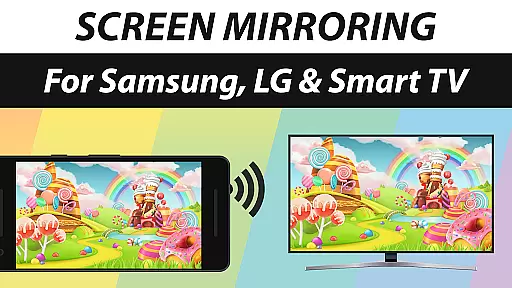
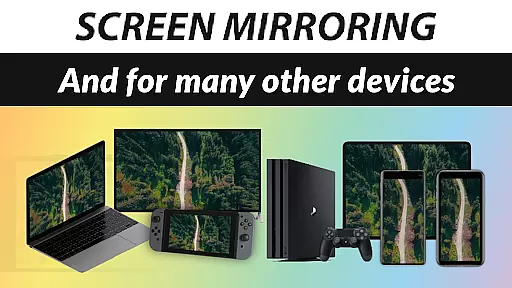
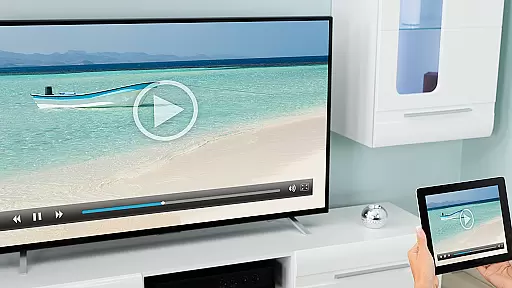
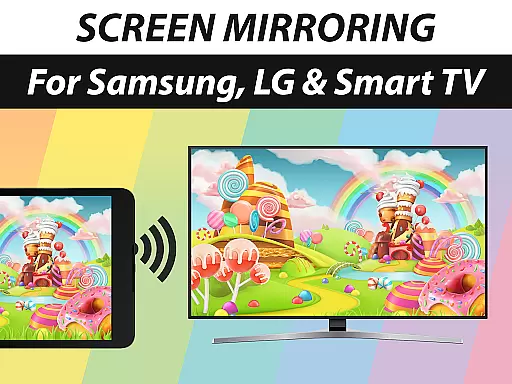
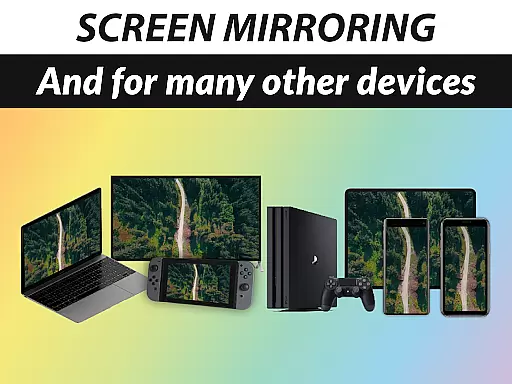
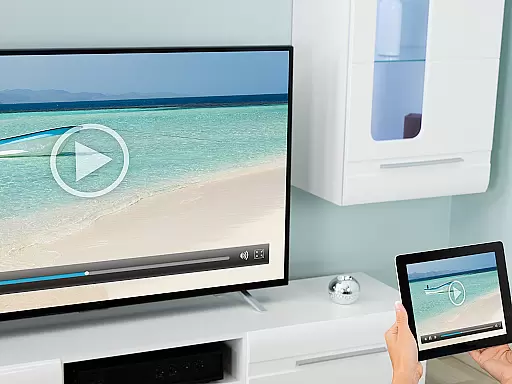
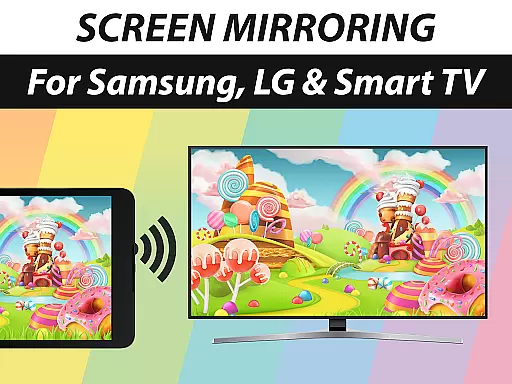
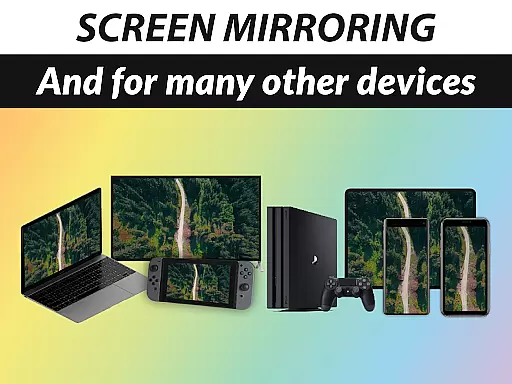
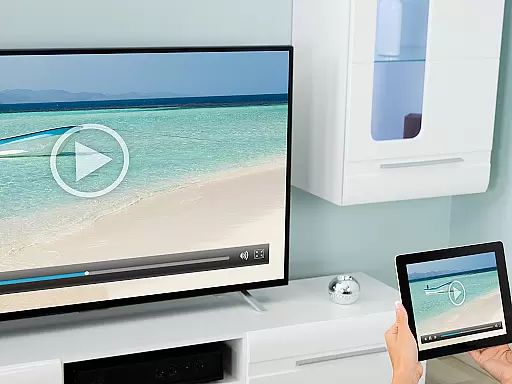
Screen Mirroring Pro App is a powerful tool designed to mirror your screen with sound to various devices including Samsung TV, LG TV, Sony TV, Smart TV, and more. It allows you to share photos, videos, games, websites, apps, presentations, and documents effortlessly over Wi-Fi and the Internet. The app supports HD quality streaming without the need for wires, making it easy to set up and use.
This application stands out due to its broad device compatibility, working seamlessly with any device that has an integrated web browser. Whether you're looking to share content with friends, family, or co-workers, Screen Mirroring Pro App provides a fast, easy, and user-friendly solution. With optimal performance on 5GHz Wi-Fi networks, this app ensures smooth and high-quality mirroring experiences.
One of the standout features of Screen Mirroring Pro App is its extensive device support. It works with a wide range of devices such as Samsung TV, LG TV, Panasonic TV, Hisense TV, and many others. This versatility makes it an ideal choice for users who want to mirror their screens to different types of devices without compatibility issues.
The app also excels in performance, especially when used on a robust 5GHz Wi-Fi network. This ensures minimal lag and high-definition streaming, providing users with a seamless experience. Additionally, there's no need for a companion app on the receiving device, simplifying the setup process significantly.
Another notable feature is the support for sound on Android 10+ devices, which enhances the overall mirroring experience by allowing audio to be transmitted along with the video. This feature is particularly useful for presentations and media sharing, ensuring that all content is mirrored accurately and efficiently.
Screen Mirroring Pro App specializes in delivering a seamless screen mirroring experience across various devices, ensuring both visual and audio transmission. The app supports a broad range of devices including Samsung TV, LG TV, Sony TV, laptops, and even mobile phones, all without the need for physical connections.
The performance of this tool is optimized under good Wi-Fi conditions, particularly recommending 5GHz Wi-Fi for the best experience. This ensures that users can mirror their screens in HD quality with minimal latency, providing an effective solution for sharing content during meetings, presentations, or casual family gatherings.
For Android 10+ users, the app also supports sound transmission, adding another layer of functionality. This makes it not only a tool for viewing but also for listening, which significantly enhances its utility in professional and personal scenarios.
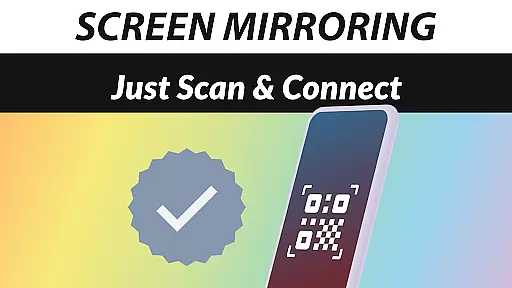
The hallmark of Screen Mirroring Pro App lies in its user-friendly interface, designed to make screen mirroring accessible to users of all technical backgrounds. With just a few taps, users can connect their devices and start sharing photos, videos, games, and more, making it an ideal choice for quick setups.
No companion app is required on the receiving device, simplifying the entire process further. This approach eliminates unnecessary steps and potential compatibility issues, allowing users to focus on their content rather than troubleshooting connection problems.
Moreover, the app provides clear instructions and feedback throughout the setup process, ensuring that users can achieve a successful connection without frustration. This intuitive design philosophy helps maintain user engagement and satisfaction, making screen mirroring a hassle-free experience.
User-friendly interface
Wide device compatibility
HD quality streaming
Wireless convenience
Sound support on Android 10+
Dependent on Wi-Fi quality
No iOS sound support
Premium version required
Limited offline functionality
Occasional connectivity issues

Complete kernel toolbox with features to manage and tweak your rooted device
 4.30
4.30
eXtended Permission Manager - a small app to manage permissions and AppOps
4.50
card-reader app
2.20
VESC Tool can monitor and configure VESC-compatible devices over BLE and Wifi
4.20
Remote Play with FSR upscaling, low latency & full controller support
4.80
Automate everything from settings to photos, SMS to speech. ADC2 prize winner.
4.10
Fun lie-detection pranks for friends and parties.
3.80
Protect your device with antivirus, storage cleanup, and system monitoring
4.70
Your personal health butler
3.60
Change your GPS location instantly. Simulate routes anywhere in the world.
4.90
Enjoy smooth gameplay with Game Booster
4.90
Mirror your screen to Chromecast and Android TV - Super fast and simple
4.60 4.50
4.50
Just swipe the edge to do something!
4.40
Pro Emulator is an easy to use game console emulator for a range of consoles.
4.40
Fluid navigation gestures for all of us!
4.30
Effortlessly run ADB commands directly on your device without a PC.
4.20
A convenient photo, video, and file recovery tool.
4.00
Smart and comfortable browsing experience.
3.80


User Reviews