
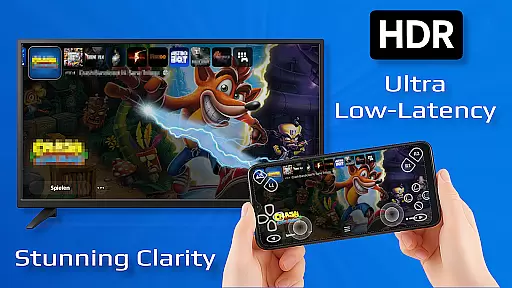
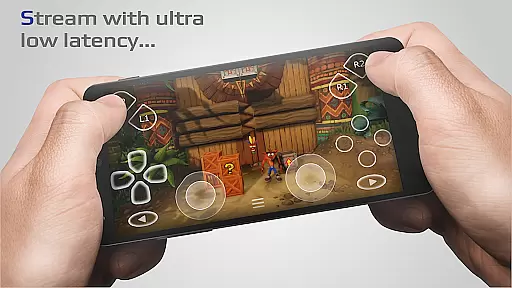
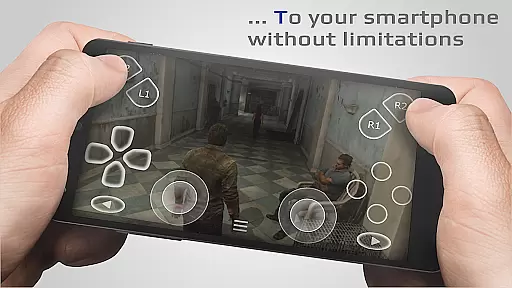
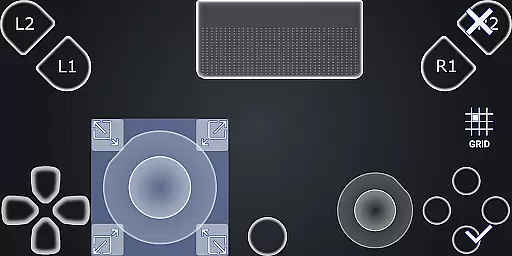
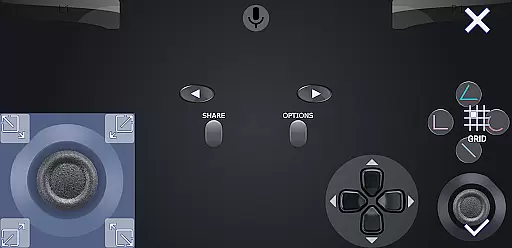
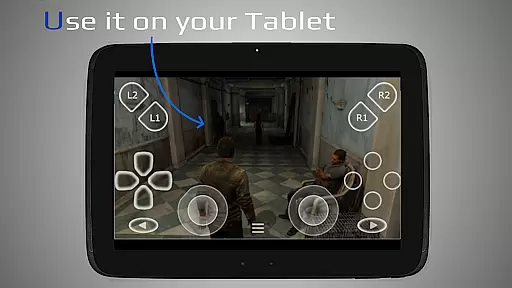
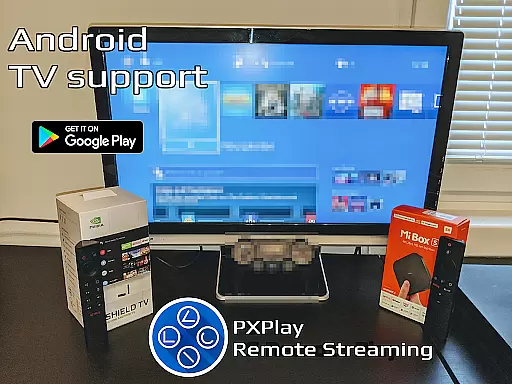
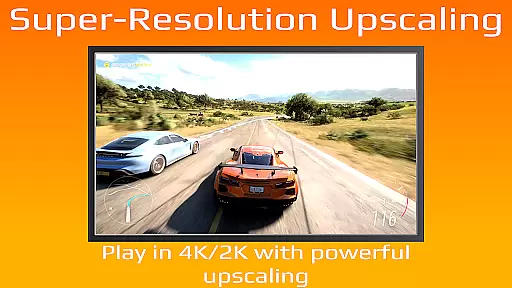
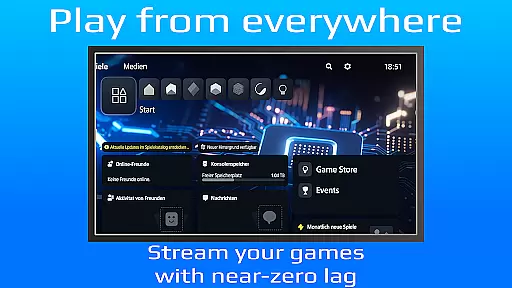
PXPlay is a powerful remote control application designed for gaming enthusiasts who want to access their gaming devices from anywhere. The app offers an optimized streaming experience with minimal latency, making it ideal for remote gameplay. Supporting both third-party controllers and mobile data connections, PXPlay ensures flexibility in how and where you play. Whether you're using an Android TV or a smartphone, the app provides seamless integration with multiple device types.
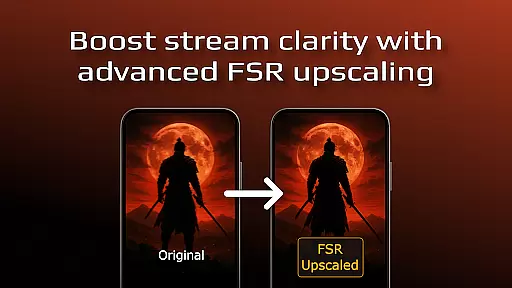
One of PXPlay's standout features is its ability to support various firmware versions, starting from 5.05 and up. It also includes advanced functionalities like FSR upscaling, gamepad button mapping, and Picture-in-Picture mode for multitasking. With support for rooted devices and customization options for on-screen controls, PXPlay caters to both casual gamers and tech-savvy users looking for a personalized experience. This makes it a versatile tool for anyone invested in remote gaming.
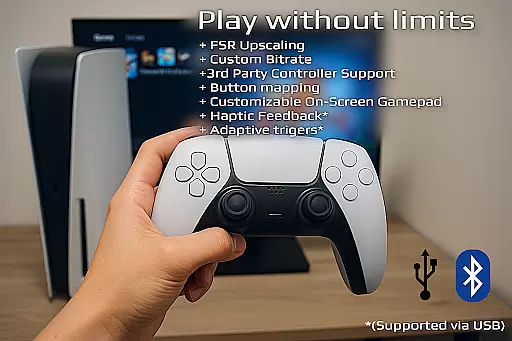
PXPlay boasts an impressive array of features that enhance the remote gaming experience. One key highlight is its support for third-party controllers across all Android devices, giving users the freedom to choose their preferred hardware. Additionally, the app supports FSR upscaling and sharpening, ensuring high-quality video streaming even on less-than-ideal internet connections. These features collectively ensure that users can enjoy smooth, responsive gameplay regardless of their setup.
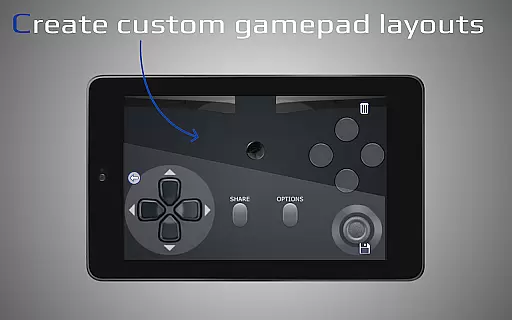
Beyond controller support, PXPlay offers practical tools such as multi-profile registration and customizable on-screen gamepad layouts. Users can tailor their interface to suit their preferences, while Picture-in-Picture and Multi-Window modes allow for efficient multitasking. The app also supports older firmware versions and rooted devices, broadening its compatibility. For those seeking a virtual controller option, PXPlay delivers a reliable solution, further solidifying its position as a comprehensive remote gaming tool.
PXPlay excels in delivering core functionalities that are both accurate and effective, ensuring users can remotely control their gaming devices with minimal latency. The app supports third-party controllers across all Android devices, enhancing its versatility and user accessibility.
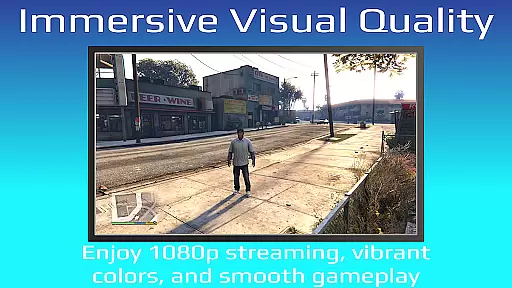
With features like FSR upscaling and sharpening, PXPlay ensures the video quality remains top-notch during streaming sessions. This attention to detail in maintaining clarity and enhancing visuals directly translates to an immersive gaming experience for the user, regardless of their location.
The application's support for older firmware from version 5.05 and newer, along with rooted devices, showcases its adaptability and commitment to inclusivity. Users benefit from this wide-ranging compatibility as it allows them to use PXPlay on a variety of devices without worrying about technical limitations.
The interface design of PXPlay emphasizes simplicity and intuitiveness, making it accessible even for those who may not be tech-savvy. By offering easy connection setup processes, the app removes barriers to entry, allowing gamers to focus more on their gameplay rather than troubleshooting connectivity issues.
Customization options such as gamepad button mapping and onscreen layout adjustments provide users with personalized control schemes that suit their preferences. These features enhance the overall user experience by catering to individual play styles and comfort levels.
Additionally, innovative modes like Picture-In-Picture and Multi-Window support (for compatible Android versions) further demonstrate PXPlay's dedication to creating an intuitive environment where multitasking does not hinder performance or usability. Such thoughtful integrations ensure smooth navigation through the appu2019s various functions while maintaining operational efficiency.
User-friendly interface
Low-latency streaming
Wide device compatibility
Customizable controls
Third-party controller support
Requires stable internet
Firmware limitations
Account login issues
No offline mode
High system requirements

Easily install aab(Android App Bundle) files on your Android device with our app
 4.80
4.80
Keep track of your Palia friendships, tasks, and inventory with Palia Notebook
4.60
Small and simple app to Verify Root Access and BusyBox Install!
4.70
MS-DOS in your pocket. Play old DOS games anywhere you are ;)
4.10
Planner and Tracker for Stardew Valley
4.60
Download any file easily and quickly with Downloader
4.4
Automate everything from settings to photos, SMS to speech. ADC2 prize winner.
4.10
Button mapper, mouse toggle, sleep timer and a lot of another features
4.50
The ideal app to be the digital eye of your family
3.40
Support Fossify apps with a warm thank you!
5.00
Connect wirelessly to your computer to watch movies, browse the web, play games
5.00
Best leveling tool for your Android device. Hang paintings like a pro.
4.90
The one-and-only remote control for PC, Mac, and Linux
4.70
HD Camera captures every special moment.
4.60 4.50
4.50
Complete kernel toolbox with features to manage and tweak your rooted device
4.30
Introducing Smart Printer, your ultimate destination for printing solutions!
4.00
1-Click close all background apps on Android TV
3.90
Fun lie-detection pranks for friends and parties.
3.80


User Reviews