
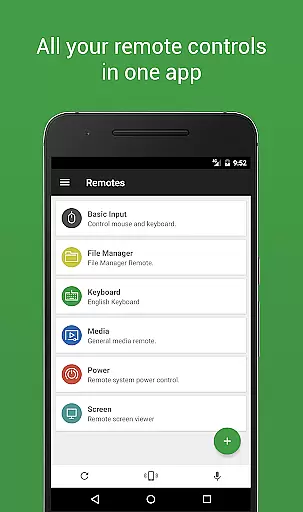
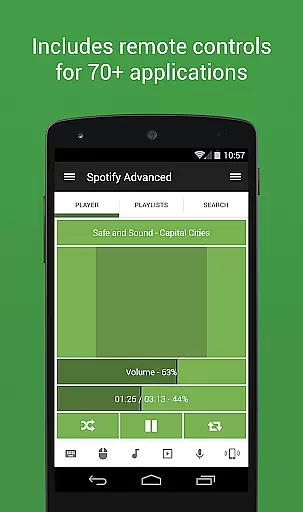

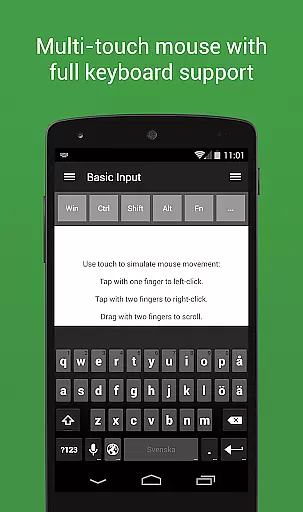
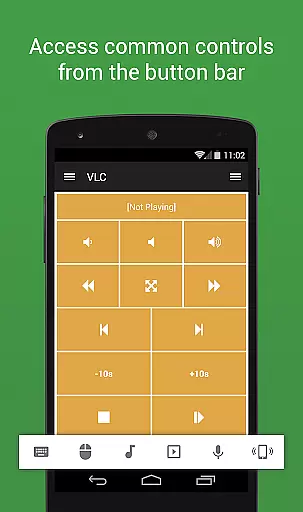
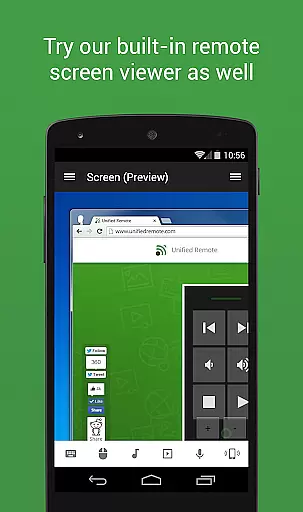
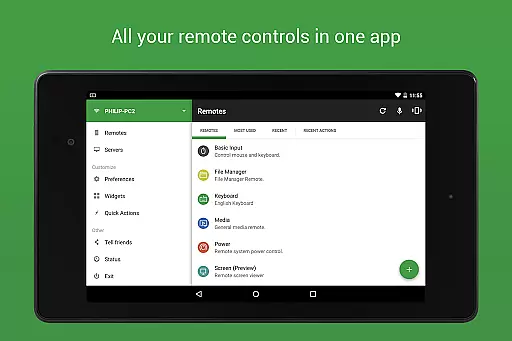
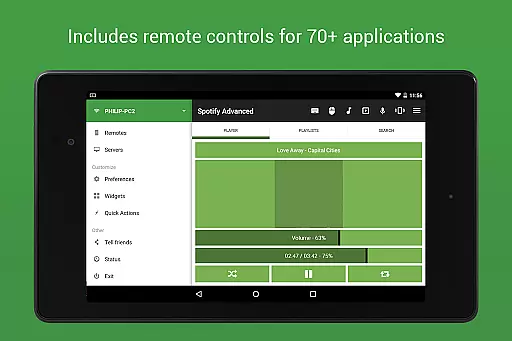
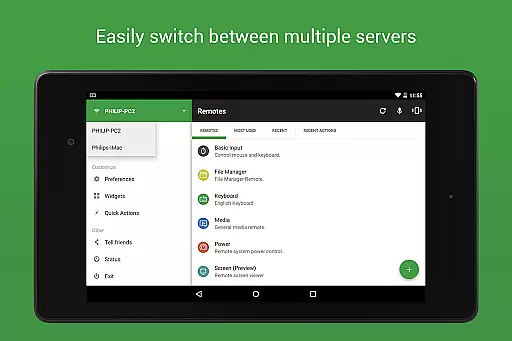
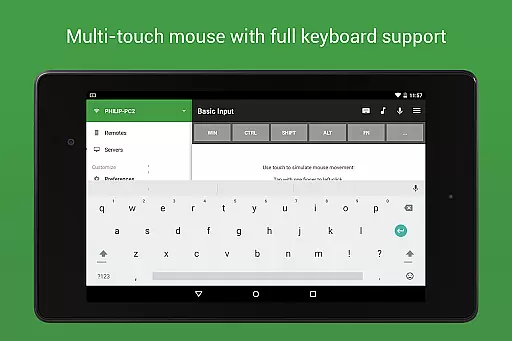
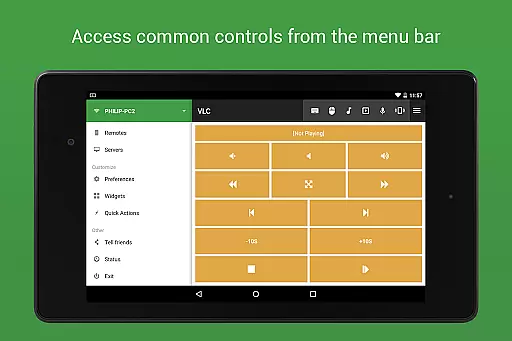
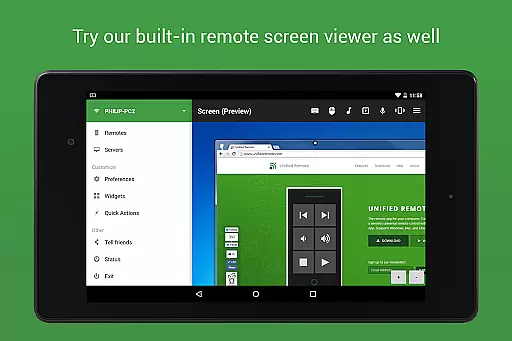
Unified Remote Full is the ultimate remote control solution for your computer, turning your mobile device into a versatile WiFi or Bluetooth universal remote. Compatible with Windows PC, Mac, and Linux systems, this app offers an impressive range of functionalities that cater to various user needs. With support for over 90 programs, it includes essential tools like mouse and keyboard control, media players, presentation management, screen mirroring, power control, file manager, terminal access, and much more.
The app stands out through its intuitive server and app setup process, automatic server detection, and enhanced security features such as server password protection and encryption. Whether you're looking to control your computer for entertainment purposes like watching TV or listening to music, Unified Remote Full provides a seamless and efficient experience. Its versatility extends to controlling other devices like Raspberry Pi and Arduino Yún, making it an indispensable tool for both casual users and tech enthusiasts.
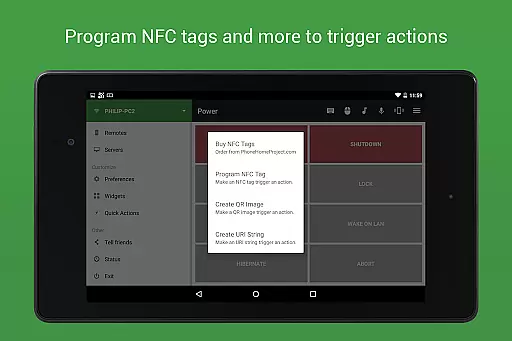
Unified Remote Full boasts an extensive array of features designed to enhance user control and convenience. The app supports single and multi-touch mouse control, Wake On LAN functionality for easy server startup, and includes light and dark color themes for personalized use. It also allows users to create custom remotes, use voice commands, and even control devices via NFC actions and Android Wear.
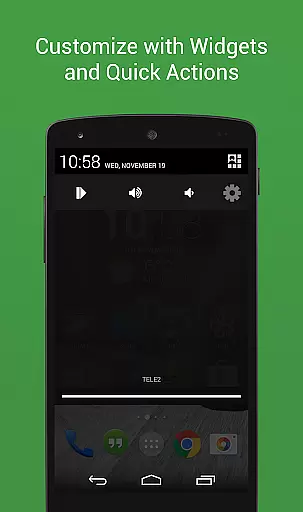
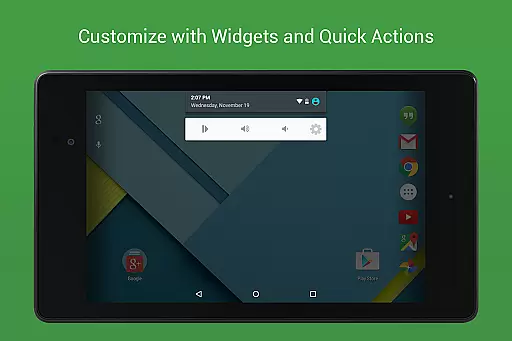
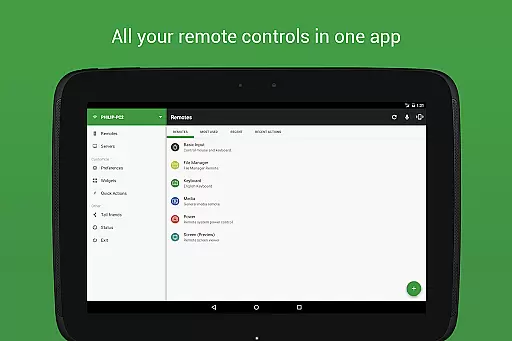
With 90+ preloaded remotes, users can effortlessly manage a wide range of applications including Spotify, iTunes, VLC, PowerPoint, Chrome, and many others. The app's floating remotes feature enables operation over other apps, while widgets and quick actions provide instant access to frequently used controls. These comprehensive capabilities ensure that whether you're managing media playback, handling presentations, or controlling smart home devices, Unified Remote Full delivers a powerful and flexible remote control experience tailored to modern digital lifestyles.
Unified Remote Full excels in delivering precise and effective core functionalities that transform your device into a universal remote control for computers. The app supports 90+ programs, offering preloaded remotes for essential functions like mouse and keyboard control, media players, presentations, and power management.
The server setup is straightforward, ensuring automatic detection of servers on your network, which simplifies the connection process significantly. With added security features such as server password protection and encryption, users can confidently control their devices without compromising safety.
Advanced features like Wake On LAN allow users to start their servers effortlessly, while single and multi-touch mouse control provides versatile navigation options. These capabilities ensure that users experience seamless interaction with their systems, enhancing productivity and convenience.
The interface of Unified Remote Full is designed to be simple and intuitive, making it accessible even for users who may not be tech-savvy. The app includes light and dark color themes, catering to user preferences and ensuring comfortable usage in various lighting conditions.
With support for floating remotes, users can operate controls over other apps, streamlining multitasking and improving overall efficiency. Custom remotes, widgets, and quick actions further enhance the user experience by allowing personalized configurations tailored to individual needs.
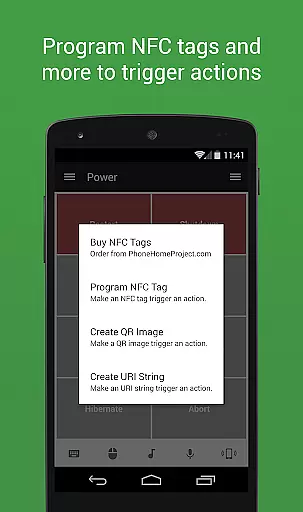
Voice commands and NFC actions introduce innovative ways to interact with your devices, reducing the need for manual input and making operations more fluid. This combination of features ensures that users can enjoy an intuitive and efficient remote control experience, ultimately saving time and effort.
User-friendly interface
Wide compatibility
Comprehensive remote options
Enhanced security features
Versatile device control
Premium version cost
Complex setup for beginners
Limited free remotes
Occasional connectivity issues
Advanced features require technical knowledge

Extremely fast, secure, and protects your privacy
 4.80
4.80
ADB support Android 4.X-Android 13(Support wireless pair mode).No root required!
4.70
An easy-to-use calculator designed to save time calculating and bending conduit
4.30
VESC Tool can monitor and configure VESC-compatible devices over BLE and Wifi
4.20
A non-root local ADB shell client. READ BELOW!
3.40
The Ultimate Bluetooth Keyboard & Mouse. Securely control your PC, Mac, and more
4.50
Mirror your screen to Fire TV - Super fast and simple
4.40
Powerful collection of electronics tools and reference.A must for any enthusiast
4.90
Connect wirelessly to your computer to watch movies, browse the web, play games
5.00
Keep track of your Palia friendships, tasks, and inventory with Palia Notebook
4.60
HD Video player and downloader for all formats, fast & smooth 4K video playback.
4.60
Play your X-Box games remotely in 1080p with any controller and zero latency
4.60
Quickly switch to an encrypted DNS server on Android TV
4.50
Fluid navigation gestures for all of us!
4.30 4.10
4.10
An open-source APK explorer for Android!
4.10
A recovery soft,it features photo recovery, video recovery, file recovery.
3.40
PDF Reader - Document Viewer: Read, Manage & Organize Your Documents
3.10
Download any file easily and quickly with Downloader
4.2


User Reviews