
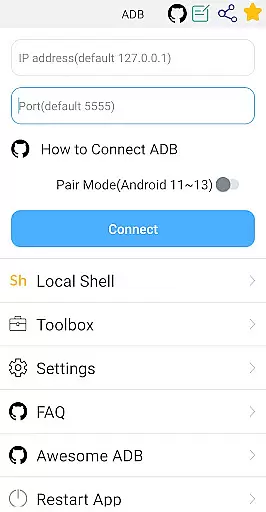
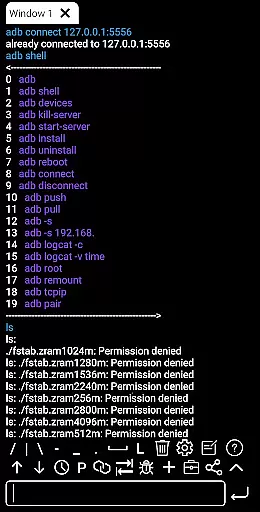
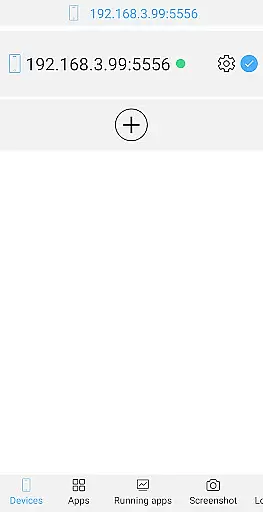
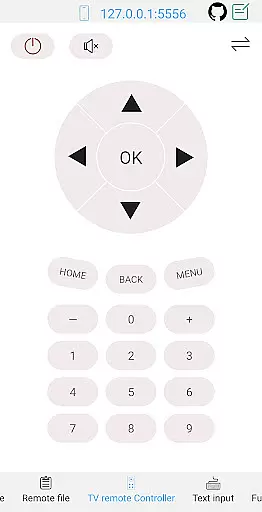

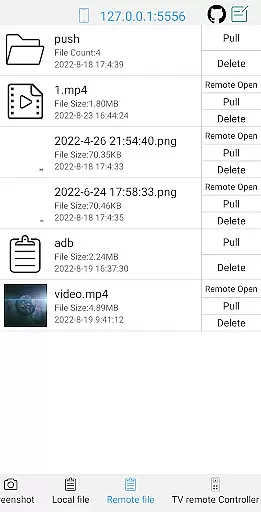
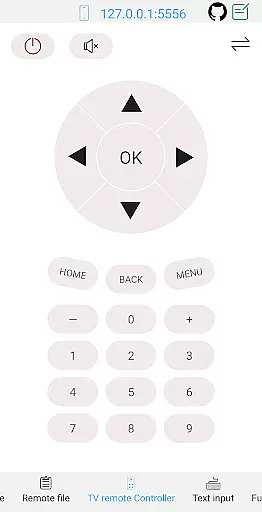
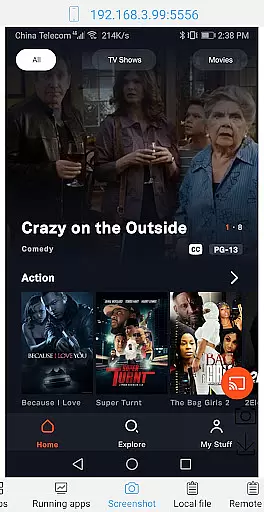
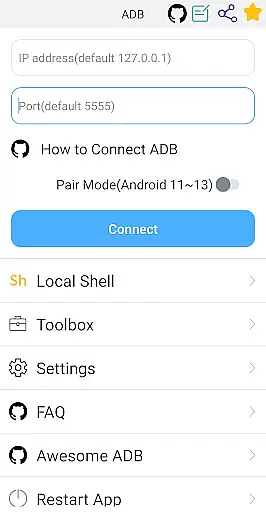
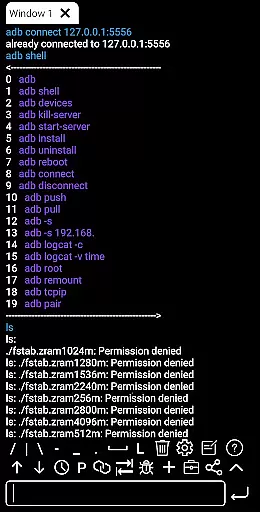
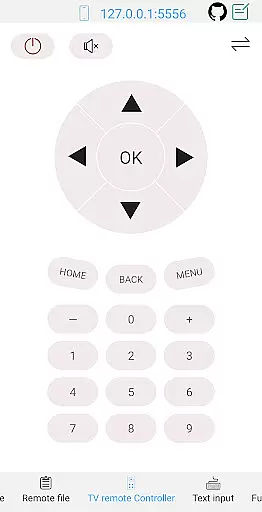
ADB Shell is a comprehensive and powerful toolbox application designed for Android device management. The app provides an extensive suite of tools that allow users to manage applications, view system information, take screenshots, transfer files, and even control TV remotes. With support for Android versions 4.X through Android 13, it offers both wireless and local ADB shell capabilities.
The application stands out with its advanced features such as associative input, multi-window support, background execution, and color text display. These functionalities make it an essential tool for developers and power users who require deep control over their Android devices. Whether you need to debug applications, monitor system performance, or manage files remotely, ADB Shell delivers a robust solution that enhances productivity and simplifies complex tasks.
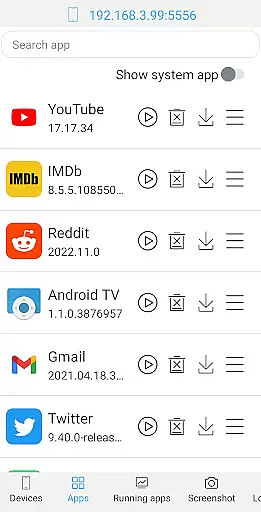
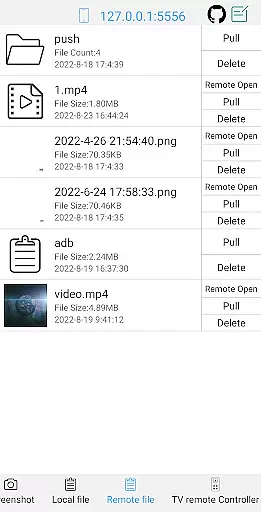
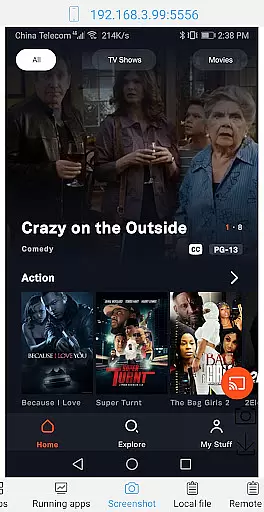
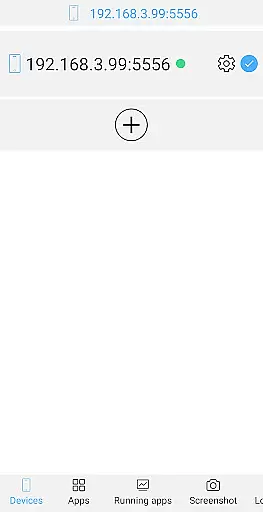
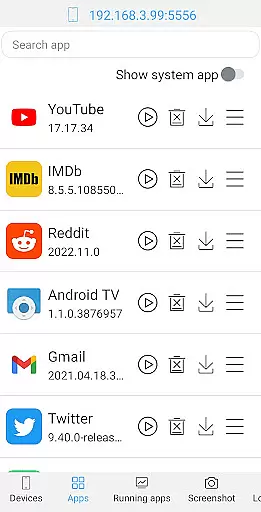
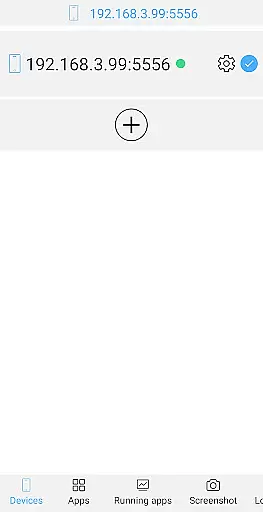
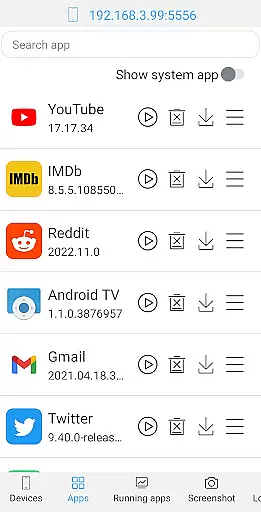
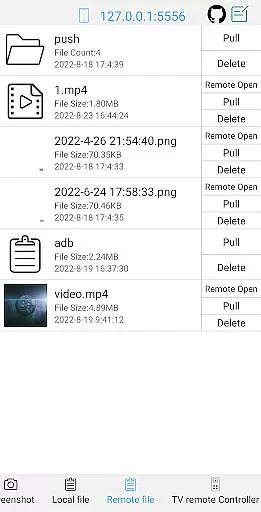
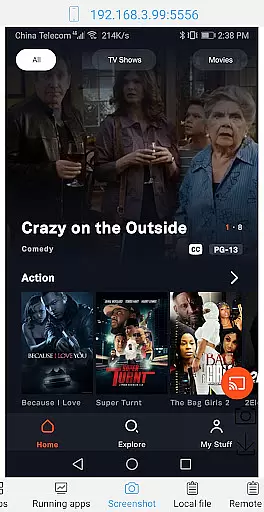
ADB Shell boasts an impressive array of features that cater to both basic and advanced Android management needs. The toolbox functionality includes launching, uninstalling, downloading, and managing applications, as well as viewing running apps and system information. Users can perform essential operations like taking screenshots, pushing and pulling files, installing APKs, and controlling remote media files.
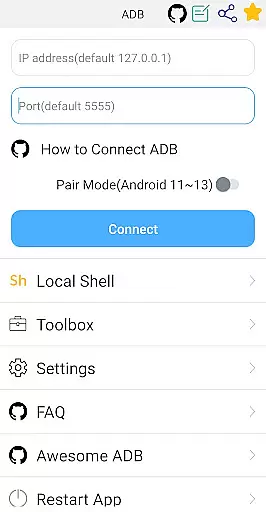
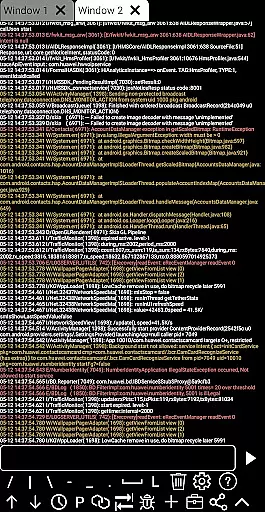
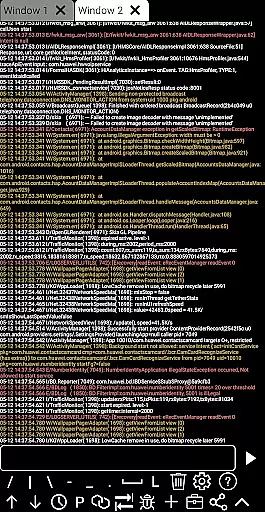
On the shell side, the app supports various Android versions and offers wireless pair mode for modern devices. It enables wifi wireless ADB, local shell ADB, and command history tracking. Additional features include autosaving output, sharing results, fast copy commands, prefab commands, logcat support, and recommended commands/files. This comprehensive feature set makes ADB Shell an indispensable tool for Android developers and enthusiasts looking to maximize their device management capabilities.
ADB Shell stands out for its precision and effectiveness in executing core functions, making it an indispensable tool for developers and tech enthusiasts. The application supports a wide range of functionalities from launching and uninstalling applications to managing devices and viewing system information.
With features like wireless pair mode support for Android 11-13, wifi wireless adb, and local shell adb, the app ensures that users can perform tasks with high accuracy. Its ability to autosave output and share it enhances collaboration among teams, providing a seamless experience.
Users benefit from the app's comprehensive toolbox which includes system monitoring, taking screenshots, pushing and pulling files, and installing APKs. These capabilities ensure that whether you're debugging an application or managing device settings, ADB Shell delivers reliable performance.
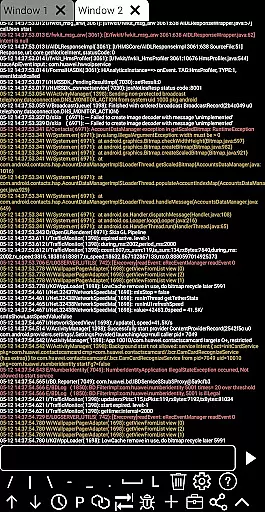
The effectiveness of ADB Shell is further highlighted by its support for multi-window operations, color text, and running commands in the background. This makes it not only powerful but also versatile, catering to various needs within the development lifecycle.
Despite its powerful features, ADB Shell maintains an interface that is both simple and intuitive, ensuring users can navigate and utilize its extensive capabilities without a steep learning curve. The design focuses on ease of use, allowing both beginners and experienced users to execute commands efficiently.
The application provides features such as associative input and command history, which significantly simplify the process of entering and managing commands. Users can quickly access previous commands and use prefab commands to streamline their workflow, enhancing productivity.
Moreover, the support for fast copy commands and multi-window functionality adds to the intuitiveness of the interface. These features enable users to manage multiple tasks simultaneously without losing track of their command sequences, thus improving efficiency.
Overall, ADB Shell combines powerful functionality with an accessible interface, making it a go-to solution for anyone looking to leverage adb tools without compromising on usability or performance.
User-friendly interface
Comprehensive toolbox
Wireless ADB support
Multi-version compatibility
Advanced shell features
Requires technical knowledge
Complex for beginners
Limited visual appeal
No cloud backup
Advanced features only

 4.50
4.50
Transfer Files, APK from Phone to Watch & Install.
4.4
A recovery soft,it features photo recovery, video recovery, file recovery.
3.40
Unit and currency converter with easy and simple UI.
4.80
Fluid navigation gestures for all of us!
4.30
Remote for Roku, Fire TV, Samsung TV, LG TV, Android TV, Chromecast and VIZIO TV
4.20
Carry a FTP server in your pocket and avoid USB cables for file transfer
4.20
A simple app to back up and restore SMS & MMS messages and call logs.
4.10
Screen recorder with audio to record high-quality videos and take screenshots.
4.40
Support Fossify apps with a warm thank you!
5.00
Enjoy smooth gameplay with Game Booster
4.90
Navigate with Ease and Style
4.90
Bedrock Together: Join any bedrock server on Xbox/PS
4.80
Remote Play with FSR upscaling, low latency & full controller support
4.80
Quickly switch to an encrypted DNS server on Android TV
4.50
The Ultimate Bluetooth Keyboard & Mouse. Securely control your PC, Mac, and more
4.50
PC precision for mobile gaming: dominate with keyboard and mouse!
4.30
VESC Tool can monitor and configure VESC-compatible devices over BLE and Wifi
4.20
A non-root local ADB shell client. READ BELOW!
3.40


User Reviews