
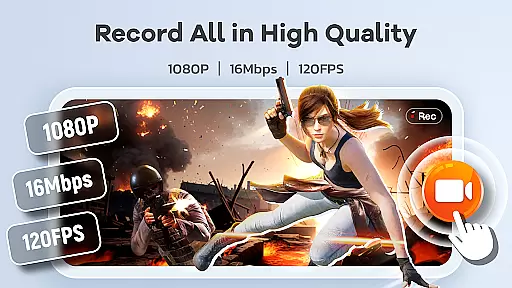
Screen Recorder Video Recorder is a versatile screen recording and video editing tool designed for content creators, gamers, and professionals. This all-in-one application allows users to capture high-quality videos in 1080P resolution at up to 120FPS, ensuring every detail is recorded with precision.
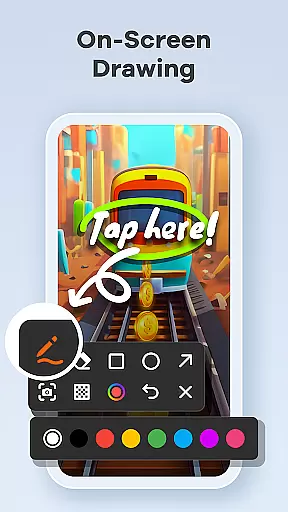
The app offers advanced features such as internal and external audio recording, built-in video editing tools, and the ability to convert videos into GIFs. Users can also add facecam reactions and utilize live drawing tools to enhance their recordings. With intuitive controls like gesture customization and one-tap floating ball functionality, managing recordings has never been easier.
Whether you're creating tutorials, capturing gameplay, or preserving video calls, Screen Recorder Video Recorder provides a seamless experience that caters to various needs. Its user-friendly interface and customizable settings make it an ideal choice for anyone looking to elevate their video creation process.
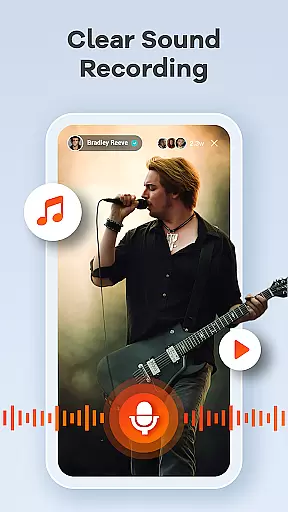
One of the standout features of Screen Recorder Video Recorder is its HD recording capability, which supports resolutions up to 1080P and frame rates of 120FPS. The app also records both internal system sounds and external microphone audio, providing flexibility for different use cases.
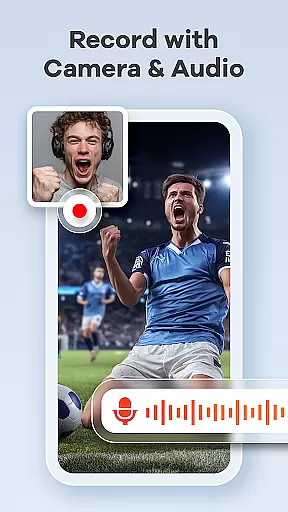
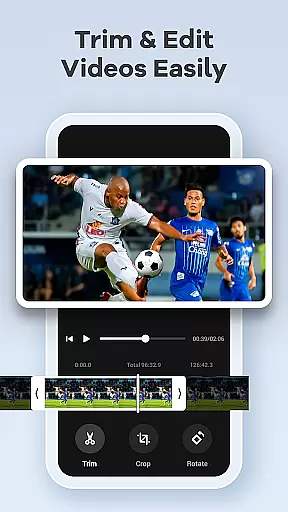
Beyond basic recording, the app includes a robust built-in video editor that allows users to trim, crop, and rotate videos effortlessly. Additionally, the unique video-to-GIF conversion feature enables quick sharing of highlights. For those who create tutorials or reaction videos, the Facecam and live drawing functionalities add a personal touch and help explain complex ideas visually.
Other notable features include gesture control for streamlined workflows, no time limits on recordings, and the absence of watermarks. These aspects ensure that users have complete creative freedom while producing professional-grade content directly from their mobile devices.
Screen Recorder Video Recorder excels in delivering precise and effective core functionalities that cater to diverse video recording needs. The app supports HD recording at 1080P, with a bitrate of 16Mbps and frame rates up to 120FPS, ensuring every detail is captured in stunning clarity.
In addition to high-quality video, the app offers comprehensive audio recording options. Users can record crisp internal audio from their device or clear external audio via the microphone, making it ideal for creating tutorials, gameplay videos, and video calls.
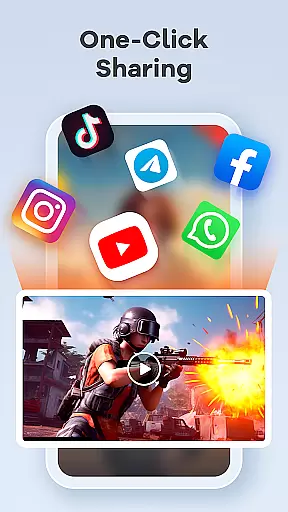
The built-in video editor enhances the app's effectiveness by allowing users to trim, crop, and rotate videos effortlessly. This feature ensures that the final content is polished and ready to be shared across various platforms, maintaining professional standards without the need for additional software.
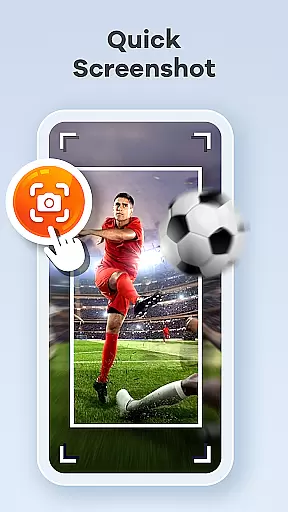
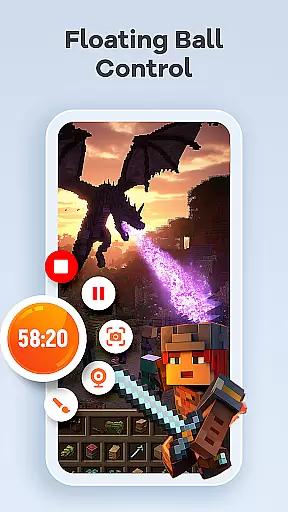
A standout feature of Screen Recorder Video Recorder is its intuitive interface, designed to streamline the video creation process. The one-tap floating ball provides seamless control, enabling users to start, pause, resume recordings, and take screenshots without interrupting their workflow.
Customizable gesture controls further enhance the user experience by allowing quick actions tailored to individual preferences. This flexibility ensures that users can operate the app efficiently, focusing more on content creation rather than navigating complex menus.
With no time limits or watermarks, the app empowers users to record as long as needed and share their creations freely. Customizable settings let users adjust recording parameters to suit specific requirements, reinforcing the app's commitment to providing a simple yet powerful tool for all video recording needs.
User-friendly interface
High-quality recording
Built-in editing tools
No watermark
Flexible sharing options
Requires permissions
Limited in some apps
Privacy concerns
Ads may appear
Premium features cost

 4.50
4.50
Quickly switch to an encrypted DNS server on Android TV
4.50
Learn the vast amount of system information about device and monitor it's state
4.70
Unlock your Essential Key. Create custom shortcuts to your favorite apps!
4.4
View detailed information about your Nissan Leaf the dealer never shows you.
4.10
Support Fossify apps with a warm thank you!
5.00
The ultimate tool for network analysis, wifi scanning and problem detection.
4.90
Download any file easily and quickly with Downloader
4.1
Pro Emulator is an easy to use game console emulator for a range of consoles.
4.40
Enjoy smooth gameplay with Game Booster
4.90
Unit and currency converter with easy and simple UI.
4.80
Fast Video Downloader, Movie Downloader, Torrent Downloader & Adblock Browser
4.70 4.50
4.50
Use your phone as a webcam on your computer over WiFi or USB.
4.40
Forza Tuning Calculator App for Forza Horizon 5, Motorsport and Earlier Titles
4.40
App that Recover your pictures, videos or files after you delete them.
4.20
Signal Strength, Mobile, Wifi, Speed Test, Bad Signals, Cellular, 5G, LTE, 4G
4.20
Introducing Smart Printer, your ultimate destination for printing solutions!
4.00
A powerful, easy-to-use flight computer on your phone or tablet!
3.80


User Reviews