
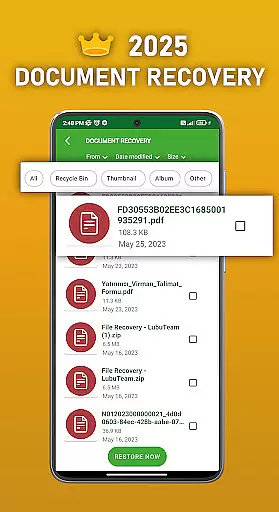
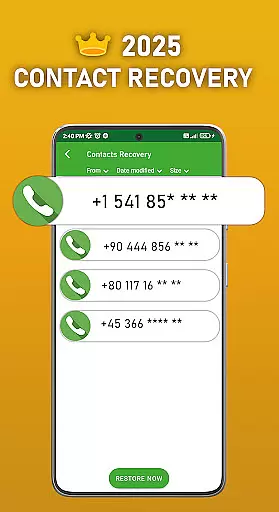
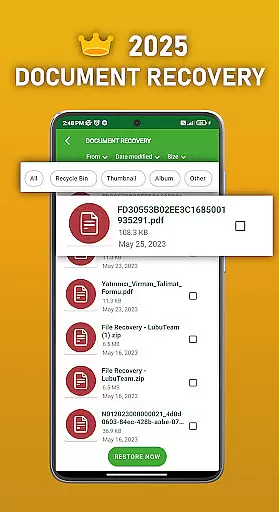
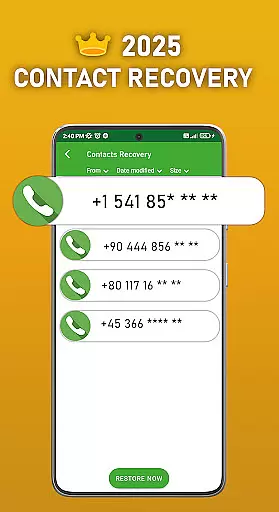
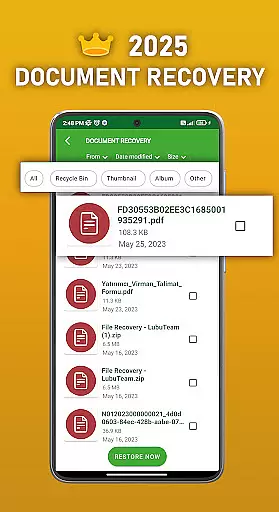
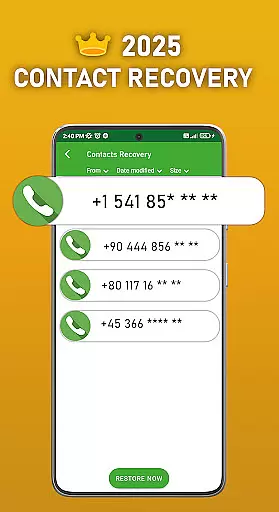
DS PRO is a powerful recovery tool designed to help Android users retrieve lost or deleted files across multiple categories. The app specializes in recovering photos, videos, audio files, contacts, and documents without requiring root access. Its advanced scanning technology ensures deep searches within internal memory and SD cards, making it an essential utility for data recovery.
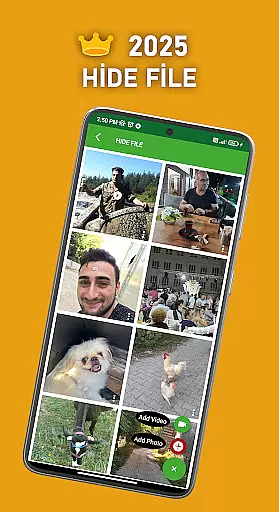
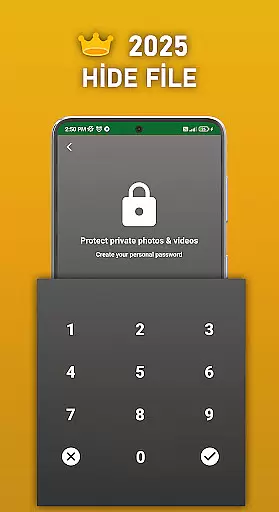
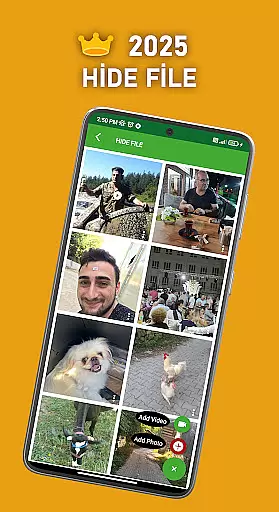
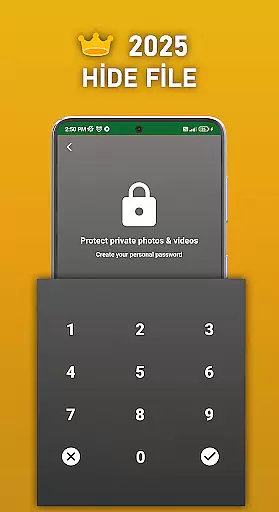
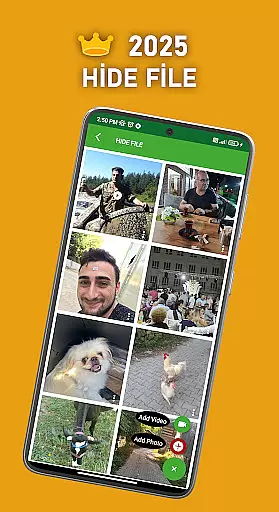
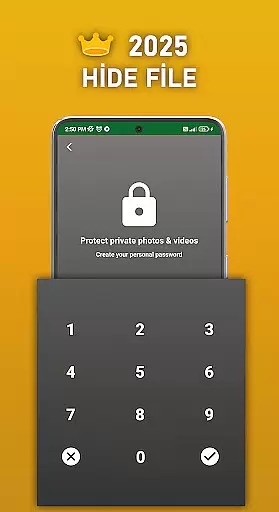
Apart from its core recovery functions, DS PRO offers additional features such as File Hide, which allows users to password-protect sensitive media, ensuring privacy. Whether you accidentally delete important files or need to manage duplicate content, this Pro version provides an ad-free experience with enhanced efficiency. Suitable for both casual users and professionals, DS PRO delivers reliable solutions for various data loss scenarios.
One of the standout features of DS PRO is its ability to recover multiple file types through a simple step-by-step process. Users can restore deleted photos, videos, audio files, contacts, and documents effortlessly. The app supports all standard image, video, and audio formats, providing comprehensive coverage for different recovery needs.
DS PRO also includes unique functionalities like the File Hide feature, enabling users to conceal private pictures and videos behind a password. Additionally, the app helps identify and remove duplicate files, optimizing storage space. With instant restoration capabilities and no requirement for external programs or PCs, DS PRO streamlines the recovery process while maintaining high performance standards.
DS PRO positions itself as a comprehensive recovery tool designed to retrieve deleted files across multiple categories. The app's core functionality focuses on recovering photos, videos, audio files, contacts, and documents with remarkable precision. This level of accuracy is achieved through deep scanning algorithms that thoroughly examine both internal memory and SD card storage locations.
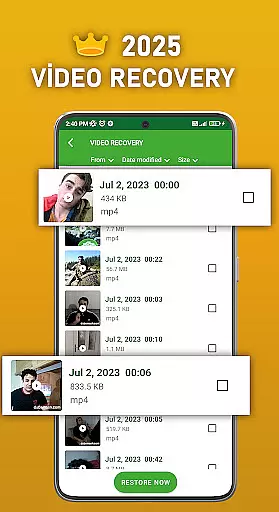
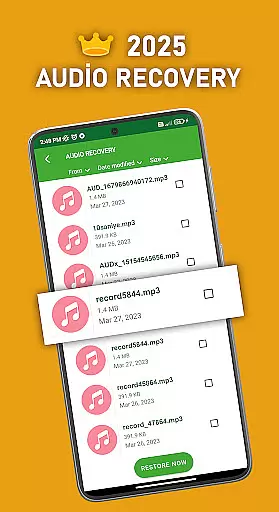
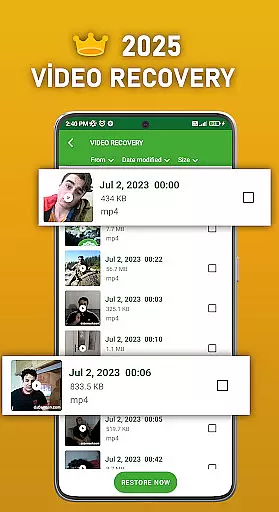
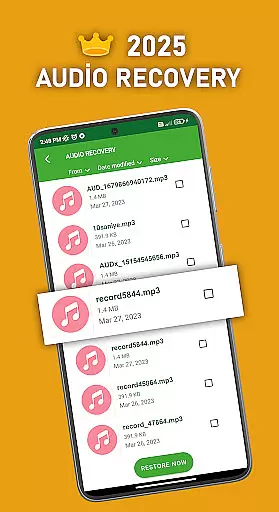
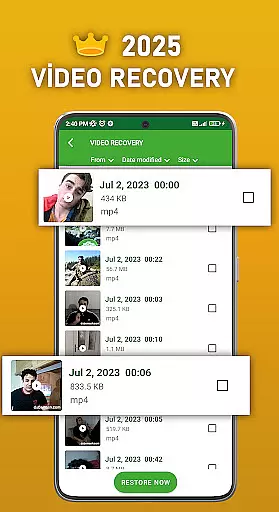
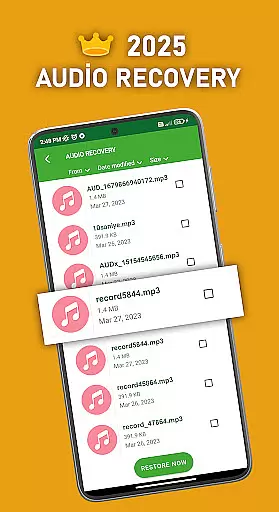
The effectiveness of DS PRO is evident in its ability to restore files without requiring any external programs or PC connections. Users can recover various file formats including MP4 videos and MP3 audio files, making it a versatile solution for different data loss scenarios. The application also features specialized tools for identifying and eliminating duplicate files, which enhances overall device productivity.
What sets DS PRO apart is its user-friendly approach to file recovery. The process is streamlined into simple steps that anyone can follow, regardless of their technical expertise. From instant restoration capabilities to password-protected file hiding features, the app delivers practical solutions that address common user concerns about data security and privacy.
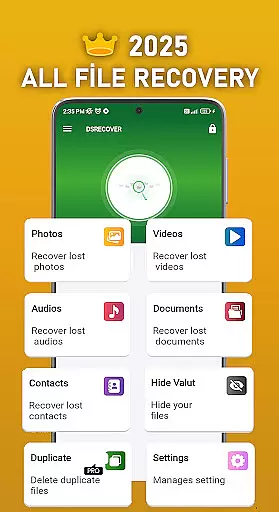
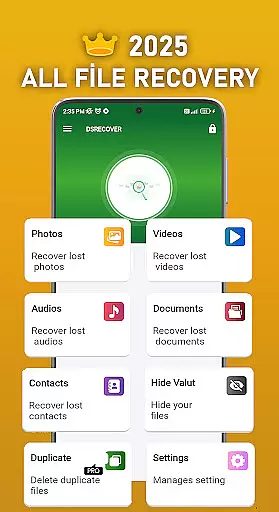
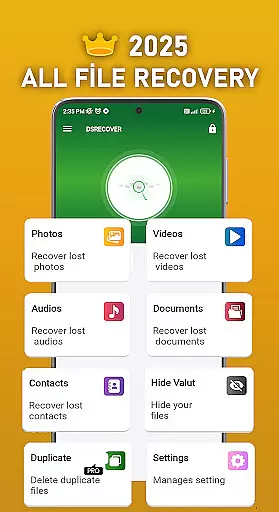
The DS PRO interface demonstrates a commitment to user-friendly design while maintaining powerful functionality. Upon launching the application, users are greeted with a straightforward navigation system that categorizes recovery options into distinct sections. This logical arrangement allows users to quickly locate the specific recovery tool they need, whether it's for photos, videos, or other file types.
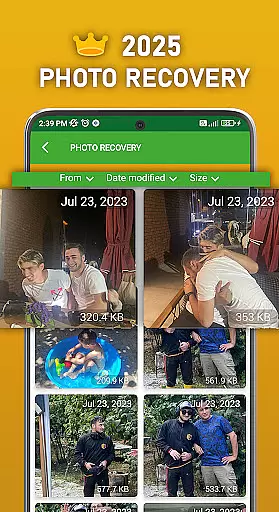
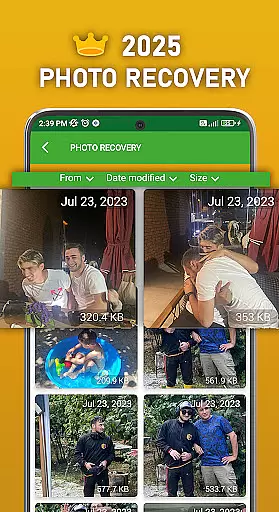
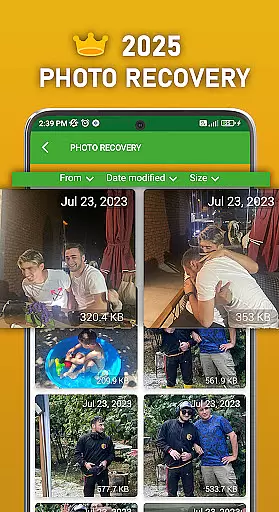
Each recovery function follows an intuitive step-by-step process that guides users through the restoration procedure. The app eliminates technical complexity by automating the scanning process and presenting recoverable files in a preview format before final restoration. This approach not only simplifies the recovery process but also provides users with greater control over which files they wish to restore.
Additional features such as the recycle bin integration and file hiding option are seamlessly incorporated into the main interface. These elements maintain a consistent design language throughout the application, ensuring that users can easily discover and utilize advanced features without facing a steep learning curve. The overall design philosophy emphasizes efficiency without compromising accessibility.
User-friendly interface
Comprehensive file recovery
No root access required
Efficient duplicate file management
Enhanced privacy protection
Premium version only
Limited free features
Requires specific permissions
Occasional scan delays
Ads in non-Pro versions

Safely recover deleted photos, videos, and files with a single easy tap.
 3.70
3.70
Canon PRINT is a companion app for your Canon printer.
4.60
Forza Tuning Calculator App for Forza Horizon 5, Motorsport and Earlier Titles
4.40
Fast Video Downloader, Movie Downloader, Torrent Downloader & Adblock Browser
4.70
Screen Mirroring for Roku Sticks, Roku TCL TV and Roku Hisense TV
4.50
Create your own custom widget with endless possibilities
3.90
NFC Tools can read and write NFC tags.
4.70
Remote Play with FSR upscaling, low latency & full controller support
4.80
Clean up your phone, find files, play media, and share files offline
4.50
Unit and currency converter with easy and simple UI.
4.80
Creation, Learning, Entertainment & More — The All-in-One AI Search Engine
4.70
Keep track of your Palia friendships, tasks, and inventory with Palia Notebook
4.60
Quickly switch to an encrypted DNS server on Android TV
4.50
Just swipe the edge to do something!
4.40
A simple app to back up and restore SMS & MMS messages and call logs.
4.10
Amateur Radio app for APRS: Track friends, exchange messages, get tactical info.
3.90
A powerful, easy-to-use flight computer on your phone or tablet!
3.80
Smart and comfortable browsing experience.
3.80
card-reader app
2.20


User Reviews