
NFC Tools - Pro Edition is a powerful application designed to unlock the full potential of NFC technology. This tool allows users to read, write, and program tasks on NFC tags and compatible chips through an intuitive interface. It is perfect for both personal and professional use, enabling creative automation and task management.
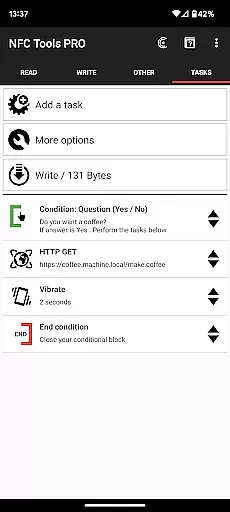
The app provides unrestricted access to all available tasks in NFC Tools, empowering users to design complex routines without limitations. With exclusive features like profile management, tag emulation, and conditional task blocks, it offers advanced functionality for power users seeking to maximize their NFC experience.
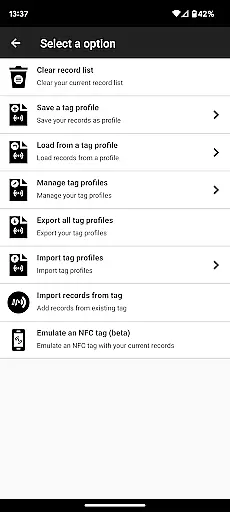
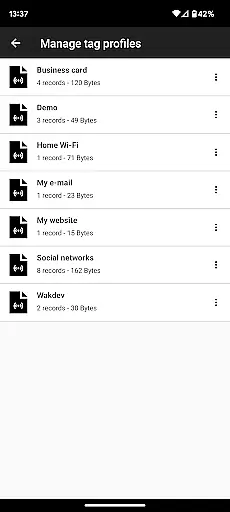
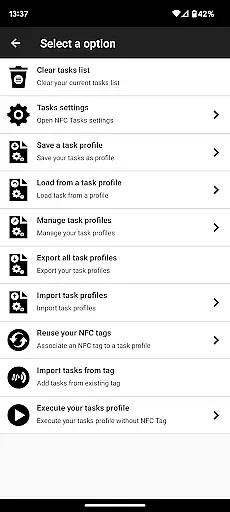
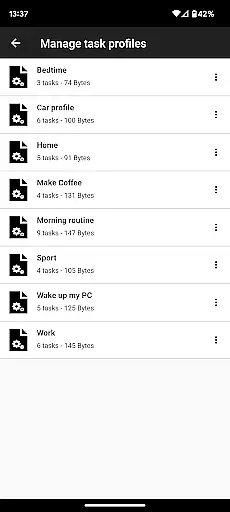
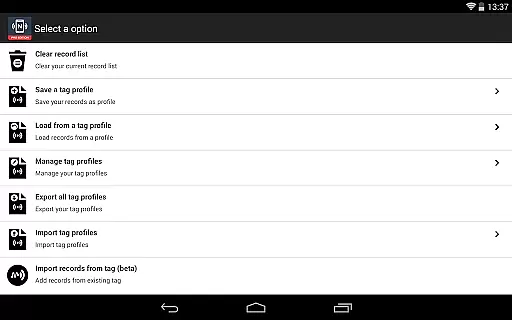
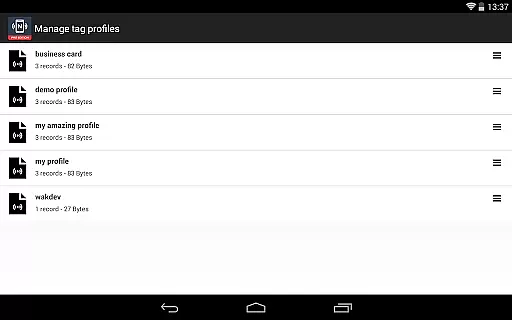
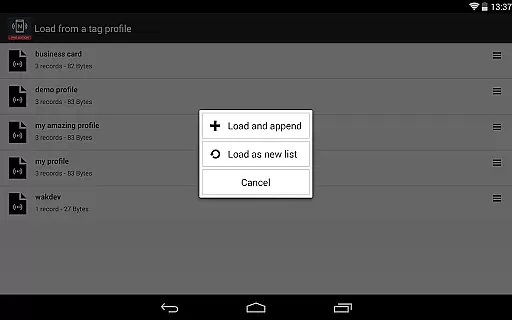
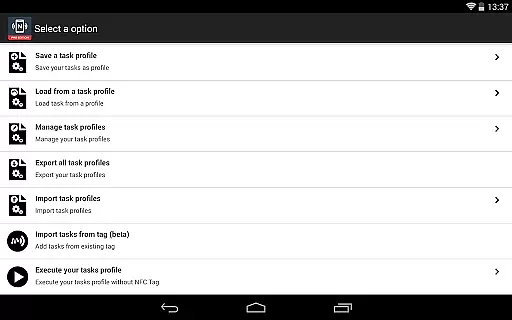
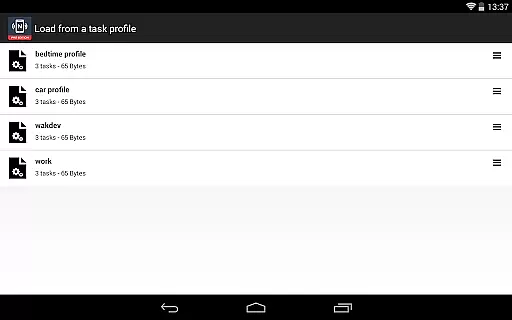
This app stands out with its comprehensive feature set tailored for NFC enthusiasts. The profile management system lets users save and reuse task profiles, while the import function allows quick editing of existing NFC tag data. These time-saving features make task management more efficient.
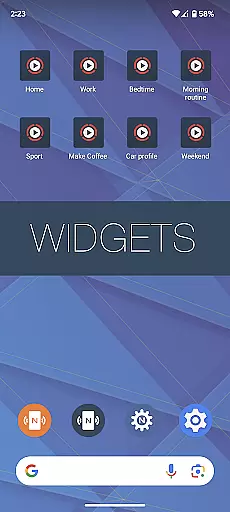
Advanced capabilities include executing tasks without physical NFC tags using home screen shortcuts, and emulating NFC tags directly from the device. The inclusion of conditional blocks enables the creation of sophisticated action sequences. With over 200 tasks available, the possibilities for automation and customization are virtually limitless.
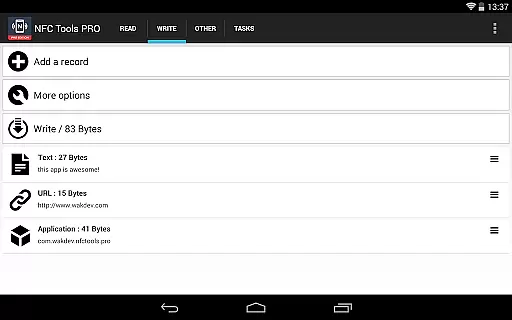
NFC Tools - Pro Edition stands out for its precision and effectiveness in performing core NFC-related tasks. The app allows users to read, write, and program tasks on NFC tags with remarkable ease and reliability.
With over 200 tasks available, the app offers limitless combinations, enabling users to create both simple and complex routines tailored to their needs. This extensive task library ensures that every interaction with an NFC tag is executed flawlessly.
The inclusion of advanced features such as conditional blocks and profile management enhances the app's functionality, allowing users to save and reuse configurations effortlessly. These features ensure that repetitive tasks can be automated with high accuracy.
Moreover, the ability to emulate NFC tags and execute tasks without needing physical tags showcases the app's versatility and commitment to delivering a seamless user experience. This makes NFC Tools - Pro Edition a reliable choice for both casual users and professionals.
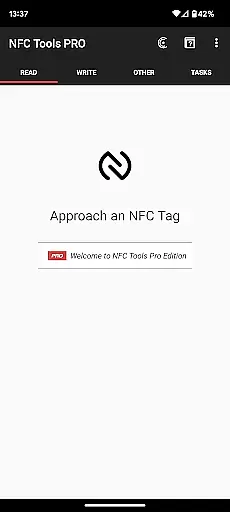
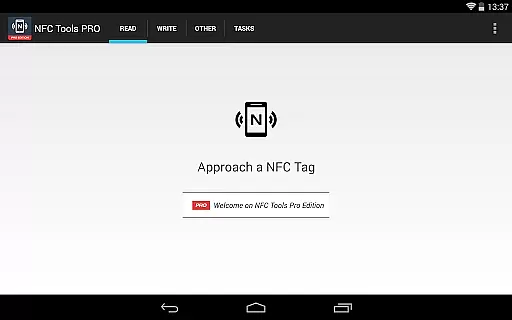
The user interface of NFC Tools - Pro Edition is designed to offer a straightforward and intuitive experience. Its lightweight design ensures that even those new to NFC technology can navigate and utilize the app's features without a steep learning curve.
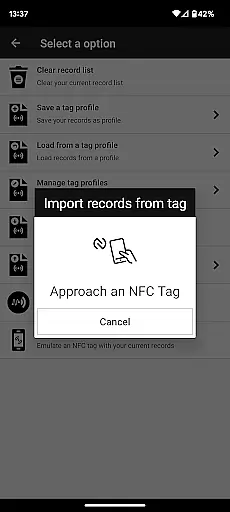
Tasks are organized systematically, making it easy for users to find and implement the functions they need. The app provides clear options for importing data from existing NFC tags, which simplifies the process of editing records or tasks quickly.
Additionally, the app includes practical shortcuts, such as executing tasks directly from the home screen without requiring an NFC tag. This thoughtful design choice enhances accessibility and convenience, streamlining the user workflow.
Overall, NFC Tools - Pro Edition combines powerful functionality with an approachable interface, ensuring that users can harness the full potential of NFC technology without unnecessary complexity.
Unlimited task access
Profile management system
Conditional task blocks
NFC tag emulation
Over 200 tasks available
Requires NFC device
Paid version only
Complex for beginners
Separate app needed
Limited customer support

 4.50
4.50
pdf merge, word to pdf, jpg to pdf, edit pdf, convert to pdf and much more!
4.20
Use your phone as a webcam on your computer over WiFi or USB.
4.40
App that Recover your pictures, videos or files after you delete them.
4.20
View detailed information about your Nissan Leaf the dealer never shows you.
4.10
Mirror your screen to Chromecast and Android TV - Super fast and simple
4.60
Screen Mirroring with sound for Samsung TV, LG TV, Sony TV, Smart TV and Browser
4.20
Enjoy a smooth mobile reading experience!
3.60
Enhance your Beats
3.70
The ultimate tool for network analysis, wifi scanning and problem detection.
4.90
Change your GPS location instantly. Simulate routes anywhere in the world.
4.90
Bedrock Together: Join any bedrock server on Xbox/PS
4.80
Optimize your WiFi network, turn your phone into Wifi Analyzer
4.70
The one-and-only remote control for PC, Mac, and Linux
4.70
Canon PRINT is a companion app for your Canon printer.
4.60
Complete kernel toolbox with features to manage and tweak your rooted device
4.30
VESC Tool can monitor and configure VESC-compatible devices over BLE and Wifi
4.20
A simple app to back up and restore SMS & MMS messages and call logs.
4.10
card-reader app
2.20


User Reviews