
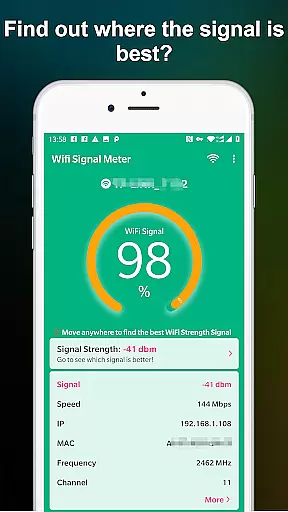
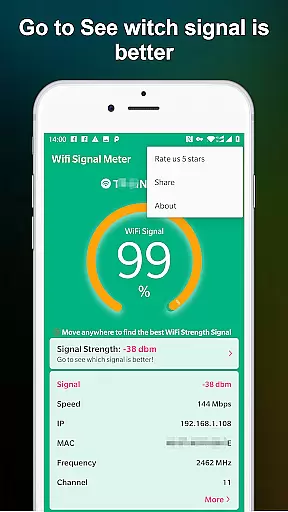
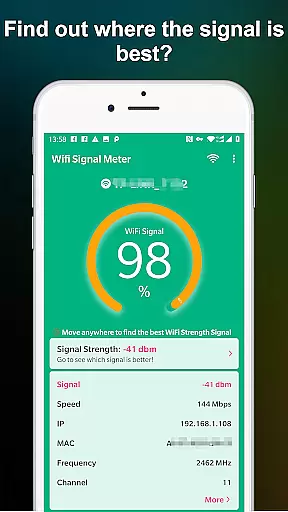
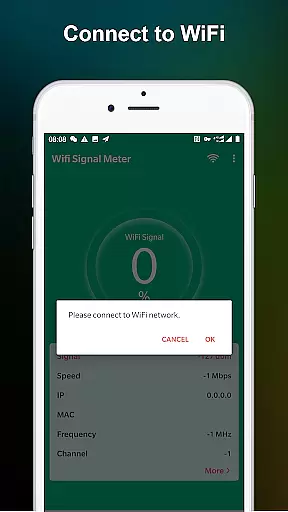
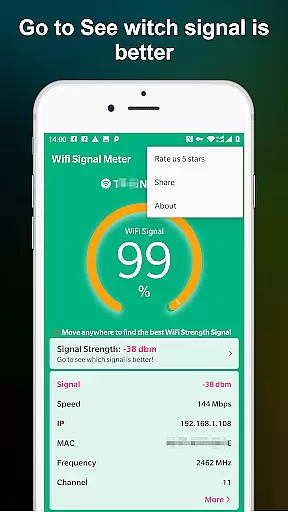
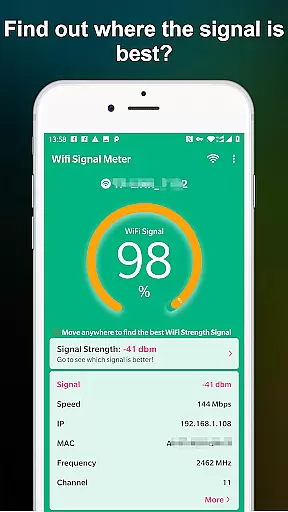
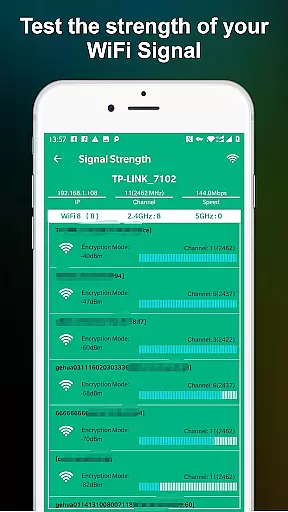
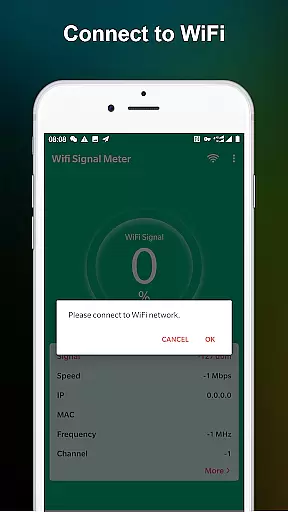
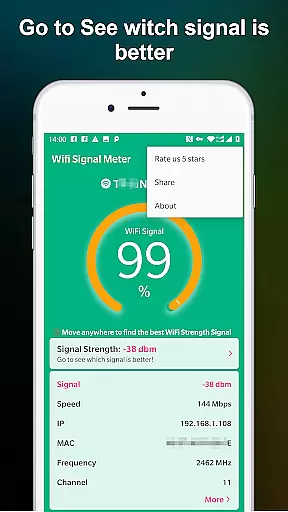
WiFi Signal Strength Meter Pro is a professional tool designed to help users optimize their WiFi network performance. The app's core functionality lies in its ability to identify optimal signal locations, commonly known as 'sweet spots', within your network coverage area.
This application provides real-time monitoring capabilities, allowing users to view current WiFi signal strength and detect surrounding signals. Its continuous signal strength updates enable users to move around their space while maintaining awareness of the best connectivity areas. The app recommends maintaining signal strength above 60% to avoid potential disconnection issues.
Whether you're working from home or optimizing office space, this tool helps ensure stable internet connection by identifying areas with optimal signal strength. This capability is particularly valuable for remote workers and IT professionals who need reliable network performance.
The application offers several distinctive features that set it apart from basic WiFi monitoring tools. Its primary feature is the real-time signal strength meter that constantly updates as you move through your environment. This allows for dynamic testing and optimization of your network coverage.
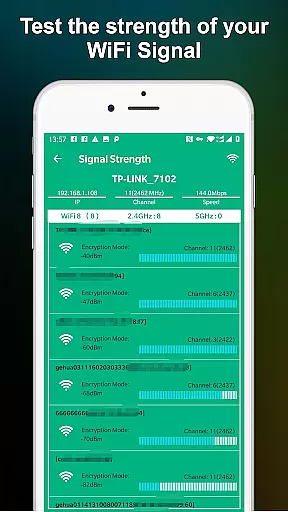
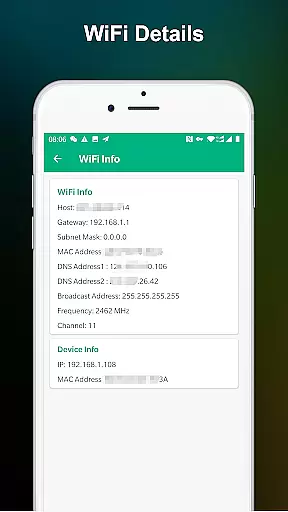
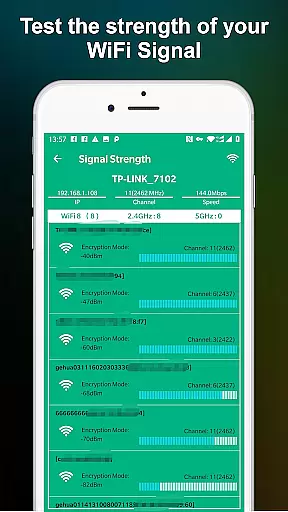
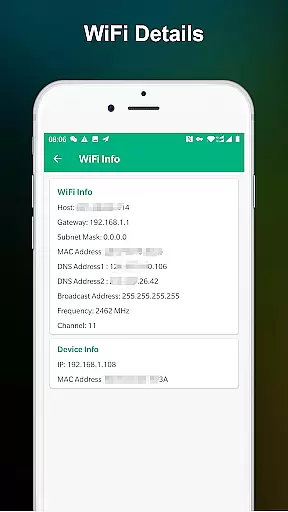
Additional functionality includes comprehensive network monitoring capabilities that display detailed information about surrounding WiFi networks. Users can access technical details such as channel information, frequency bands, and signal quality metrics. The app also provides visual indicators to help interpret signal strength percentages quickly.
A notable advantage of this application is its user-friendly interface that simplifies complex network data into easily understandable formats. The app's developers have implemented practical thresholds - indicating that signal strength below 50% may cause connectivity issues, while levels above 60% are recommended for optimal performance.
WiFi Signal Strength Meter Pro excels in providing accurate and effective core functionality for monitoring WiFi signals. The app continuously updates signal strength in real-time, allowing users to precisely locate the best spots for connectivity within their environment.
The application's network monitoring feature ensures that users can view current WiFi signal strength with reliable precision. This allows for optimal placement of devices and routers, ensuring minimal disconnection issues and maximum performance.
By detecting signal strength around the user, the app helps identify areas where the WiFi signal is below the recommended 50% threshold. This empowers users to make necessary adjustments, aiming for a signal strength above 60% to maintain stable connections.
Overall, the app's commitment to accuracy and effectiveness in WiFi signal detection makes it an essential tool for anyone looking to optimize their wireless network setup.
The interface of WiFi Signal Strength Meter Pro is designed with simplicity and intuitiveness in mind, making it accessible for users of all technical backgrounds. Its straightforward layout allows users to quickly check WiFi strength without navigating through complex menus.
With clear visual indicators and easy-to-understand metrics, the app eliminates confusion, providing a seamless experience in finding the best location for WiFi reception. Users can easily interpret signal strength percentages and make informed decisions about their network setup.
This intuitive design extends to its real-time monitoring capabilities, where users can walk around and instantly see changes in signal strength. Such features ensure that even those unfamiliar with network configurations can enhance their WiFi connectivity effectively.
Ultimately, the app's focus on a simple and intuitive interface enhances user engagement and satisfaction, proving that powerful tools do not need to be complicated to be effective.
Real-time signal tracking
User-friendly interface
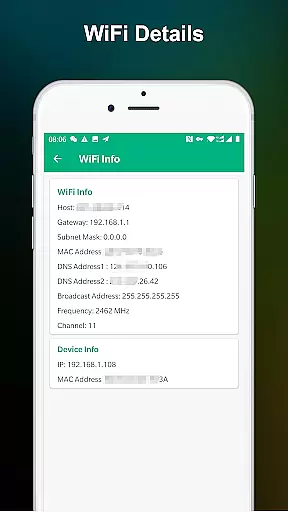
Comprehensive network details
Constant updates
Professional accuracy
Premium version cost
Advanced technical terms
Limited free features
No automatic optimization
Occasional lags

card-reader app
 2.20
2.20
Create your own live wallpaper or check out thousands already made presets
3.90
Best leveling tool for your Android device. Hang paintings like a pro.
4.90
Navigate with Ease and Style
4.90
The one-and-only remote control for PC, Mac, and Linux
4.70
The Ultimate Bluetooth Keyboard & Mouse. Securely control your PC, Mac, and more
4.50
The Ultimate Flex Drivers Utility App - Convenient Tapping & Block Filters
4.70
NFC Tools can read and write NFC tags.
4.70
Creation, Learning, Entertainment & More — The All-in-One AI Search Engine
4.70
Change your GPS location instantly. Simulate routes anywhere in the world.
4.90
Easily install aab(Android App Bundle) files on your Android device with our app
4.80
HD Camera captures every special moment.
4.60
Quickly switch to an encrypted DNS server on Android TV
4.50
Screen Mirroring for Roku Sticks, Roku TCL TV and Roku Hisense TV
4.50
Mirror your screen to Fire TV - Super fast and simple
4.40
Fluid navigation gestures for all of us!
4.30
An easy-to-use calculator designed to save time calculating and bending conduit
4.30
Carry a FTP server in your pocket and avoid USB cables for file transfer
4.20
Fun lie-detection pranks for friends and parties.
3.80


User Reviews