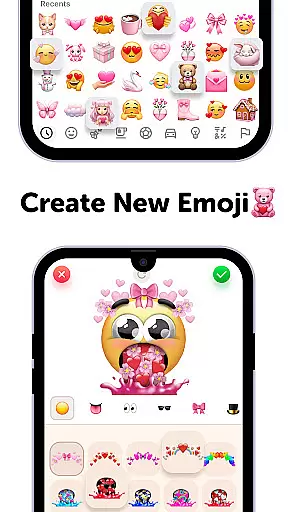
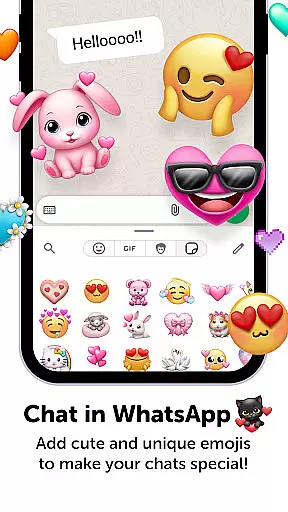
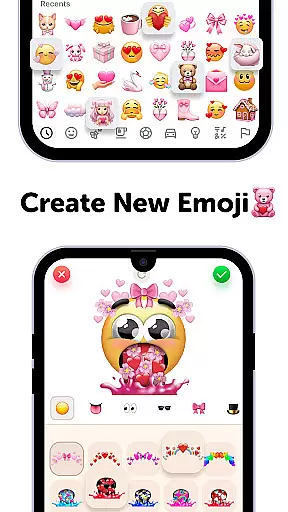
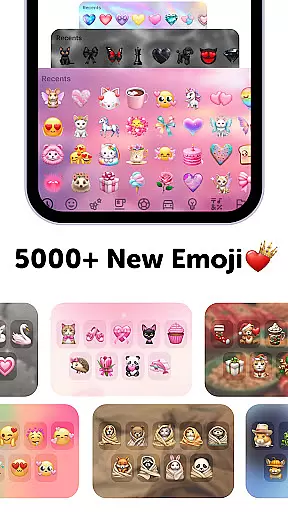
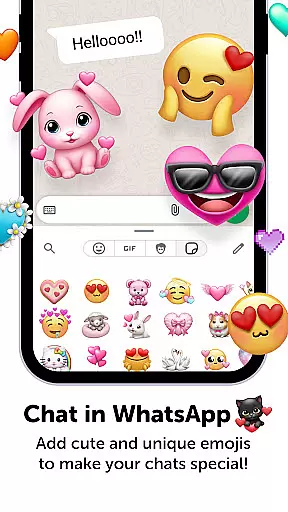
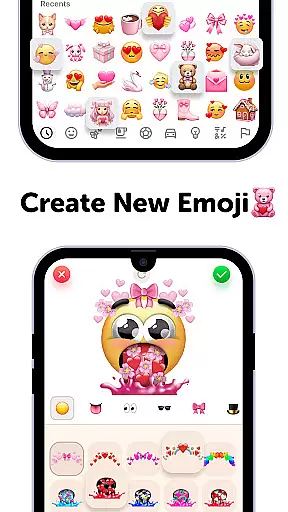
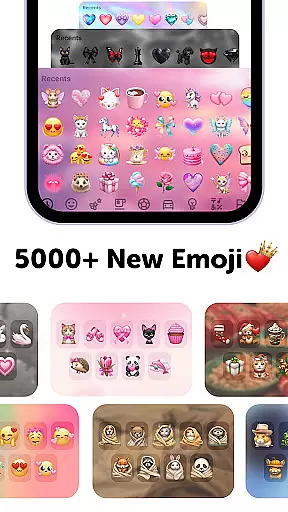
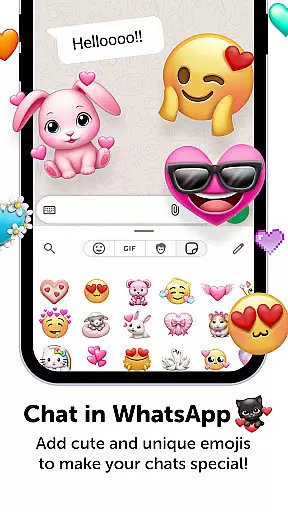
Emoji Up is a creative emoji maker app that allows users to design custom emojis and stickers. With an intuitive interface, the app offers extensive customization options including various bases, eyes, mouths, and other elements to create unique emojis. The app also features engaging mystery games called 'Emoji Puzzle Blitz Game', where users can collect special emoji packs by completing IQ-based matching puzzles. Users can export their creations and use them across social media platforms like TikTok, Instagram, and WhatsApp.
This app is perfect for those who want to express themselves through personalized emojis. Whether you're looking to enhance your social media posts or simply enjoy a fun creative outlet, Emoji Up provides everything you need to become an emoji artist.
Emoji Up stands out with its comprehensive emoji creation tools. The app's emoji maker feature lets users mix different emoji components such as bases, eyes, and mouths to craft entirely new emojis. This process is akin to being in an emoji kitchen where creativity leads to endless possibilities.
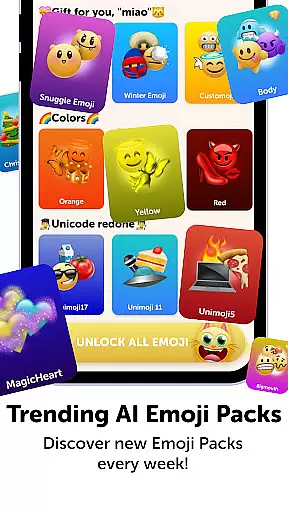
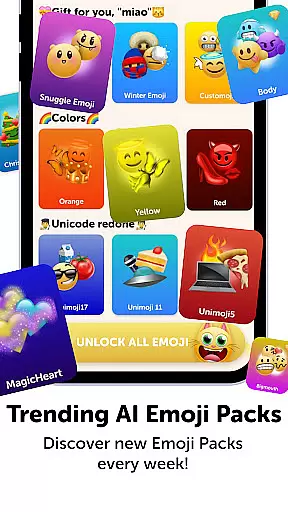
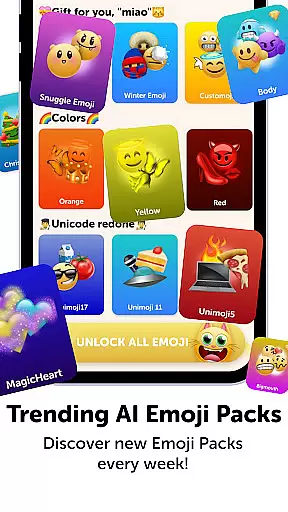
In addition to the emoji maker, Emoji Up includes the 'Emoji Puzzle Blitz Game'. This game challenges users to match three emojis in various levels, rewarding them with 'Mystery Emoji Packs' containing exclusive emojis, stickers, keyboards, GIFs, themes, fonts, and wallpapers. These features ensure that users remain engaged and entertained while honing their emoji creation skills.
Emoji Up offers an extensive range of customization options that allow users to become true emoji artists. With the emoji maker and genmoji features, you can mix various emoji bases, eyes, mouths, and more to create unique emojis and stickers.
This app provides a creative platform akin to an emoji kitchen, where you can whip up new emojis with drawing and painting tools. The combinations are nearly endless, ensuring your emojis will be anything but ordinary.
Whether you're looking to make cool or cute emojis, Emoji Up caters to all tastes. Your creativity is the only limit in this vast emoji world, making it possible to craft custom emojis that truly reflect your personality and style.
Beyond just creating emojis, Emoji Up ensures theme compatibility across different platforms. Once you've designed your custom emojis and stickers, you can export them for use on your favorite social networks like TikTok, Instagram, and WhatsApp.
The app allows seamless integration of your creations into daily digital communications, enhancing personal expression. This means you can share your unique emojis and stickers with friends and followers, letting everyone know youu2019re an emoji master.
With Emoji Up, your personalized emojis will maintain their quality and charm across various mediums, ensuring they look great whether used in messages, posts, or stories. Let your imagination run wild and see your designs come to life on multiple platforms.
User-friendly interface
Extensive customization options
Engaging puzzle games
Social media integration
Creative outlet for users
Contains in-app purchases
Limited free features
Some items require subscription
Ads may disrupt experience
Complex for beginners

Customizable Glass widgets. Over 360+ stunning widgets and more!
 4.70
4.70
Personalize your phone with stunning HD and 4K wallpapers!
4.70
Romantic Kiss Stickers App. Start romantic messaging now!
4.30
App Icon Changer & Shortcut Creator. Customize your icons without any watermarks
4.30 4.10
4.10
Organize and manage your photos and videos effortlessly with Photo Gallery
4.20
Stylish Pink Cute Hippo keyboard with 10000+ customized keyboard themes!
4.60
Magic fluids wallpaper 4D: Relax with stunning fluid simulation wallpaper app
4.20
set a new experience for the Android mobile phone
4.20
A Colorful and Minimal icon pack in an Outline Style - Over 13,600 icons!
4.70
350+ widgets with a premium glass-style finish, perfect for home & lock screens.
4.70
Ultimate Gallery Lock App - Hide Pictures, Videos and Lock Apps Instantly!
4.60
Transform your phone with Launcher iOS 26 - Smooth & elegant iOS experience
4.50
Aesthetic Widgets, HD Wallpapers, Themes in Mico Widget for Home and Lock Screen
4.50
Launcher OS™ Pro without ads help make your phone simple and pretty
4.30
Transfer your live wallpapers from Windows to Android using Wallpaper Engine!
4.00
Customize glowing edges, wallpapers, and caller screen with EdgeAura.
3.50
Struggling to find apps? Use this app to locate and open any app on your phone!
2.20
⭐ OneUI inspired Fluffy Icon Pack – Soft. Stylish. Standout. ⭐
4.1


User Reviews