
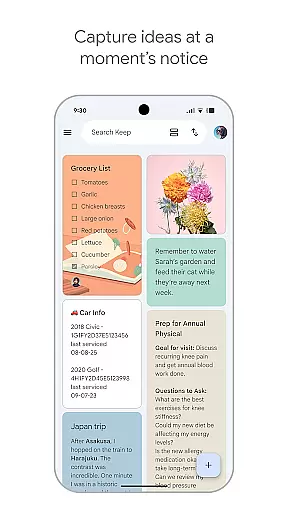
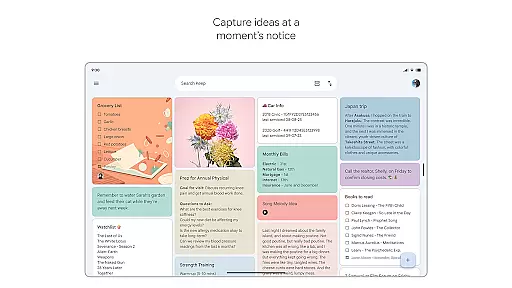
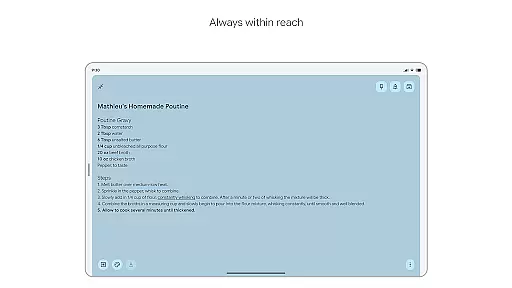
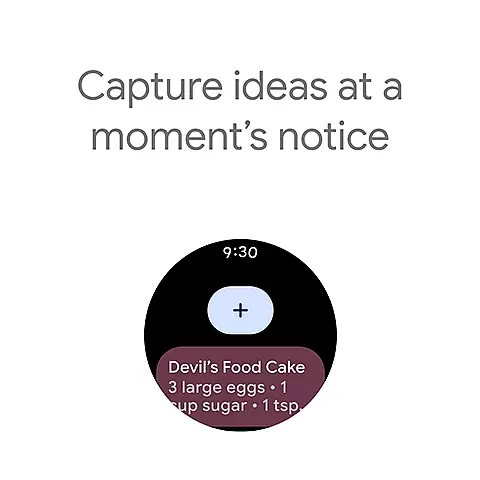
Google Keep is a versatile note-taking application designed specifically for Android Wear and other devices. It allows users to quickly capture thoughts, manage to-do lists, and stay organized through various methods such as text notes, voice memos, and photos. The app's seamless integration with widgets on phones, tablets, and complications on Wear OS devices ensures that capturing ideas is effortless and instantaneous.
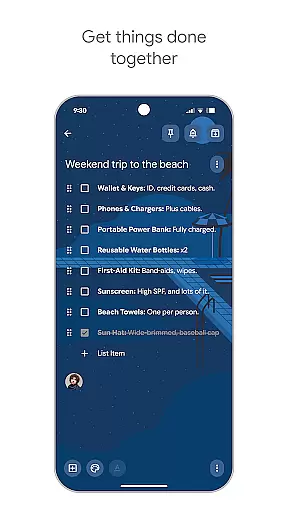
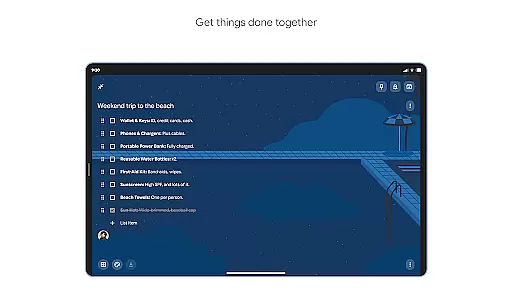
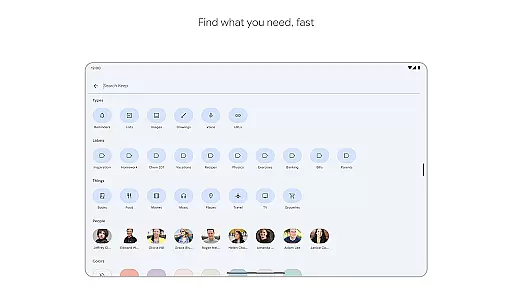
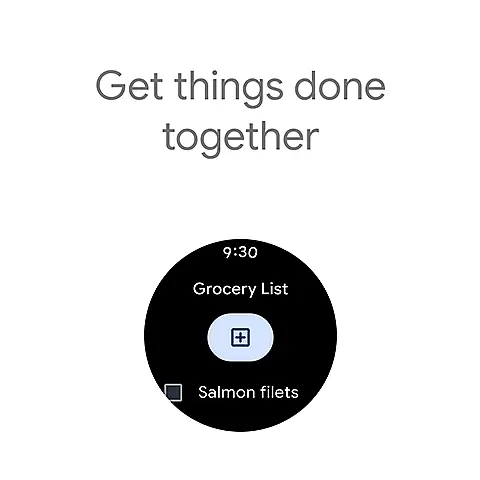
Beyond basic note-taking, Google Keep offers advanced features like collaboration tools for sharing notes with friends and family, making it ideal for managing shared tasks like grocery lists or travel plans. Its powerful organizational tools include color-coding, labels, and the ability to pin notes to your home screen, ensuring you can always find what you need quickly. With reminders and cross-device syncing, Google Keep ensures your notes are available whenever and wherever you need them.
Google Keep stands out with its comprehensive feature set tailored for productivity and organization. One of its key strengths is the ability to capture information in multiple formats - text, voice, and images, providing flexibility based on user preference or situation. The app's widget support on Android devices and complications on Wear OS make it incredibly convenient to jot down notes without even opening the app.
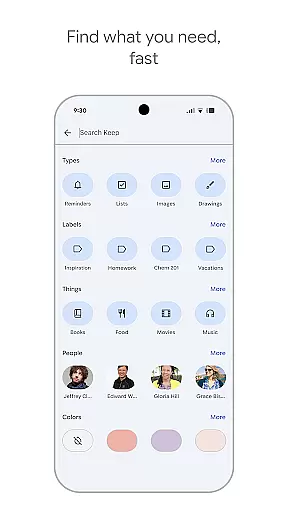
Collaboration is another major feature, allowing users to share and edit notes with others in real-time. This is particularly useful for group projects or family tasks. The app's organizational capabilities are robust, with color-coding, labels, and search functionality helping users maintain order among their notes. Reminders and cross-device syncing ensure that important information is never missed and always accessible, regardless of which device you're using.
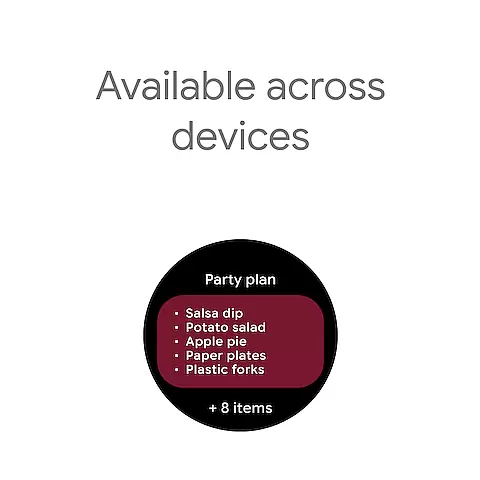
Google Keep offers seamless companion app integration across multiple devices. This ensures that all your notes, lists, and reminders are consistently synchronized.
The application supports real-time updates between your phone, tablet, computer, and Wear OS devices. This means any note you create or edit on one device instantly appears on all others.
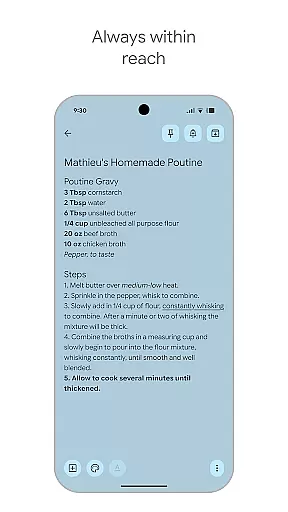
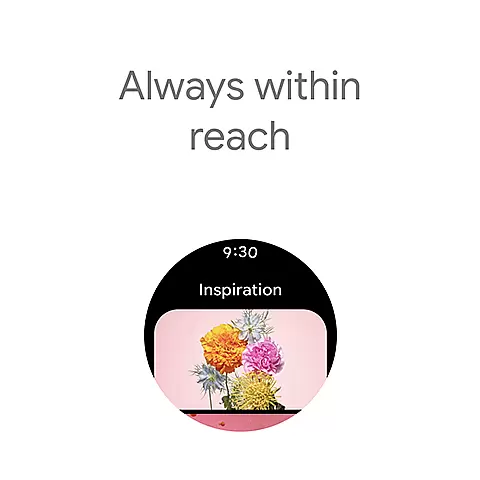
With widgets and tiles specifically designed for quick access, Google Keep makes it easy to capture thoughts and manage tasks directly from your Wear OS device. This unified experience enhances productivity by keeping all your important information within reach no matter which device you're using.
Google Keep excels in Wear OS and device compatibility, offering a tailored experience for wearable technology users. The app is optimized to function smoothly on smartwatches, providing essential note-taking features without compromising performance.
Users can take advantage of complications and tiles on their Wear OS devices to quickly access their most important notes. This level of integration demonstrates Google Keep's commitment to supporting the full range of Android ecosystem devices.
The application maintains its core functionality across different device types while adapting its interface for optimal display and usability on each platform. Whether you're viewing notes on a small watch screen or managing complex lists on a tablet, Google Keep delivers a consistent and reliable user experience.
User-friendly interface
Seamless cross-device sync
Versatile note capture options
Robust collaboration tools
Powerful organization features
Limited formatting options
No end-to-end encryption
Basic drawing tools
Occasional sync issues
Ads in free version

Easy Voice Recorder is your everyday companion to record important moments.
 4.70
4.70
3 Complications. All shadow on/off. 30 Themes color palette...
4.3
Connect to your Bluelink equipped Hyundai vehicle from your smartphone.
4.50
Gym & home workout plans with strength training, exercise tracking, HIIT & more.
4.60
Minimalistic design modern digital watch face.
4.0
Stylish, Energizing and Modern Watch Face crafted by Dominus Mathias.
4.50
A digital watch face that celebrates Christmas.
4.00
Hybrid watch face for Wear OS with customizable complications by Matteo Dini MD
4.70
Connect, create, and collaborate with Gmail, part of Google Workspace.
4.10
Christmas Theme Watch Face for Wear Os
5.00
Hyperlocal rain alerts by MyRadar using patent-pending technology, radar & more
4.80
Simple, helpful messaging by Google
4.60
Ideal for surviving in the wasteland left after nuclear fallout
4.50
Premium hybrid watch face with many customizations for Wear OS devices.
4.40
Calming & relaxing sounds for sleeping and stress relief. Stay focused all day!
4.20
Embrace the festive spirit with our Christmas Countdown watchface for Wear OS
4.10
sleep, alarm, snoring, stress, healing, focus, sound therapy, circadian rhythm
4.10
Funny animated watch face for Thanksgiving
4.4
Hybrid Vibrant Health Watch Face for Wear OS
4.0


User Reviews