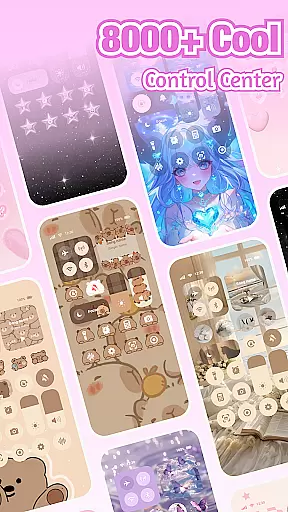
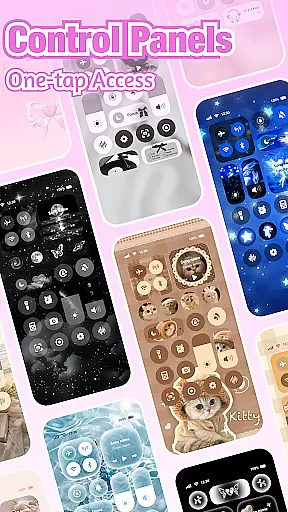
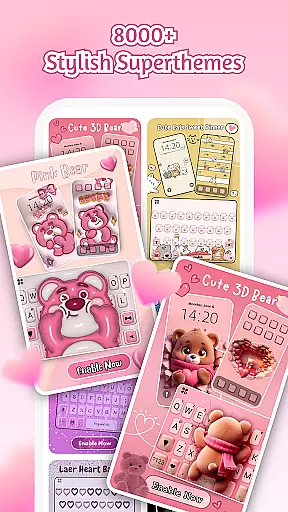
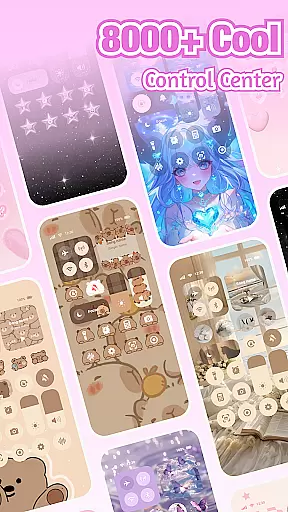
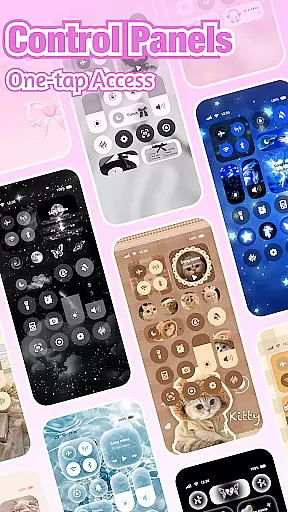
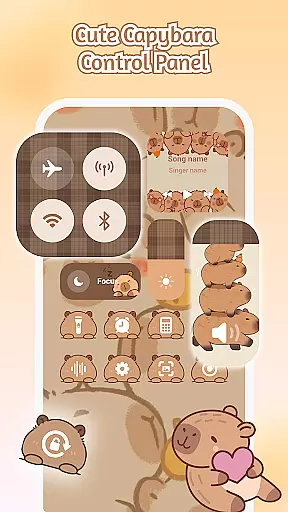
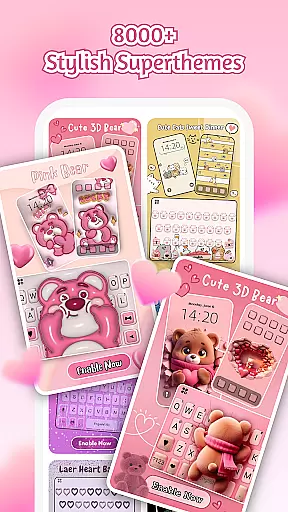
iControl is a professional theme app for Android that allows users to personalize their phones with aesthetic control packs and keyboard themes. The app offers a variety of stylish designs, including simple, trendy, and unique styles, making it easy for users to express their creativity. Whether you want to adjust brightness and volume, switch to dark mode, or connect to Wi-Fi and Bluetooth, iControl provides smart tools that meet all your needs.
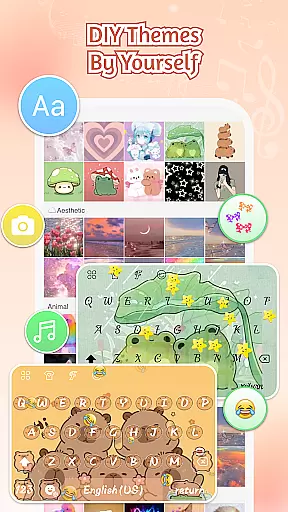
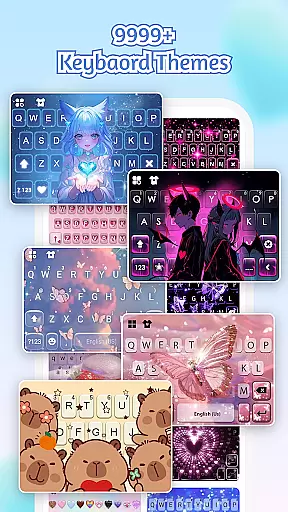
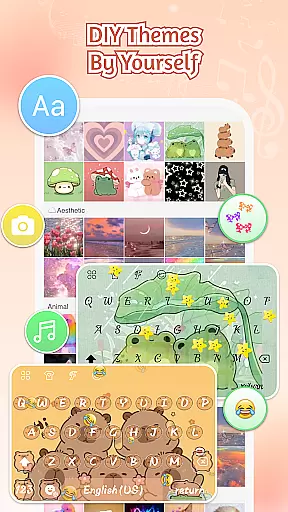
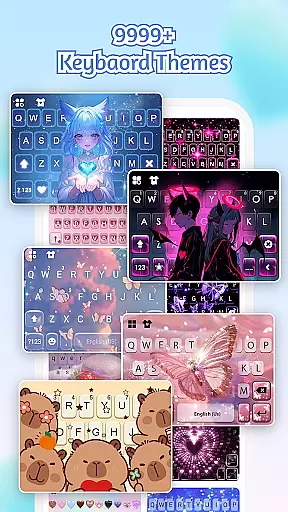
One of the standout features of iControl is its custom keyboard and photo keyboard options. Users can choose their photos or pictures and create an exclusive keyboard with customizable colors, backgrounds, sounds, effects, fonts, and layout. Additionally, the app supports multi-language typing, catering to over 150 languages, ensuring a seamless typing experience for users worldwide. With its unified aesthetics and zero-skill DIY capabilities, iControl empowers everyone to become a designer and craft their own unique phone experience.
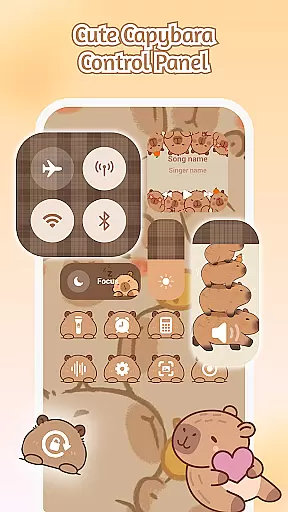
iControl boasts a range of powerful features designed to enhance user experience. The Control Center offers smart tools such as brightness and volume adjustment, dark mode switching, Wi-Fi and Bluetooth connectivity, do not disturb mode, screen rotation lock, airplane mode, and a built-in flashlight. These tools ensure that users have complete control over their device settings with just a few taps.
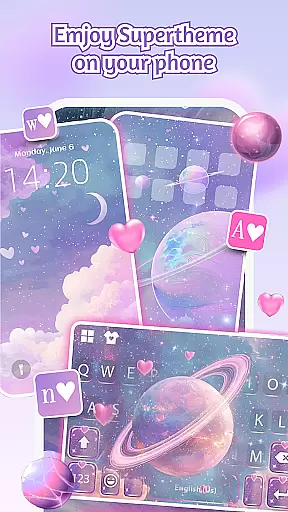
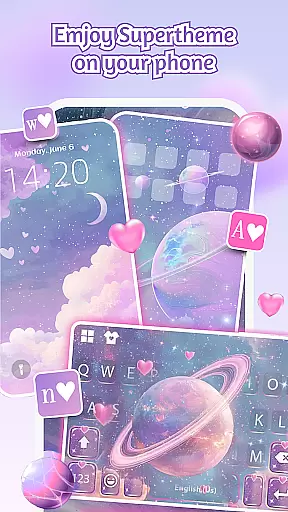
The app also excels in providing fast and smart typing capabilities. It includes a clipboard for multiple fast copy and paste actions, swipe-to-type functionality for faster input, contextual prediction for error correction, and cloud prediction for enhanced next-word and emoji predictions. Furthermore, iControl's SuperTheme feature offers unified aesthetics with over 500 designer templates updated daily, allowing users to import photos and craft their own unique themes.
In addition to its extensive customization options, iControl prioritizes user privacy and security. The app does not collect personal information or store data related to Accessibility Services. Instead, it uses the words typed by users to improve prediction accuracy, ensuring a safe and secure environment for personalization.
Customization is at the heart of iControl, offering users a vast array of options to personalize their Android devices.
From aesthetic control packs to keyboard themes, the app allows you to become your home screen designer. Whether you prefer simple, trendy, or unique styles, iControl provides the tools to transform your phone into a canvas for your creativity.
The app includes features like the Control Center, which combines smart tools with stylish design. Adjust brightness and volume, switch themes for eye strain reduction, manage Wi-Fi and Bluetooth connections, toggle Do Not Disturb, lock screen rotation, activate Airplane Mode, and access a flashlightu2014all styled to match your personal taste.
Moreover, the Custom Keyboard & Photo Keyboard feature lets you choose photos or pictures to create an exclusive keyboard experience. Personalize colors, backgrounds, sounds, effects, fonts, and layout to your liking, ensuring that every aspect of your device reflects your individuality.
iControl excels in theme compatibility, ensuring that all personalized elements work seamlessly together.
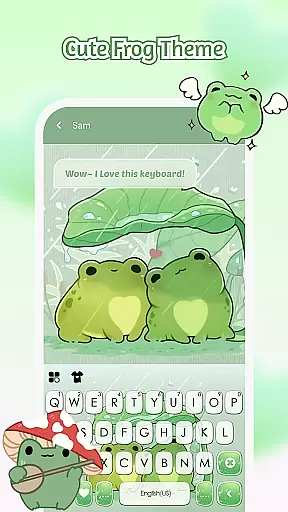
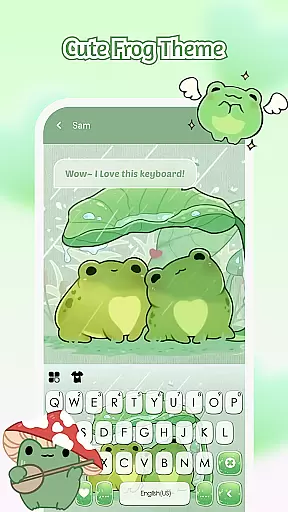
The SuperTheme feature offers unified aesthetics across your device. Say goodbye to mismatched themes as StyleBoard redefines design consistency. For instance, galaxy keyboards can mirror starry themes, creating celestial trails with each tap, while sakura keys blend beautifully into forest-themed backgrounds.
With over 500 designer templates updated daily, users have endless opportunities to refresh their device's look. Import personal photos to craft unique themes that resonate with your style.
The Zero-Skill DIY approach makes everyone a designer. Reshape keys, tweak transparency, add touch effects or sounds, and use AI-generated art for professional-level designs. One-tap activation brings your creations to life instantly, ensuring that your device remains a true reflection of your personal brand.
User-friendly interface
Extensive customization options
Multi-language support
Enhanced privacy protection
Daily updated designer templates
Limited iOS compatibility
Occasional performance lags
Ads within the free version
Advanced features require purchase
Complex setup for beginners

Ultra realistic high quality analog watch face for Wear OS.
 4.60
4.60
Transform your phone with Launcher iOS 26 - Smooth & elegant iOS experience
4.50
Gun Chase - Let the chase begin.
4.80
Add cute Shimeji pets to screen, interact with them and relax with cute motions
4.60
Unique Fonts, typefaces and stylish text. Fonts for Instagram, Whatsapp & others
4.20
Turn text & photos into stunning AI videos, art, and creative visual stories.
4.50 4.50
4.50
Adorable pets roam and play right on your phone screen!
3.30
Struggling to find apps? Use this app to locate and open any app on your phone!
2.20
Icons made of colorful linear lines
4.60
Choose your keyboard with RGB colors effect, themes, fonts, emojis.
4.60
Ninja Turtles Cowabunga SE watch face for Wear OS
4.50 4.50
4.50
Adult video chat, dating, making friends, random matching
4.20
More than 3000+ themes and 9000+ wallpapers for everybody!
4.10 4.10
4.10
Ultimate widget creator. Design custom widgets for a truly unique home screen!
3.90
Adaptive Dot Style IconPack with Light & Dark Theme.
3.70
Interactive Miniature Painting Catalogue
3.30


User Reviews