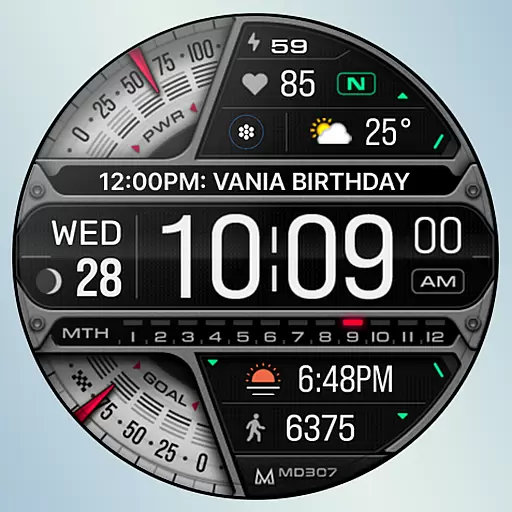
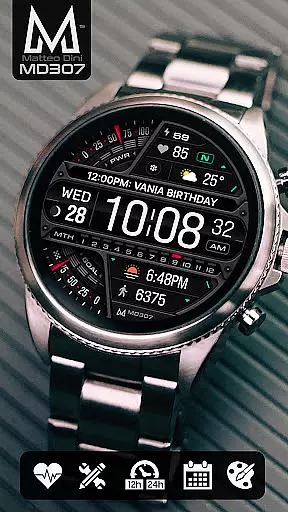
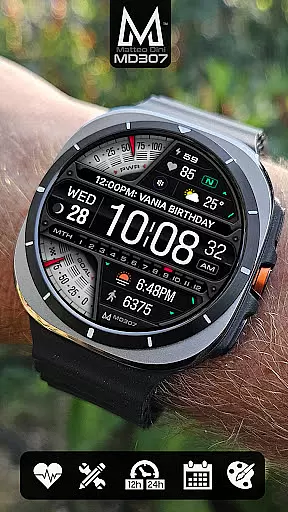
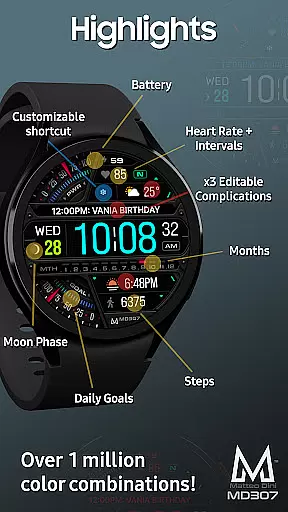
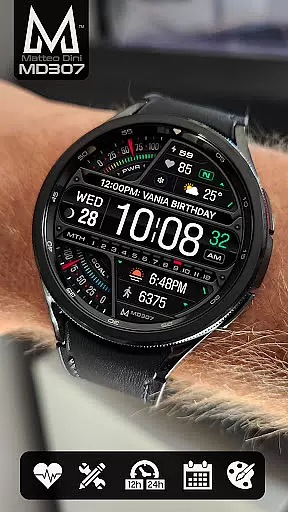
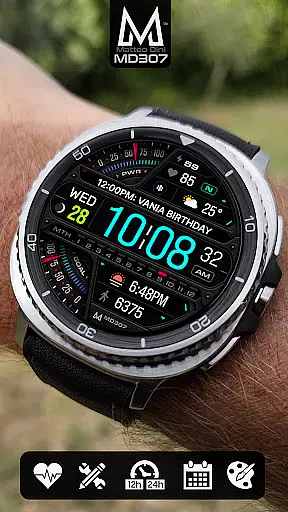
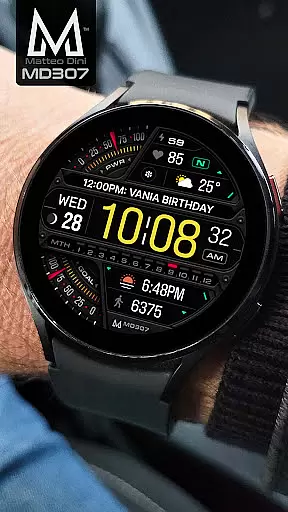
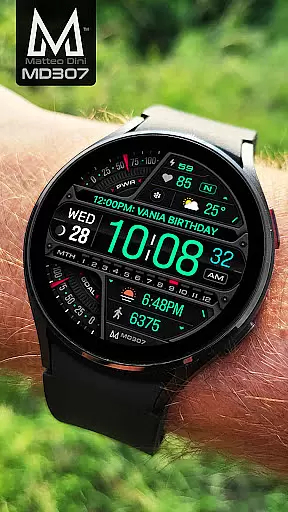
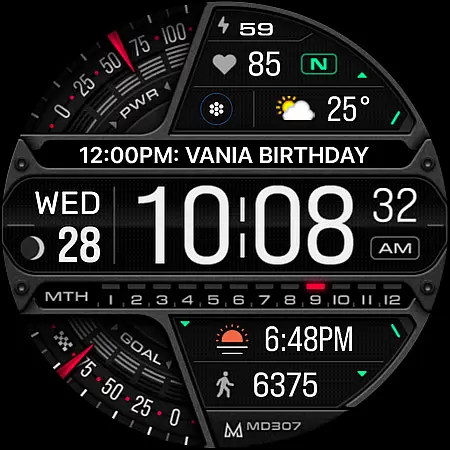
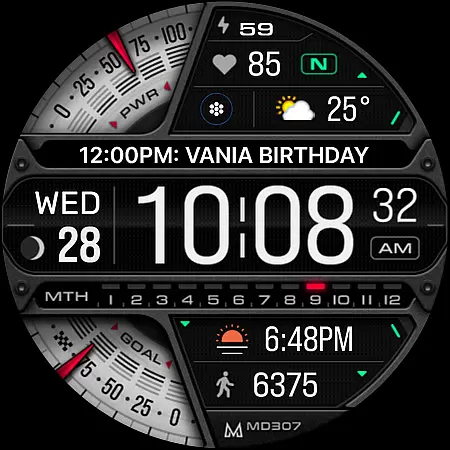
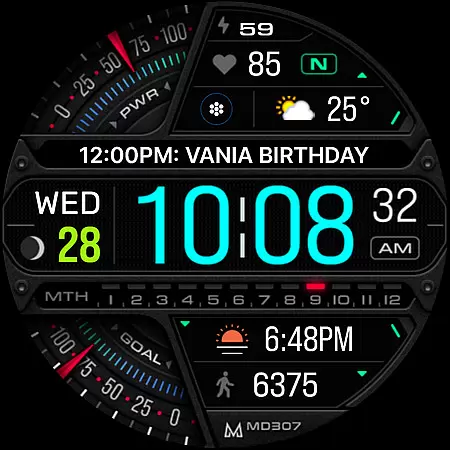
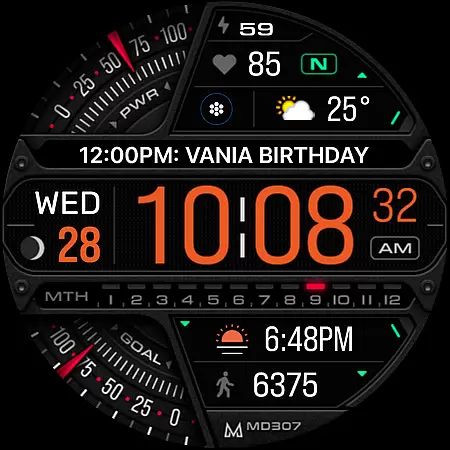
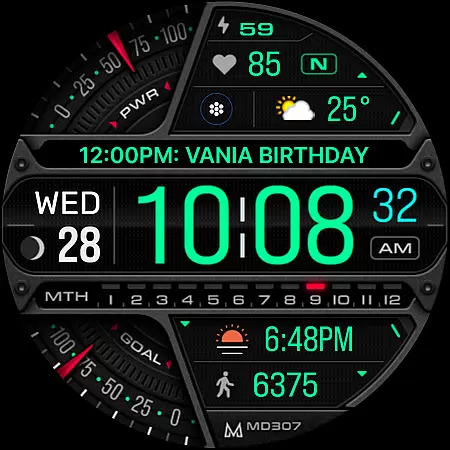
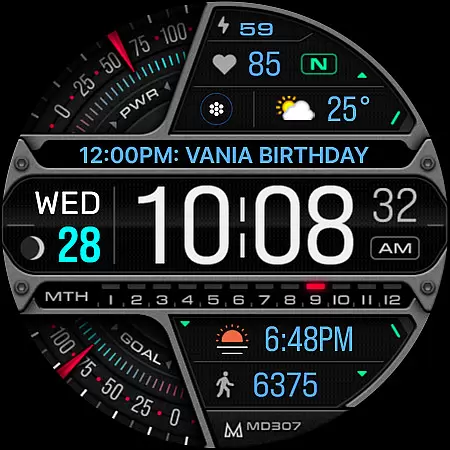
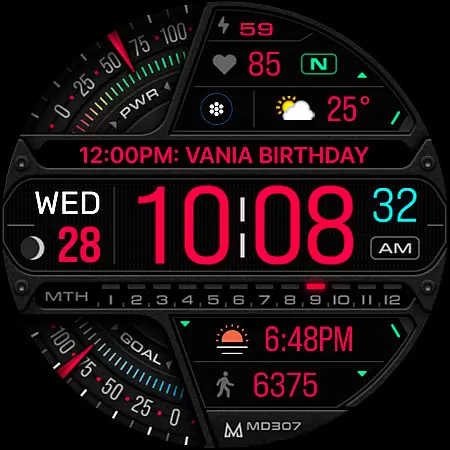
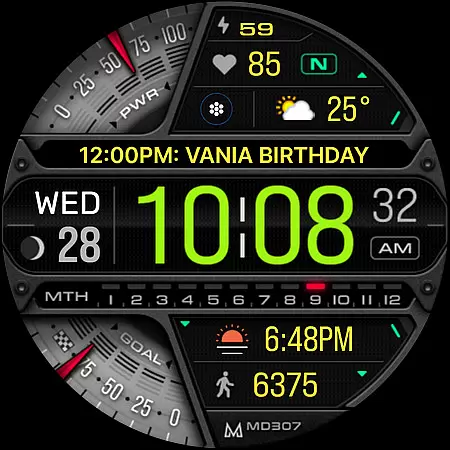
MD307 Digital watch face offers a feature-rich customization experience for Wear OS users. This digital watch face includes 12/24hr time display, date, moon phase, battery status, heart rate monitoring with intervals, step tracking, and daily goals. It supports Always ON Display with changeable colors and minimalistic design.
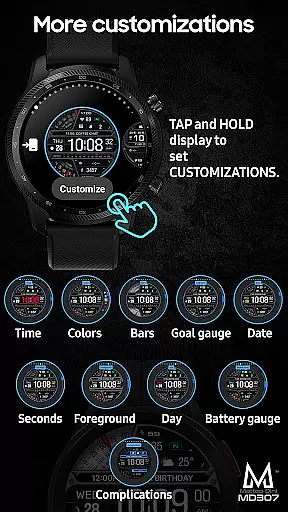
The watch face comes with 3 preset app shortcuts (Calendar, Battery, Measure HR) and 1 customizable shortcut. Users can also personalize 3 complications with preferred data such as weather or time zones. The customization process is straightforward - simply touch and hold the screen, then tap on the customize option to adjust settings according to your preferences.
Compatible with all Wear OS devices running API Level 33+ (Wear OS 4 and later), including Samsung Galaxy Watch 4-8, Ultra, and Pixel Watch. Note that Galaxy Watch users may encounter issues with the Samsung Wearable app's editor; direct on-watch customization is recommended until resolved.
MD307 Digital watch face stands out with its extensive customization options. Users can modify colors of various elements like time, date, day, seconds, foreground, bars, goal and battery gauges. The Always ON Display feature ensures essential information is always visible while maintaining a sleek appearance.
Functionality includes heart rate monitoring with intervals, step tracking, daily goals, and moon phase display. Three preset app shortcuts provide quick access to Calendar, Battery, and Heart Rate Measurement functions. Additionally, one customizable shortcut allows users to tailor their experience further by selecting an app of choice.
Three customizable complications enable users to choose from a variety of data sources such as weather forecasts or time zones. Despite some features potentially being unavailable on certain watches due to hardware limitations, MD307 remains versatile across supported devices. For installation guidance and troubleshooting tips, visit matteodinimd.com/watchface-installation/.
Companion app integration is essential for a seamless wearable experience. MD307 Digital watch face offers robust connectivity with its companion app, ensuring that all your preferences and customizations sync effortlessly between your smartphone and the watch. This synchronization allows users to easily manage their watch face settings, shortcuts, and complications directly from their mobile device.
The Samsung Wearable app provides a dedicated editor for customizing the watch face, although some Galaxy Watch users may encounter loading issues with complex designs. To work around this, users can customize directly on the watch itself. The customization process is intuitive - simply touch and hold the screen, then tap on the customize option to access various settings.
This direct integration enables users to set up three preset app shortcuts including Calendar, Battery, and Measure HR. Additionally, one customizable shortcut and three customizable complications can be personalized with preferred data types such as weather or time zones. These features collectively enhance user convenience by providing quick access to frequently used applications and information.
Ensuring broad device compatibility is crucial for any Wear OS application. MD307 Digital watch face supports all Wear OS devices with API Level 33+ (Wear OS 4 and later versions), making it accessible to a wide range of smartwatch users. Compatible devices include popular models like Samsung Galaxy Watch 4-8, Ultra, and Pixel Watch, among others.
This extensive compatibility ensures that users across different devices can enjoy the advanced features of MD307 Digital. Key functionalities such as 12/24hr digital time display, date, moon phase tracking, battery status, heart rate monitoring with intervals, step counting, daily goals, and always-on display support are available on supported devices.
Moreover, the watch face offers changeable colors for various elements including time, date, day, seconds, foreground, bars, goal indicators, and battery gauges. While some features may not be available on certain watches due to hardware limitations, the overall design aims to provide a versatile and visually appealing experience across all compatible devices.
Highly customizable
Feature-rich
Always ON Display
Wide compatibility
User-friendly interface
Complex setup for beginners
Limited support on older devices
Preset shortcuts only
No built-in social sharing
Dependent on third-party apps for full functionality

Animated Watch Face and Customizable with 24 Backgrounds. Perfect for Christmas!
 3.90
3.90
Christmas is near, let's count together the days left until Santa comes
4.2
Beautiful artistic animated digital watch face, with a customizable layout!
4.40
Stunning modern digital watch face with 7 complications and strong contrast
4.0
Watch face designed for Thanksgiving Day. 7 Background Styles included.
3.20
Stylish digital watch face for Wear OS devices with customizable features
4.2
Fitness interactive virtual pet super fighter boy watch face
4.5
To-Do List: daily schedule planner, task organizer, to do reminder app, calendar
4.60
Stay in touch with your friends and family using LINE!
3.40
Christmas - Festive - Christmas Village - Winter - Christmas lights
5.00
Diet tracker for weight loss - track calories, food and macros. Simple and easy!
4.70
WTW M17 is a premium and luxurious hybrid watch face
4.70
Walking app for weight loss: walk & step tracker, pedometer, indoor treadmill
4.60
Retro digital watch face with customizable colors and a unique lighting effect
4.60
The ultimate destination for kids ages 3-8 to explore the Marvel Universe!
4.30
Watch face for Wear OS.
4.20
Daily Weather forecast with 15 weather images for Day & Night plus Big Bold time
4.10
Structured watch face with seven complications and modular UI elements
3.90
Analog watch face with 8 complications and expedition styling
4.5


User Reviews