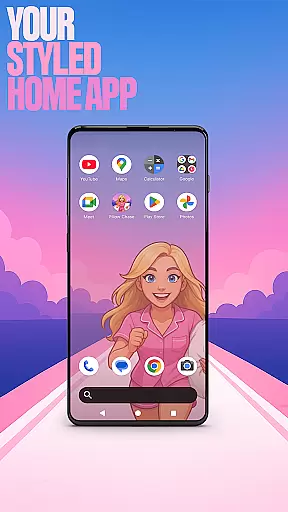

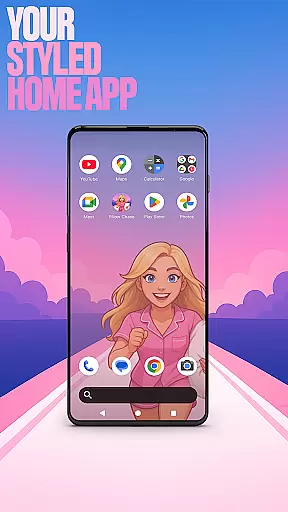

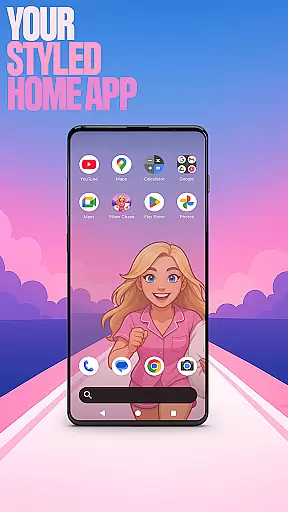

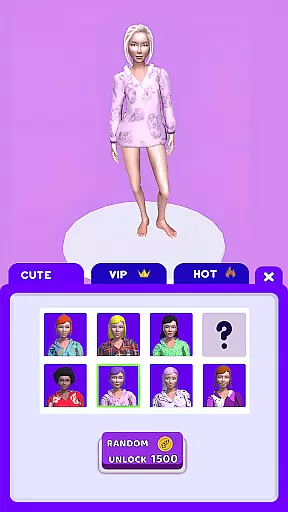
Pillow Chase Home App is a launcher app that allows users to create a personalized home screen experience. With this app, you can fully customize the layout of your home screen, organize apps into folders, and select from a variety of colors to match your style. It offers a fresh and exciting approach to personalizing your device's interface.
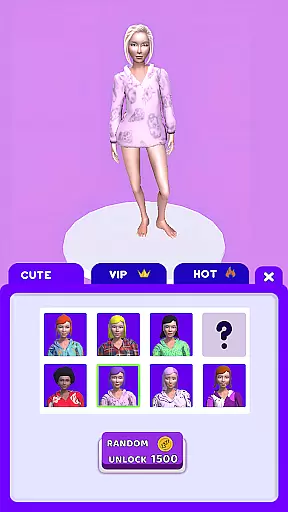
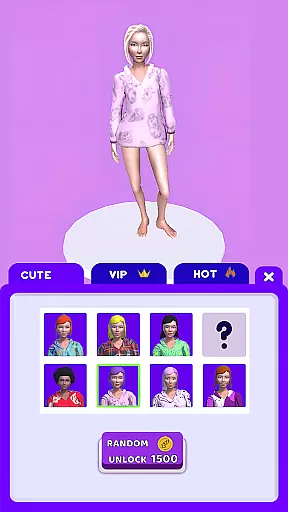
One of the standout features of Pillow Chase Home App is its integration with the Pillow Chase game, providing not only utility but also entertainment. You can enjoy fast-paced gameplay right from your home screen, collecting pillows and dodging obstacles. This combination of functionality and fun makes the app suitable for users looking to add a unique touch to their daily mobile experience.
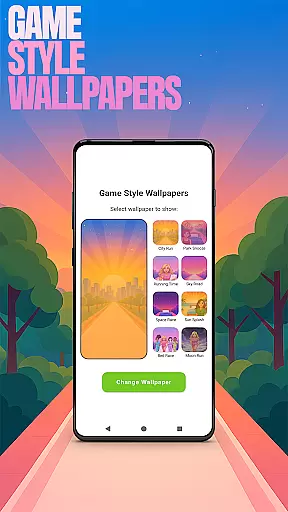
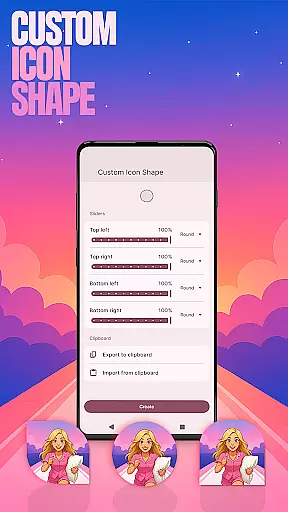
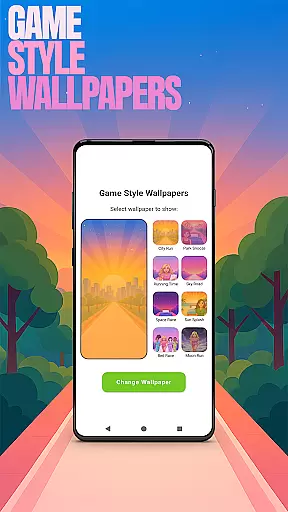
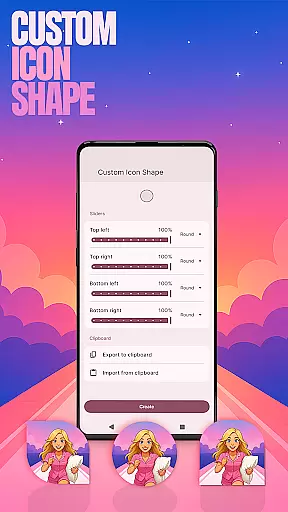
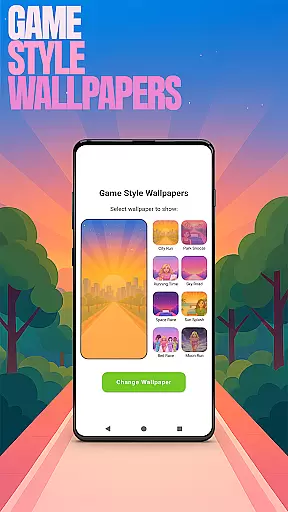
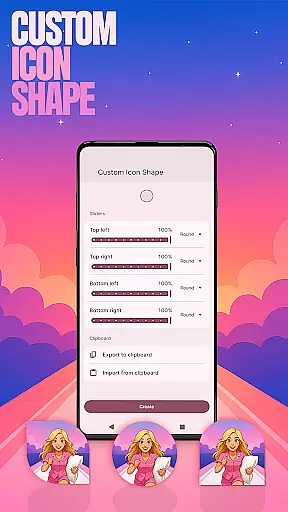
Pillow Chase Home App offers a rich set of customization options that cater to various user preferences. The app provides Game Style Wallpapers inspired by the Pillow Chase game, allowing users to add a playful touch to their home screens. Additionally, the Custom Icon Shape feature lets you personalize app icons, giving your device a distinct look.
The app also includes practical features such as Custom Gestures, which enable quick access to apps or settings through simple swipes or taps. For privacy-conscious users, the Hide Apps function allows you to conceal specific apps while maintaining full control over them. Lastly, the Accent Color setting lets you tailor the visual theme of your home screen, either by choosing presets or creating custom color schemes.
Customization is at the heart of Pillow Chase Home App, offering users a wide array of options to personalize their home screen. This app allows for an unprecedented level of personal touch, enabling users to modify their device's appearance and functionality to suit their preferences.
With features like Game Style Wallpapers, Custom Icon Shape, and Accent Color settings, users can create a unique interface that reflects their personality. The ability to choose from different wallpapers inspired by the Pillow Chase game, alter icon shapes, and select from preset or custom accent colors ensures a tailored experience.
The practical benefits of such extensive customization are manifold. Users can organize their home screens in a way that enhances usability and efficiency, making frequently used apps more accessible. Moreover, the aesthetic modifications not only make the device more enjoyable to use but also foster a deeper connection between the user and their technology.
Pillow Chase Home App excels in theme compatibility, ensuring that all customizations work seamlessly across different devices and screen sizes. This compatibility is crucial for maintaining visual consistency and operational integrity, regardless of the hardware being used.
By allowing users to pick this app as their default launcher via the 'Default home app' setting, it guarantees that themes and personalized settings are preserved and function correctly. This means whether you're switching between devices or sharing your setup with friends, the look and feel remain uniform.
The value of this seamless integration extends beyond aesthetics. It reassures users that their carefully curated home screens will not only look good but also perform optimally, without unexpected glitches or inconsistencies. This reliability encourages creativity and experimentation, knowing that the chosen themes will be faithfully represented.
Highly customizable
Unique game integration
User-friendly interface
Variety of themes
Privacy-focused features
May overwhelm new users
Limited widget support
Occasional performance lags
Not all devices compatible
Ads in free version

Ultra realistic gold analog watch face with lots of customization options.
 4.50
4.50
Adult video chat, dating, making friends, random matching
4.20
Personalize your phone with stunning HD and 4K wallpapers!
4.70
Turn your lock screen into fun with smile live wallpapers & animated wallpapers!
2.50
Stylish Pink Cute Hippo keyboard with 10000+ customized keyboard themes!
4.60
Your go to Weather App & Home Screen. Get your weather at a swipe of a finger!
3.80
One 8 icons glass color version
4.80
Modern Glass Icon Pack with glossy icons, clean minimal theme & aesthetic style
4.0
Amazing letter fonts in your messages and social statuses
4.70
A retro cartoon style watch face and a punch right in the face of the copyright
4.60
Ultimate Gallery Lock App - Hide Pictures, Videos and Lock Apps Instantly!
4.60
Customize your home screen with stunning themes, blur, widgets & icons.
4.60
Choose your keyboard with RGB colors effect, themes, fonts, emojis.
4.60
Beautiful realistic hybrid watch face with numerous customization options.
4.50
Transform your phone with Launcher iOS 26 - Smooth & elegant iOS experience
4.50
Turn text & photos into stunning AI videos, art, and creative visual stories.
4.50
Fingerprint Lock Screen & Live Animations with 4K Wallpapers as Live Wallpaper
4.40
Unique Fonts, typefaces and stylish text. Fonts for Instagram, Whatsapp & others
4.20
Capture moments that pass like a storm, second by second.
4.1


User Reviews