
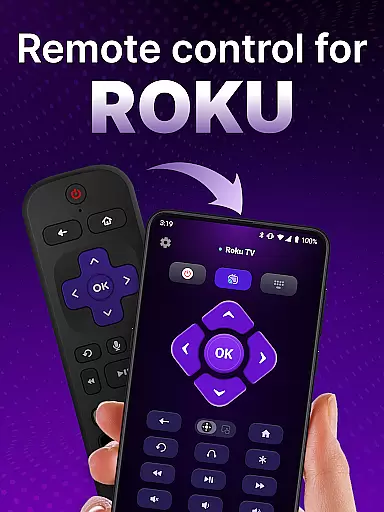
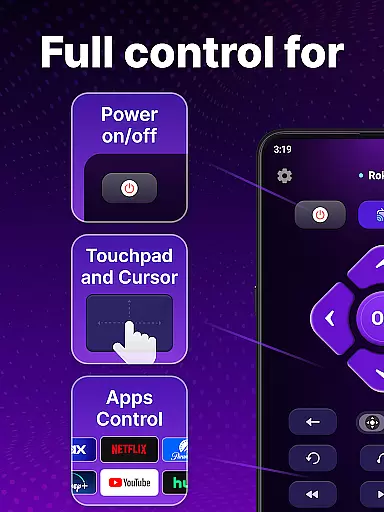
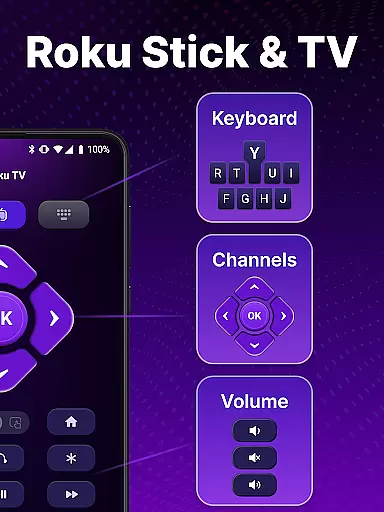
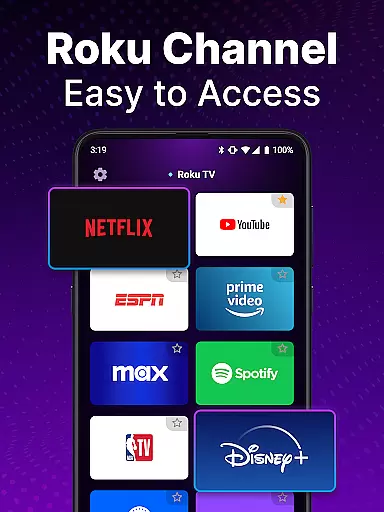
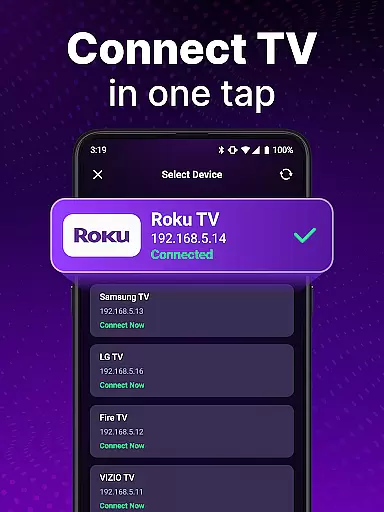
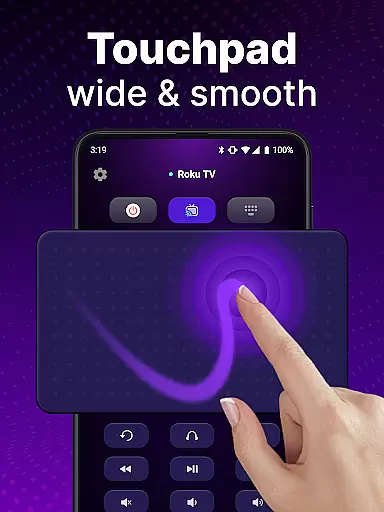
TV Remote control for Roku TV is a universal remote application that allows users to conveniently manage their Roku TV devices directly from their smartphones. The app connects to Roku TVs over the same Wi-Fi network, enabling users to perform essential functions such as turning the TV on/off, adjusting volume, browsing content, launching channels, and more. With features like voice control and keyboard input, this app offers a comprehensive and user-friendly alternative to traditional Roku remotes.
The app's standout feature is its automatic device detection, which simplifies the setup process by identifying Roku TVs on the same network. Additionally, the touchpad navigation provides smooth scrolling and swiping, enhancing the overall user experience. Whether you're looking to streamline your entertainment setup or simply tired of misplacing your physical remote, this app delivers a reliable and efficient solution.
By transforming your smartphone into a versatile Roku TV remote, this app caters to users seeking convenience and modern functionality. It eliminates the need for multiple remotes and ensures that you have all the control you need at your fingertips, making it an ideal tool for enhancing your home entertainment system.
TV Remote control for Roku TV boasts a variety of features designed to enhance user interaction with Roku TV devices. One of its primary capabilities is automatic device detection, which identifies Roku TVs connected to the same Wi-Fi network, streamlining the initial setup process. This feature ensures that users can quickly and effortlessly connect their smartphones to their TVs without any complicated configurations.
In addition to basic remote functions like power on/off and volume control, the app includes advanced features such as voice control and keyboard input. Voice control allows users to execute commands hands-free, while the keyboard input facilitates swift text entry for searching shows and channels. These functionalities not only improve accessibility but also significantly speed up interactions with the Roku TV interface.
Another notable feature is the touchpad navigation, which supports smooth scrolling and swiping gestures. This intuitive control method mimics the natural feel of a physical remote, providing a seamless and responsive user experience. By combining these innovative features, TV Remote control for Roku TV sets itself apart as a versatile and indispensable tool for managing your home entertainment system efficiently.
For a remote control app like this one designed for Roku TV, core function accuracy and effectiveness are paramount to ensuring a seamless user experience. This universal remote app delivers precision in its ability to detect Roku TV devices on the same Wi-Fi network, making setup not just easy but reliable.
The app's design focuses on providing rapid control over Roku TVs, with features such as instant access to turn the TV on or off, adjust the volume, and launch channels. The inclusion of voice control adds another layer of effectiveness, allowing users to operate their devices hands-free with reliable responsiveness.
Users benefit from smooth navigation thanks to the touchpad functionality that allows for effortless scrolling and swiping. Moreover, the keyboard input feature enables swift text entry and search, which is crucial for finding content quickly and efficiently. These capabilities ensure that users can control their Roku TVs with precision and ease, enhancing their overall viewing experience.
A remote control app must boast an interface that is both simple and intuitive, and this universal Roku remote app fulfills that requirement by offering straightforward controls that mimic the ease of use found in physical remotes. Its automatic detection feature simplifies the initial setup process, requiring minimal input from the user.
With clear options for power on/off, volume control, channel browsing, and content streaming, the app maintains an uncluttered layout that makes it accessible even to those who may not be tech-savvy. The voice search functionality further streamlines the user journey by eliminating tedious manual searches typical of traditional remotes.
By focusing on user-centric design, the app ensures that controlling a Roku TV becomes a more portable and convenient experience without sacrificing intuitiveness. Users can enjoy a hassle-free interaction with their TVs, thanks to the app's commitment to maintaining a balance between powerful features and an easy-to-navigate interface.
User-friendly interface
Voice command support
Automatic device detection
Smooth touchpad navigation
Quick text search functionality
Requires same Wi-Fi network
Not officially affiliated with Roku
Occasional connectivity issues
Limited to Roku devices
No physical buttons for tactile feedback

 4.50
4.50
Change your GPS location instantly. Simulate routes anywhere in the world.
4.90
Transfer Files, APK from Phone to Watch & Install.
4.5
Extremely fast, secure, and protects your privacy
4.80
HD Video player and downloader for all formats, fast & smooth 4K video playback.
4.60
App that Recover your pictures, videos or files after you delete them.
4.20
eXtended Permission Manager - a small app to manage permissions and AppOps
4.50
Mirror your screen to Chromecast and Android TV - Super fast and simple
4.60
Download any file easily and quickly with Downloader
4.3
Powerful collection of electronics tools and reference.A must for any enthusiast
4.90
Fast Video Downloader, Movie Downloader, Torrent Downloader & Adblock Browser
4.70
Screen Mirroring for Roku Sticks, Roku TCL TV and Roku Hisense TV
4.50
Game Booster, GFX Tool is now compatible with newer game update
4.50
Just swipe the edge to do something!
4.40
Quickly check the frequency of the Earth
4.30
An open-source APK explorer for Android!
4.10
This app unlocks the Pro features of the Central for DayZ app
3.60
Undelete and recover your lost or deleted files with DiskDigger!
3.40
card-reader app
2.20


User Reviews