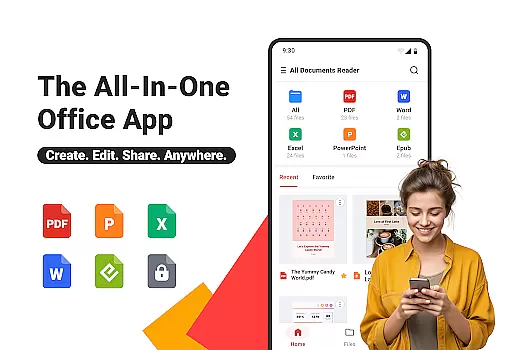
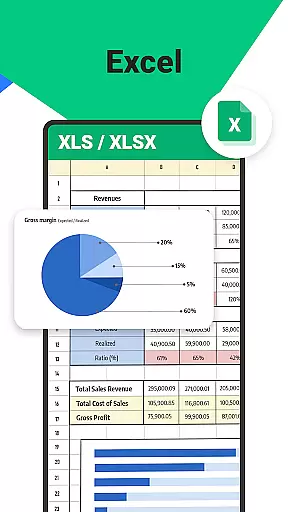

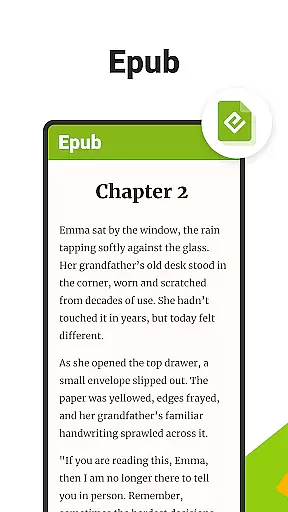
All Documents Reader is a versatile document management tool designed to streamline how you view, edit, and organize digital files. Supporting an extensive range of formats including PDF, Word, Excel, PowerPoint, and EPUB, this app serves as your all-in-one solution for document handling.
With its centralized access feature, users can gather all their files in one place for quick browsing and instant previews. The app also includes smart search functionality, allowing you to locate any document effortlessly, thus saving time and boosting productivity. Whether for work, study, or personal use, All Documents Reader provides a reliable and efficient experience.
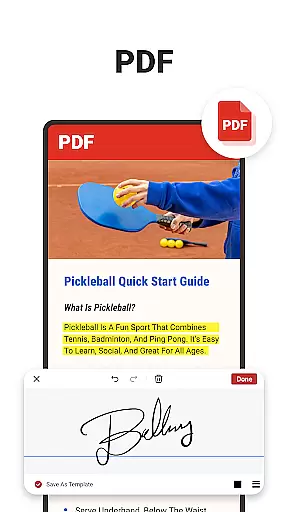
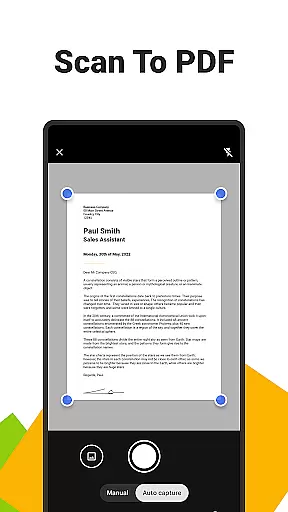
The app's comprehensive PDF tools make it stand out. You can read, highlight, annotate, merge, split, fill forms, and sign documents with ease. Additionally, the built-in scanner converts photos into high-quality PDFs, while AI-powered summarization extracts key points from complex documents. This makes All Documents Reader not just a viewer but a powerful editor and organizer.
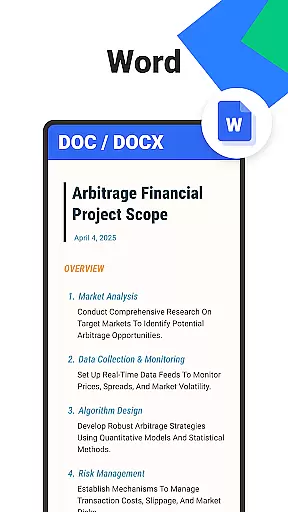
All Documents Reader offers a rich set of features that cater to various document management needs. One of its standout capabilities is the multi-format viewing support, which allows users to open PDFs, Word, Excel, PPT, and ePub files seamlessly. This makes it an essential tool for both professional and personal use.
The app's PDF management tools are particularly robust. Users can merge or split PDFs, protect files with encryption, and convert between PDFs and images. These features ensure that your documents are not only accessible but also secure and easy to share. Furthermore, the AI summarization tool helps users quickly grasp the essence of lengthy documents, enhancing productivity.
Efficient document organization is another hallmark of All Documents Reader. With intuitive navigation and automatic categorization by format, finding and managing your files has never been easier. The app also offers an optimized reading experience with customizable viewing options, making it suitable for detailed reports or leisure reading alike.
When it comes to document management tools, the accuracy and effectiveness of core functions are paramount. Ora All Documents Reader excels in this area by offering reliable support for a wide range of file formats including PDF, Word, Excel, PowerPoint, and EPUB. This ensures that users can open and work with their files without worrying about compatibility issues or data loss.
The app's comprehensive PDF tools further enhance its functionality. With features such as reading, highlighting, annotating, merging, splitting, form filling, and signing documents, Ora provides an all-in-one solution for managing PDFs. The inclusion of a built-in scanner app allows users to convert photos into high-quality PDFs effortlessly, adding another layer of utility.
For users who need to organize and navigate through numerous documents, Ora offers smart search capabilities and automatic categorization. These features save time and boost productivity by making it easy to locate specific files and maintain an organized digital workspace. Whether you're handling detailed reports or enjoying an eBook, Ora ensures that your experience is smooth and efficient.
A user-friendly interface is crucial for any tool aiming to improve productivity, and Ora All Documents Reader delivers on this front. The app's design emphasizes simplicity and intuitiveness, ensuring that users can quickly get up to speed with its features. Centralized access to all file types means that whether you're dealing with PDFs, Word documents, or Excel sheets, everything is just a tap away.
Orau2019s navigation system is both intuitive and efficient. Users can easily search for documents by name or type and return to recently viewed files within seconds. Automatic categorization helps keep things organized, presenting files in a manner that feels natural and effortless. This reduces the cognitive load on users, allowing them to focus more on their tasks rather than file management.
Additionally, Ora enhances the reading experience with customizable viewing options. Whether you prefer horizontal or vertical modes, the app adapts to your preferences, providing a comfortable environment for both work and leisure. By combining powerful features with an accessible interface, Ora All Documents Reader stands out as a top choice for anyone looking to streamline their document management process.
User-friendly interface
Multi-format support
Powerful PDF tools
Offline functionality
AI-powered summarization
Limited cloud integration
No collaboration features
Occasional bugs
Heavy on storage
Premium features locked

Easily install aab(Android App Bundle) files on your Android device with our app
 4.80
4.80
Connect instantly to a fast, encrypted VPN with one tap
4.60
Clean the junk files on your device
3.40
App that Recover your pictures, videos or files after you delete them.
4.20
Quickly & easily calculate the spacing of handrail balusters
4.20
Quickly check the frequency of the Earth
4.30
Game Booster, GFX Tool is now compatible with newer game update
4.50
Clean up your phone, find files, play media, and share files offline
4.50
Enhance your Beats
3.70
Creation, Learning, Entertainment & More — The All-in-One AI Search Engine
4.70
FV File Manager Pro, Fast and powerful file manager for Android
4.60
Canon PRINT is a companion app for your Canon printer.
4.60
Planner and Tracker for Stardew Valley
4.60 4.50
4.50
Use your phone as a webcam on your computer over WiFi or USB.
4.40
Signal Strength, Mobile, Wifi, Speed Test, Bad Signals, Cellular, 5G, LTE, 4G
4.20
PDF Reader - Document Viewer: Read, Manage & Organize Your Documents
3.10
card-reader app
2.20
Transfer Files, APK from Phone to Watch & Install.
4.2


User Reviews